Meeting notes are easy to collect and hard to use. I’ve seen too many good conversations disappear into a transcript nobody opens again.
That’s why I rely on Otter AI action items to turn loose notes into clear next steps. When I do it well, my meeting recap becomes a work plan, not a memory dump.
The trick is simple. I look for decisions, owners, and deadlines, then I shape each task so someone can act on it without guessing.
Start with a note that can become a task
I get better action items when I begin with a clean meeting note structure. Otter’s own meeting notes template with action items matches the format I use most often, because it keeps decisions and tasks close together.
Before I ask Otter to help me sort the notes, I check three things:
- The meeting topic is clear.
- Speaker names or roles are easy to spot.
- Key decisions are separated from general discussion.
That last point matters. A raw transcript often contains half-finished ideas, side comments, and repeated points. I don’t want every sentence turned into a task. I want the line that says, in plain language, “do this next.”
When I’m setting up a live meeting in Otter, I also confirm my current feature access. Otter changes plan limits and feature availability over time, so I don’t assume every account has the same tools. If my workspace supports it, OtterPilot can join meetings in Zoom, Google Meet, or Microsoft Teams and keep the transcript ready for review.
Turn transcript lines into clear action items


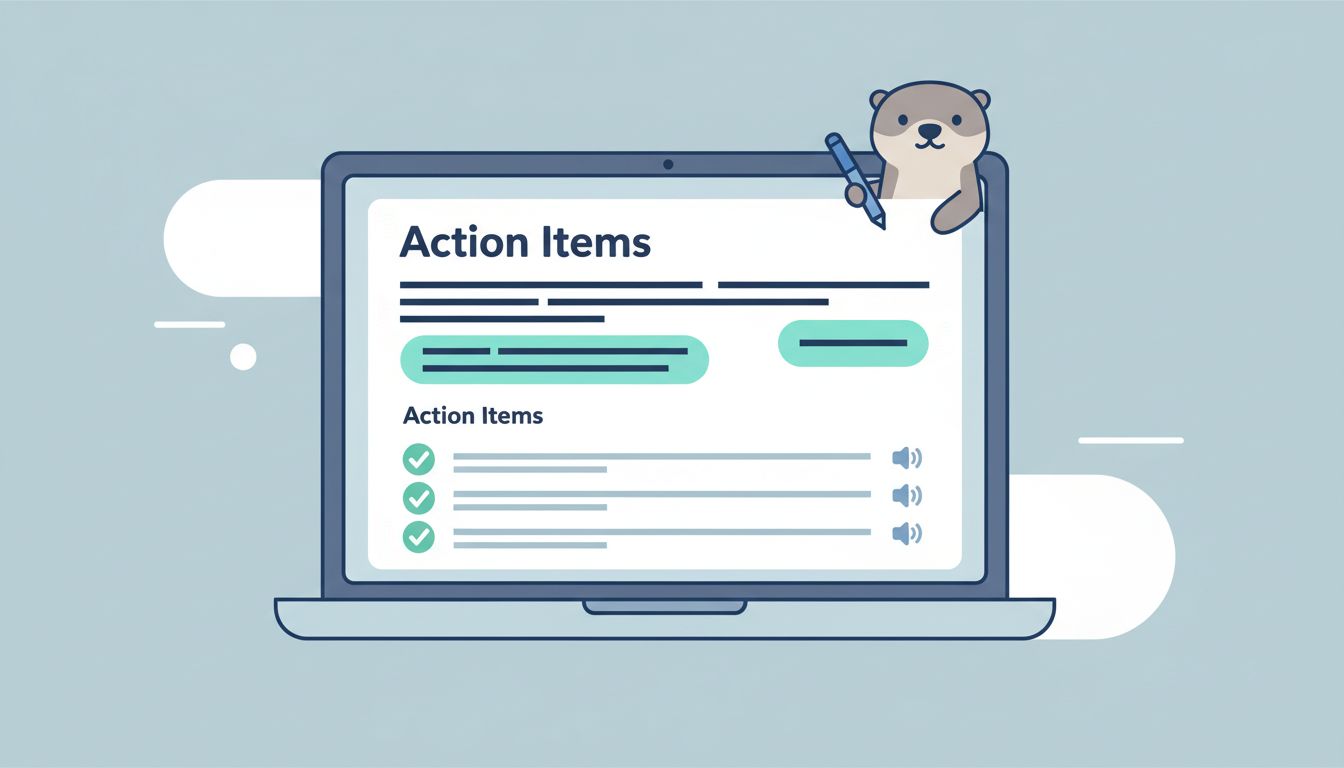
Once the meeting ends, I scan the transcript for verbs. Words like “send,” “review,” “confirm,” “draft,” and “update” usually point to real work. Otter’s My Action Items feature is useful here, because it helps pull those tasks into one place instead of leaving them buried in the notes.
I follow a simple conversion process.
- I highlight the sentence that contains the task.
- I identify the owner.
- I add the deadline, if one exists.
- I rewrite the note into one clean line.
- I delete extra words that don’t change the task.
For example, I might turn this raw note:
“We should send the revised pricing deck to finance before Friday and make sure legal sees the contract changes.”
Into this action item:
- Owner: Alex
- Task: Send the revised pricing deck to finance and share contract changes with legal
- Deadline: Friday
That format works because it removes the fog. Nobody has to guess who owns the task or when it’s due.
I like to keep the wording direct. If the task is vague, I fix it before I store it. “Follow up with the client” is weak. “Email the client the revised timeline by 3 p.m. Thursday” is useful.
Use a repeatable format so the team can trust the notes
Once I’ve got the first round of tasks, I standardize them. That makes handoffs cleaner, especially when I’m sharing notes across operations, sales, or project teams.
Here’s the format I use most:
| Raw note | Clean action item |
|---|---|
| “John will check the vendor quote.” | John will review the vendor quote and confirm pricing by Tuesday. |
| “We need the slide deck updated.” | Priya will update the slide deck for the client review by noon Wednesday. |
| “Someone should send the recap.” | I will send the meeting recap and next steps by end of day. |
That table is the heart of my process. I don’t need perfect prose. I need action that can be tracked.
When I write action items, I keep these rules in mind:
- One owner per item keeps accountability clear.
- One deadline per item makes follow-up easier.
- One verb at the start keeps the task active.
- One source note helps me trace the task back to the meeting.
If a task needs a paragraph to explain it, I split it into two tasks.
I also use Otter’s search and transcript history when I need context later. That helps when a task comes from a longer thread and I need to know why it exists. For broader meeting workflows, I also like pairing this with a consistent note template so every recap looks the same.
Build a post-meeting routine that saves time
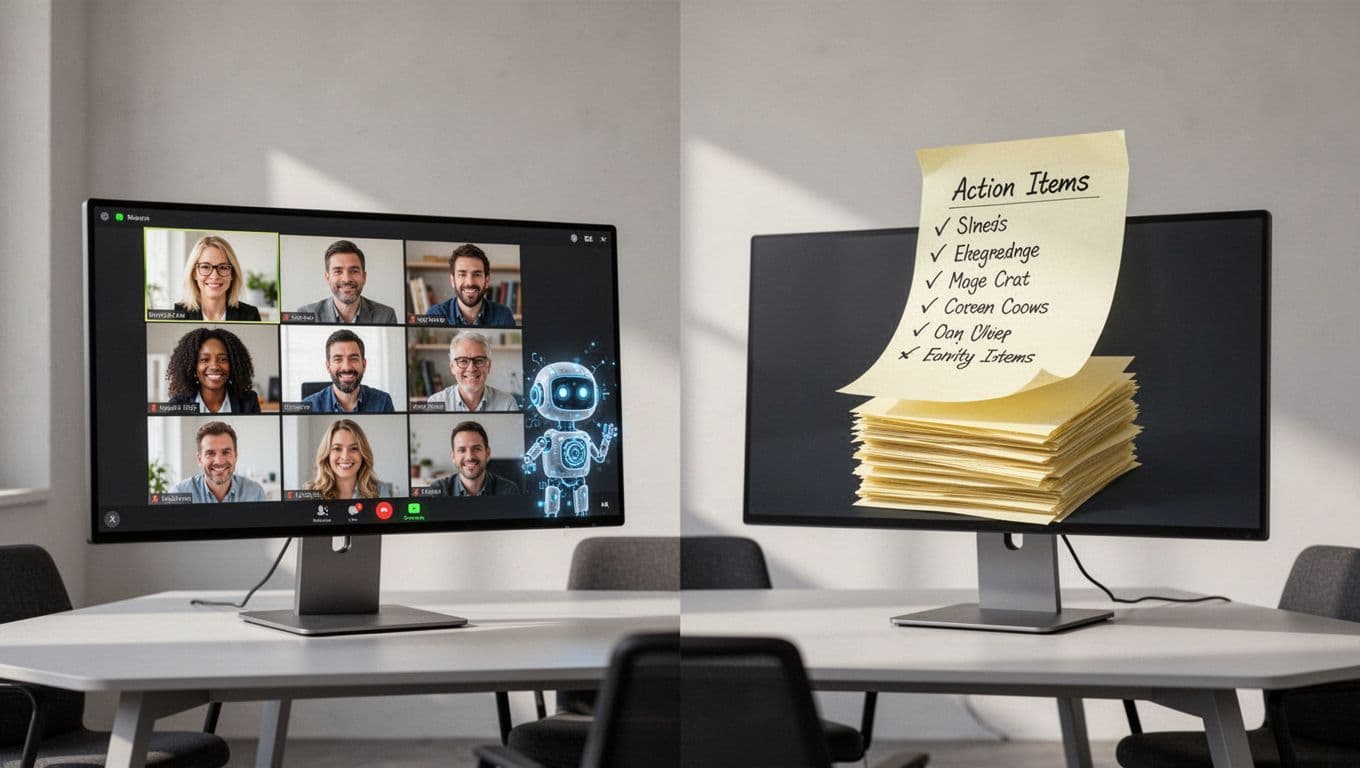
The real win comes after the meeting, when I make the workflow repeatable. I don’t want to rebuild the same process every week.
My post-meeting checklist looks like this:
- I review the summary first, then I open the transcript.
- I pull out decisions before I pull out tasks.
- I separate assignments from open questions.
- I assign an owner to every task that matters.
- I check deadlines against the real project timeline.
- I send the final recap while the meeting is still fresh.
That order matters because it keeps me from cleaning the same note twice. Summary first, transcript second, action items third. It’s a small habit, but it saves a lot of time.
I also watch for overload. Otter can surface a lot of useful material, but not every item belongs on the action list. If I try to turn every mention into a task, the recap becomes noise. So I only keep items that need a follow-up, a decision, or a handoff.
For team leads, this works well in shared meetings. For project managers, it creates a clean record of who promised what. For operations teams, it helps turn a messy call into a short execution list.
The best part is how simple the system becomes after a few meetings. I open the transcript, pull out the commitments, format them with owner plus task plus deadline, and send them on. That’s the full loop.
When I treat meeting notes this way, they stop being a file I store and start becoming work my team can finish. That’s the real value of Otter AI action items, and it’s why I keep the process tight every time.