Paddle Rewardful Integration: Avoid Lost Partner Sales
A referred visitor can complete a paid checkout, yet the sale can still appear without a partner attached. The usual cause is a product-version mismatch, not a bad commission rule. A Paddle Rewardful integration has a hard limit in August 2...
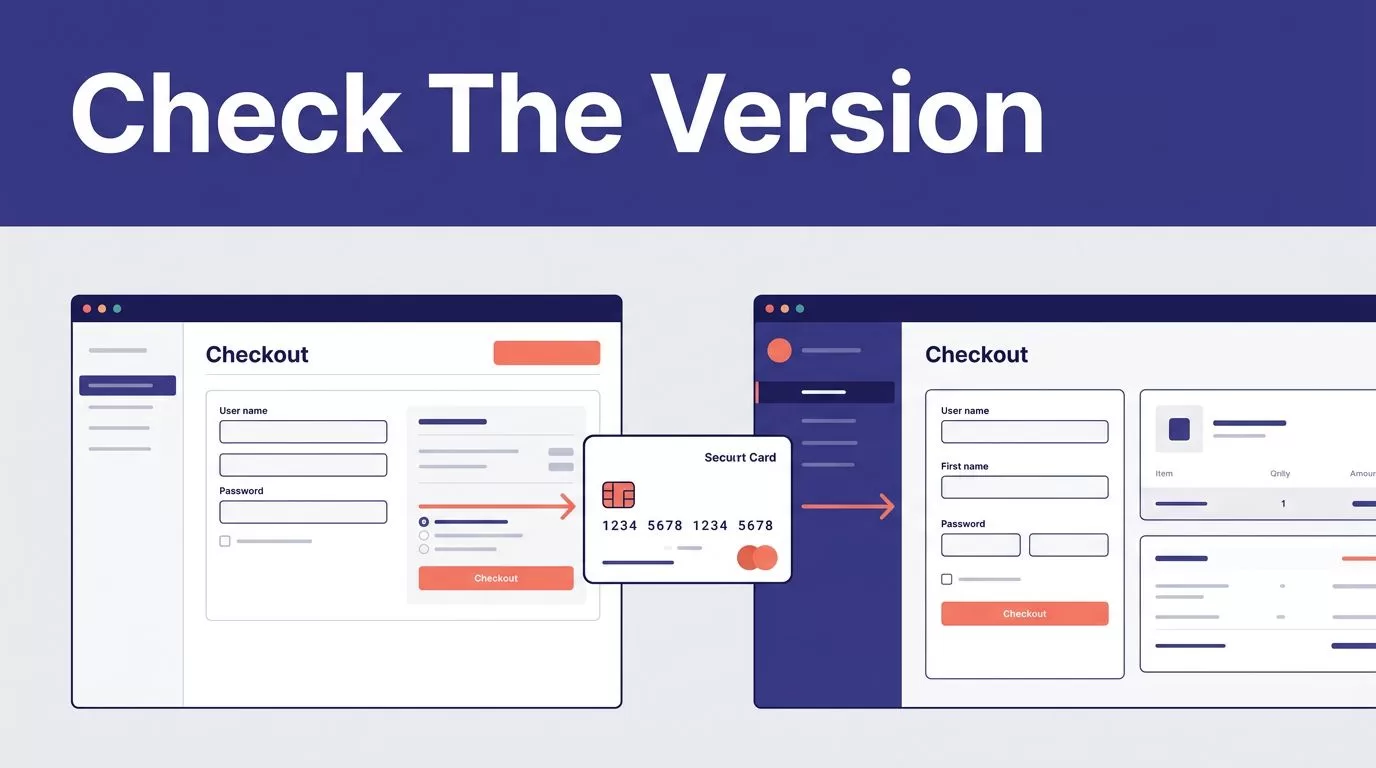
A referred visitor can complete a paid checkout, yet the sale can still appear without a partner attached. The usual cause is a product-version mismatch, not a bad commission rule.
A Paddle Rewardful integration has a hard limit in August 2026. Rewardful documents support for Paddle Classic, not Paddle Billing. Confirm which Paddle product runs your checkout before adding tracking code or inviting partners.
PADDLE REWARDFUL INTEGRATION: CHECK THE VERSION FIRST
Start with the payment product, not the JavaScript snippet. Paddle Classic and Paddle Billing use different checkout models, fields, and dashboard paths.
Rewardful’s Paddle integration guide states that its supported Paddle connection is for Paddle Classic only.
| Your Paddle product | Is Rewardful’s integration documented? | What the setup requires |
|---|---|---|
| Paddle Classic | Yes | Rewardful JavaScript, Paddle public key, checkout passthrough, and Paddle event notifications |
| Paddle Billing | No | A different attribution process or a partner platform that supports Paddle Billing |
Why the version check changes the build
Paddle Classic uses Paddle.Checkout.open() and a passthrough value. Rewardful’s Classic flow sends the referral UUID through that passthrough field.
Paddle Billing uses customData in Paddle.js and custom_data in its APIs and webhook payloads. Those fields are useful for internal correlation. They do not create a Rewardful referral, conversion, or commission.
Don’t copy Classic checkout code into a Paddle Billing implementation. The field names may look similar. The connection behind them is not.
CONNECT REWARDFUL TO A PADDLE CLASSIC ACCOUNT
Only use this path if your live checkout is Paddle Classic. Do not treat it as a workaround for Paddle Billing.
Add Paddle as the payment processor
During Rewardful setup, select Paddle as your payment processor. Rewardful then asks for the Paddle Classic public key.
In Paddle Classic, open Developer Tools -> Public Key. Copy the whole public key into Rewardful, including the BEGIN and END markers. A partial key can break the account connection without producing an obvious checkout error.
Create your first Rewardful campaign before testing purchases. The campaign holds the referral link structure and commission rules your partners will use.
The Paddle public key is intended for client-side use. Keep private credentials, webhook secrets, and internal API keys out of page code and marketing tools.
Install the Rewardful tracking script on public pages
Install the Rewardful JavaScript snippet from your Rewardful account in the shared layout for your public site. It needs to load on affiliate landing pages and pages with a purchase button.
A script added only to a confirmation page is too late. Rewardful must identify the visitor before Paddle Classic checkout opens.
Your partners should send visitors to a page on your site. A raw hosted checkout URL does not give your site a chance to read the visitor’s referral value and add it to the checkout request.
If a consent tool delays marketing scripts, test that behavior. A blocked or late-loading Rewardful script can turn a valid partner visit into an unattributed purchase.
PASS THE REFERRAL INTO PADDLE CLASSIC CHECKOUT
The referral value has to move from the browser into the Paddle Classic checkout call. This is the point where many otherwise correct setups fail.
Use Rewardful’s referral UUID in passthrough
After the Rewardful script loads, it makes the current referral available as window.Rewardful.referral. Read that value when the customer clicks the checkout button.
Rewardful’s documented pattern passes it into Paddle.Checkout.open() as a serialized passthrough object:
passthrough: JSON.stringify({ rewardful: { referral: referral } })
The referral value is a UUID string. Don’t hardcode an affiliate ID in the button. Don’t replace the value with a campaign name. Don’t assign a default partner when the value is missing.
If no referral exists, let checkout proceed as a normal direct sale, unless your own policy requires another path. An invented referral creates a reporting problem that finance and partner teams must later repair.
Store the captured referral identifier against the signed-up user in your own system when practical. That record helps your team investigate disputes. It does not replace the Classic passthrough value that Rewardful needs.
Keep billing events tied to the original referral
The first checkout is only the start of the record. Renewals, refunds, subscription changes, and cancellations can affect commissions.
Rewardful explains that Paddle sends it relevant account events after the connection is active in its guide on how Rewardful uses Paddle data. Reconcile those outcomes against Paddle instead of treating a successful browser redirect as proof of a final commission.
GIVE REWARDFUL ITS WEBHOOK RECEIVER
Rewardful needs Paddle Classic event notifications to keep sales and commission records current. The webhook is part of the integration, not an optional reporting add-on.
Add Rewardful’s unique webhook URL in Paddle Classic
Rewardful gives you a unique webhook URL during its setup process. Copy that address before leaving the final setup screen.
In Paddle Classic, open Developer Tools -> Events. Paste the URL into the URLs for receiving webhooks field. Select the event notifications Rewardful asks for, then save the changes.
The published Rewardful article says to enable the required events. It does not publish a fixed event list in the setup instructions. Don’t guess based on a Paddle Billing event name or an old implementation note. Follow the requirements shown in your current Rewardful setup flow.
Protect existing operational webhooks
Check whether changing the event URL could replace a receiver your product already uses for account provisioning, analytics, or finance operations.
Your app should continue to use verified payment notifications for access changes. A thank-you page can be blocked, closed, or reloaded. Paddle’s webhook delivery model explains why server-side event handling is the reliable record of payment activity.
Keep a record of the webhook URL, the Paddle account, the campaign tested, and the owner responsible for failures.
WHAT TO DO IF YOU USE PADDLE BILLING
A supported Paddle Rewardful integration is not available for Paddle Billing. This is not a hidden dashboard option.
Rewardful’s current Paddle integration collection separates its Classic documentation from newer Paddle Billing. Do not deploy the Classic public-key, event, and passthrough steps into a Billing checkout.
Custom data helps correlation, not Rewardful attribution
Paddle Billing lets you include customData when opening checkout with Paddle.js. Paddle stores that data as custom_data on related records and returns it in relevant API responses and webhooks.
You can use an opaque internal partner reference in that data. For example, your system may store a referral ID with a transaction so your team can reconcile a paid sale to a signup record.
Paddle’s custom data documentation covers where that information is stored. It does not say custom data creates a Rewardful conversion.
Avoid putting affiliate names, emails, or customer details in checkout metadata. Use a stable internal ID instead.
Choose a real Billing path
You have three practical options:
- Wait for Rewardful to document Paddle Billing support, then follow its current instructions.
- Use a partner tracking platform that explicitly supports your Paddle Billing checkout model.
- Build an internal attribution process that records the referral at signup, attaches an internal reference through
customData, verifies Paddle payment events, and calculates commissions from a controlled ledger.
The third option is custom development. It is not a Rewardful integration, and it needs an owner across product, finance, and partner operations. If that process spans several teams, Book A Call to map the data record, approval rules, and exception process before launch.
VERIFY ATTRIBUTION BEFORE PARTNERS PROMOTE
A live checkout button is not a completed implementation. Test the full path before distributing partner links.
A successful payment proves checkout worked. It does not prove the referral survived checkout and reached the commission record.
Run a controlled referral test
Use separate test partners, a test product or approved test environment, and fresh private browser sessions. A browser that already holds a referral cookie can hide an attribution failure.
Confirm these points before launch:
- Visit a test partner’s Rewardful link and confirm the landing page loads the Rewardful script.
- Check that
window.Rewardful.referralcontains a referral value before the checkout button opens Paddle Classic. - Complete a purchase and record the Paddle transaction ID, amount, currency, timestamp, and test partner.
- Find the matching conversion in Rewardful and confirm the correct partner and campaign received credit.
- Repeat the purchase path with a second partner, then repeat it with no referral link.
- Test a refund or cancellation separately and confirm the commission outcome follows your campaign rules.
Use Paddle’s webhook overview when your developer needs to inspect payment event delivery, retries, or missing transaction records.
Monitor approved commissions, not clicks
Start with the first 25 to 100 eligible paid events. Review new purchases, renewals, refunds, and cancellations before scaling the program.
Track attributed paid transactions, unattributed paid transactions, duplicate referrals, commission adjustments, webhook failures, and the time needed to resolve exceptions. Measure the commissions your team approves, not the number of affiliate clicks or completed checkout sessions.
Keep an exception record with the Paddle transaction ID, internal customer ID, referral ID, expected result, actual result, reviewer decision, and source evidence. Preserve the last trusted export if tracking breaks. Don’t overwrite historical commission decisions without a reason and timestamp.
A WORKING SETUP STARTS WITH THE RIGHT PADDLE PRODUCT
The right Paddle Rewardful integration is a documented Paddle Classic setup with four connected parts: the Rewardful script, the referral passthrough value, Paddle event notifications, and a tested commission record.
If you run Paddle Billing, stop before adapting Classic instructions. Use custom data only for your own correlation process, or choose a partner system that supports Billing directly.
