How to Build a Partner Asset Library in Rewardful
Partners don’t promote what they can’t find. If a logo sits in an old Slack thread and the latest landing page is buried in a shared drive, your program creates friction before the first referral link is used. A partner asset li...
Partners don’t promote what they can’t find. If a logo sits in an old Slack thread and the latest landing page is buried in a shared drive, your program creates friction before the first referral link is used.
A partner asset library gives affiliates one approved place to get files, copy, links, and campaign direction. Rewardful can host core partner assets directly, but it isn’t a full document-management system. Build the library around that line.
Why Your Partners Need One Approved Resource Hub
Affiliate partners move fast. They write a newsletter, record a video, publish a comparison page, or schedule social posts. They won’t wait three days for a PNG file or a product screenshot.
Without a central library, partners pull old assets from prior campaigns. They use expired offers. They send traffic to generic homepage URLs. Your team then spends time correcting content that should not have gone live.
Approved assets protect your message
A partner needs more than a tracking link. They need the correct company logo, current screenshots, a short product description, approved claims, and a destination page that matches the offer.
That control matters when pricing changes or a feature leaves beta. It also matters when a partner uses paid ads, where outdated claims can create compliance problems.
A library reduces repeat requests
Your partner manager shouldn’t answer the same questions every week.
A strong library gives partners clear answers:
- Which logo should I use?
- What is the approved product description?
- Which landing page converts for this campaign?
- Can I mention the annual plan discount?
- Who approves a new co-marketing idea?
Rewardful tracks affiliate activity and commissions. The library removes the content bottleneck that stops affiliates from creating promotions.
Plan the Partner Asset Library Before You Upload Files
Start with a list of assets partners ask for now. Review recent emails, Slack messages, onboarding calls, and campaign briefs. You will find the same requests repeating.
Don’t begin with every file your marketing team owns. Begin with assets a partner can publish or send this month.
Assign one owner for every asset group
Give each category a named owner. Marketing can own brand files and screenshots. Product marketing can own positioning copy. A partner manager can own campaign briefs and partner-facing links.
The owner reviews updates and records the date. This prevents a common failure, where everyone assumes someone else checked the old screenshot.
Keep a simple asset record outside Rewardful if several people publish material. Include:
- Asset name and asset type
- Owner and reviewer
- Publish date and next review date
- Related campaign
- Current status, draft, approved, replaced, or retired
- Source file or source document location
A completed upload is not a useful asset if partners can’t publish it without asking for clarification.
Define what “approved” means
An approved asset is not only spelled correctly. It has the right logo treatment, current product details, a working destination URL, and a clear use case.
For example, a product screenshot should show a current interface. A social post should fit one channel. Email swipe copy should include a subject line, body copy, call to action, and the correct tracked link.
Keep the original source file separate from exported partner files. Do not overwrite old files without a record. When a promotion changes, publish a replacement and retire the old version.
What Rewardful Supports Directly
Rewardful now includes an Assets Library for partner promotion material. You can add files, links, and text. Partners see published items in their Assets tab.
The native library is a good home for focused campaign material. It works well when an affiliate needs a logo, screenshot, PDF one-pager, tracked destination link, or ready-to-paste copy.
| Asset need | Rewardful support | Practical use |
|---|---|---|
| Logo, image, or PDF | Native file upload | Add approved PNG logos, JPG screenshots, and PDF guides |
| Landing-page URL | Native link asset | Add a titled campaign URL or product page |
| Email or social copy | Native text asset | Add swipe copy partners can copy into their own channels |
| Asset drafts | Native draft status | Prepare material before partners can access it |
| Published assets | Native publish status | Make approved assets available in the affiliate dashboard |
| Full brand portal or large document set | External tool required | Use a shared drive, Notion, or another approved documentation system |
Rewardful documents file uploads for JPG, PNG, and PDF files up to 25 MB each. Use those limits when you prepare exports.
Use Rewardful for promotion-ready material
Upload files that a partner can use without editing: a square social graphic, a horizontal logo, a recent product screenshot, or a short PDF overview.
Create text assets for copy that partners should not rewrite from memory. Add a three-sentence product summary, an email sequence, a LinkedIn post, or a blog introduction.
Save incomplete work as a draft. Publish only after the owner has checked the asset and the destination link.
Use another tool for deeper documentation
Rewardful is not a full digital asset manager. Don’t force it to become one.
Use an external file or documentation tool for large video files, SVG source files, layered design files, detailed sales enablement, long partner playbooks, and multi-page brand documentation. Then add a clean link to that resource in Rewardful.
Rewardful also supports affiliate dashboard customization with text, FAQs, and links. Its affiliate dashboard asset guidance is useful when you need to point partners to a larger external brand center.
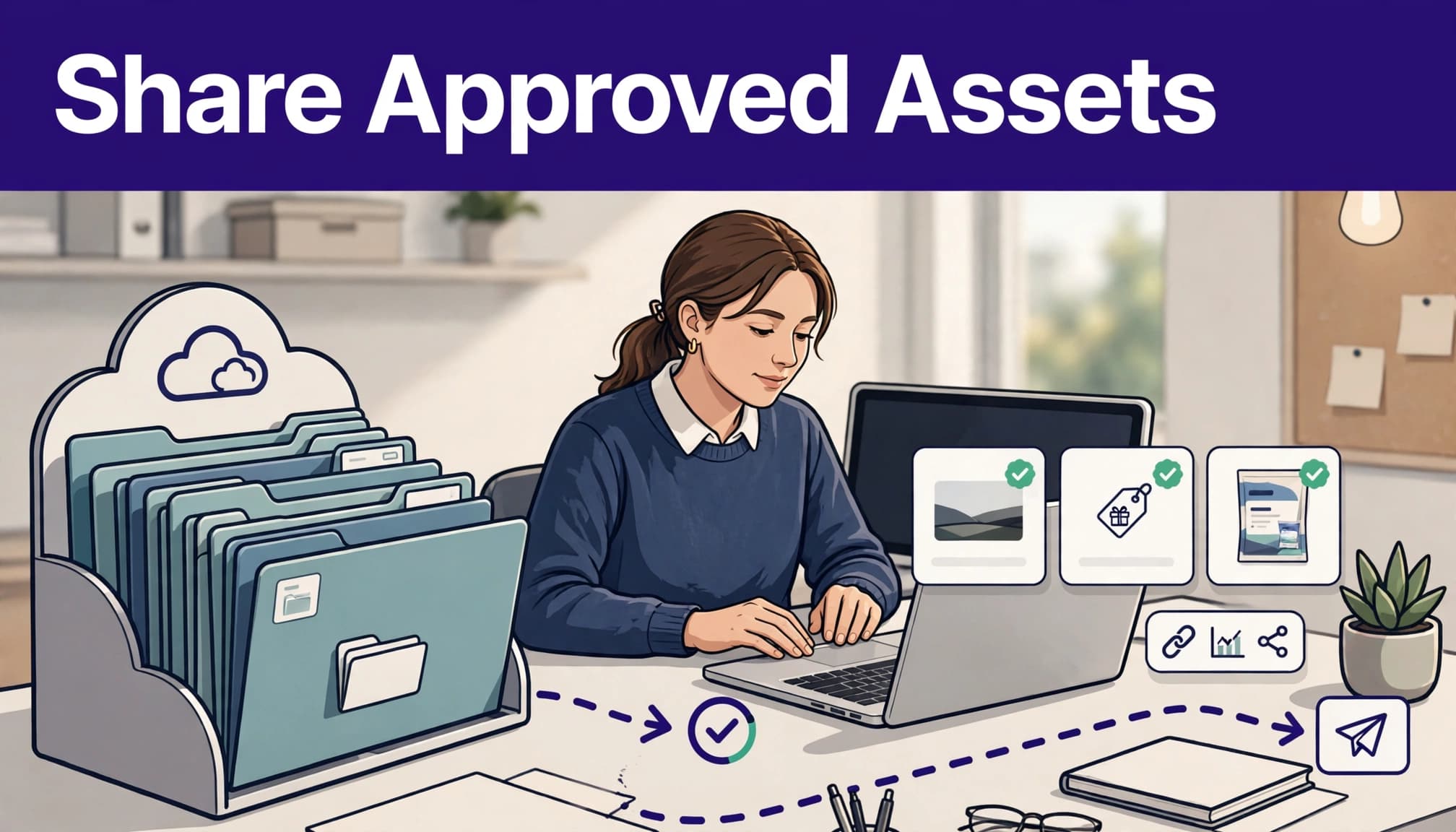
Set Up a Starter Structure Partners Can Copy
Use clear names. A partner should know what an asset does before opening it.
Do not build a folder maze. Keep the first version small and organized around promotion tasks.
Start with these seven asset groups
- Brand files include a primary logo, dark and light logo variants, and a short brand-use PDF.
- Product screenshots include current screenshots for the main product page, feature pages, and social posts.
- Email copy includes a short announcement email, a product education email, and a final call-to-action email.
- Social posts include copy for LinkedIn, X, and Instagram, plus matching image sizes where relevant.
- Landing-page links include the homepage, demo page, free-trial page, comparison page, and campaign-specific page.
- Campaign briefs explain the audience, core message, offer dates, approved claims, exclusions, and review contact.
- Partner FAQs answer payout, attribution, coupon, link, and content approval questions.
Use this naming format for file assets:
AssetType_Campaign_Audience_Version_Date
A file named Screenshot_Q4Launch_Founders_V2_2026-09.png is easier to manage than new-final-screenshot-final2.png.
Keep links separate from files
A logo file and a landing-page link do different jobs. Give each link a title that describes the destination.
Good titles include:
- Start a 14-day trial
- Book a product demo
- Compare us with HubSpot
- Download the SaaS metrics guide
Avoid titles such as “Main link” or “Use this URL.” Partners often copy the first item they see.
Add Assets That Help Partners Publish Faster
A library should reduce decision time. Every asset needs a purpose.
Build a small logo and screenshot pack
Include at least two logo versions. One should work on light backgrounds. One should work on dark backgrounds. Add a usage note that tells partners not to stretch, recolor, or crop the mark.
For screenshots, show real product moments. A generic dashboard image is less useful than a screenshot that supports a clear claim, such as automated reporting, team permissions, or a specific workflow.
Update screenshots when your product navigation or core interface changes. Old screenshots create more doubt than no screenshot.
Write copy in usable blocks
Don’t upload a 1,500-word brand narrative and expect partners to turn it into content. Give them blocks they can use.
A basic email asset can include:
- A subject line with one clear promise
- A 75 to 125-word body
- One approved product claim
- One call to action
- A placeholder for the affiliate’s Rewardful link
Social assets should state the channel and intended format. A LinkedIn post can be longer and more explanatory. An X post needs a tighter message. Don’t give partners one paragraph and call it multi-channel copy.
Connect Links, Campaigns, and Briefs
Rewardful creates affiliate links through campaigns. Set the campaign website URL before you tell partners which pages to promote.
Then check every library link as an affiliate would. Open it in a private browser window. Confirm the URL loads, the referral parameter remains present, and the page matches the campaign message.
Match every campaign with a clear brief
A campaign brief should answer five questions:
- Who is the target customer?
- What product problem should the partner lead with?
- Which offer can they mention?
- Which URL should they promote?
- What claims or channels are not approved?
For a SaaS annual-plan campaign, the brief might state: target finance teams with 10 to 100 employees, promote the annual subscription page, mention the published annual discount only, and do not promise custom implementation support.
Rewardful published assets are available to affiliates across campaigns. That means you should name campaign assets clearly and retire expired material fast. Do not publish a limited-time discount graphic without an end date in the asset name or description.
Add the right tracked destinations
A partner asset library should include destination pages for different levels of intent.
A homepage works for broad awareness. A comparison page works for buyers evaluating alternatives. A demo page works for high-intent B2B traffic. A free-trial page works when the product has a low-friction signup path.
Don’t assume the affiliate’s default referral URL is right for every placement. Give partners campaign-specific options, then tell them when to use each one.
Test the Library Like a New Partner Would
Create an internal test affiliate account or ask a team member to review the portal without admin context. They should be able to find assets, understand each item, and publish a basic promotion in under 15 minutes.
Check the full partner path
Review these items before every campaign launch:
- Published assets appear in the affiliate Assets tab.
- Every file opens and downloads correctly.
- Every landing-page link loads on desktop and mobile.
- Copy includes no expired price, date, feature name, or legal claim.
- The campaign brief states the owner and review contact.
- Old promotions are marked retired or removed.
- The affiliate link passes through to the correct destination.
Keep the last trusted set of assets in a separate record. If a replacement file is wrong, you need a fast rollback option.
Measure accepted partner output
Don’t measure how many files you uploaded. Measure what partners used and what your team accepted.
Track the number of partner promotions published, approved content submissions, asset-related support requests, broken-link reports, and time spent on corrections. Review the top-used assets each month.
If partners download a social pack but never publish it, ask why. The copy may be too generic. The format may be wrong. The offer may not fit their audience.
For a multi-team launch with complex campaign rules, Book A Call before you publish assets that finance, legal, product, and partner teams must approve.
Key Takeaways
A partner asset library works when it gives affiliates approved material they can use without waiting on your team.
Use Rewardful’s native Assets Library for JPG, PNG, PDF, links, and ready-to-use copy. Use an external tool for deeper documentation, larger files, and a full brand portal.
Assign an owner, record review dates, test all links, and preserve previous approved versions. Measure published partner content and correction time, not upload volume.
Conclusion
A partner program gets easier to run when partners have the right file, message, and link at the moment they need it.
Keep Rewardful focused on promotion-ready assets. Keep complex documentation in a connected external system. Review every campaign asset before publication, then replace old material before it creates avoidable support work.
Approved, current, easy-to-find assets give partners fewer reasons to pause and more reasons to publish.
FAQs
Can Rewardful host a complete partner asset library?
Rewardful can host a practical core library. It supports published files, links, and text assets for affiliates. Use it for logos, screenshots, PDFs, landing pages, email copy, and social copy.
Use an external documentation or file system when you need video hosting, source design files, deep navigation, role-based document access, or a full branded partner portal.
What file types should I prepare for Rewardful?
Prepare JPG and PNG files for logos and screenshots. Use PDFs for short brand guides, campaign briefs, and one-page product summaries. Keep each uploaded file under Rewardful’s 25 MB limit.
Export source design files separately. Partners usually need the final approved file, not the editable working file.
Should each Rewardful campaign have separate assets?
Yes, organize assets around each campaign even when some files are reusable. Add the campaign name, offer period, or intended audience to the title.
Published Rewardful assets can appear across campaigns, so clear naming and timely retirement matter. A partner should never mistake an expired promotion for a current one.
