Partner Payment Automation With Rewardful
Affiliate payments look simple until recurring revenue, refunds, multiple campaigns, and tax details hit the same payout cycle. Partner payment automation gives your team a controlled record of what was earned, what is still pending, and wh...

Affiliate payments look simple until recurring revenue, refunds, multiple campaigns, and tax details hit the same payout cycle. Partner payment automation gives your team a controlled record of what was earned, what is still pending, and what finance has approved.
Rewardful is built around Stripe-based SaaS billing. It can track referred customers and commissions as billing events occur, but your operating process still decides when money leaves the business. Set that process before partner volume creates a spreadsheet problem.
Partner Payment Automation Starts With Financial Records
Your affiliate system should follow cash collection, not marketing activity. Clicks and signups are useful program metrics. They are not payout evidence.
Rewardful connects commission activity to Stripe billing data. Its affiliate commission process tracks referred payments and recurring renewals. That matters for SaaS because one referred account can generate commissions for months or years.
Calculate commission on collected revenue
Commission should use the amount the customer paid after discounts, credits, and billing changes. Do not pay based on list price.
A $500 annual plan with a 20% coupon produces $400 in collected revenue. At a 20% partner rate, the commission is $80, not $100. This rule prevents overpayment and gives finance a simple calculation to audit.
Write the commercial policy before you configure campaigns:
- Define the commission rate, recurring term, attribution window, and eligible products.
- State whether taxes, setup fees, credits, and one-time services are included.
- Set a minimum payout amount and a clear payment schedule.
- Explain how refunds, fraud, and account disputes affect unpaid commissions.
Store this policy in the partner agreement and repeat the key terms in the partner portal. A partner should not need to ask why a commission is pending.
Keep campaigns separate
Use separate campaigns for different partner types when the economics differ. A review site, implementation consultant, and strategic reseller can all introduce customers. They do not always earn the same rate or qualify under the same rules.
Separate campaigns also improve reporting. You can compare revenue, conversion, refund rate, and payout cost without mixing unlike partner channels.
Connect Stripe and Test Attribution Before Launch
Rewardful is Stripe-first. Stripe remains the billing system and payment processor. Rewardful reads the billing events needed for referral tracking and commission calculation.
Before you connect production billing, review how Rewardful uses Stripe account data. Rewardful documents that it cannot move money from Stripe, issue customer refunds, change pricing, or access full card information.
Preserve the referral through checkout
Most attribution failures happen between the landing page and checkout. The visitor clicks a partner link, accepts a cookie, starts a trial, then returns later through another device or browser. Your team needs a clear rule for that journey.
Test your actual path, not a demo path:
- Create a test partner and use its referral link in a clean browser session.
- Start a trial, complete Stripe Checkout, and confirm the customer appears as referred.
- Make a payment and check the commission record.
- Change the subscription, then verify the new billing event produces the expected result.
- Document the test date, campaign, test customer, expected commission, and reviewer.
If you pass referral data into checkout through your own backend, protect it. A backend update that replaces metadata or passthrough fields can remove attribution without causing a visible error.
The browser records referral intent. A successful billing event creates the financial record.
Use Pending Status as a Finance Control
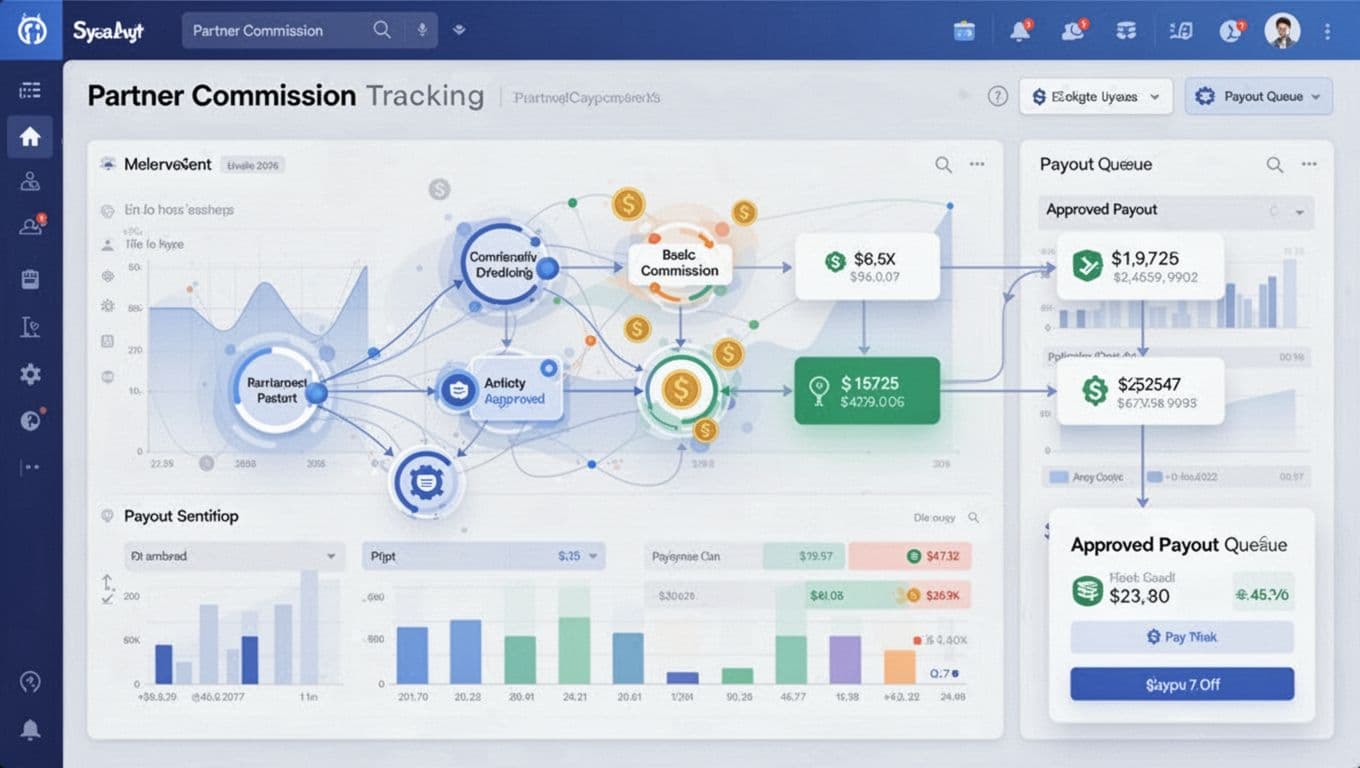
A pending commission is not a delay to apologize for. It is the period where the sale can settle, the customer can cancel, and your team can catch a bad record before it becomes an irreversible payout.
Rewardful holds commissions in Pending based on the refund window you set. Configure that window to match your subscription terms, normal refund behavior, and finance close process. A seven-day consumer refund policy and a 30-day B2B invoicing process should not use the same hold period by default.
Separate approval from payment execution
Do not let one person create campaigns, approve commissions, export the payment file, and mark payouts complete. That is too much control in one account.
Use a simple division of work:
- The partner manager checks attribution, campaign terms, and unusual activity.
- Finance reviews the approved payout batch against the payment export.
- A separate reviewer confirms the completed batch and stores proof of payment.
Small teams can assign two people across these steps. The point is not bureaucracy. It is a second set of eyes before a bulk payment leaves the account.
Choose the payout route deliberately
Rewardful supports payout workflows through PayPal, Wise, and other methods. Its mass payout guidance for PayPal and Wise describes exporting the due commissions, running the batch through the payment provider, then recording the completed payout in Rewardful.
For cross-border partners, use a verified Wise Business account and confirm recipient details before batch day. For PayPal, confirm each recipient’s payment email and whether your business account can make the required payout type.
Do not mark commissions paid when you export the CSV. Mark them paid after the provider accepts the batch and finance can match the sent amount.
Reconcile Every Payout Batch
Partner payment automation does not remove reconciliation. It gives you better source data for it.
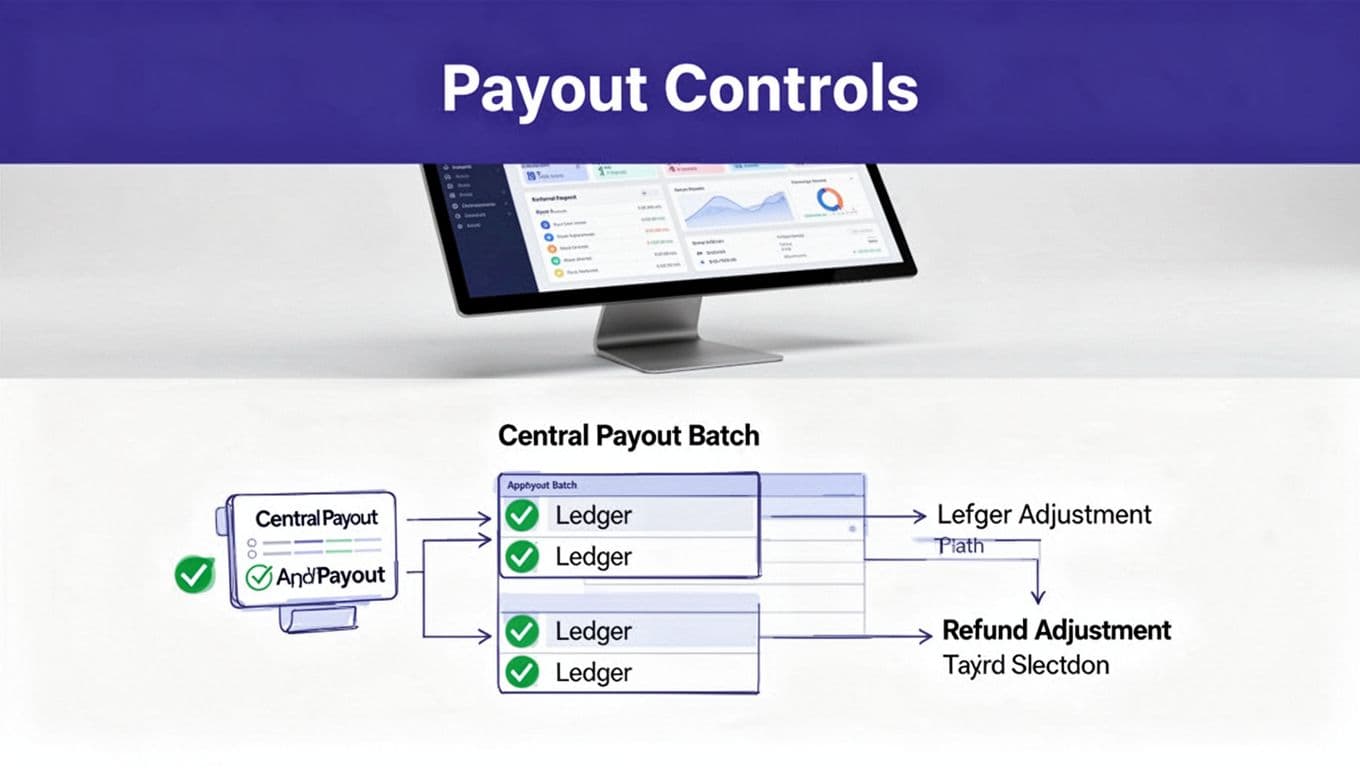
Close each batch with one payout register. Your register can live in a controlled spreadsheet, accounting workspace, or internal database. It needs a fixed batch ID and a link to the underlying export.
Match three records before closing
For each cycle, compare the Rewardful due-commission export, the Wise or PayPal payment confirmation, and the bank or payment-provider transaction record.
The values should match after you account for provider fees and failed recipients. If they don’t match, record the reason. Do not force the numbers to agree by editing the payout file after approval.
A useful batch record includes:
| Field | What to store |
|---|---|
| Batch ID | A unique monthly or biweekly reference |
| Approval date | When finance approved the payment set |
| Gross commissions | Total due before provider charges |
| Payment method | Wise, PayPal, bank transfer, or another route |
| Exceptions | Failed, held, or corrected recipient payments |
| Evidence | Export, provider confirmation, and reviewer signoff |
The payout file is not your audit trail. It is one piece of it.
Keep a correction path
Mistakes happen. A recipient may enter the wrong payment email. A payout might be marked paid before the provider rejects it. Keep the original batch, the correction reason, and the replacement payment together.
Rewardful’s payout workflow allows a mistakenly completed payout to be returned to a due state. Restrict that action to finance administrators and require a note with the reason, date, and owner.
Handle Refunds, Disputes, and Fraud Early
Refund handling is where a basic affiliate program becomes a finance process. Rewardful adjusts commissions when Stripe sends refund events. Its automated refund handling covers full and partial refunds, plus subscription upgrades and downgrades.
Do not pay commissions before the risk window closes
A full refund should remove the related unpaid commission. A partial refund should reduce it. Review these adjustments before approving the next payout batch.
Chargebacks need a separate decision rule. Stripe describes how a dispute can debit the disputed amount and a dispute fee from your account in its dispute workflow documentation. Rewardful’s public materials document refunds, but do not treat a chargeback as automatically resolved unless you have verified the relevant commission record.
Place commissions connected to an open dispute on hold. If the commission was already paid, record a negative adjustment against a future payout only when your partner terms allow it. Don’t surprise a partner with an unexplained deduction.
Stop obvious abuse before approval
Rewardful is not a substitute for fraud review. Check unusual records before they enter an approved batch.
Watch for self-referrals, repeated trials from connected accounts, coupon-only orders, unusually high refund rates, and a sudden rise in conversions from one source. Review the referred customer, payment status, campaign, referral timing, and partner history.
Use Stripe webhooks and internal alerts for billing changes. Stripe’s webhook documentation explains why asynchronous events such as refunds and disputes need event-based handling. Your finance review should use the final payment state, not an old dashboard export.
Give Partners Clear Status and Useful Reporting
Partners tolerate a pending period when they can see what happened. Silence causes tickets, manual reconciliations, and damaged trust.
Give each partner a clear view of clicks, referred customers, earned commissions, pending amounts, approved payouts, and completed payments. Rewardful’s plans include partner-facing options such as branded portals and custom domains at higher tiers, so check the current Rewardful pricing details before designing your program around a plan feature.
Report on quality, not only volume
Revenue teams often celebrate a high conversion count. Finance should also measure the revenue that survives the refund window.
Track these monthly by campaign and partner:
- Collected revenue and approved commissions.
- Refunds, cancellations, and disputed payments.
- Average time from commission creation to completed payout.
- Failed payout rate and correction time.
- Cost per accepted payout, including review time and provider fees.
Measure accepted payout records, not the number of automated actions. A workflow that exports faster but creates hours of correction work is not saving your team money.
Deploy Rewardful With a Controlled Checklist
Start with a small approved group of partners. Include normal billing records and difficult cases such as a coupon, a free trial, an upgrade, a partial refund, and a cancelled subscription.
Then deploy the operating controls:
- Connect Stripe and test referral attribution through your live checkout path.
- Configure campaigns with written commission rules and eligible products.
- Set a pending period that fits your refund policy and finance schedule.
- Collect and verify partner payout details before their first payout.
- Define approval roles, batch evidence, and the person who can reverse a payout status.
- Run one small payout batch and reconcile it against the provider confirmation.
- Review exceptions, update the partner policy, then expand the program.
If multiple entities, currencies, and payout methods are involved, map the controls before you run the first large batch. Book A Call to review the workflow and assign the right owners.
Build a Payout Process That Holds Up
The point of partner payment automation is not to send more payments with fewer clicks. It is to make every commission traceable from referral through collected revenue, approval, payment, and reconciliation.
Rewardful can automate the Stripe-linked commission record and support your payout workflow. Your team still owns approval rules, exception handling, fraud review, and financial evidence. Build those controls first, then let volume grow.
