Best Passwordless Login Tools for Small Teams in 2026
Passwords still slow my team down, and they fail in the same boring ways. In 2026, I care more about passwordless login tools that cut risk without creating a support mess. For a small team, the right choice depends on where the work lives....

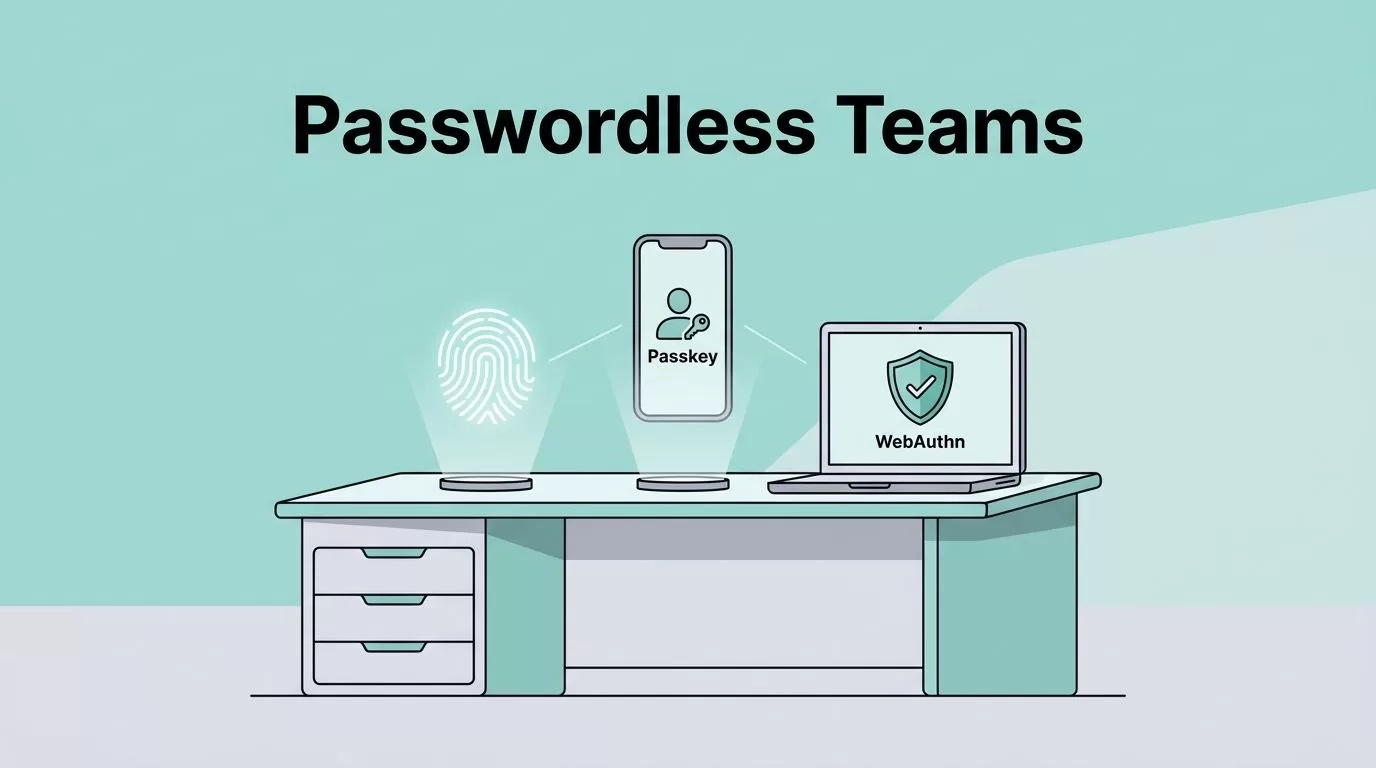
Passwords still slow my team down, and they fail in the same boring ways. In 2026, I care more about passwordless login tools that cut risk without creating a support mess.
For a small team, the right choice depends on where the work lives. If I need app logins, I look at passwordless authentication platforms. If I need company-wide access control, I lean on identity providers. If I want shared secrets and passkeys in one place, I use a business password manager. If my team already runs on Google Workspace, I keep my Google Workspace 2-Step Verification setup guide close, because passwordless works best when the basics are already tight.
What I look for in a passwordless tool
I start with passkeys, WebAuthn, and MFA support. Then I check SSO, device compatibility, and how much work the admin console adds. That matches the shape of ManageEngine’s 2026 passwordless roundup, which keeps the focus on real login methods, not marketing gloss.
I also care about the stack around the login screen. If my team lives in Google or Microsoft, I compare the base setup with Google Workspace vs Microsoft 365 security comparison. The login tool only feels simple when the rest of the environment is already familiar.


My side-by-side shortlist
I keep the comparison simple, because small teams do better when the tradeoffs are obvious.
| Tool | Type | Best for | Standout features | Limits | Pricing guidance |
|---|---|---|---|---|---|
| Auth0 | Passwordless auth platform | Custom apps with room to grow | Passkeys, magic links, one-time codes, SSO, MFA | More setup than lighter tools | Public plans start around $23 per month |
| Stytch | Passwordless auth platform | Dev teams that want speed | Passkeys, email links, one-time codes, fraud checks | Very admin-light for nontechnical teams | Starter tier plus usage-based billing |
| Clerk | Passwordless auth platform | React and Next.js teams | Prebuilt UIs, passkeys, OTPs, social login | Less flexible than deeper platforms | Free up to 10,000 monthly active users, then per-user pricing |
| Microsoft Entra ID | Identity provider | Microsoft 365 and Windows shops | Windows Hello, passkeys, security keys, SSO, MFA | Best inside Microsoft stack | Tied to Microsoft plans |
| Okta | Identity provider | Teams with many apps and stricter controls | Adaptive MFA, broad SSO, passkeys, directory links | Heavy for tiny teams | Mostly quote-based |
| 1Password Business | Password manager | Shared secrets and passkey storage | Passkeys, shared vaults, recovery codes | Not a full identity provider | About $8 per user per month |
| Bitwarden | Password manager | Budget-conscious teams | Passkeys, team vaults, open-source option | Simpler admin tools than pricier suites | Public team plans, usually low cost |
The pattern is clear. Auth0, Stytch, and Clerk fit app teams. Entra and Okta fit identity control. 1Password and Bitwarden help me store passkeys and shared access without stuffing everything into one giant system.

The passwordless authentication platforms I would test first
Auth0
I reach for Auth0 when I need the broadest menu of passwordless methods. It handles passkeys, magic links, one-time codes, SSO, and MFA, so I can shape sign-in around the app instead of forcing the app around sign-in. The tradeoff is complexity. It feels heavier than Clerk or Stytch, and the public plans start around $23 per month, so I only use it when I know the app will grow.
Stytch
I pick Stytch when my team wants fast, API-first passwordless login. Passkeys, email links, and one-time codes are the main draw, and the setup stays light. That makes it strong for small product teams that ship quickly. The downside is admin depth. It works well for developers, but less well if a nontechnical ops lead needs full control. Pricing starts with a starter tier and usage-based billing.
Clerk
I like Clerk when I want polished sign-in screens without building them myself. It gives me passkeys, OTPs, magic links, and social login, which is enough for many startup apps. The free tier is generous, and pricing stays friendly until monthly active users climb. Its limit is flexibility, because deeper custom logic can push me back toward Auth0.
The identity providers that fit existing company stacks
Microsoft Entra ID
I use Microsoft Entra ID when my team already lives in Microsoft 365 and Windows. Passwordless sign-in works well with Windows Hello, passkeys, security keys, and MFA, so the login flow feels native instead of bolted on. The catch is that it shines most inside the Microsoft stack. If I’m choosing between the big office suites first, I compare them with Google Workspace vs Microsoft 365 security comparison. Pricing depends on the Microsoft plan, and better controls sit in higher tiers.
Okta
I treat Okta as the stronger choice when I need broad SSO, adaptive MFA, and cleaner control across lots of apps. It has the admin depth that larger teams want, and it handles passwordless methods well. Still, it can feel like too much machine for a five-person company. I only put it on the list when I know growth or compliance will justify it, and pricing is usually quote-based. That fits the shape of JumpCloud’s enterprise passwordless tool list.
The password managers that make passkeys easier to live with
1Password Business
I use 1Password Business when I want passkeys and shared secrets in the same place. It stores passkeys, recovery codes, and shared vault items, which makes it a strong companion to an identity provider. If I want a plain-English refresher on the workflow, I like TeamPassword’s explanation of passwordless logins. Public pricing is around $8 per user each month. It does not replace SSO or directory control, so I treat it as the secure lockbox, not the front door.
Bitwarden
I pick Bitwarden when budget matters most. It supports passkeys and team vaults, and it keeps the admin side light for a small crew. I like that the public team plans stay cheaper than many premium suites, although the interface is simpler and the business controls are not as deep as 1Password. For tiny teams, that tradeoff often makes sense.
How I roll it out without support chaos
I do not flip every account at once. I start with admin users, then move to a pilot group, and only after that do I enforce the new login path. That is where backup codes, spare devices, and a second admin matter most.
If my team already uses Google Workspace, I keep my Google Workspace 2-Step Verification setup guide close, because the same rollout discipline applies. I want people to sign in cleanly before I ask them to change habits.
The easiest rollout is the one users barely notice, except that the password box disappears.
The tool I would pick for each team shape
If I were building a SaaS app, I would start with Clerk, Stytch, or Auth0. If I ran a Microsoft-heavy company, I would look at Entra ID first. If I needed broader enterprise control, I would check Okta, then decide if the extra weight is worth it.
For shared access and passkeys, I would keep 1Password Business or Bitwarden in the mix. Passwordless works best when the tool matches the job, not when it tries to do every job at once.

