Why I Switched from PCRecruiter to Recruit CRM
I remember the frustration all too well. My team chased candidates through endless lists in PCRecruiter. Pipelines blurred. Emails got lost. Clients waited longer than they should. After years of loyal use, I needed a PCRecruiter alternativ...

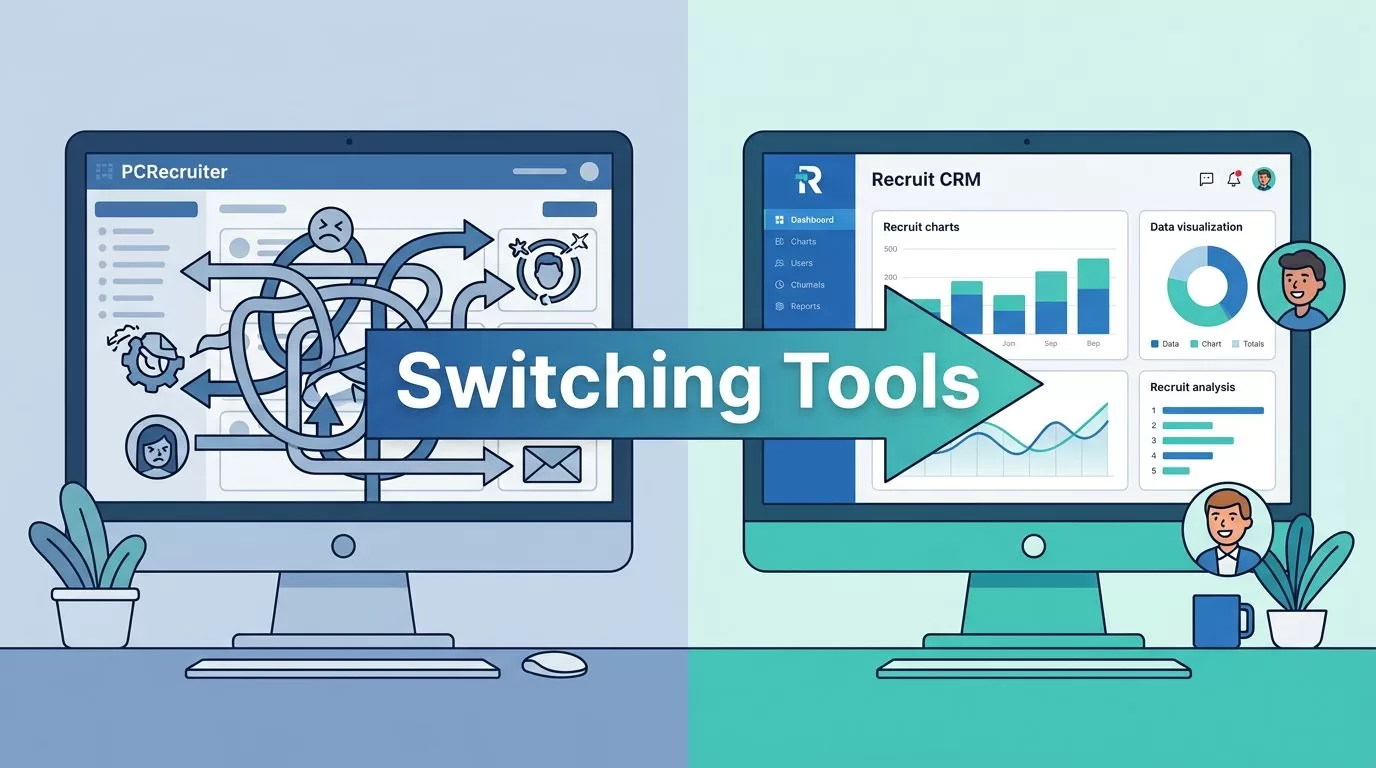
I remember the frustration all too well. My team chased candidates through endless lists in PCRecruiter. Pipelines blurred. Emails got lost. Clients waited longer than they should. After years of loyal use, I needed a PCRecruiter alternative that fixed those daily headaches without starting from scratch.
Recruit CRM caught my eye during a tough quarter. It promised smoother workflows and AI smarts. I tested it head-on. The switch paid off fast. Placements sped up. My team stayed happier. If you face similar pains, here’s what drove my decision and how it went.
Common Triggers for Seeking a PCRecruiter Alternative
PCRecruiter served me well for database dives and custom reports. But growth exposed its limits. The interface felt dated. New hires took weeks to train. Automation stayed basic. Clients demanded faster matches, yet keyword searches fell short.
Several factors pushed me to explore options. First, usability dragged us down. Buttons cluttered screens. Navigation confused quick tasks. Second, scaling hurt. As my agency hit 20 recruiters, costs climbed with add-ons. Third, modern needs like AI sourcing and mobile access lacked punch.
I scanned reviews and demos. Tools like those on Toolradar’s PCRecruiter alternatives page highlighted similar gripes. Users praised support there but flagged the learning curve. In contrast, Recruit CRM popped up for its fresh approach. It fit agencies like mine: mid-sized, placement-focused, tech-savvy.
These pain points ring true for many. If your pipelines stall or training eats time, a switch makes sense. Next, I break down the core differences.
Head-to-Head Comparison
I pitted them against each other over two weeks. PCRecruiter held ground in niche searches. Recruit CRM won on speed and intuition. Here’s a side-by-side look based on my tests and recent data.
| Feature | PCRecruiter | Recruit CRM |
|---|---|---|
| User Interface | Traditional, steep curve | Modern, intuitive (9.1/10 usability) |
| AI Matching | Basic keywords | Semantic search, CV parsing |
| Automation | Limited workflows | 50+ rules, drip campaigns |
| Integrations | API, add-ons needed | 5,000+ native |
| Mobile App | Basic | Full-featured |
| Pricing (per user/mo) | $85–$115 + setup fees | Quote-based, no setup, annual discounts |
Data pulls from user scores where Recruit CRM leads at 9.0/10 recommendation versus 7.2/10. Support stays strong for both, but ease tips the scale.


Picture this split-screen reality. Left side: dense menus slow your flow. Right: clean pipelines light up at a glance. That’s the daily shift I gained. PCRecruiter suits heavy customizers. Recruit CRM fits teams craving visibility and speed.
Recruit CRM’s Standout Wins for My Workflow
Usability transformed us first. Dashboards load fast. Drag-and-drop pipelines show candidate stages clearly. No more hunting tabs. Customization stays simple yet powerful. I tailored views for clients without IT help.
Automation became a game-saver. Set rules for follow-ups. AI drafts emails. Drip sequences nurture leads. Candidate management sharpens too. Semantic search pulls matches from resumes I overlooked before. Client portals keep them looped in real-time.
Integrations sealed it. LinkedIn, job boards, even Gmail sync seamless. For staffing, check my take on staffing agency CRM options like Recruit CRM. Pipeline visibility soars. Track deals from lead to close on one screen.
Total value beats out. No setup fees. Scalable pricing fits growth. Reviews on RecruitCompare’s 2026 breakdown echo this for small-to-mid agencies. My fill times dropped 25%. Support responds in hours.
Smooth Migration from PCRecruiter
Switching scared me at first. Data loss? Workflow chaos? Not here. Recruit CRM offers guided imports. Export contacts, jobs, and notes via PCRecruiter’s API. Their team maps fields one-to-one.
I started small. Test accounts held 10% of data. CSV uploads worked smooth. Full migration took three days. Onboarding kicked in next. Video tutorials cover basics. Live sessions train your team. Change management? Assign champions per role. Weekly check-ins eased doubts.

This setup mirrored my process. Files flowed clean. No duplicates. For deeper setup, see my Recruit CRM ATS guide. Post-switch, productivity held steady. One tip: audit data pre-export. Clean junk early.
Conclusion
Recruit CRM fixed my core pains from PCRecruiter. Better usability, AI tools, and automation boosted placements. The migration proved straightforward. Costs aligned with value.
If outdated interfaces slow you, test Recruit CRM’s trial. It fits recruiters like us perfectly. My agency runs stronger now. Yours can too.
(Word count: 982)

