How I Set Up Interview Feedback in Recruit CRM
Interview feedback falls apart fast when each interviewer keeps notes in a different place. I want one record, one scorecard, and one decision path. That’s why I treat interview feedback software as a working system, not another admin...

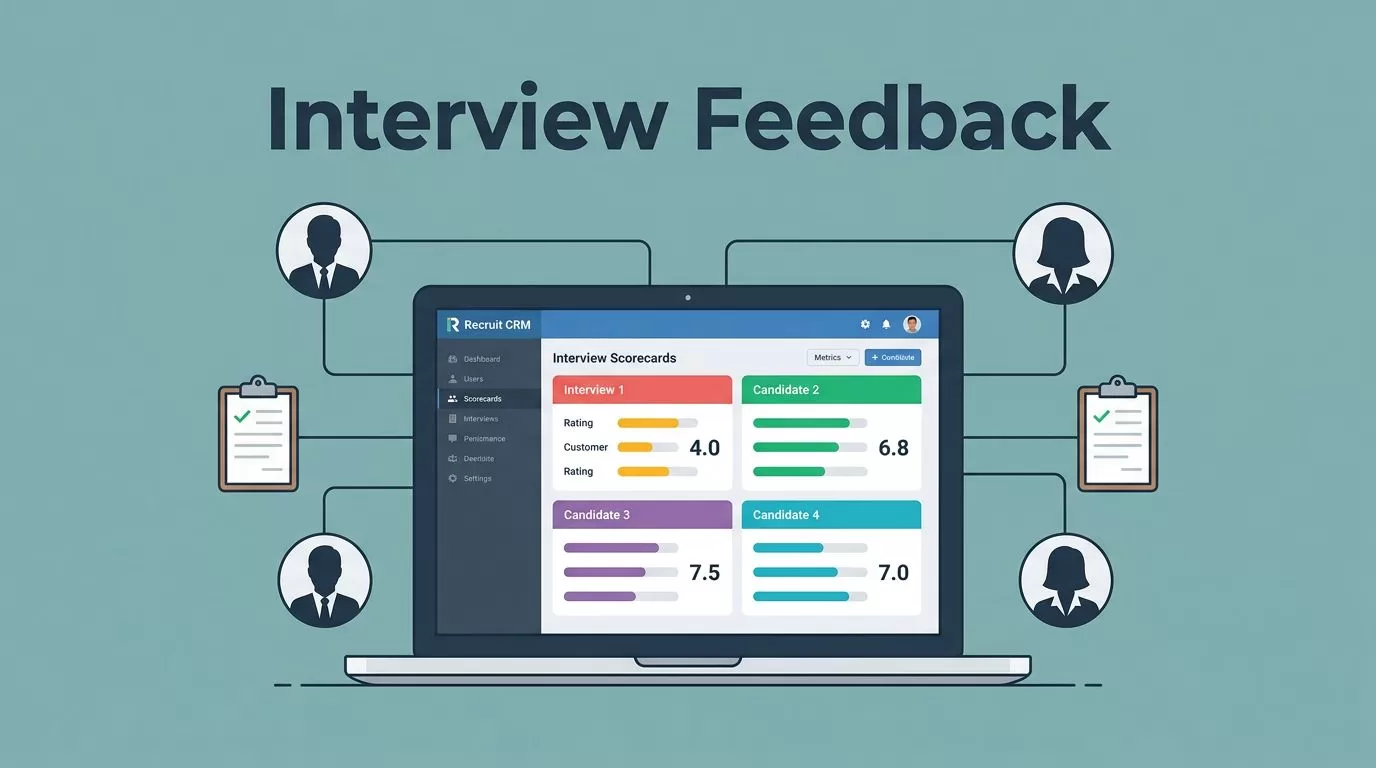
Interview feedback falls apart fast when each interviewer keeps notes in a different place. I want one record, one scorecard, and one decision path. That’s why I treat interview feedback software as a working system, not another admin tool.
When I set it up well in Recruit CRM, the team stops relying on memory and starts comparing real evidence. That saves time, but it also makes hiring feel calmer. Here is how I build that process.
Why structured interview feedback keeps hiring honest
A strong candidate can look average if one manager writes two words and another writes a full page. Structured feedback fixes that gap. It gives me the same lens for every interview, so I can compare people fairly.
Recruit CRM’s 2026 feature set fits that approach well. I can use interview scorecards, shared dashboards, role-based permissions, and client feedback flows that keep the hiring record in one place. I also like checking the Recruit CRM Product & Features help center when I want to confirm what’s available on my plan.


I still keep the process human. Software should not make the final call for me. It should give me a clean trail so I can defend the call with facts, not impressions. For a broader product view, I also skim this 2026 Recruit CRM review when I want outside context on how teams use it.
My Recruit CRM setup for interview feedback
I start with the hiring flow first. If the stages are sloppy, the feedback will be sloppy too. When I build the wider process, I pair this with my Recruit CRM ATS setup guide so the pipeline matches the way we actually evaluate people.
Here is the setup I use.
- I define the stages before I touch the scorecard. Screen, interview, debrief, and decision need clear meaning. If everyone uses different words, the data gets muddy.
- I keep the scorecard short. I use a few criteria that matter for the role, such as communication, role fit, problem solving, and culture add. Long forms get skipped, and skipped forms help nobody.
- I set permissions early. Recruiters need full notes. Hiring managers need the feedback they must act on. Clients should only see what they need to decide.
- I connect scheduling and follow-up. Auto-scheduled interviews cut back-and-forth, and the next step stays tied to the candidate record. If I’m also working on candidate communication, I align it with my Recruit CRM candidate engagement setup so nobody waits in silence.
- I test the workflow on one real role. A mock setup looks nice in theory, but one live hiring process shows me where the handoffs break.
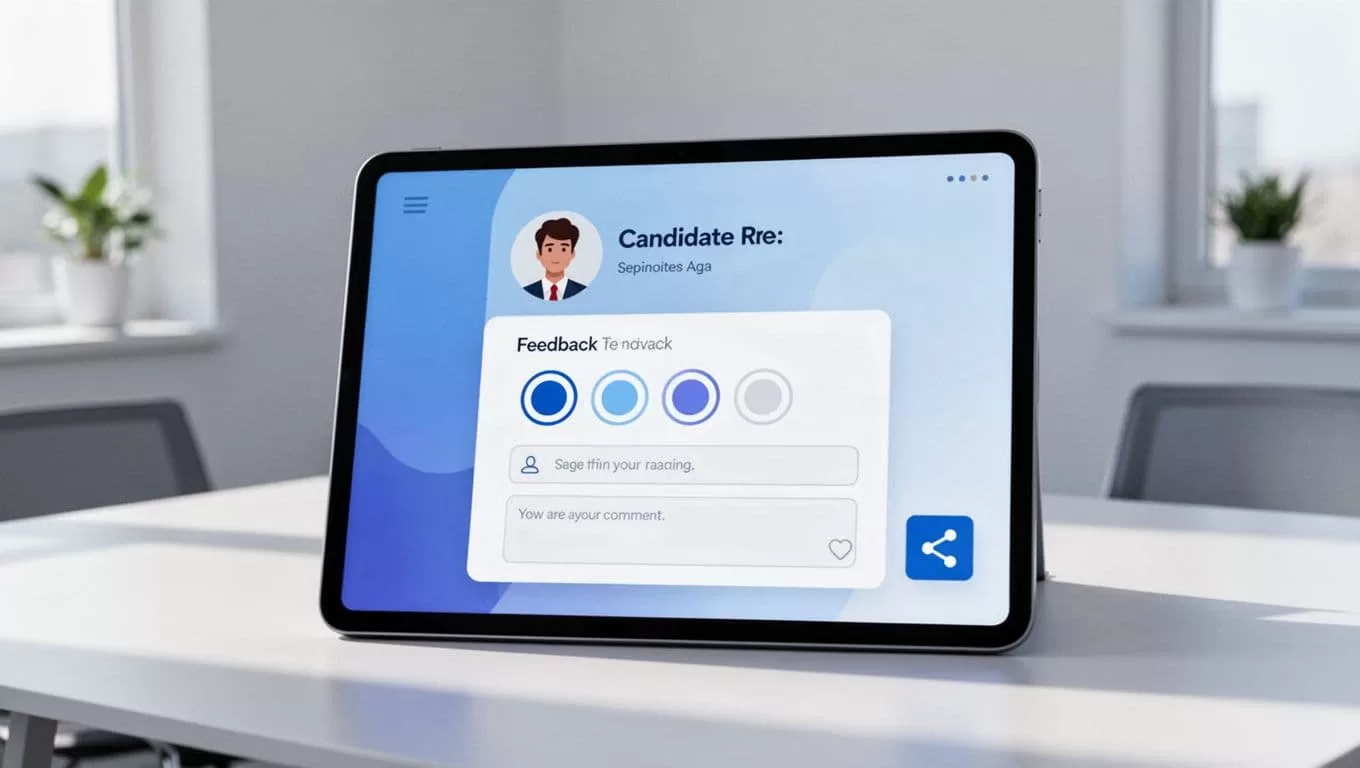
That test run tells me whether the team can move from interview to decision without hunting through email threads.
The workflow I use after every interview
This is the flow I use when the interview ends and the notes start piling up. It keeps everyone looking at the same record.
| Stage | What I do in Recruit CRM | Why it helps |
|---|---|---|
| Schedule | I sync calendars and confirm the meeting time | Fewer missed handoffs |
| Interview | I add notes and scores in the scorecard | Everyone uses the same rubric |
| Review | I check shared feedback and compare comments | The team reaches a decision faster |
| Decision | I send the next-step update or client submission | The candidate gets a clear answer |
If a client needs input, I use the submission flow and keep the reply simple. A clean yes or no is easier to chase than a vague comment. That also keeps the process moving when hiring managers are busy.
I like this workflow because it keeps the conversation tied to one candidate record. Nobody has to guess which email is current. Nobody has to rebuild the story from scattered notes.

How I roll it out across a hiring team
Rollout matters as much as setup. I’ve seen strong tools fail because the team never agreed on how to use them.
A scorecard is only useful if people fill it out before the memory fades.
I start with one short training session. Then I show the team how to score one mock interview together. That gives us a shared standard before the first live candidate comes in.
I also set a few simple rules:
- I ask for feedback within the same day, because fresh notes are sharper.
- I keep one person responsible for missing scorecards, so gaps don’t linger.
- I review patterns weekly, such as who gives fast feedback and who needs a nudge.
- I treat AI summaries as drafts, then I verify them before anyone makes a decision.
That last point matters in 2026. AI can save time, but hiring still needs human judgment. I use the tool to organize the work, not to replace the people making the call.
Conclusion
When I deploy interview feedback in Recruit CRM, I am not chasing more data. I am chasing a cleaner decision. The right setup keeps scorecards, permissions, scheduling, and follow-up in one place.
That matters most when hiring gets busy. The process stays readable, the team stays aligned, and the final call is easier to defend. When feedback is structured, it stops sounding like a memory contest and starts sounding like a decision.

