How to Make a Podcast Intro for Transistor.fm
A podcast intro does more than fill the first few seconds of an episode. It tells listeners what they’re hearing, who made it, and why they should stay. Transistor.fm handles podcast hosting, RSS feeds, publishing, analytics, and dist...
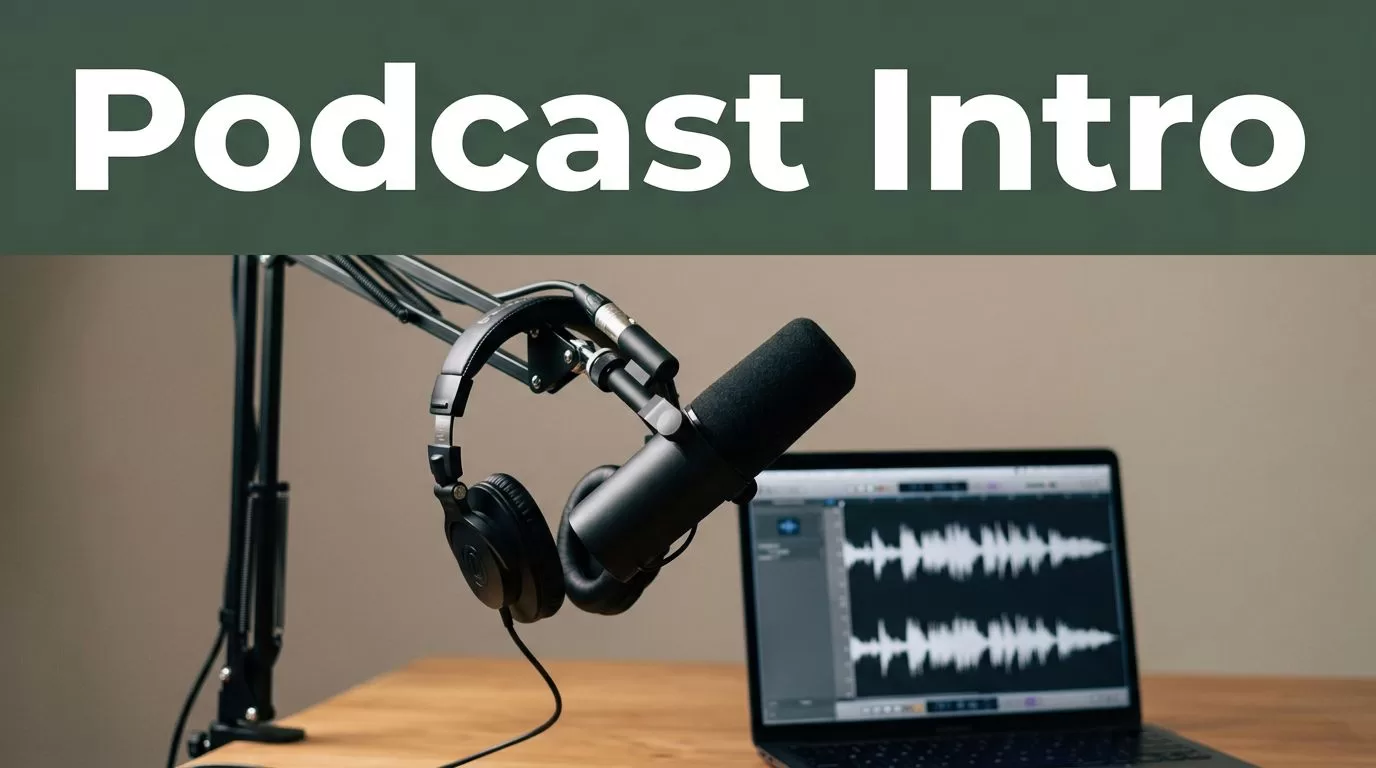
A podcast intro does more than fill the first few seconds of an episode. It tells listeners what they’re hearing, who made it, and why they should stay.
Transistor.fm handles podcast hosting, RSS feeds, publishing, analytics, and distribution. It isn’t an intro audio generator. You create the intro with an audio editor or production tool, then upload the finished episode to Transistor.
The process is simple when you separate the creative work from the publishing work.
Key Takeaways
- Create and edit your intro audio outside Transistor.fm.
- Keep the final intro short, clear, and consistent across episodes.
- Use music only when you have the proper license.
- Mix voice and music before uploading the episode.
- Use Transistor to host and publish the completed podcast episode.
Understand What Transistor.fm Does
Transistor.fm is your podcast hosting system. It stores your audio files, creates your RSS feed, provides podcast analytics, and helps distribute episodes to podcast apps.
You can review Transistor’s podcast hosting documentation for details about shows, episodes, RSS feeds, and publishing settings.
The intro itself is an audio asset. You create it before uploading the episode. Transistor doesn’t replace an audio editor, voice recorder, or music licensing service. It also doesn’t automatically write a script, record narration, select background music, or mix two audio tracks for you.
This distinction prevents a common workflow error. Some creators upload a short intro as its own episode and expect Transistor to place it before every future recording. That isn’t how a standard podcast feed works. An intro episode is a separate published item. It won’t automatically attach itself to other episodes.
You need to combine the intro with the episode in an editor first. The result becomes one complete audio file. You then upload that file to Transistor as the episode.
The basic workflow looks like this:
- Write a short intro script.
- Record the voiceover.
- Add music or sound design.
- Mix and export the final intro.
- Place the intro at the start of each episode.
- Upload the completed episode to Transistor.
- Add the episode title, description, artwork, and publishing date.
- Publish or schedule the episode.
Use the same intro for a consistent show identity. Replace it only when the show’s name, positioning, host, or format changes.
Transistor’s pricing and feature page can help you confirm which hosting and analytics features are available on your plan. Those features affect publishing and distribution. They don’t change how the intro audio is created.
Plan the Intro Before You Record It
A good intro needs one job. It should identify the show and set the listener’s expectation.
Don’t write a full explanation of the podcast. Listeners don’t need the show’s history, every topic you cover, or a long introduction to the host. Give them the information they need to recognize the episode.
For most shows, an intro between 8 and 15 seconds is enough. A longer opening can work for a narrative or branded production, but it needs a clear reason to exist.
Use this structure:
- Show name
- Host or company name
- Main topic
- Short reason to continue listening
For example:
“You’re listening to Gist Junction, the podcast for founders and technical operators who want practical advice on choosing, deploying, and securing business software. Now, here’s today’s episode.”
That script takes about 13 seconds at a natural speaking pace. It gives the listener the show name, audience, subject, and transition into the episode.
A shorter version works for a focused business podcast:
“This is Gist Junction, with practical guidance for deploying business software faster and safer. Let’s get started.”
Avoid claims you can’t support. Phrases such as “the number one podcast” or “the only show you need” make the intro sound promotional. State what the show covers instead.
Match the wording to the episode format. An interview show can use:
“You’re listening to Gist Junction, where operators share practical lessons from building and managing business systems. Here’s today’s conversation.”
A solo show can use:
“Welcome to Gist Junction. In each episode, we break down the tools and processes that help modern teams work better. Here’s today’s guide.”
Write the script for speech, not for a webpage. Short words sound better. Remove extra clauses. Read it aloud before recording. If you run out of breath, the sentence is too long.
Music should support the voice. It shouldn’t compete with it. Choose a track with a clear opening or a section that can fade under narration. Avoid busy melodies when the host needs to say the show’s name.
Check the license before using any track. Royalty-free doesn’t always mean free for every use. Review the license terms, commercial restrictions, attribution rules, and podcast permissions. Creative Commons licensing information explains how different licenses control reuse.
Create the Audio Asset
You can create a podcast intro maker workflow with common production tools. The tool matters less than the sequence.
Record the voiceover in a quiet room. Keep the microphone close enough for a strong signal, but not so close that plosives become obvious. Record several takes without changing your distance from the microphone.
Use an audio editor such as Audacity to remove mistakes, arrange the tracks, and export the result. The process is straightforward:
- Import or record the voiceover.
- Place the music on a separate track.
- Trim silence at the beginning and end.
- Reduce the music under the spoken words.
- Add a short fade-in and fade-out.
- Listen for clicks, breaths, distortion, and background noise.
- Export the finished intro.
Keep the voice at the center of the mix. Music usually needs to sit well below the narration. Start with the music around 18 to 24 decibels lower than the voice, then adjust by ear. The exact setting depends on the recording, music, microphone, and listener device.
Don’t use heavy noise reduction to fix a poor recording. Strong processing can create metallic or watery artifacts. Record again when the room noise, echo, or microphone position causes a major problem.
A useful intro has a clean start. Avoid opening with two seconds of silence, a loud click, or a music section that takes too long to build. Start the voice quickly unless the show’s style depends on a longer musical opening.
Keep the original project file and a high-quality master export. Store the voice track, music track, script, and license information in one project folder. Export a separate version for use inside episodes.
Before you approve the intro, test it through headphones, laptop speakers, and a phone. The voice should remain clear on all three. Small speakers expose muddy music and excessive bass quickly.
A common podcast production target is around -16 LUFS for stereo audio, with peaks kept below 0 dB. Many producers use -1 dBTP as a safety ceiling. These are production targets, not a Transistor.fm intro requirement. Check the delivery guidance for the podcast apps and production tools you use.
Adobe Podcast Enhance Speech can help with some spoken-word recordings, but don’t apply voice enhancement automatically. Compare the processed file with the original. Keep the version that sounds natural.
The intro should be recognizable after one listen. If the listener has to concentrate to understand the show name, the mix needs more work.
Add the Intro to Your Transistor.fm Workflow
Once the intro is finished, treat it as a reusable production component.
The cleanest approach is to place the intro at the start of every episode during editing. Open the episode project, import the intro file, and place it before the main recording. Add a short pause only if the transition needs breathing room.
Keep the intro separate from the main recording until the final edit. This makes it easier to remove, replace, or update later. If you permanently combine the intro with the raw recording too early, future edits become harder.
Use a consistent file naming system:
show-intro-master.wavshow-intro-episode-edit.wavshow-episode-042-final.mp3
The exact format depends on your production process and Transistor’s upload requirements. Keep a lossless master even if your final episode uses a compressed format.
After you attach the intro to the episode, listen to the first 30 seconds. Check the transition between music, narration, and the main recording. Confirm that the host doesn’t begin underneath the music unless that overlap is intentional.
Then upload the completed file to Transistor. Add the episode title and description in the publishing dashboard. Include the correct show, season, episode number, artwork, and release date.
Transistor sends the episode through the show’s RSS feed. Podcast apps then retrieve the published episode from that feed. The intro is part of the uploaded audio file, not a separate Transistor setting.
Keep episode metadata separate from the intro script. The episode title should describe the episode. Don’t repeat a long branded opening in the title or description.
If you publish a trailer, you can upload the trailer as its own episode. A trailer and a reusable intro have different purposes. The trailer introduces the full show. The intro introduces each individual episode.
Keep the Intro Consistent Without Making It Repetitive
Consistency helps listeners identify your show. Repetition can also become annoying when every episode starts with the same 30-second speech.
Keep the branded section short. Let the episode begin quickly. For interview shows, consider using the intro once, then moving directly into the guest or topic.
Review the intro every few months. Replace it when:
- The show’s name changes.
- The host or company changes.
- The audience changes.
- The podcast covers a different subject.
- The music license expires.
- The voiceover sounds outdated.
Don’t change the intro for every episode. Listeners need a stable audio identity. Make changes when the show itself changes.
Create a simple production checklist for your team. It should confirm that the intro is present, the voice is clear, the music is licensed, and the final file has been checked on more than one device.
Store the approved intro in a shared folder with restricted editing access. One accidental overwrite can affect every future episode. Keep the master project separate from files used for publishing.
If you use an automation system, trigger it after the final audio export. A file naming rule can move completed episodes into an upload folder. A team member should still review the audio before publication. Automation can move files. It can’t reliably judge whether a host sounds natural after a bad edit.
Use Transistor for the parts it handles well, including hosting, RSS distribution, publishing, and analytics. Use your audio editor for recording, mixing, and intro production. That division keeps the workflow easier to maintain.
Conclusion
A podcast intro maker workflow for Transistor.fm has two separate parts. You create the intro audio in a recording or editing tool, then use Transistor to host and publish the finished episode.
Write a short script. Record a clean voiceover. Mix the music below the narration. Save the master file and attach the final intro during episode editing.
A polished intro doesn’t need complex production. It needs clear words, controlled volume, proper music rights, and a repeatable publishing process. When those pieces are in place, Transistor can handle the distribution while your show starts every episode with the same reliable identity.
