Automate Portfolio Rebalancing Alerts With Twin.so
Portfolio drift rarely appears when you have time to inspect every account. A holding moves, cash sits idle, or a rebalance window passes while your spreadsheet stays unchanged. Portfolio rebalancing alerts give you a control point before a...

Portfolio drift rarely appears when you have time to inspect every account. A holding moves, cash sits idle, or a rebalance window passes while your spreadsheet stays unchanged.
Portfolio rebalancing alerts give you a control point before allocation changes become easy to miss. Twin.so can collect portfolio data, compare actual weights with target weights, record the result, and send a focused alert when a rule is met.
This setup monitors decisions. It doesn’t place trades by default. That separation keeps the workflow useful for DIY investors, advisors, and finance teams that need review before execution.
WHY PORTFOLIO DRIFT NEEDS AN ALERT WORKFLOW
Rebalancing starts with a comparison between your intended allocation and your current allocation.
If an account targets 60% equities and 40% bonds, the workflow checks the latest account values against those targets. A rise in equities could move the account to 66% equities and 34% bonds. The drift is six percentage points for each allocation.
That change doesn’t always require an immediate trade. It does require attention if it crosses the limit you selected.
A useful alert workflow checks more than asset weights. It can also monitor:
- Idle cash above a defined limit
- Missing holdings or duplicate securities
- Prices that haven’t updated
- Accounts that failed to refresh
- A target allocation that no longer matches the investment policy
- The number of days since the last review
Calendar-based reviews still have a place. They are easy to schedule, but they don’t react to changes between review dates. A threshold-based workflow checks the portfolio after each data refresh and notifies you only when a condition needs review.
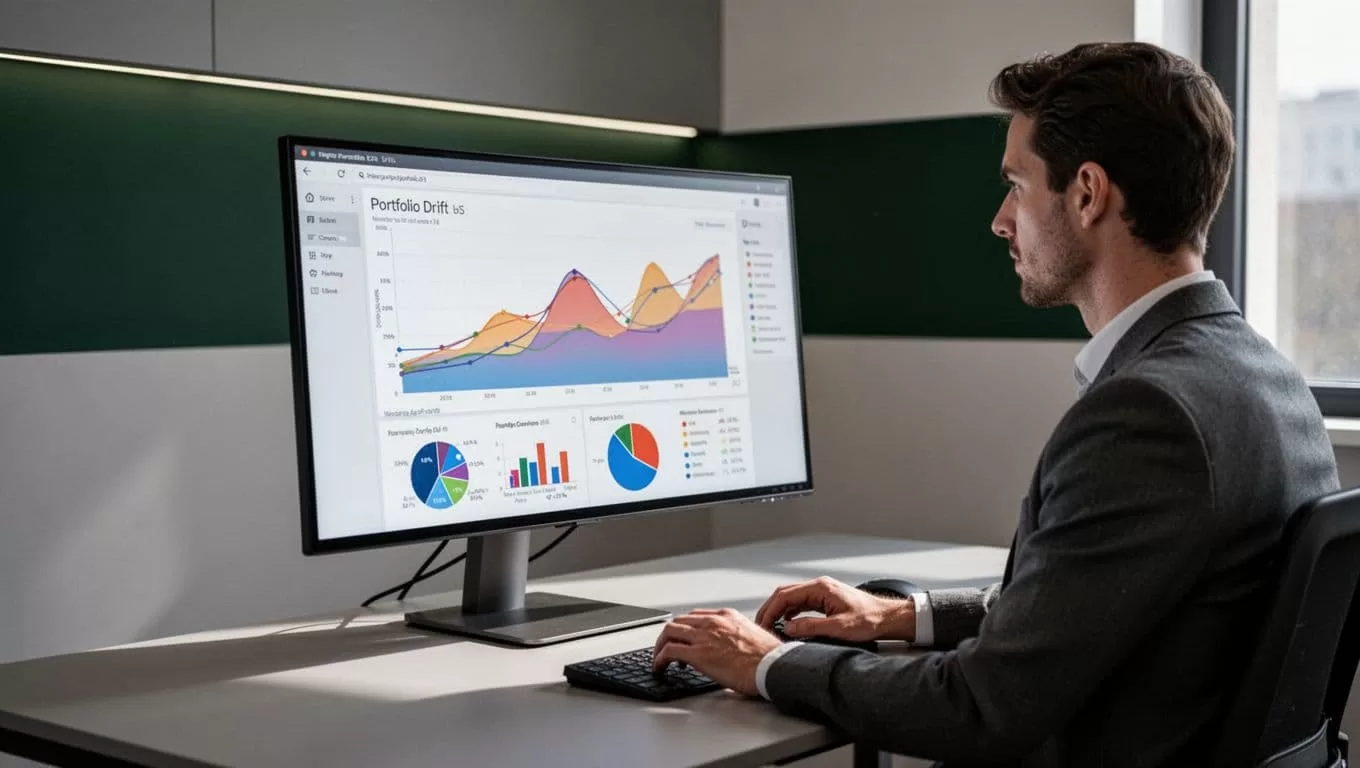
The objective is not to create more notifications. It is to move important portfolio changes into a queue someone can process.
WHAT TWIN.SO CAN MONITOR
Twin.so is a no-code AI agent platform for recurring workflows. You describe the process, connect the required systems, and set the conditions that start each run. Agents can run on demand, on a schedule, or through a trigger or API request.
For portfolio monitoring, the input may come from a brokerage portal, custodian export, spreadsheet, market-data service, or internal database. Twin.so supports browser automation and API-based integrations, so the workflow can collect information even when every system doesn’t offer the same connection method.
The Stooq integration shows a related use case. A scheduled agent can retrieve historical prices, follow a ticker watchlist, and produce portfolio summaries. You can apply the same workflow pattern to allocation monitoring when your source includes holdings, market values, and target weights.
Twin’s published Portfolio Signal Hunter workflow offers another useful pattern. It checks stocks and crypto pairs on a 15-minute schedule during US market hours, calculates indicators, scans news, logs signals, and sends grouped Telegram alerts. The important takeaway for rebalancing is the operating model:
- Collect fresh data.
- Apply defined rules.
- Save the result.
- Remove duplicate alerts.
- Send a message with enough context to act.
A custom workflow also lets you keep portfolio monitoring separate from trade execution. Before selecting a platform, compare those capabilities carefully with other portfolio rebalancing tools. Some products focus on drift detection, while others add order suggestions or one-click execution.
HOW TO BUILD PORTFOLIO REBALANCING ALERTS WITH TWIN.SO
1. Define the portfolio data contract
Start with the fields the agent must read. Don’t begin with a complicated prompt. Begin with a data structure that makes missing information visible.
At minimum, capture:
- Account or client identifier
- Security symbol and asset class
- Number of shares
- Latest price
- Market value
- Current portfolio weight
- Target portfolio weight
- Cash balance
- Data timestamp
The workflow needs a stable target allocation. Store targets in a spreadsheet, database, or approved portfolio system. Keep the target data separate from live account values so an accidental refresh doesn’t overwrite the policy.
For advisors, include the household, account type, and policy version. For internal teams, include the portfolio owner and reporting period. These fields make the alert useful after it leaves Twin.so.
2. Connect the permitted data sources
Use an API when the provider supports one and gives you the required fields. Use a browser workflow only when the access method is allowed and properly secured.
A practical setup can combine several sources. Twin.so may collect holdings from a portal, retrieve prices from a market-data source, and write calculated results to Google Sheets or a database. The calculation layer then compares each current weight with its target.
Verify the source before building the alert rule. A market-data feed may provide prices but not account holdings. A brokerage export may provide holdings but omit target weights. The workflow must handle both inputs before it can calculate meaningful drift.
3. Set the schedule or trigger
Choose a schedule that matches the data refresh cycle.
A daily check works when account values update once per day. A weekly check may suit long-term portfolios that don’t need frequent review. An event-based trigger makes sense when a new holdings file arrives or an upstream system finishes its refresh.
Avoid running the agent more often than the data changes. Frequent runs create repeated messages without adding new information.
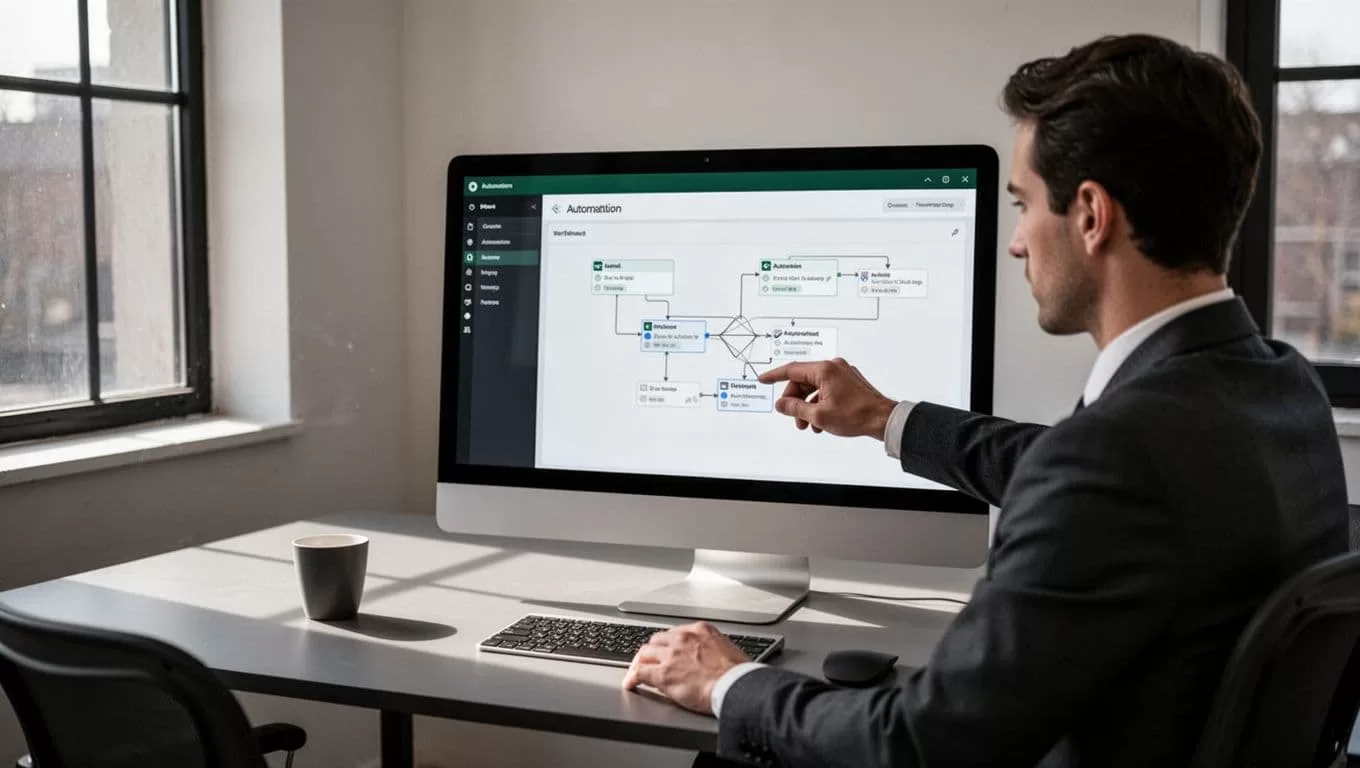
Twin.so triggers can run at fixed intervals, respond to an event in another application, or start through a backend request. Use one clear trigger for the first version. Add more paths after the basic workflow produces reliable results.
4. Calculate and classify the drift
Use a simple formula:
Current weight - Target weight = Allocation drift
Set the rule in percentage points. A current weight of 26% against a 20% target is a six percentage-point difference. Don’t describe it as a six percent difference, because that can create confusion in the alert.
The workflow should classify the result instead of sending every calculation. For example, it can label a result as normal, review, or data error. A review condition might occur when absolute drift crosses your selected limit. A data error might occur when a price is missing, the timestamp is stale, or the total portfolio value is zero.
Keep the calculation visible in the log. The reviewer should see the current weight, target weight, difference, source timestamp, and rule that fired.
5. Route, group, and record the alert
Send alerts to the channel your team already checks. Twin.so examples show Telegram notifications and spreadsheet updates. Webhooks can also pass results into another internal system.
Group related changes into one message per account or portfolio. A separate notification for every security creates noise and makes the account-level decision harder to review.
A useful message includes:
- Portfolio or account name
- Asset and current weight
- Target weight and drift
- Data timestamp
- Triggered threshold
- Link or reference to the source record
- Review status
Store each alert with a unique key such as account, symbol, date, and condition. Twin’s signal workflow uses deduplication based on date, symbol, and signal type. Use the same principle for allocation alerts so one unchanged condition doesn’t generate the same message on every run.
SET THRESHOLDS PEOPLE CAN ACT ON
A threshold is a control setting, not an investment recommendation. Select it based on the portfolio policy, account type, tax situation, trading costs, and review process.
Use different rules for allocation drift, data quality, and market signals. Mixing them into one alert makes the message harder to interpret.
| Condition | Sample rule | Alert action |
|---|---|---|
| Allocation drift | Absolute difference reaches 5 percentage points | Send account-level review alert |
| Idle cash | Cash exceeds the approved cash limit | Add cash review item |
| Stale data | Latest update exceeds the allowed age | Send data-quality alert |
| Missing position | Required symbol has no current value | Block allocation calculation |
| Market signal | A separate indicator rule fires | Route as market context, not a rebalance decision |
The sample values only show how a rule can be structured. They don’t tell you which thresholds to use.
Add a cooldown when the same condition remains open. You can also assign severity levels. A small drift may enter a weekly review queue. A large drift or missing account file may require same-day attention.
A good alert tells the reviewer what changed, how large the change is, when the data arrived, and what system produced it.
KEEP MONITORING SEPARATE FROM TRADE EXECUTION
An alert says that a rule fired. It doesn’t confirm that a trade is suitable, approved, placed, or settled.
Twin.so can collect data, run calculations, log results, and route notifications. That doesn’t make the alert an order management system. Do not label a portfolio as rebalanced because an agent detected drift.
A controlled process looks like this:
- Twin.so detects a threshold breach.
- The alert goes to an approved reviewer.
- The reviewer validates holdings, prices, targets, taxes, liquidity, and account restrictions.
- An authorized person decides whether to trade.
- The order system records the approved action.
- The portfolio is checked again after settlement.
DIY investors can use the alert as a review prompt. Advisors can add an approval queue and client-specific restrictions. Operations teams can retain the alert, decision, and execution records for audit purposes.
Don’t give a browser agent order-placement access during the first deployment. Start with read-only collection and notifications. Add execution only after access controls, approvals, exception handling, and testing are complete.
OPERATING RULES FOR A RELIABLE WORKFLOW
Test the workflow with known portfolio records before connecting live accounts. Confirm that total weights add up correctly, cash is included where required, and the agent handles missing prices without producing a false rebalance alert.
Validate every data refresh. A stale price can create fake drift. A missing position can make the portfolio appear underweight. A duplicated holding can inflate an asset’s calculated share.
Keep credentials restricted. Use separate accounts or permissions for data collection and trade execution. Record who owns the workflow, who receives alerts, and who can change thresholds.
Review alert volume after deployment. If the team ignores messages, the rules are too broad or the routing is wrong. If no alerts arrive, test the trigger, data source, calculation, and notification step separately.
This article is for educational purposes and isn’t financial advice. Validate portfolio data, thresholds, account rules, and investment decisions with appropriate professionals. Automated alerts don’t guarantee correct data, timely action, or optimal investment outcomes.
CONCLUSION
Portfolio rebalancing alerts work best when they connect reliable data with clear review rules. Twin.so can automate collection, scheduled checks, calculations, logging, deduplication, and notification without treating every threshold breach as an instruction to trade.
Start with one portfolio, one data source, and one alert condition. Validate the output against a trusted record, then expand the workflow only after the review process works. The useful result is not more automation. It is a dependable signal that tells you when a portfolio needs human attention.
