How I Find PR Contact Emails with Hunter.io
You spot a company ripe for a pitch. Their product aligns perfectly with your story. But the press page leads to a generic form. No direct PR contact email in sight. I face this weekly as a founder pitching journalists and marketers. Hunter...
You spot a company ripe for a pitch. Their product aligns perfectly with your story. But the press page leads to a generic form. No direct PR contact email in sight. I face this weekly as a founder pitching journalists and marketers.
Hunter.io changes that fast. It pulls public emails from domains without guesswork. I follow a clean process: search domains, spot patterns, verify, and reach out smartly. This keeps bounces low and inboxes happy.
Let’s walk through my exact steps. You’ll build lists that actually land replies.
Start with Domain Search on Hunter.io
I begin at the company’s website. Grab the domain, say techfirm.com. Head to Hunter.io and log in. Free plan gives 50 credits monthly, enough for starters.
Paste the domain into Domain Search. Results pop up in seconds. Emails list with names, titles, and departments. One credit per search. I scan for PR matches right away.
Filter by department next. Select “Public Relations” or “Marketing.” Hunter shows roles like PR Manager or Communications Director. Confidence scores guide me. High ones mean reliable sources.
This beats manual hunts. Last month, I targeted 20 tech firms. Domain Search revealed press@techfirm.com on 12. No scraping needed, just public data.

For deeper workflows, check my Hunter.io Email Finder Guide.
Spot Common PR Email Patterns
Patterns emerge quick in results. Most firms stick to one format. Hunter displays it at the top, like first.last@domain.com.
PR teams favor generics. Press@company.com tops the list. Pr@domain.com follows close. Sometimes media@ or communications@. I note these first.
For example, at newsite.com, I see pr@newsite.com and jdoe@newsite.com. Pattern: first initial last name. Apply it to the PR Director from LinkedIn.
Why patterns matter? They predict unlisted emails. But verify always. Guesses bounce otherwise.
Here’s what I see most:
| Pattern | Example | Common In |
|---|---|---|
| Generic PR | press@company.com | Startups |
| PR Alias | pr@domain.com | Agencies |
| Role-Based | communications@ | Corporates |
| Personal | first.last@ | Teams |
Soft lighting highlights these on my desk notes. Patterns save credits.

Hunter’s Email Finder tool predicts these too. Enter a name and domain for suggestions.
Target PR Roles with Email Finder
Domain Search maps the team. Now pinpoint individuals. Switch to Email Finder. Input full name and domain.
Say Sarah Lee at techfirm.com. Hunter suggests sarah.lee@techfirm.com with 92% confidence. Sources link back to the site.
Filter results by title: VP Public Relations, Press Officer. Avoid sales or unrelated roles. This sharpens your list.
Bulk mode handles multiples. Upload a CSV of prospects. Process saves time for outreach runs.
In 2026, filters improved. Department tags nail PR pros faster. I cross-check LinkedIn for current titles. Matches confirm.
This step builds precision. Broad lists spam; targeted ones reply.
Verify Your PR Contact Emails
Bounces kill reputations. I verify every address. Hunter’s Email Verifier costs one credit each.
Paste the PR contact email. Results show: valid (green), risky (yellow), invalid (red). Green means deliverable.
Catch-alls flag yellow. They accept all but bounce inside. Test sparingly. For details, see my Catch-All Email Verification with Hunter.io.
Bulk verify lists too. Export cleans to CSV. Auto-verify on paid plans speeds it.
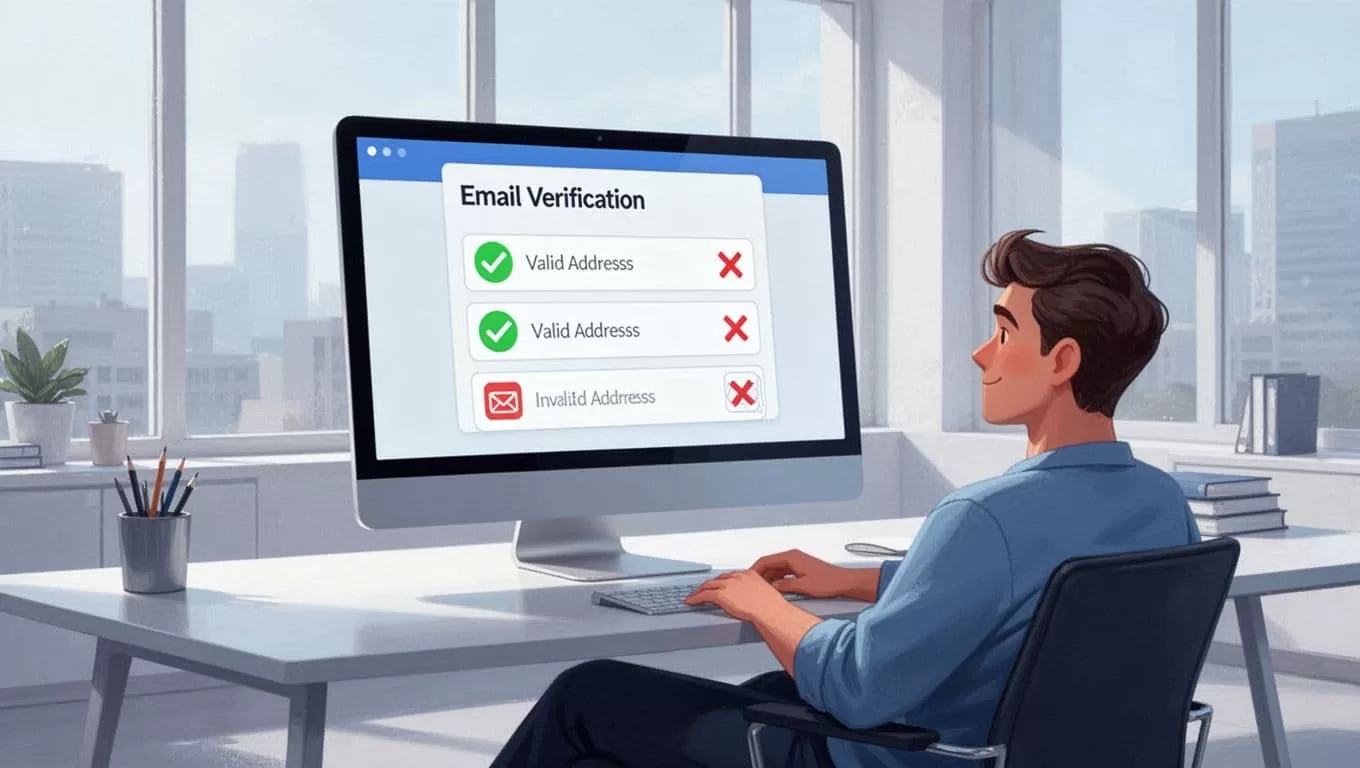
Official Hunter verification guide explains scores. Always verify before sequences.
Handle Missing Dedicated PR Emails
No press@? Don’t panic. Use patterns from other emails. First.last@ works for the Comms Lead.
Check site footers or LinkedIn. Sometimes info@ routes to PR. Verify it anyway.
If slim pickings, pivot. Contact via Twitter or forms first. Builds rapport.
My corporate email patterns guide covers alternatives.
Stay Compliant in PR Outreach
Public data only. No spam blasts. CAN-SPAM requires opt-outs and relevance.
Personalize pitches. “Saw your AWS launch” beats generics. Track opens.
Hunter integrates with CRMs. Free browser extension spots emails on sites.
Plans start free, scale to $49 monthly. Credits fit volumes.
Put It All Together for Real Wins
Hunter.io turns PR hunts into routine wins. Start with domains, spot patterns, verify rigorously. Compliance keeps you safe.
I landed three features last week this way. Clean lists mean more yeses.
Try one domain today. What’s your first pitch? Build smart, pitch sharper.
(Word count: 982)
