Deploy Procurement Automation Software Via Twin.so
A procurement queue can look healthy while requests sit in inboxes, approvals stall, and invoices wait for manual checks. You need a controlled workflow that moves each request through the right systems without removing human review where r...
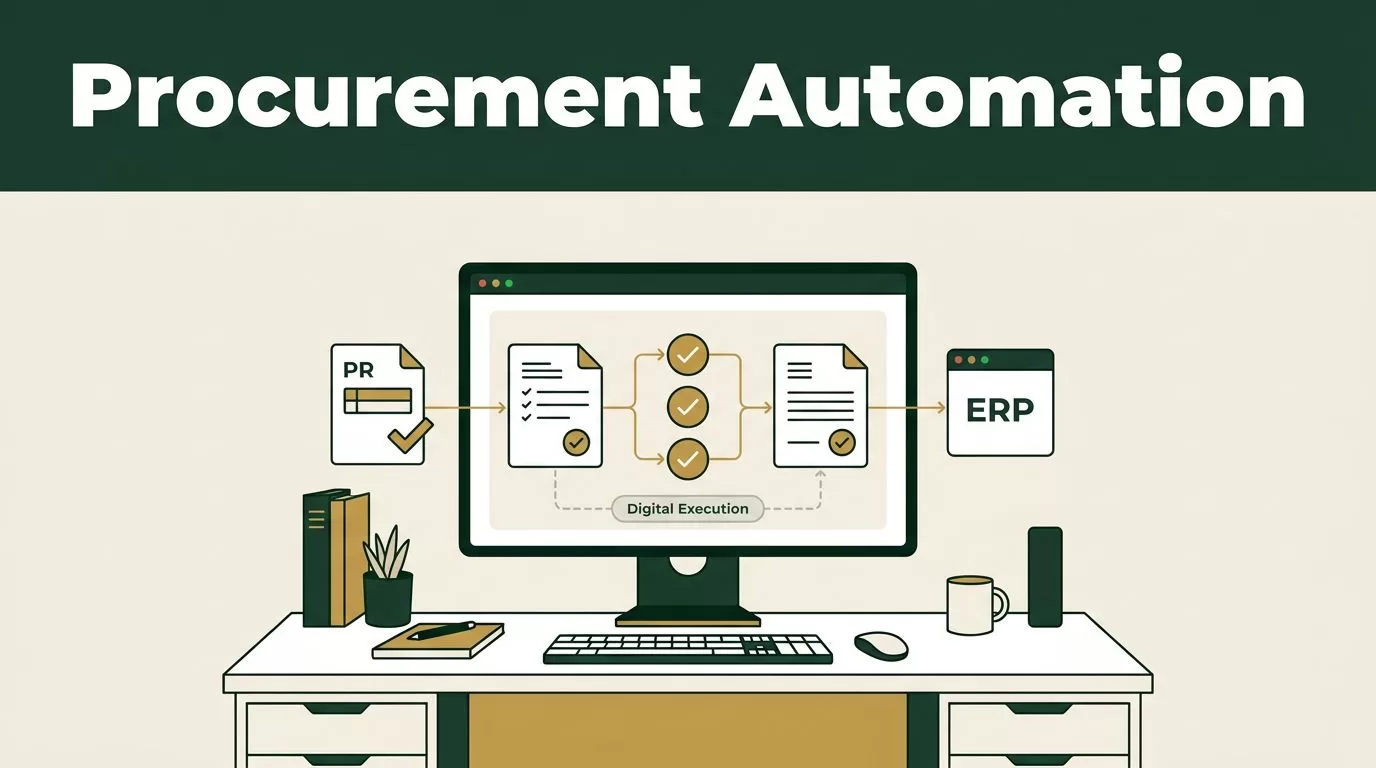
A procurement queue can look healthy while requests sit in inboxes, approvals stall, and invoices wait for manual checks. You need a controlled workflow that moves each request through the right systems without removing human review where risk is high.
Procurement automation software deployed through Twin.so can provide that operating layer. Twin.so can run repeatable actions across approved procurement tools, while your ERP, accounting platform, or procurement system remains the source of record. Start with the process, data, and controls before you automate any action.
What Twin.so Should Handle in Procurement
Treat Twin.so as the execution layer for repetitive procurement work. It should receive structured requests, retrieve information, apply defined rules, and update the systems your teams already use.
A typical workflow includes:
- An employee submits a purchase request through an approved intake channel.
- Twin.so captures the requester, department, cost center, category, amount, supplier, and required date.
- The workflow checks policy rules and identifies missing information.
- The request moves to the correct approver based on amount, category, risk, or department.
- An approved request creates a purchase order in the procurement or ERP system.
- The supplier record and contract data are checked before the order is released.
- The invoice is matched against the purchase order and receipt.
- Exceptions move to a human review queue with a full activity log.
This structure covers the main procurement cycle without forcing every request through the same path. A low-value software renewal may need one manager approval. A new security vendor may need finance, legal, IT, and security review.
Procurify’s procurement automation guide separates rules-based automation, AI-assisted workflows, and more advanced agentic processes. That distinction matters during deployment. Use fixed rules for approval thresholds and budget checks. Use assisted automation for document extraction or category suggestions. Restrict autonomous actions when the workflow involves sensitive vendors, unusual payment terms, or high-value commitments.
Twin.so shouldn’t become a second procurement database. Store authoritative supplier, contract, budget, and payment records in the system built to manage them. Use Twin.so to move information between systems, trigger actions, and report exceptions.
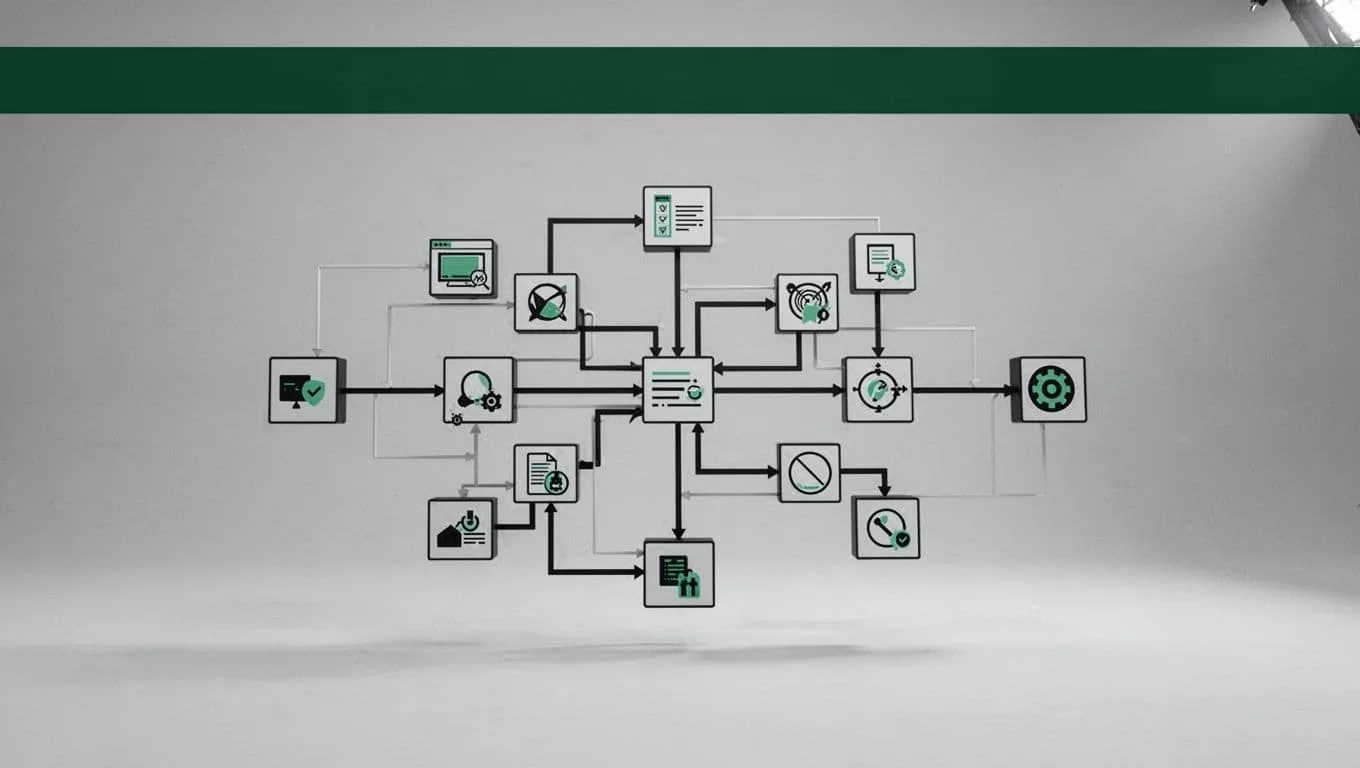
Build the Operating Model Before You Connect Tools
Automation exposes weak process design. If approval rules are unclear or supplier records contain duplicates, Twin.so will move bad information faster.
Document the current workflow first. Record how a request enters the business, who reviews it, where the budget is checked, how the purchase order is created, and how the invoice is approved. Mark every manual handoff. These handoffs are the first candidates for automation.
Capture a baseline for the outcomes that matter:
| Metric | How to measure it |
|---|---|
| Request cycle time | Time from submission to approved purchase order |
| Approval delay | Time spent waiting with each approver |
| Policy compliance | Percentage of purchases using approved suppliers and categories |
| Spend visibility | Percentage of spend tied to a request, PO, supplier, and category |
| Invoice error rate | Duplicate, mismatched, or manually corrected invoices |
| Exception volume | Requests requiring manual intervention |
Set targets after collecting two to four weeks of baseline data. Do not promise a cycle-time reduction before you know where delays occur.
Next, define the procurement data model. At minimum, standardize department names, cost centers, supplier IDs, categories, contract references, approval limits, and currency rules. Clean duplicate supplier records before connecting automation. Organize policies and templates in a controlled repository so the workflow uses current documents.
Create an access matrix before deployment. The matrix should show which users can submit requests, approve spending, edit supplier records, release purchase orders, approve invoices, and change workflow rules. Tie every action to an individual identity. Shared credentials make audit investigations difficult.
Plan the rollout in stages. Ivalua’s 2026 procurement automation buying guide cites three to six months as a typical range for an initial procurement software go-live. Your timeline will depend on data quality, integrations, entity count, and approval complexity.
How to Deploy Procurement Automation Software Via Twin.so
Use a narrow workflow for the first release. A standard indirect purchase process is a better starting point than a complex strategic sourcing process with multiple legal and supplier dependencies.
1. Define one request path
Choose one category, department, or entity for the pilot. Write the process in plain language:
- The requester submits the purchase need.
- The system validates required fields.
- The workflow checks budget and supplier status.
- The assigned approver reviews the request.
- Twin.so creates or updates the purchase order.
- Finance receives the approved record.
- The invoice enters matching and payment review.
Specify what happens when information is missing. The workflow should return the request to the requester with a clear reason. It shouldn’t create incomplete records that finance must repair later.
Keep the intake form short. Ask for information required to make the decision. Add conditional fields for software, services, travel, equipment, or regulated purchases instead of showing every field to every employee.
2. Connect the source systems
List every application involved in the workflow. This may include an intake form, procurement platform, ERP, accounting system, contract repository, identity provider, and accounts payable tool.
Use a native connector when it supports the required fields and actions. If one isn’t available, evaluate an API, webhook, file transfer, or browser-based action supported by your Twin.so plan. Test both successful and failed transactions before production.
Define the data direction for every field. For example, the ERP may own cost centers, the procurement system may own purchase orders, and the supplier platform may own onboarding status. Twin.so should read and update those records without creating competing values.
Start with test accounts and non-production records. Confirm that the workflow handles time zones, currencies, duplicate submissions, expired sessions, and rejected API calls.
3. Configure approval rules
Build approvals around amount, category, risk, department, and supplier status. Avoid one long approval chain for every request. It slows low-risk purchases and teaches users to bypass the process.
Use parallel review when teams can evaluate the request at the same time. A new SaaS supplier may need security and legal review before finance issues a PO. A pre-approved office supply order may need only budget-owner approval.
Set escalation timers. A stalled approval should notify the approver, then route to a defined backup. Record every reassignment, rejection, edit, and approval in the audit trail.
High-value or unusual requests need a human stop. Require manual review for new bank details, supplier changes, non-standard payment terms, restricted categories, and purchases above the executive threshold.
4. Automate POs and invoice matching
After approval, Twin.so can create a purchase order using approved supplier and budget data. The PO should include the correct entity, currency, line items, delivery details, payment terms, and requester reference.
Send the PO only after a final validation step. A typo in a supplier ID can send a legitimate order to the wrong account.
Use two-way matching when the process compares a PO with an invoice. Use three-way matching when it compares the PO, receipt, and invoice. Route quantity, price, tax, and supplier mismatches to an exception queue instead of forcing an automatic payment.
A purchase order software implementation guide covers the connection between PO controls, approval automation, and spend visibility. Apply the same principle in your Twin.so workflow. The order is a control record, not a message sent after the purchase happened.
5. Pilot with real exceptions
Run the pilot with real requests, but keep the scope controlled. Compare automated results with the old process for a defined period. Review every exception during the first weeks.
Track whether Twin.so:
- Extracts the correct supplier, amount, and category.
- Selects the correct approver.
- Creates complete purchase orders.
- Prevents duplicate submissions.
- Preserves links between requests, POs, receipts, and invoices.
- Handles rejected, withdrawn, and edited requests.
- Produces usable logs for finance and audit teams.
Only expand the workflow after the pilot meets its accuracy, compliance, and cycle-time targets.
Governance, Security, and Failure Controls
Automation creates operational risk when it has excessive permissions or unclear boundaries. The solution isn’t to automate less. It is to make each automated action limited, visible, and reversible.
Use least-privilege access. Give Twin.so only the permissions required for the workflow. Separate read access from write access. A workflow that checks supplier status doesn’t need permission to change bank details.
Protect sensitive data. Procurement workflows may contain employee information, contract terms, tax details, and supplier banking records. Confirm where data is processed, how long logs are retained, how credentials are stored, and whether your company can delete or export workflow data.
Create controls for common failures:
- Stop processing when a supplier record has conflicting identifiers.
- Require review when invoice totals differ from the PO.
- Block requests that exceed the available budget.
- Flag duplicate invoices using invoice number, supplier, amount, and date.
- Pause actions when a session expires or an integration returns an error.
- Preserve the original request when a user edits a field.
- Send failed actions to an owner with a retry path.
Keep a manual fallback. If Twin.so or an integrated system becomes unavailable, employees need a documented temporary process. Reconcile every manually processed request after service returns.
Review automation logs weekly during the pilot and monthly after stabilization. Look for repeated exceptions, unexpected permissions, inactive approvers, and actions that require too many retries.
Questions to Ask Before Deployment
A procurement automation software evaluation should test actual workflow behavior, not only feature lists. Ask Twin.so and each connected vendor:
- Which procurement, ERP, accounting, identity, and contract systems can it connect to?
- Does the connection use an API, native integration, webhook, file exchange, or browser action?
- What happens when a field is missing, a page changes, or an integration fails?
- Can every action be tied to a named user, workflow version, and timestamp?
- Can you restrict actions by entity, role, category, amount, and supplier?
- How are credentials, tokens, and sensitive documents protected?
- Can the workflow pause for human approval before a purchase order or payment action?
- Can you export logs, request data, and exception history?
- How do you test changes without affecting production records?
- What support covers workflow design, connector failures, and upgrades?
Use an implementation guide such as Tyasuite’s procurement software deployment overview to compare planning areas, then validate each answer against your own process.
Review performance using the baseline metrics. Cycle time should fall without a lower compliance rate. Spend visibility should improve without increasing exception volume beyond the team’s capacity. Error reduction should come from better validation, not from hiding failed transactions.
Conclusion
Deploying procurement automation software through Twin.so works best when the workflow has clear data ownership, limited permissions, and defined human review points. Start with one purchasing path. Clean the records, connect the systems, configure approval rules, and measure every handoff.
Twin.so can reduce repetitive work, but the operating model determines the result. Keep the procurement or ERP platform as the source of record, send uncertain cases to people, and expand only after the pilot proves better cycle time, compliance, spend visibility, and error control.
