Scale Veterinary Software Automation With Twin.so
Every new location adds more than exam rooms. It adds calls, reminders, invoices, follow-ups, inventory checks, and staff handoffs. Veterinary software automation gives practice owners a way to handle that operational load without adding ma...

Every new location adds more than exam rooms. It adds calls, reminders, invoices, follow-ups, inventory checks, and staff handoffs. Veterinary software automation gives practice owners a way to handle that operational load without adding manual work at every step.
Twin.so fits into this model as an automation platform for veterinary operations. It can help organize repeatable administrative workflows, route tasks, and create consistent processes across teams. The rollout needs clear limits. Automation can support clinic operations, but it can’t replace veterinary judgment or patient care.
How veterinary software automation scales operations
Most practices don’t have a single administrative problem. They have dozens of small delays that repeat every day.
A receptionist confirms appointments manually. A technician waits for a treatment task to appear. A manager checks stock across locations. A client calls because nobody sent the follow-up message. Each task looks manageable in isolation. Together, they consume hours and create inconsistent service.
Common automation targets include:
- Appointment confirmations, reminders, cancellations, and rescheduling requests.
- Client messages for routine follow-ups, refills, wellness reminders, and forms.
- Invoice preparation, payment reminders, and internal billing tasks.
- Inventory alerts, purchase requests, and location-level stock reviews.
- Reports that collect operating data for managers and practice owners.
Veterinary practice management products already show how broad these workflows can be. Digitail’s veterinary practice management platform highlights scheduling, billing, reporting, records, and client communication in one operating environment. Demandforce’s veterinary software guide also describes automated reminders, scheduling, invoicing, messaging, and payment processing.
Twin.so should be assessed against the same operational needs, but with a workflow-first lens. The question isn’t whether the platform has the longest feature list. The question is whether it can handle your actual triggers, decisions, actions, and exceptions.

Where Twin.so fits in a veterinary workflow
A practice management system stores core information. An automation platform helps move work based on that information.
For example, an appointment status may change to “confirmed.” That event can start an administrative workflow. The workflow may send an approved reminder, create an intake task, and notify the front desk if the client doesn’t respond. The patient record remains the source of truth. Twin.so coordinates the next actions only when the setup supports them.
This distinction matters because you shouldn’t assume that every veterinary system connects to every automation platform. Confirm the available data sources, permissions, integration methods, and failure behavior before you design a production workflow.
A useful Twin.so workflow has five parts:
- Trigger: An appointment is booked, a payment becomes overdue, or stock falls below a set threshold.
- Rules: The system checks location, appointment type, client status, or task owner.
- Action: It sends an approved message, creates a task, updates a field, or routes work to a team.
- Exception: It stops when data is missing, a client replies with an urgent concern, or the case falls outside the rule.
- Record: The practice can see what happened, when it happened, and who owns the next step.
Client communication is a strong starting point because the rules are easier to define. Covetrus Pulse lists online scheduling, automated reminders, texting, and payment tools among its workflow functions. Its veterinary productivity software information is useful when comparing the types of front-office processes practices commonly automate.
Twin.so can add value when it reduces the number of manual handoffs between these systems. It shouldn’t create a second version of the patient record.
Automate repeatable work
Use automation for tasks with a clear input and a predictable output.
A completed appointment can create a follow-up task. A missed appointment can send an approved rescheduling message. An unpaid invoice can create a staff task after a defined number of days.
These actions don’t require a new clinical decision. They require a reliable process.
Route exceptions to people
Automation should stop when the situation needs interpretation.
A client message that mentions breathing difficulty, severe pain, poisoning, or rapid deterioration should go to trained staff under the practice’s existing triage process. It shouldn’t receive an automated medical answer from a general workflow.
Start with administrative workflows, not clinical decisions
The safest deployment boundary is simple: automate coordination, not care.
Twin.so can support the administrative steps around a visit, but the veterinarian remains responsible for diagnosis, treatment selection, prescribing, dosing, and patient-specific instructions. The same rule applies to AI-assisted notes or summaries. A draft can reduce typing. A licensed professional must review and approve the clinical content before it becomes part of the record.
Start with workflows that have low clinical risk and clear ownership:
- Send a reminder after an appointment reaches a confirmed status.
- Create a follow-up task when a visit is marked complete.
- Route unanswered client messages to the correct location or queue.
- Notify a manager when an invoice remains unpaid past a defined period.
- Create an inventory review task when a tracked item reaches its reorder point.
- Produce a weekly report showing open tasks, missed appointments, and overdue balances.
Build each workflow around the data your practice already maintains. Don’t ask staff to enter new fields unless those fields support a clear decision.
A workflow for vaccine reminders, for example, should not decide that a patient is medically due for a vaccine. It can identify a record based on a practice-approved schedule, create a review task, and prepare a message for staff approval. The clinical team still confirms eligibility and timing.
The best first automation is boring, repeatable, and easy to stop. If staff can’t explain the rule, don’t deploy it yet.
Test every workflow with real operating conditions. Use a small set of records that includes complete data, missing data, duplicate records, cancelled visits, and client replies. Check whether Twin.so performs the correct action in each case. Then verify that staff can pause the process and complete the task manually.
Keep a fallback process for every automated workflow. If a connection fails or a rule produces an error, the team needs a visible queue rather than a silent failure.
A phased implementation plan for practice size
Don’t automate the entire practice in one release. Start with one workflow, measure it, and expand after staff can operate it without confusion.
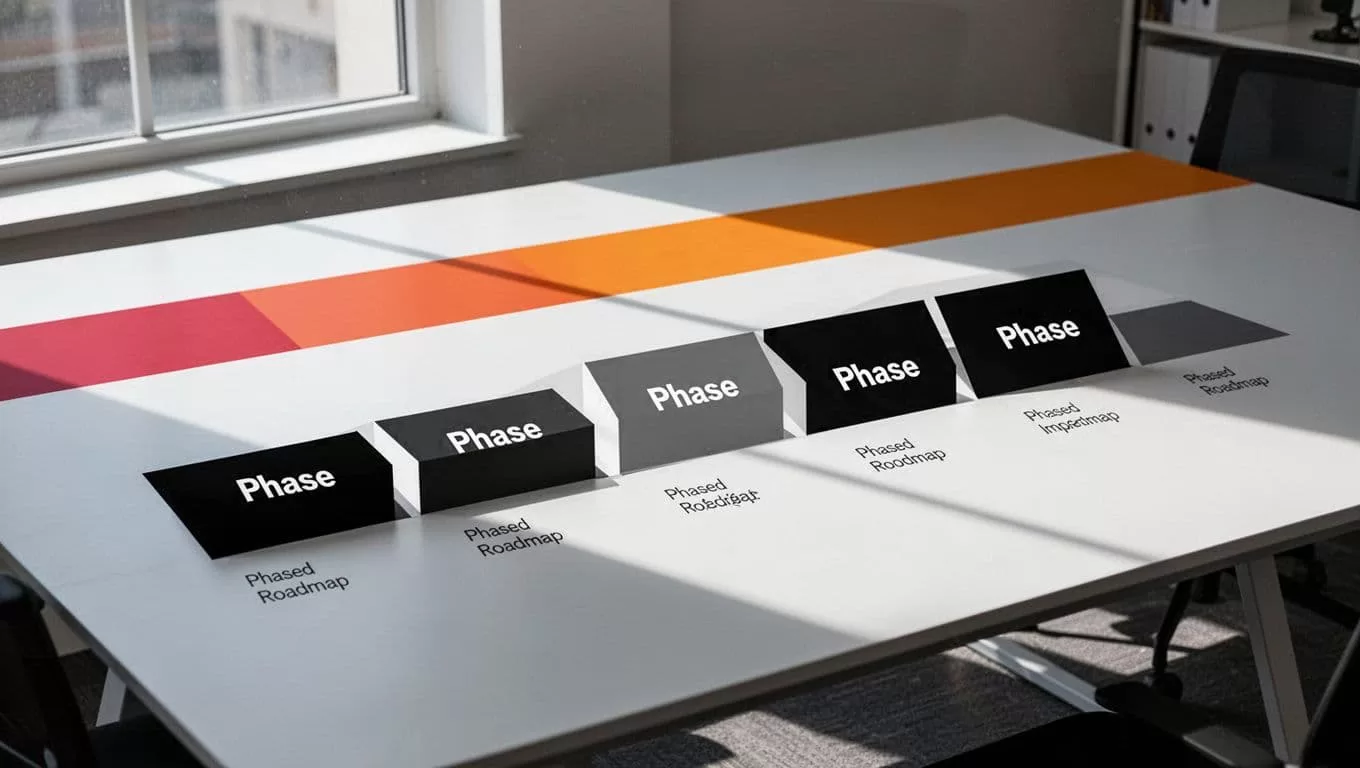
The right first phase depends on the practice’s size and process maturity.
| Practice profile | Start with | Move forward when |
|---|---|---|
| Single-location clinic | Appointment reminders or follow-up tasks | Staff trust the queue and exceptions are handled |
| Growing practice group | Client messaging, billing tasks, and reporting | Locations use shared rules with local controls |
| Multi-location network | Central standards, routing, and manager dashboards | Ownership, permissions, and escalation paths are documented |
Phase one: map the current process
Choose one workflow that creates visible administrative work. Document its current path from trigger to completion.
Record the system that holds the source data. Identify the staff member who owns the task. List the exceptions that require human review. Measure the baseline with a practical number, such as manual messages sent per week, open follow-up tasks, or hours spent preparing a report.
Avoid starting with a workflow that depends on several unverified integrations. A smaller process with reliable data is a better test.
Phase two: deploy one controlled workflow
Configure Twin.so for a limited location, team, or appointment type. Use approved message templates. Set clear permissions. Give staff a way to see the action history and override the workflow.
Run the process in a monitored period. Review failed actions, duplicate tasks, client replies, and staff corrections. These issues show where the rule needs adjustment.
Phase three: standardize the operating model
Once the workflow works, document the rule in plain language. State what starts it, what Twin.so does, what stops it, and who owns the exception.
Then apply the pattern to a second workflow. Keep location-specific differences separate from shared standards. A group may use one reminder policy while allowing each clinic to control appointment windows or escalation contacts.
Phase four: expand across locations
Add locations only after the process has a named owner. Review access by role. Confirm that messages use the correct clinic details. Test reporting at both location and group levels.
Multi-location automation fails when shared rules hide local exceptions. Give managers a way to review activity by site, not only through one combined dashboard.
Measure workload reduction before adding more automations
Automation needs an operating scorecard. Track results that show whether work moved out of manual queues without creating new problems.
Useful measures include:
- Manual touches per appointment.
- Time spent sending reminders and preparing reports.
- Follow-up tasks completed within the practice target.
- Unanswered client messages by location.
- Duplicate or failed automated actions.
- Invoice tasks that require staff correction.
- Inventory alerts reviewed within the assigned timeframe.
- Staff overrides and the reason for each override.
Don’t treat message volume as success. A system that sends more messages but creates more client replies can increase workload. Review both the automated action and the work it produces afterward.
Check quality at the same time. Sample records each week. Confirm that the message went to the right client, the task reached the right team, and the record shows an accurate status. For clinical-adjacent workflows, confirm that staff review happened before any patient-specific instruction was delivered.
Twin.so should also fit your existing governance model. Ask where workflow data is stored, how access is restricted, how changes are logged, and what happens when a source system is unavailable. Confirm retention, security, support, and contract terms before production use. Don’t assume compliance or security controls without reviewing the vendor’s current documentation and agreement.
The operational target is not maximum automation. It is fewer manual handoffs with clear human control.
Conclusion
Veterinary software automation works best when it removes repeatable administrative work and leaves clinical decisions with qualified professionals. Twin.so can support that model when you define reliable triggers, approved actions, exception paths, and accountable owners.
Start with one workflow. Measure manual effort and correction rates. Then expand across teams and locations only after the process is stable. A controlled rollout gives your practice scale without turning automation into another system staff must constantly repair.
