Automate Property Analysis Reports With Twin.so
A property analysis report is only useful when its inputs are current, its calculations are consistent, and its assumptions are visible. Acquisition teams often lose hours collecting rent rolls, operating statements, market data, and loan t...

A property analysis report is only useful when its inputs are current, its calculations are consistent, and its assumptions are visible. Acquisition teams often lose hours collecting rent rolls, operating statements, market data, and loan terms before writing the same report again.
You can automate property analysis reports on Twin.so by connecting approved sources to a fixed data schema, calculation model, report template, and review queue. Twin handles repetitive collection and document preparation. Your team still decides whether the property deserves an offer.
How to Automate Property Analysis Reports on Twin.so
Start with the report structure, not the automation prompt. Define the fields, sources, formulas, output location, and approval owner before you build the workflow.
Twin’s current public documentation describes scheduled agents, event-based triggers, OAuth connections, and browser automation in its quickstart documentation. Its Orchestrator can turn a plain-language request into an automation that uses connected tools and triggers. The Orchestrator documentation explains that operating model.
Define the property record
Create one record for each property or deal. Use a stable property ID instead of relying on the street address alone.
Your input schema should include:
- Property ID, address, asset type, unit count, and year built
- Asking price, expected purchase price, closing costs, and renovation budget
- Current rent, market rent, other income, and vacancy assumptions
- Property taxes, insurance, utilities, payroll, management, repairs, and recurring reserves
- Loan amount, interest rate, amortization period, fees, and annual debt service
- Source URL or file name, capture date, reporting period, and review status
Keep original source values beside normalized values. For example, store both “$4,500 per month” and 4500 with a field that identifies the currency and period. This prevents a monthly value from entering an annual formula.
Use APIs before browser automation
Use a structured API, approved file import, or spreadsheet connection when it provides the required data. Use browser automation only when the source is authorized and no suitable API exists.
Twin’s Web Agent documentation describes browser-driven actions such as logging in, navigating pages, reading tables, extracting data, and downloading files. These steps are useful for permitted portals, but page layouts and labels can change. A browser workflow can also return incomplete data without producing a clear technical error.
Set the workflow to stop when a page changes, a required field disappears, a session expires, or two sources conflict. Do not let it publish a report from partial data.
Choose triggers and destinations
Use an event trigger when a new property enters your pipeline. Use a schedule for recurring monitoring, such as weekly rent updates or monthly operating statements.
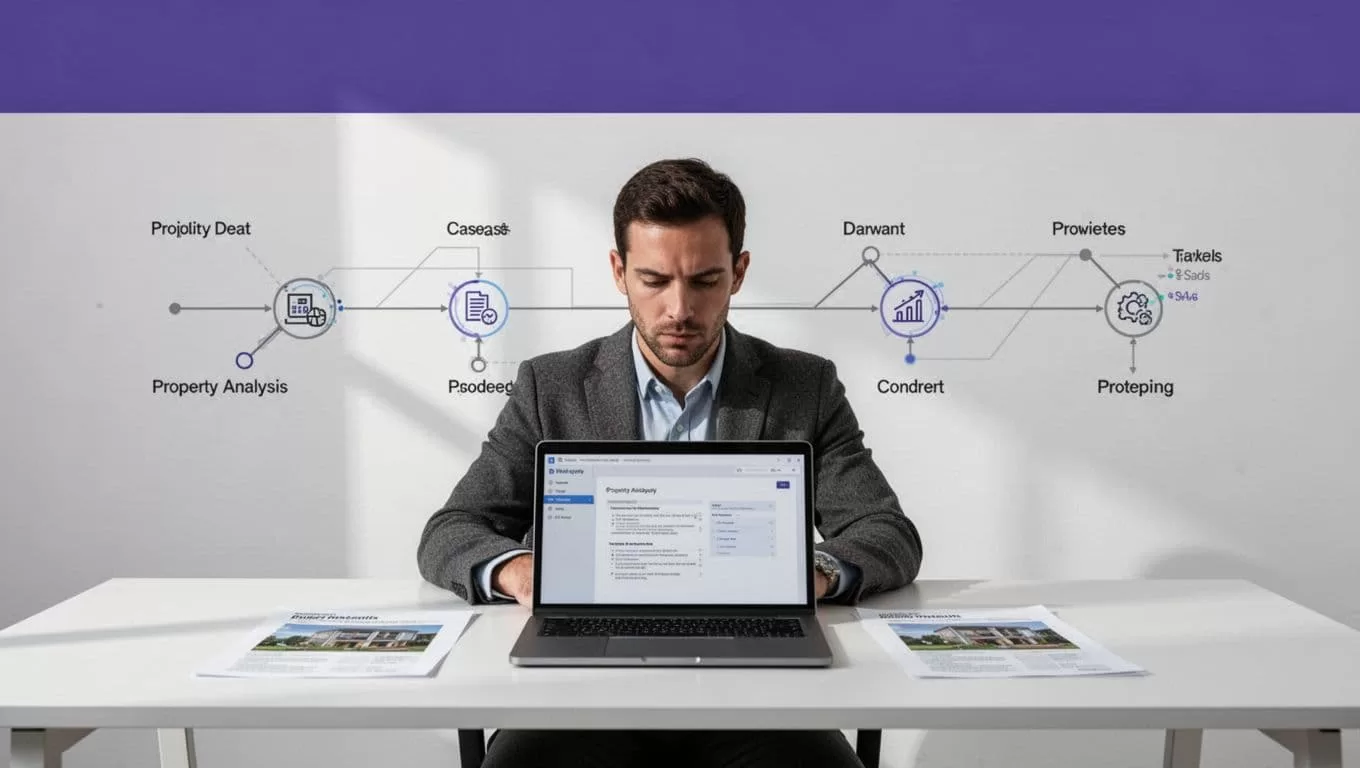
A practical workflow looks like this:
- A new property row or source file triggers the Twin agent.
- Twin retrieves approved data from connected apps, files, or authorized websites.
- The agent maps the data into the property schema.
- A calculation sheet applies the approved formulas.
- Twin writes the result to a report template.
- The report enters a “Needs Review” folder or approval queue.
- The analyst approves, rejects, or returns the report for correction.
Store the final report separately from the source files and previous versions. Preserve the source URL, file name, capture date, workflow run ID, and reviewer decision.
Build a Consistent Report Structure
A fixed report template prevents every analyst from presenting the same deal differently. It also makes reports easier to compare across a portfolio.
Use these sections in the report.
| Report section | Required content |
|---|---|
| Executive summary | Price, asset type, unit count, location, headline returns, and review status |
| Property facts | Address, size, units, occupancy, condition, and source dates |
| Income analysis | Scheduled rent, other income, vacancy, concessions, and effective gross income |
| Expense analysis | Taxes, insurance, utilities, payroll, repairs, management, and reserves |
| Financing | Loan amount, rate, term, amortization, fees, and annual debt service |
| Returns | NOI, cap rate, DSCR, cash flow, cash-on-cash return, and exit assumptions |
| Risks | Deferred maintenance, rent assumptions, concentration, lease issues, and data gaps |
| Audit trail | Source files, formulas, run date, exceptions, and reviewer signoff |
Keep calculations deterministic
Do not ask Twin to “estimate the returns” from an unstructured document. Let the workflow extract inputs, then send those inputs to a controlled spreadsheet or calculation model.
Use standard formulas:
- Effective gross income = scheduled rental income + other income – vacancy and credit loss
- Net operating income = effective gross income – operating expenses
- Cap rate = net operating income / purchase price
- DSCR = net operating income / annual debt service
- Cash flow before tax = net operating income – annual debt service – recurring capital reserves
- Cash-on-cash return = annual pre-tax cash flow / total cash invested
Keep capital improvements separate from normal operating expenses. State whether reserves are included in NOI, deducted after NOI, or excluded from the selected underwriting method.
Never calculate an IRR without explicit timing assumptions. The model needs a hold period, sale price or exit cap rate, selling costs, loan payoff, and the dates of cash flows.
Example: Turn Property Data Into a Report
Consider an illustrative 24-unit multifamily acquisition with these inputs:
- Purchase price: $3,600,000
- Scheduled annual rent: $648,000
- Other income: $24,000
- Vacancy assumption: 5% of scheduled rent, or $32,400
- Operating expenses: $237,600
- Loan amount: $2,340,000
- Annual debt service: $182,000
- Total cash invested, including closing costs and initial improvements: $1,488,000
Twin extracts the values from the rent roll, operating statement, lender quote, and acquisition spreadsheet. The workflow stores each value with its source and reporting date.
The calculation layer produces:
- Effective gross income: $639,600
- NOI: $402,000
- Going-in cap rate: 11.17%
- DSCR: 2.21
- Cash flow before tax and recurring reserves: $220,000
- Illustrative cash-on-cash return: 14.78%
The report should not stop at the headline numbers. It should show the assumptions behind them. The analyst needs to see that the vacancy estimate applies to scheduled rent, the $237,600 expense figure excludes debt service, and the cash invested figure includes the stated closing and improvement costs.
The report should also include an exception if the rent roll shows 24 units but the operating statement lists 23 occupied units. That difference may be normal. It may also indicate a missing lease, a vacant unit, or a data error.
Add Human Review Before Distribution
Automation removes repetitive work. It does not replace investment judgment.
The analyst must decide whether market rent is supportable, whether expenses are understated, whether the renovation budget is realistic, and whether the financing terms match the proposed deal. A model can calculate a 14.78% return correctly while using an unsupported rent assumption.

Use visible approval states
Use clear statuses such as Draft, Needs Review, Approved, and Rejected. Route incomplete or conflicting records to an exception table instead of forcing the workflow to fill every field.
The reviewer should verify:
- The property identity and reporting period
- Rent roll totals, occupancy, and unit count
- Income and expense classifications
- Loan terms and annual debt service
- Formula outputs and units
- Capex, reserves, and renovation assumptions
- Source evidence for unusual values
- Sensitivity results for rent, vacancy, expenses, price, and interest rate
Keep the original documents unchanged. Store the proposed report and approved report as separate versions.
A completed browser run only proves that Twin finished its actions. It does not prove that the returned property data is complete or correct.
Avoid common setup mistakes
The most common failures happen before the report is generated.
- A prompt says “analyze this property” but doesn’t define required fields or formulas.
- Monthly rent is mixed with annual expenses.
- A new report overwrites the last trusted version.
- The workflow retries a changed page structure instead of creating an exception.
- The agent uses a listing price as the final purchase price without confirmation.
- Two sources provide different occupancy or expense values, and the workflow silently chooses one.
- The output includes a clean-looking IRR without documented sale and financing assumptions.
- Credentials, personal data, or private lender documents are exposed to unnecessary connected tools.
Give Twin read access to source locations and limited write access to a staging destination. Don’t provide permission to delete files or modify unrelated production records.
Test Cost, Recovery, and Output Quality
Start with a small approved batch of 25 properties. Include clean spreadsheets, missing fields, unusual formatting, conflicting values, outdated reports, and properties with incomplete source documents.
Run the workflow in report-only mode if your setup supports it. Compare each result with the source files and expected calculations before enabling production writes.
Track:
- Credits used per run
- Accepted, rejected, missing, and duplicate reports
- Failed runs and retry counts
- Human review minutes
- Correction time
- Cost per accepted report
Twin’s current planning ranges describe a simple API, filter, and notification workflow at about 15 to 30 credits. A 100-item scrape may use about 20 to 70 credits. A browser session with roughly 20 steps may use 100 to 200 credits. These are planning ranges, not fixed quotes. Source complexity, retries, searches, document volume, and output length change actual usage. Review the Twin pricing documentation before forecasting a larger deployment.
Save progress by property ID, source URL, or file name. Use bounded retries with backoff for temporary network failures. Don’t retry permission failures, expired authorization, or changed page structures indefinitely.
Create the manual fallback before production. State who retrieves the source data, where they record it, and how they identify the last trusted report. Stop the write step when a source is unavailable, the schema changes, required data is missing, or two sources conflict.
If your process spans several portals, datasets, and approval roles, Book A Call to map the permissions, calculations, review queue, and fallback process before expanding the workflow.
Keep Investment Decisions With Qualified Reviewers
Generated analysis is not financial, legal, or tax advice. It is a structured working document based on the inputs and rules your team provides.
The SEC’s Investor Bulletin on robo-advisers is useful context for reviewing automated investment outputs and understanding their limitations. For rental income, expenses, and depreciation, consult IRS Topic 414 and your tax professional. Twin should not decide how a tax rule applies to a specific ownership structure or transaction.
Use automation for collection, normalization, repeatable calculations, document generation, and exception routing. Keep pricing decisions, risk acceptance, financing approval, and final recommendations with the responsible investment team.
Conclusion
Twin.so can automate the repetitive work behind property analysis reports when the workflow uses defined fields, controlled formulas, approved sources, and visible review states. Start with one asset type and a small batch. Measure accepted reports and correction time, not completed browser actions.
The reliable design is simple: collect the evidence, calculate from normalized inputs, generate the report, flag uncertainty, and require a human approval before distribution. Automation produces consistency. Investment judgment remains with your team.
