Automating QuickBooks Entries with AI Agents
Manual data entry is a tax on your time. If you run a growing business, you likely spend hours each week moving figures from web portals, PDF invoices, and email attachments into QuickBooks. This repetitive work is prone to human error, and...

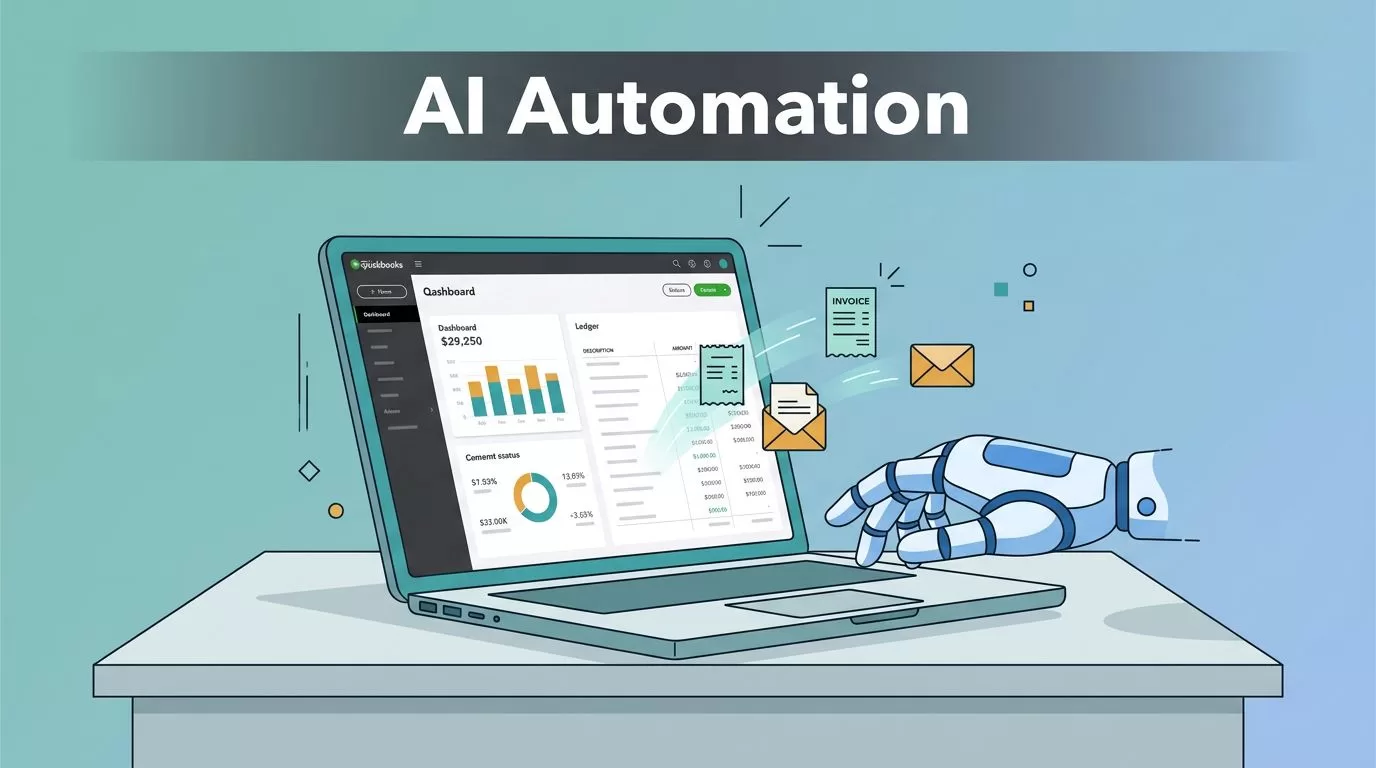
Manual data entry is a tax on your time. If you run a growing business, you likely spend hours each week moving figures from web portals, PDF invoices, and email attachments into QuickBooks. This repetitive work is prone to human error, and it pulls you away from higher-level financial analysis. Many finance teams now look toward AI automation to handle these tasks.
Twin.so represents a shift in how we approach this problem. Instead of relying on rigid, pre-built integrations that might not support every niche portal, it uses AI agents to navigate the web just as a human would. By acting like a digital user, these agents can bridge gaps where traditional software connections do not exist. You gain a way to move information into your ledger without writing custom code or manually typing every receipt.
Simplifying Financial Data Entry with AI Automation
The core appeal of using an AI agent for QuickBooks automation is its ability to handle unstructured data. Traditional tools often fail when a vendor changes their invoice layout or requires a complex login process. An AI agent, however, views a website through a browser interface. It identifies login buttons, input fields, and download icons, allowing it to perform tasks even on platforms that lack official APIs.


You can task these agents with specific duties, such as fetching invoice documents from secure vendor portals. Once the agent retrieves the file, it extracts the relevant data—like the date, vendor name, line-item details, and totals—and maps them directly to your accounting fields. This approach is particularly useful for businesses that rely on disparate software for e-commerce, logistics, or project management.
While the technology is capable, the setup requires careful attention. You must define clear instructions for the agent, specifying exactly where to navigate and which data points to capture. By removing the manual burden, you free yourself to focus on verifying the accuracy of your books rather than chasing down paper trails. For those looking at how to build custom workflows, understanding API and script-based automation provides useful context on how these systems talk to one another behind the scenes.
Core Capabilities for Finance Teams
When you move toward automating your books, the primary goal is reducing the touch points between a transaction and your ledger. Twin.so offers capabilities that go beyond simple data transfer. Expense categorization is one common use case. By teaching an agent your preferred chart of accounts, you can ensure that recurring charges are mapped correctly every single time. This consistency is vital for accurate reporting.
Receipt processing is another area where manual effort often stalls. Instead of storing physical copies or messy folders, you can set an agent to watch your email inbox or specific cloud storage folders. When a new invoice arrives, the agent grabs the PDF, scans it, and creates a corresponding entry in your accounting software. If you use other platforms alongside QuickBooks, you might also be exploring how to connect financial data across various business apps to maintain a single source of truth.
You should consider how your current workflows compare to an automated model. If you currently spend time on reconciling Wise multi-currency accounts, you might find that an AI agent handles the repetitive bits of that process as well. The key is identifying the specific steps that don’t require judgment—like moving numbers from column A to column B—and handing those off to the agent. Leave the interpretation to the human team.
Maintaining Control Over Your Automated Workflows
Automation is a tool for efficiency, but it should never replace oversight. Even the most capable AI agent can encounter unexpected website layouts, security redirects, or changes in your vendor portals. If an agent hits a wall, it needs to alert a human operator immediately. You should build your financial automation with a clear review and approval process as a core component.


Treat your automated entries like a draft rather than finalized data. Set up a dedicated “pending” account or a specific batch in your ledger where automated entries land for a final human check. This ensures that a single misreading of a receipt doesn’t cascade into an incorrect tax filing or financial report. If you handle high volumes of transfers, streamlining Wise invoice workflows can help ensure that even your payment side is as clean as your record-keeping.
Security is also a constant consideration. When you give an AI agent access to your credentials, use restricted accounts whenever possible. Audit the permissions the agent has within your QuickBooks instance, ensuring it can only perform the actions it needs—such as creating invoices or entries—without having unnecessary access to sensitive banking configurations or user management settings. A well-designed workflow keeps the agent on a tight leash, prioritizing both data integrity and system security.
Integrating AI into Your Daily Accounting
The transition to automated accounting is rarely an all-or-nothing move. You do not need to convert every process on day one. Start by identifying your most time-consuming, low-judgment task. This might be pulling transaction data from a specific portal that does not offer a direct bank feed or manually entering recurring utility invoices. By focusing on one small area, you can test the reliability of your AI setup.
As you gain confidence, expand the scope of what you automate. You might eventually look into processing mass payments with Wise or handling more complex expense routing. The goal is to build a reliable infrastructure that supports your business as it grows. Avoid the temptation to automate every edge case; focus on the high-volume, standard transactions where you can clearly define the logic.
Your accounting staff remains the most important part of this system. They provide the judgment, handle exceptions, and conduct the necessary month-end reconciliations. Automation is not meant to displace these experts but to amplify their output. By moving the focus from data entry to data management, you shift your finance department from a historical record-keeping function to a proactive engine for business insight.
Final Thoughts
The decision to automate is about reclaiming time that you currently spend on low-value data entry. When you use tools to handle the repetitive parts of your accounting, you increase the speed and accuracy of your financial records. However, you must pair this technology with a rigorous review process. Technology only functions as well as the rules you set for it, and your human team provides the necessary oversight to catch errors that a machine might miss.
Focus on clear, consistent instructions for your AI agents to get the most out of your setup. Keep your verification steps simple, ensuring every automated entry matches your expectations before it hits your permanent books. By starting small and prioritizing security, you can build a more efficient finance operation that supports your business objectives throughout the year.

