Deploying Recruit CRM ATS: A Hands-On Guide for Recruitment Agencies
I remember the chaos in my agency before we switched systems. Spreadsheets overflowed with candidate notes. Emails buried follow-ups. Placements slipped because pipelines lacked structure. You know that feeling too, right? As a recruitment...

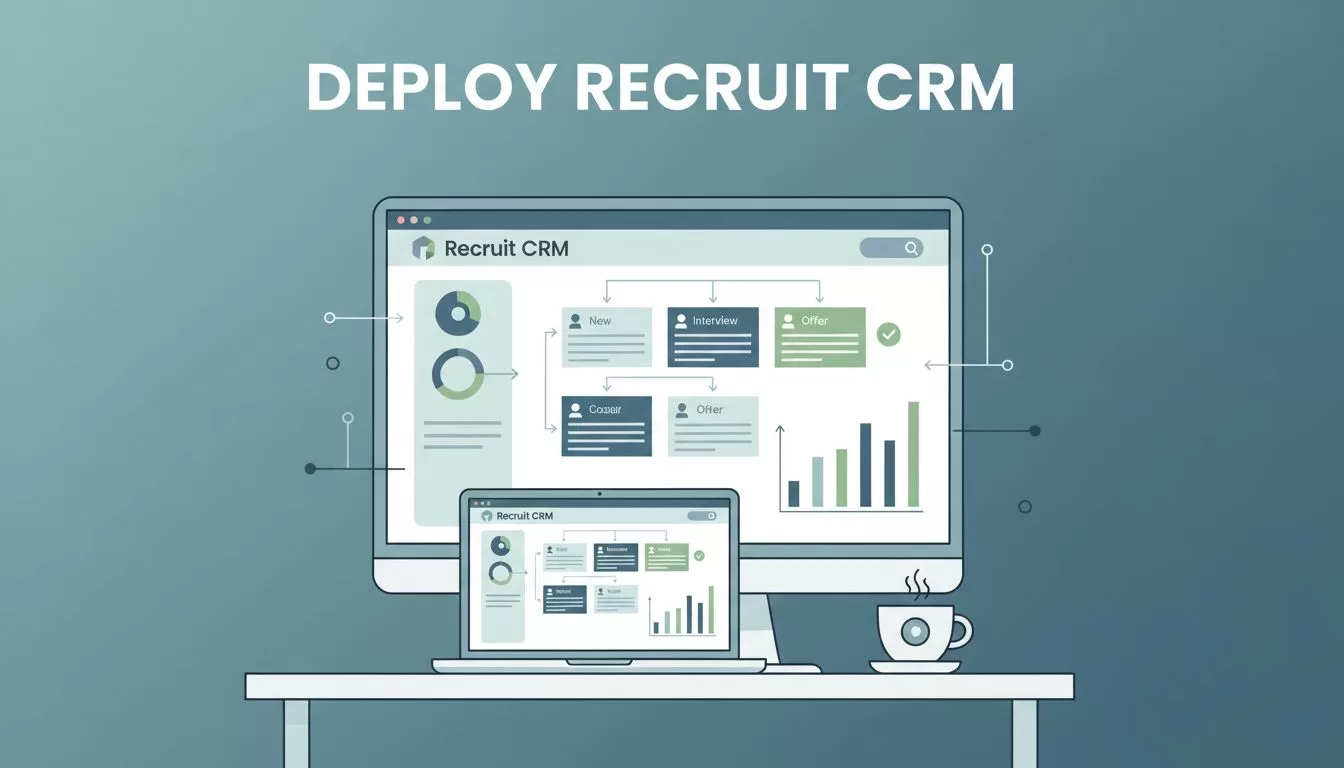
I remember the chaos in my agency before we switched systems. Spreadsheets overflowed with candidate notes. Emails buried follow-ups. Placements slipped because pipelines lacked structure. You know that feeling too, right? As a recruitment leader, I fixed it by deploying Recruit CRM ATS. This tool centralizes sourcing, outreach, and tracking. It fits agency workflows perfectly. In this guide, I’ll walk you through my exact steps from assessment to rollout.
Assess Your Needs Before Deployment
Start here to avoid regrets. I sat with my team and listed pain points. We tracked time wasted on manual sourcing. Client follow-ups fell through cracks. High-volume hiring needed better organization.
Consider your scale first. Solo recruiters need simple pipelines. Teams require collaboration tools. Ask: How many users? What volume of roles? Do you handle contract staffing?
Recruit CRM ATS shines for agencies. It combines ATS and CRM features. You get AI sourcing from LinkedIn and beyond. Plans start at $119 per user monthly for Business tier. That includes full analytics and resume parsing.
Map your current process. Note stages like sourcing, outreach, interviews, offers. This prep makes setup smooth. I sketched ours on paper. It took one afternoon. As a result, we aligned everyone early.
For selection tips, check CRM and ATS strategies for recruitment agencies. It matches what I did.
Sign Up and Pick Your Plan
Next, head to their site and start a trial. I chose the Business plan. It covers core needs without extras. Upgrade later for AI Co-Pilot if volume grows.
Sign-up takes minutes. Enter agency details. Verify email. Access dashboard right away. No credit card upfront. Perfect for testing.
Review features against needs. Unlimited sourcing from 800 million profiles helps high-volume shops. Multi-channel outreach via email, SMS, LinkedIn saves hours. I tested AI rediscovery on old candidates. It surfaced gems we forgot.
Set goals now. Mine: Cut time-to-fill by 25%. Boost placements 20%. Track these in their analytics from day one.
Migrate Data Without Disruptions
Data move scares everyone. I learned to test small. Export old candidate lists as CSV. Use Recruit CRM’s import tool. It parses resumes automatically. Enriches with phone, email, company data.
Batch it. Start with 100 records. Check for duplicates. Fix errors before full load. My first run had formatting issues. A quick tweak fixed them.
Clients too. Import contacts. Tag by industry or spend. This builds your CRM base clean.
Tools handle most work. AI classifies responses like “not interested.” Review manually though. Accuracy matters.
After migration, run reports. Verify counts match. You sleep better knowing nothing’s lost.
Build Your Recruitment Pipelines
Pipelines make or break flow. Recruit CRM’s Kanban board lets you customize fully. I dragged stages: Sourcing, Outreach, Interview, Placement, Offer.
Add tasks per stage. Assign recruiters. Set reminders. Candidates move visually. No more lost profiles.
Tailor for agency types. IT staffing? Add skill tags. Executive search? Note salary ranges.

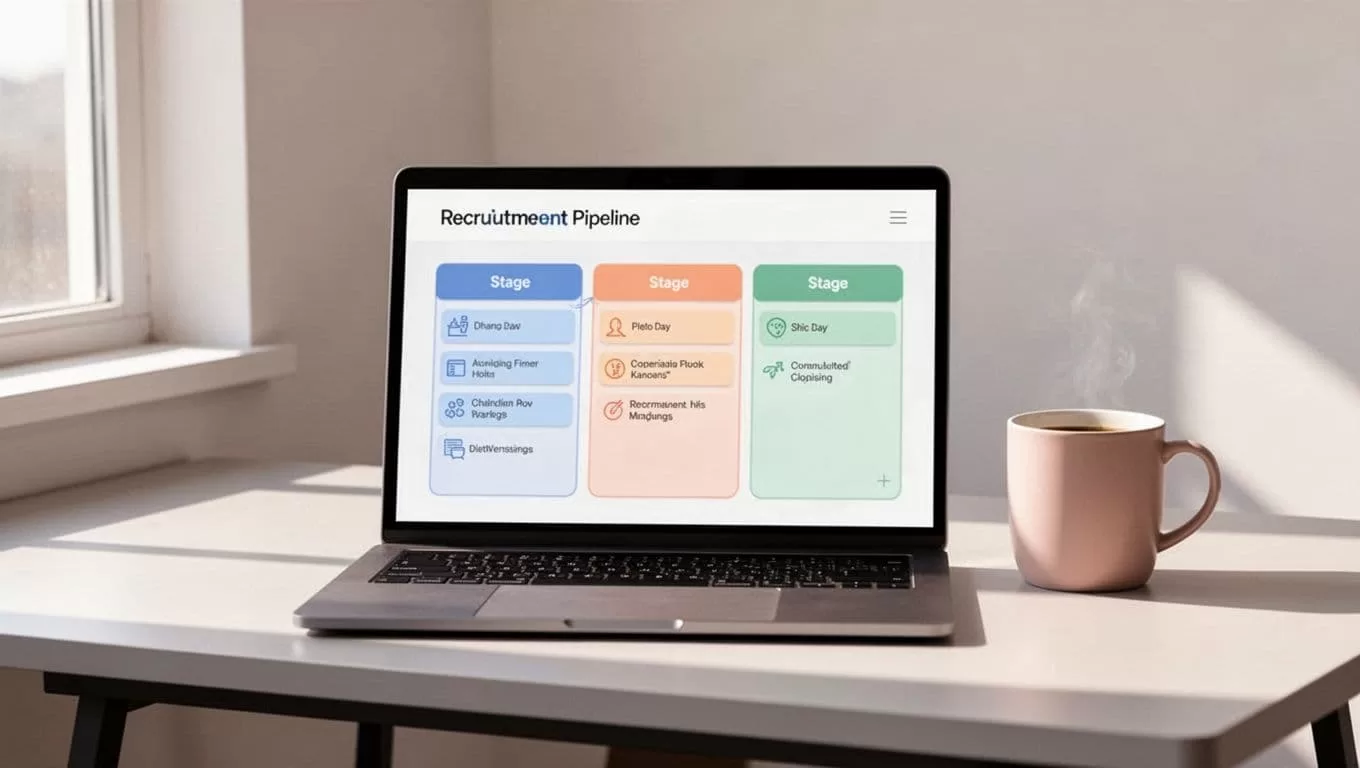
This view cut our confusion. Everyone sees progress at a glance. For more on AI-powered Recruit CRM for recruitment agencies, see our review.
Configure Automations and Integrations
Automate to free recruiters. I set sequences for outreach. Emails personalize by candidate history. SMS follows up. LinkedIn messages engage passively.
Link to job boards. Post once, sync applicants. Chrome extension pulls LinkedIn profiles one-click.
Integrate phone via RingCentral on higher plans. Calls log automatically. Tie to profiles.
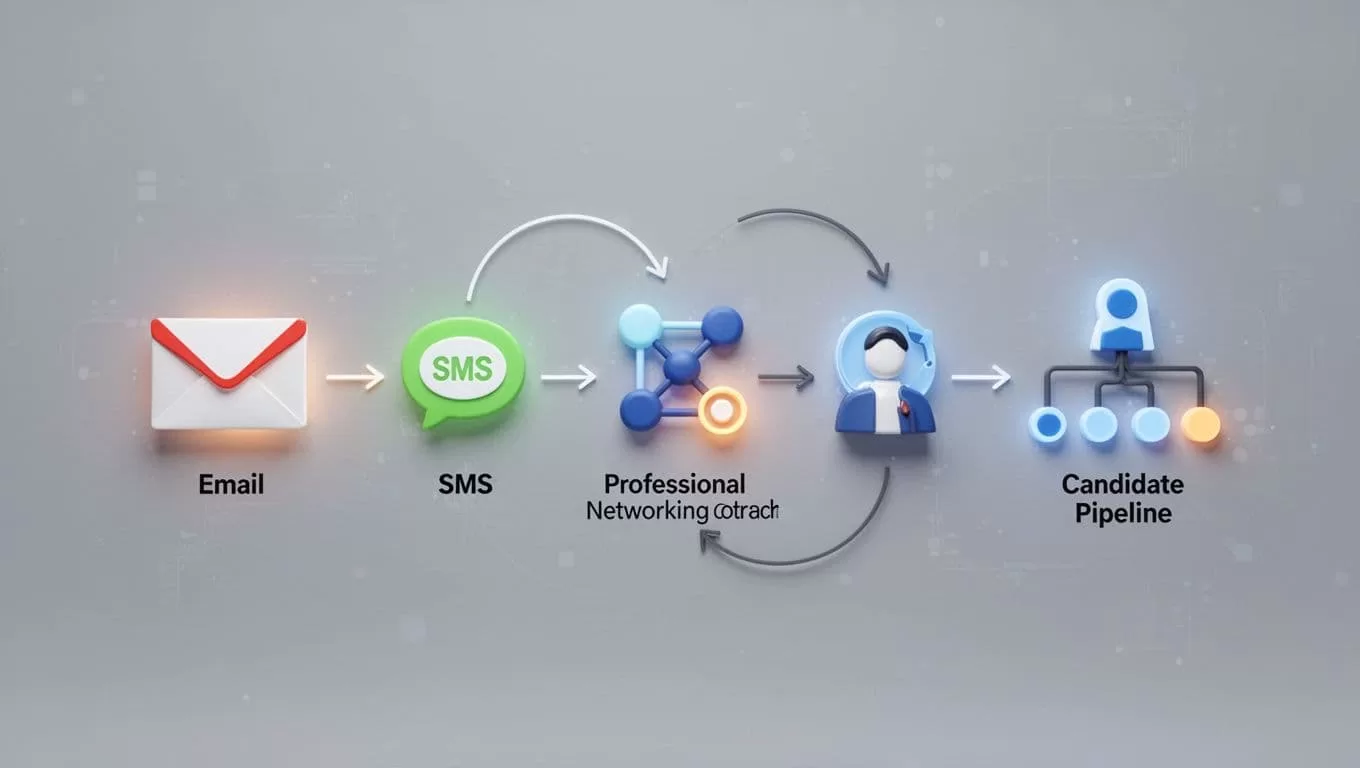
Workflows run no-code. Trigger on stage changes. Responses route back to pipelines. This halved manual follows.
Test sequences on dummies first. Tweak timing. Results showed 22% faster replies.
Train Your Team for Success
People resist change. I held short sessions. Demo dashboard live. Show sourcing first. Then pipelines.
Use their mobile app. Recruiters update on-the-go. Onboard in 2-3 hours.
Pair newbies with pros. Share screens. Focus on daily wins like AI sourcing.

Track adoption via analytics. Low usage? Extra training. Mine hit 90% in week two.
Roll Out and Optimize Ongoing
Go live Monday. Announce in meeting. Monitor first week closely.
Check metrics: Time-to-fill, response rates, placements. Adjust pipelines as needed.
Update regularly. Features like GPT integration evolve. User feedback drives them.
Agencies see 35% database growth. 2 hours saved weekly. Revenue jumps follow.
Key Takeaways and Next Steps
Deploying Recruit CRM ATS transformed my agency. Clean data, custom pipelines, automations clicked everything. Recruiters focus on relationships now. Placements rose steadily.
Start your trial today. Assess needs, migrate smart, train well. You’ll wonder how you managed without it.
What holds your team back? Share below. Let’s compare notes.
(Word count: 982)

