How I Automate Recruit CRM Data Exports
You sift through hundreds of candidate profiles in Recruit CRM every week. Manual exports to spreadsheets or reports eat hours. I faced that grind too until I set up automated Recruit CRM data exports. Now candidate records flow to Google S...

You sift through hundreds of candidate profiles in Recruit CRM every week. Manual exports to spreadsheets or reports eat hours. I faced that grind too until I set up automated Recruit CRM data exports. Now candidate records flow to Google Sheets, BI tools, or warehouses on autopilot.
This saves me time for placements. You get clean data without errors. Let’s walk through the methods I use.
Recruit CRM Export Basics
Recruit CRM stores candidate details like resumes, contacts, and stages in one place. Basic exports start with CSV downloads from the dashboard. I click Candidates, filter by pipeline, and hit export. It pulls name, email, phone, skills, and notes.
That works for one-offs. For automation, you tap deeper features. Native bulk exports handle up to 10,000 records. I schedule them weekly for agency reports. Permissions matter here; only admins access full fields to meet GDPR rules.
Data hygiene comes first. Duplicates creep in from job boards. I run dedupes before export. Map fields carefully: match “Total Experience Years” to your sheet’s “Years Exp” column.

This setup visualizes the flow I follow. Data streams from dashboard to tools like Sheets. In my agency, it cut report time from two hours to minutes.
Pick the Right Automation Path
You have three main paths: webhooks for instant pushes, no-code platforms for quick wins, or APIs for custom pulls. Each fits different needs.
Webhooks fire data on events, like new candidate added. No polling needed. APIs let you query specifics, say candidates in “Interview” stage. No-code tools bridge gaps without code.
I compare them often. Here’s a quick table from my tests:
| Method | Speed | Coding | Best Use Case |
|---|---|---|---|
| Webhooks | Real-time | Medium | Live sync to warehouses |
| No-Code | Trigger-based | None | Sheets or alerts |
| API Polling | On-demand | High | Filtered bulk extracts |
Webhooks shine for RevOps teams feeding BI tools. APIs suit devs building dashboards. No-code handles 80% of my daily flows.
For details on endpoints, check Recruit CRM API documentation.
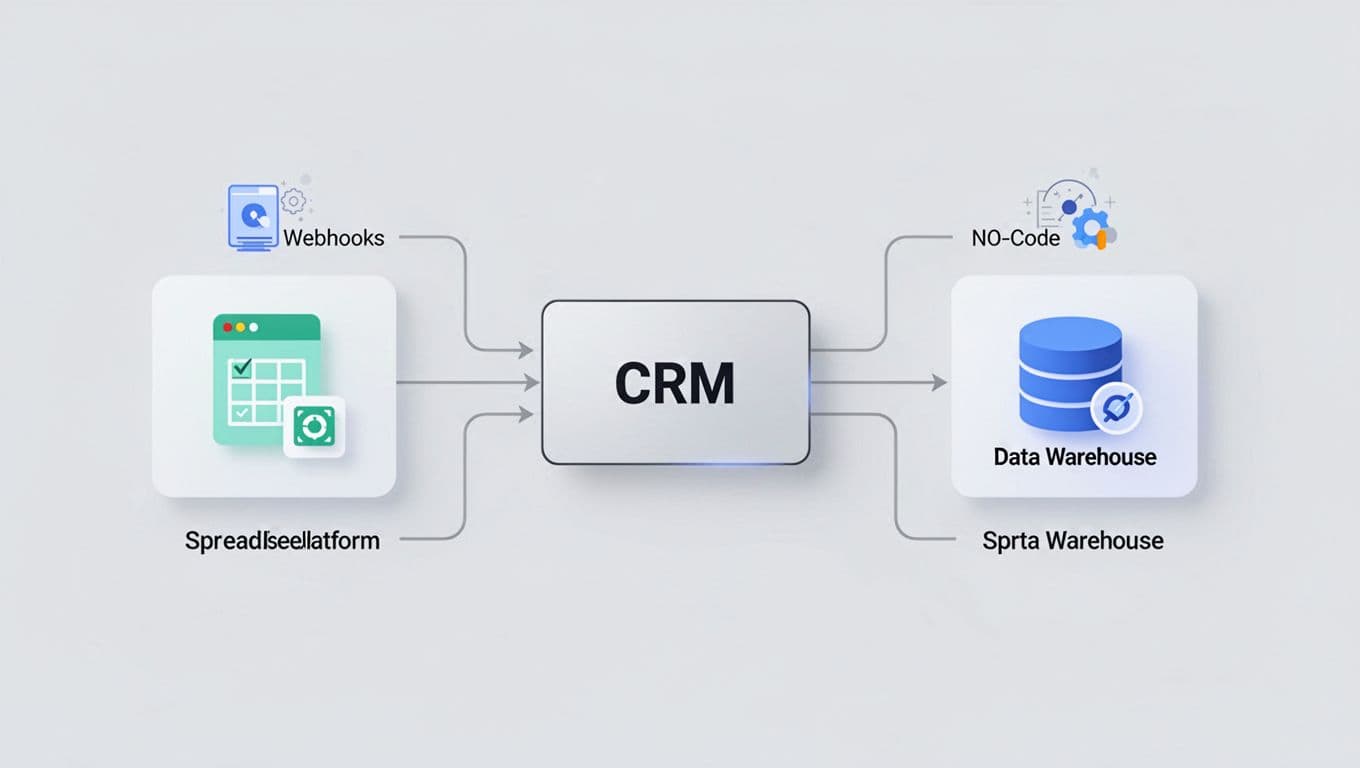
This chart maps my paths. Arrows show data moving to Sheets or BigQuery.
No-Code Setup for Fast Exports
No-code tools like Integrately connect Recruit CRM in minutes. I use them for candidate data to Sheets.
Sign up, search Recruit CRM. Authenticate with API key from settings. Pick trigger: “New Candidate” or “Candidate Updated.” Action: “Add Row to Google Sheets.”
Map fields next. Link “Candidate Name” to column A, “Email” to B. Add filters: skip if phone missing. Test with a sample record. Schedule daily runs.
In one flow, new hires export to HR system. It dedupes by email first. Compliance tip: log consents only.
Field mapping avoids messes. I rename “Work Exp Months” to match warehouse schemas. Costs stay low; free tiers handle small agencies.

Drag-drop makes it simple, as shown here. My desk looks much like this during setup.
See more on Recruit CRM integrations. I tied this to Recruit CRM setup to boost placements 30%, where reports feed automation.
API and Webhook Builds
For control, I code API pulls. Grab token from Recruit CRM settings. Use GET /candidates?stage=screened. Paginate results; limits hit 100 per call.
Python script runs cron jobs. It exports JSON to CSV, dedupes by ID, uploads to S3. Webhooks push to endpoints like webhook.site for tests.
Example: POST webhook on “candidate.created.” Payload includes full profile. I parse to Snowflake. Retries handle fails.
Permissions lock sensitive fields. Agencies need role-based access. Compliance: anonymize PII for analytics.
Data Hygiene and Scheduling Tips
Clean data prevents downstream errors. I dedupe pre-export with email hashes. Standardize formats: dates to YYYY-MM-DD.
Schedule via cron or platform rules. Daily for pipelines, weekly for full dumps. Monitor logs for fails.
Test small. Export 10 records first. Verify mappings match.
Conclusion
Automated Recruit CRM data exports turned my manual chores into background tasks. Webhooks push live, no-code links fast, APIs customize deep.
You now have steps for Sheets, BI, or HR syncs. Clean fields and schedules keep it reliable. Start with no-code; scale as needed. Placements rise when data flows free.
