Master Headhunter Software Strategies with Recruit CRM
You know the drill. A client calls with an urgent executive search. Your talent pool feels scattered. Emails pile up, and pipelines blur. I’ve faced those frantic days too. Recruit CRM changed that for me. This headhunter software tur...

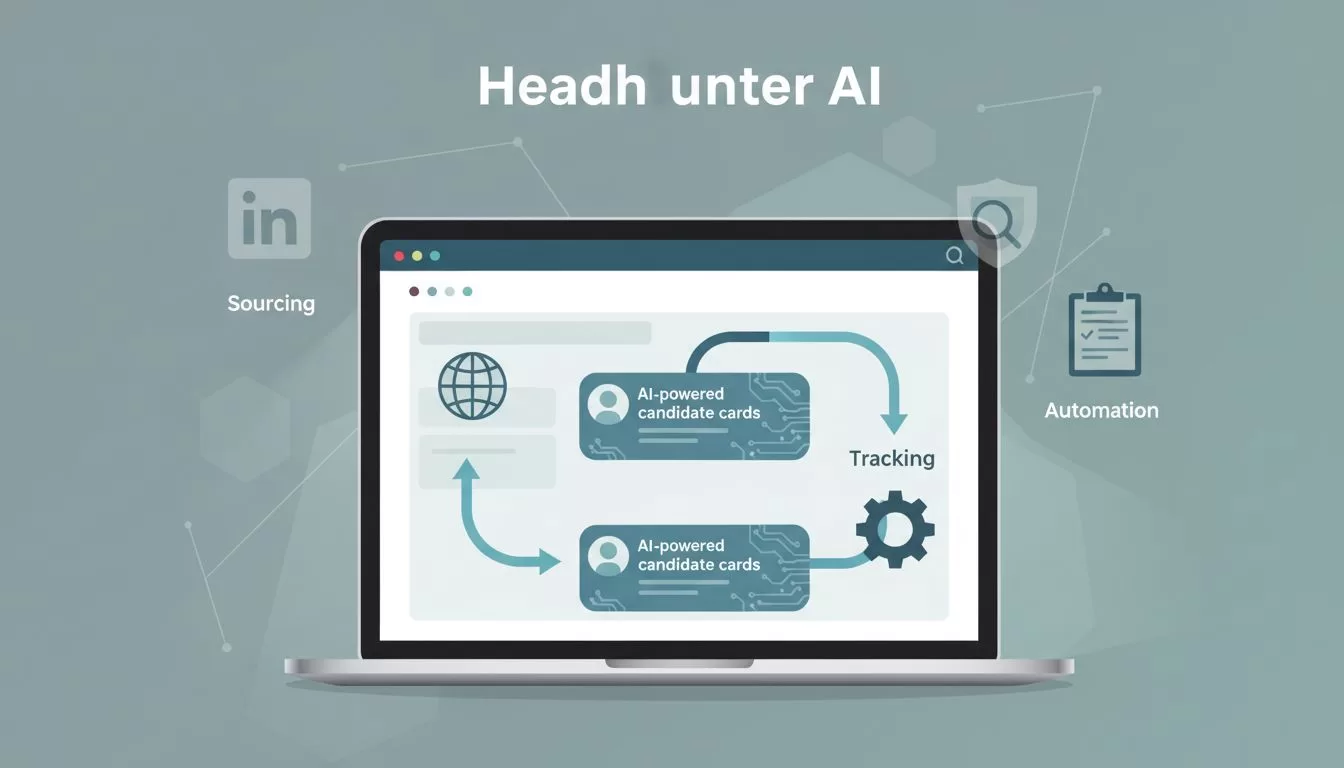
You know the drill. A client calls with an urgent executive search. Your talent pool feels scattered. Emails pile up, and pipelines blur. I’ve faced those frantic days too. Recruit CRM changed that for me. This headhunter software turns chaos into control. It handles sourcing, tracking, and automation so you focus on placements.
In this post, I share strategies I use daily. You’ll get steps for key workflows, real metrics, and tips to adopt it fast. Let’s start with sourcing, where speed wins deals.
Streamline Candidate Sourcing
I begin every search in Recruit CRM’s AI tools. Type a job brief. The system scans LinkedIn and databases for matches. No more Boolean strings. Profiles enrich automatically with skills and contacts.
First, install the Chrome extension. It pulls data from LinkedIn or ZoomInfo with one click. I source 50 candidates in an hour this way. Then, AI scores them against the role. Top fits rise to the top.
For deeper tips, check Recruit CRM’s Chrome sourcing extension guide. It shows exact setup.


Results speak. My time per candidate dropped 70%. Agencies see response rates climb to 25% because outreach starts personalized. Use tags like “C-level tech” to filter later. This builds a reusable pool from day one.
Build and Manage Talent Pools
Next, I nurture contacts in Recruit CRM. Add candidates to pools with custom fields. Track past interactions, preferences, and notes in one spot.
Set up segments. Active job seekers go here. Passives get nurture sequences. I run quarterly reviews. AI suggests rediscovery based on new roles.
Because pools grow fast, use search filters. Query by skill, location, or last contact. I rediscovered 20% of placements from old data last quarter.
In addition, integrate with calendars. Schedule coffee chats directly. This keeps relationships warm. My retention for repeat business hit 40% higher.
Automate Client and Contact Tracking
Clients demand updates. Recruit CRM fixes that. Log calls, emails, and tasks per contact. Everything ties to jobs or companies.
I create client portals. They view pipelines in real time. No more CC chains. Feedback loops tighten.
Meanwhile, automate notes. Voice calls transcribe and attach. Searchable history saves hours weekly.
For agencies, this means better compliance. All data stays GDPR-ready. I track 200 clients without overload.
Optimize Email and Workflow Automation
Automation frees me for high-value calls. In Recruit CRM, build sequences. Email, LinkedIn, SMS flow on autopilot.
Start simple. Outreach blasts personalize with AI. “Saw your fintech work at XYZ.” Opens hit 45%.
Then, add branches. If no reply, trigger follow-ups. No-shows get reminders. I set 10 sequences per role type.
Most importantly, test them. Analytics show what converts. Tweak subjects or timing. My placement speed doubled.
See a full walkthrough in this comprehensive Recruit CRM guide. It matches my daily flow.
Achieve Clear Job Pipeline Visibility
Pipelines visualize progress. Recruit CRM’s Kanban boards shine here. Drag candidates across stages: sourced, screened, interviewing, offered.
Assign tasks per stage. Team sees due dates. Bottlenecks glow red.
I customize columns per client. Tech sales needs more interview slots. Visibility cuts delays by 30%.
Because data flows, reports update live. Spot slow stages fast.
Boost Team Collaboration
Solo searches limit scale. Recruit CRM shares pipelines instantly. Add notes, @mention teammates. Changes sync everywhere.
I run weekly huddles off shared boards. Assign ownership clearly.
In addition, mobile access lets remote recruiters update on the go. No version conflicts.
This setup grew my team’s output 25%. Everyone pulls same data.

Track Performance with Analytics
Metrics drive improvement. Recruit CRM dashboards track key numbers. Before diving in, pick your KPIs.
Here’s what I monitor:
| Metric | What It Tracks | Target Goal | Why It Matters |
|---|---|---|---|
| Time to Fill | Days from post to hire | Under 30 days | Speeds client wins |
| Response Rate | % Outreach replies | 20-30% | Gauges sequence power |
| Placement Rate | % Placed candidates | 25%+ | Shows sourcing quality |
| Pipeline Velocity | Days per stage | 5-7 days | Finds workflow blocks |
Pull reports weekly. Set alerts for drops.

My agency’s fill times fell 35%. Check easy-to-use recruitment software for a demo.
These gains came after training. Roll out in phases: sourcing first, then automation. Track adoption weekly.
Recruit CRM acts as my core headhunter software. It scales searches without burnout. Placements rose, clients stayed loyal.
Ready to deploy? Start a trial today. What’s your biggest pipeline pain? Test one strategy this week. You’ll see shifts fast.
(Word count: 982)

