Efficiently Manage Recruit CRM Job Orders: My Guide
You know the chaos. A new client emails a job spec at 9 AM. By noon, you’re drowning in spreadsheets, notes, and half-filled candidate lists. Recruitments stalls because Recruit CRM job orders weren’t set up right from the start...

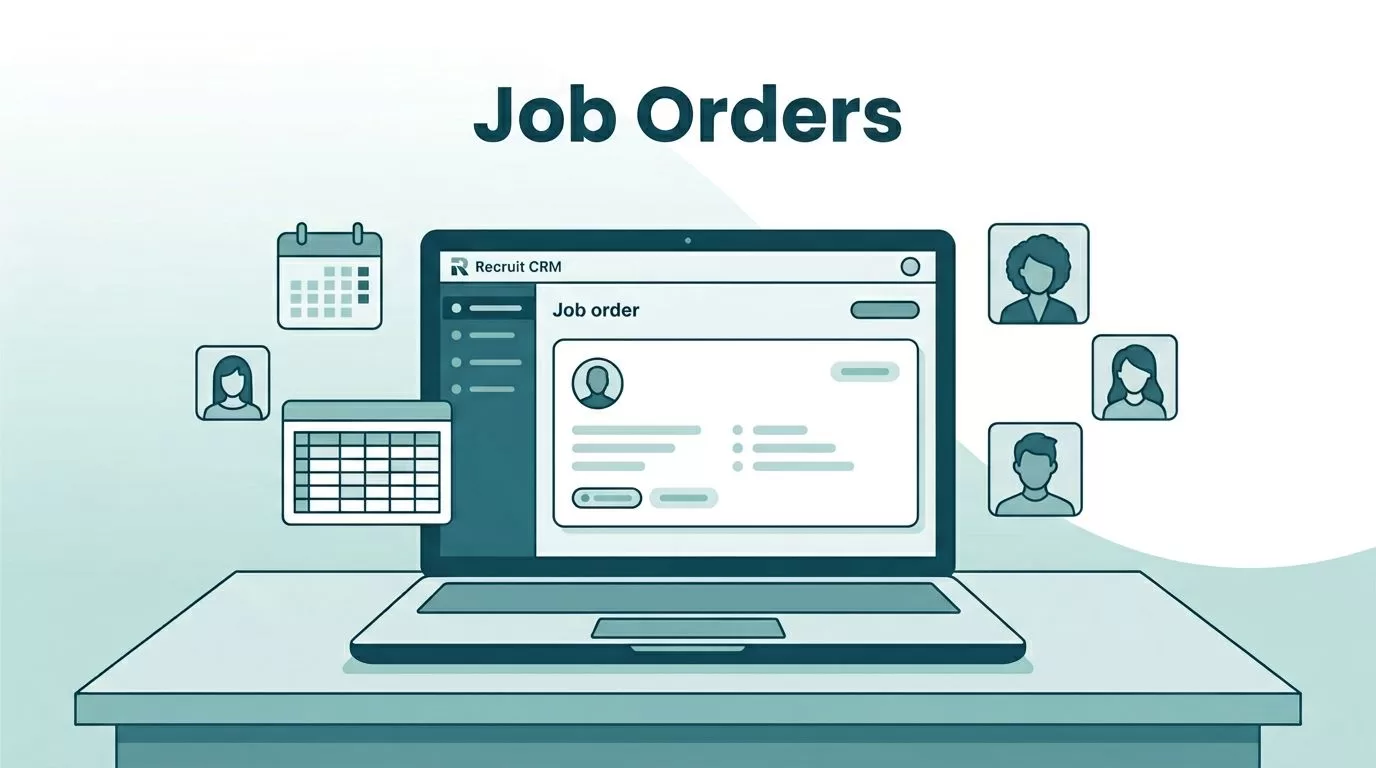
You know the chaos. A new client emails a job spec at 9 AM. By noon, you’re drowning in spreadsheets, notes, and half-filled candidate lists. Recruitments stalls because Recruit CRM job orders weren’t set up right from the start. I faced this too until I dialed in Recruit CRM’s tools. Now, I fill roles faster with less stress.
This guide shares how I handle job orders end-to-end. You’ll see setups, sourcing tricks, and tracking tips that boost visibility and placements. Let’s jump into the first step.
Set Up Job Orders in Minutes
I start every day by creating fresh Recruit CRM job orders. Click the “New Job” button, and the form pops up clean and simple. Fill in client name, role title, salary range, and key skills. Recruit CRM auto-tags it to the right client profile, so nothing gets lost.
Add deadlines and notes right there. For example, if it’s a contract gig, I toggle on Bill & Pay early. This pulls in invoicing later without extra steps. Set permissions too, so team members see only what they need.
Here’s how I do it fast:
- Log in and hit Jobs > New Job.
- Paste the spec; AI parses requirements instantly.
- Link to the client and save.
This takes under two minutes. As a result, everyone on my team grabs context right away. No more digging through emails.


Picture this recruiter locked in, screen glowing with a fresh job form. That’s me most mornings, turning vague specs into actionable orders.
I also customize fields upfront. Add dropdowns for urgency levels or location prefs. Because setups match my agency’s flow, job orders stay consistent. Teams spot priorities at a glance. In short, solid starts mean quicker wins.
Source Top Candidates with Built-In AI
Once the job order lives, I fire up AI sourcing. Type “senior Python dev, remote US, 5+ years.” Recruit CRM scans LinkedIn, databases, and boards in seconds. It pulls enriched profiles with skills, experience, and contacts.
No Boolean strings needed. AI ranks matches by fit, so I review top 20 first. For instance, last week it found three perfect devs for a tough role. I bulk-added them to the pipeline with one click.
Use the Chrome extension too. Spot someone on LinkedIn? Click to import. Data cleans itself, GDPR-safe. This speeds things up because I focus on quality chats, not data entry.
Best practice: Run AI daily on hot Recruit CRM job orders. Set alerts for new matches. As a result, pipelines fill without endless scrolling.
Track Every Step in Custom Pipelines
Visibility kills delays. I build Kanban boards per job order. Drag-and-drop stages like Sourced, Screened, Interview, Offer. Candidates turn into colorful cards with notes and attachments.
Assign tasks, set reminders. Move a card, and it updates everyone via email or Slack. For teams, this means no “where’s that candidate?” questions.

That screen feels alive, cards shifting like puzzle pieces falling into place. My board looks just like this after a busy day.
Customize per client. Agencies love it for high-volume roles. Analytics show bottlenecks too, like slow interviews. Fix them weekly, and placements rise.
Automate Outreach to Keep Momentum
Manual emails eat hours. I set sequences instead. GPT crafts personalized messages: “Hi [Name], saw your React work. Matches our frontend role at [Client]. Chat?”
Schedule emails, SMS, LinkedIn InMails. Track opens and replies in real-time. If they respond, sequences pause. Clients get formatted submits with resumes attached.
For feedback loops, use client portals. Share shortlists; they comment inline. This aligns everyone fast. Because automation runs 24/7, I close loops quicker. One sequence last month got 40% reply rates.
Check Recruit CRM’s job requisition handbook for spec tips that feed these sequences well.
Analyze and Close for Better Results
Dashboards tell the story. See fill rates, time-to-hire per job order. Spot winners: which sourcing brought placements? Use it to tweak.
For staffing, Bill & Pay handles invoices post-placement. Track payments in the same view. No jumping apps.
I review weekly. Prioritize high-conversion Recruit CRM job orders. Teams hit goals because data guides us.
Explore Recruit CRM’s AI-powered ATS for job orders if you’re starting out.
Mastering these steps transformed my agency. Job orders now drive placements, not paperwork. Visibility soared; we cut fill times by 30%. Try it on a test order today. What bottleneck will you fix first? Your next big placement waits.
(Word count: 982)

