How I Optimize Recruitment Pipeline Management With Recruit CRM
When a hiring pipeline gets messy, I feel it quickly. Candidates sit too long in one stage, follow-ups slip, and hiring managers start asking for updates I should already have. In 2026, that kind of drift costs time and trust, because teams...
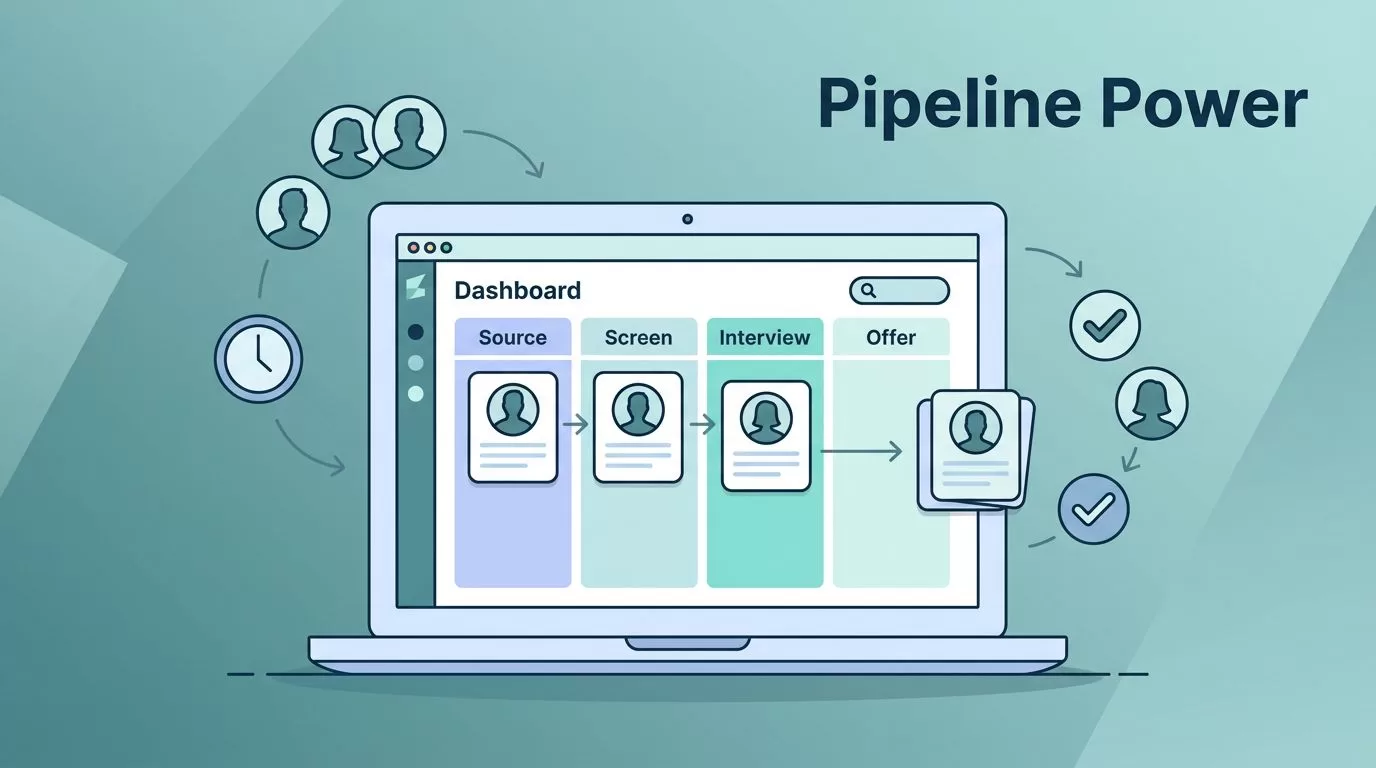
When a hiring pipeline gets messy, I feel it quickly. Candidates sit too long in one stage, follow-ups slip, and hiring managers start asking for updates I should already have. In 2026, that kind of drift costs time and trust, because teams expect cleaner records, faster replies, and one place where the whole process is visible.
I use Recruit CRM to keep candidate tracking, communication, and reporting in one system. That gives me a clearer path from first contact to offer, without forcing me to chase details across inboxes and spreadsheets. The real value is control, because control makes speed possible.
Build a pipeline that matches the way I work
I start with Recruit CRM setup for placements, because a pipeline only works when the stages match the roles I hire for. A senior finance search needs different checkpoints than a high-volume support role. So I build the process around the job, not around a generic template.
Recruit CRM’s Kanban-style view helps here. I can move candidates across stages, spot gaps, and see where the pileup starts. That matters when a recruiter, sourcer, and account manager all touch the same search. If the board is clear, the handoff is clear too.
I also set stage rules early. A candidate should not sit in screening for a week without a next move. That is one reason I like advice in this recruitment pipeline guide, which treats stage timing as part of the process, not an afterthought.
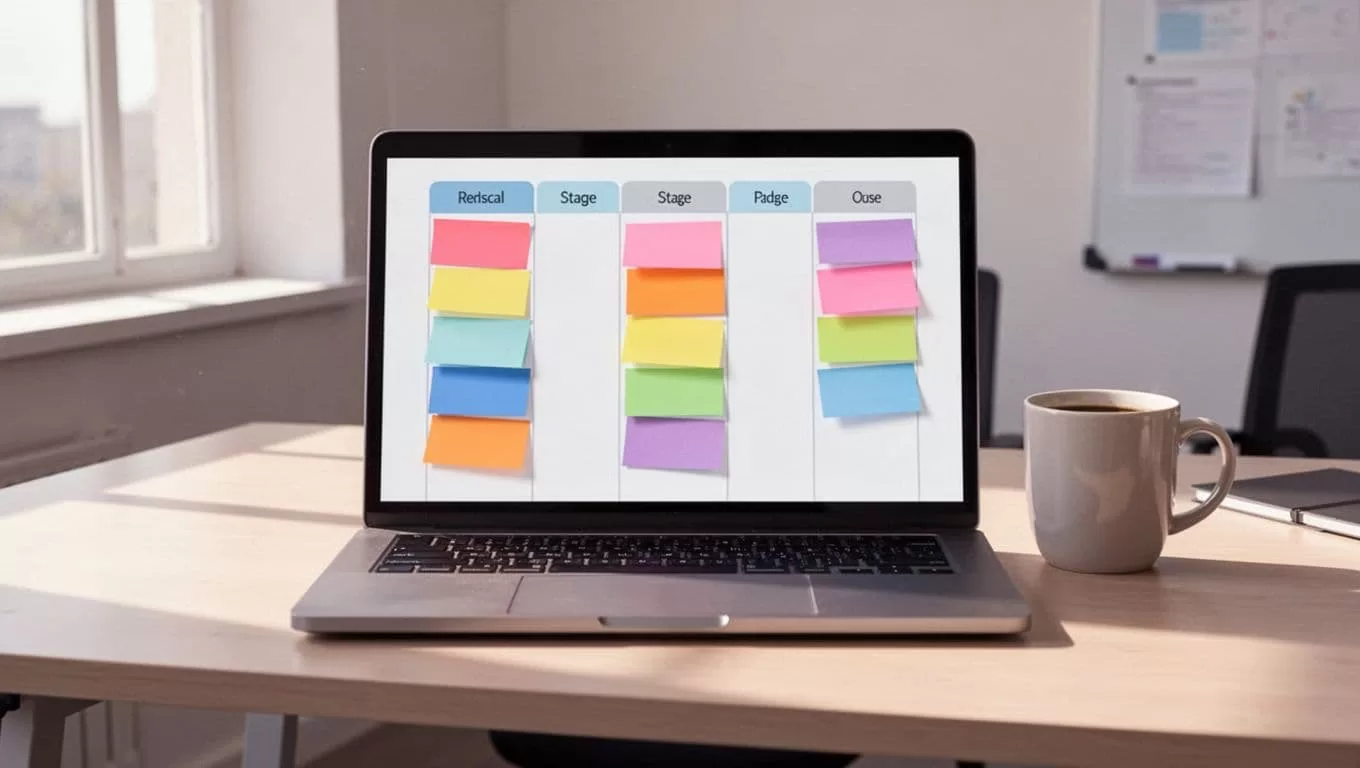
Once the board is shaped well, I can see the search at a glance. That makes the next steps easier to manage.
Automate follow-up before candidates drift away
The busiest part of recruiting is not always sourcing. It is follow-up. A promising candidate can cool off fast if I wait too long to reply. So I use automation for reminders, task creation, and message sequences that keep the search moving.
When resumes land in my inbox, I want clean data fast. Resume parsing in Recruit CRM saves me from retyping skills, job titles, and contact details. That means I spend less time on entry work and more time on fit, timing, and client needs.
I also connect automation to stage changes. If a candidate moves to screening, I can trigger the next email, task, or interview step. If someone goes quiet, I can set a follow-up instead of relying on memory. In 2026, that kind of rhythm matters because candidates expect quick, personal communication, not a cold chain of forgotten notes.
Recruit CRM candidate engagement is where I focus when I want outreach to feel planned instead of random. I like when the system supports the conversation, not when it interrupts it.
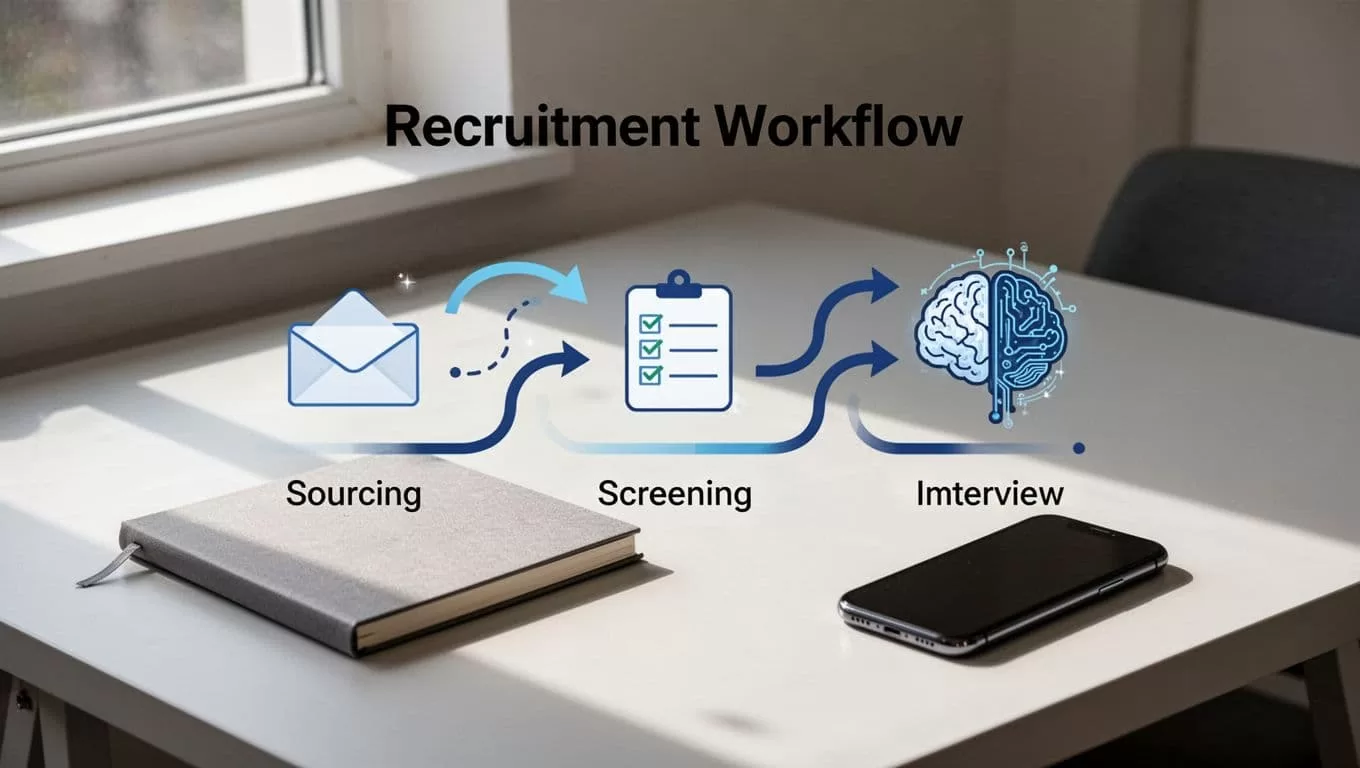
The result is simple. Fewer candidates disappear between stages, and my team spends less time chasing loose ends.
Keep every message tied to the right candidate
A pipeline breaks when communication lives in different places. I do not want one tool for email, another for notes, and a third for tasks. I want each call, reply, and status update attached to the candidate record.
If the next step lives in an inbox, I will lose it sooner or later.
That is why I keep ownership visible. If I assign a recruiter to a role, I want that owner to see the history, the next task, and the last message without searching. When a colleague is out, another person can step in without reading a trail of disconnected emails.
This matters even more when I move between candidates, clients, and internal hiring teams. Recruiters need a clean handoff, and hiring managers need updates that make sense. I use Recruit CRM to reduce duplicate outreach and keep the record honest. That also helps with candidate trust, because people notice when a team repeats questions or misses promised updates.
When I want the outreach side to stay sharp, I keep an eye on the same thinking I use in pipeline design. The Recruit CRM candidate engagement workflow helps me keep messages tied to the stage, which makes each touchpoint feel intentional.
Read the numbers before the pipeline slows down
Reporting tells me where the search is leaking. I watch stage conversion, time in stage, source quality, and recruiter load. If one stage keeps backing up, I know where to focus first.
Here are the numbers I check most often:
| Metric | What I watch | What I do next |
|---|---|---|
| Time in stage | Candidates stuck too long | Reassign, update, or remove the step |
| Source quality | Which channels produce interviews | Spend more time on the best source |
| Conversion by stage | Where drop-off happens | Fix questions, timing, or ownership |
| Recruiter load | One desk holding too many roles | Balance the workload |
A table like this turns a vague feeling into a clear decision. It also helps me spot whether the problem is the process, the source, or the team load.
I like this approach because it matches how hiring really works in 2026. Teams want live visibility, not end-of-month surprises. Recruit CRM’s reporting makes that easier, and the logic lines up with How to build a strong recruitment pipeline, where reminders, follow-up, and clear stage ownership all sit inside the process.
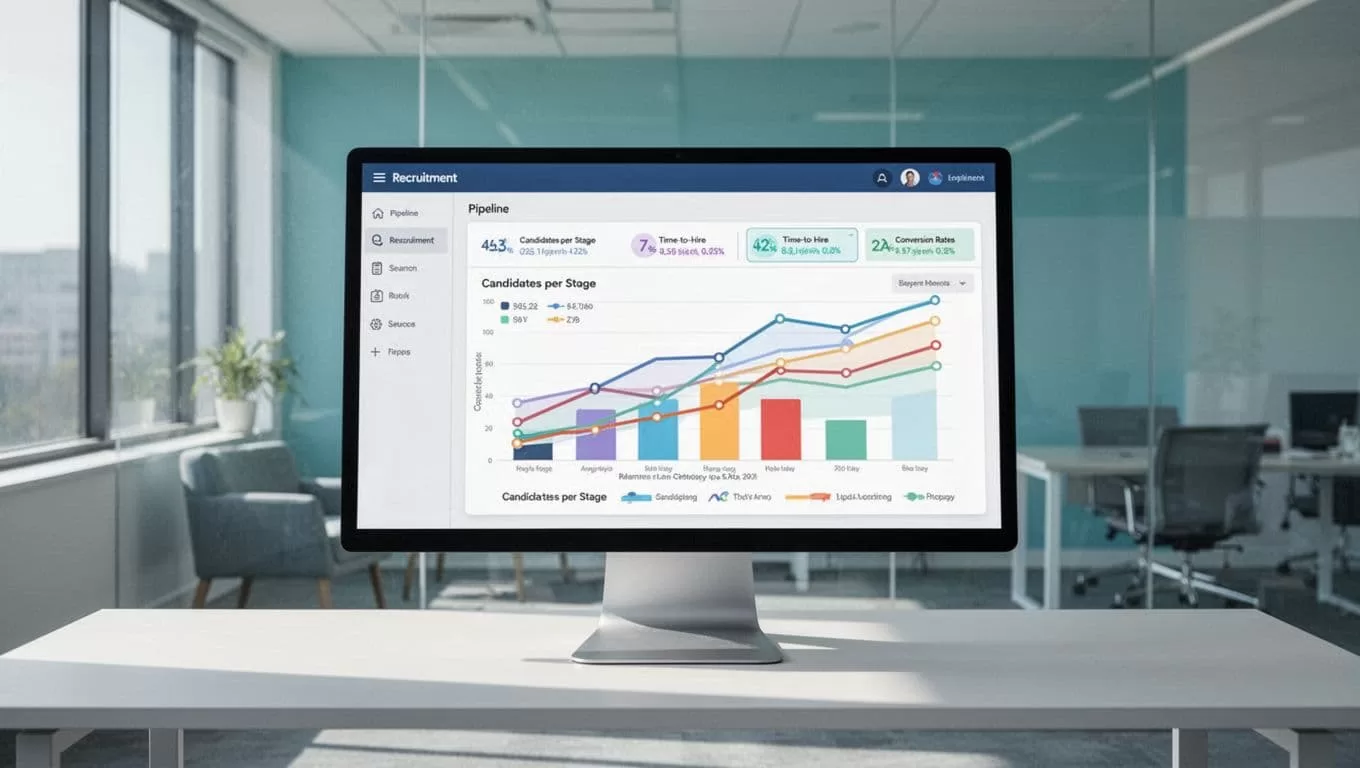
When I review the numbers every week, I catch slow spots before they become lost placements.
Conclusion
Recruitment pipeline management works best when every candidate has a clear stage, a clear owner, and a clear next step. That is the standard I try to keep with Recruit CRM, because it gives me one place to manage the work instead of piecing it together from scattered tools.
The biggest gain is not just speed. It is confidence. I can see where the pipeline is healthy, where it needs attention, and where a single follow-up can keep a good hire from slipping away.
When the pipeline stops hiding the work, hiring feels much more under control.
