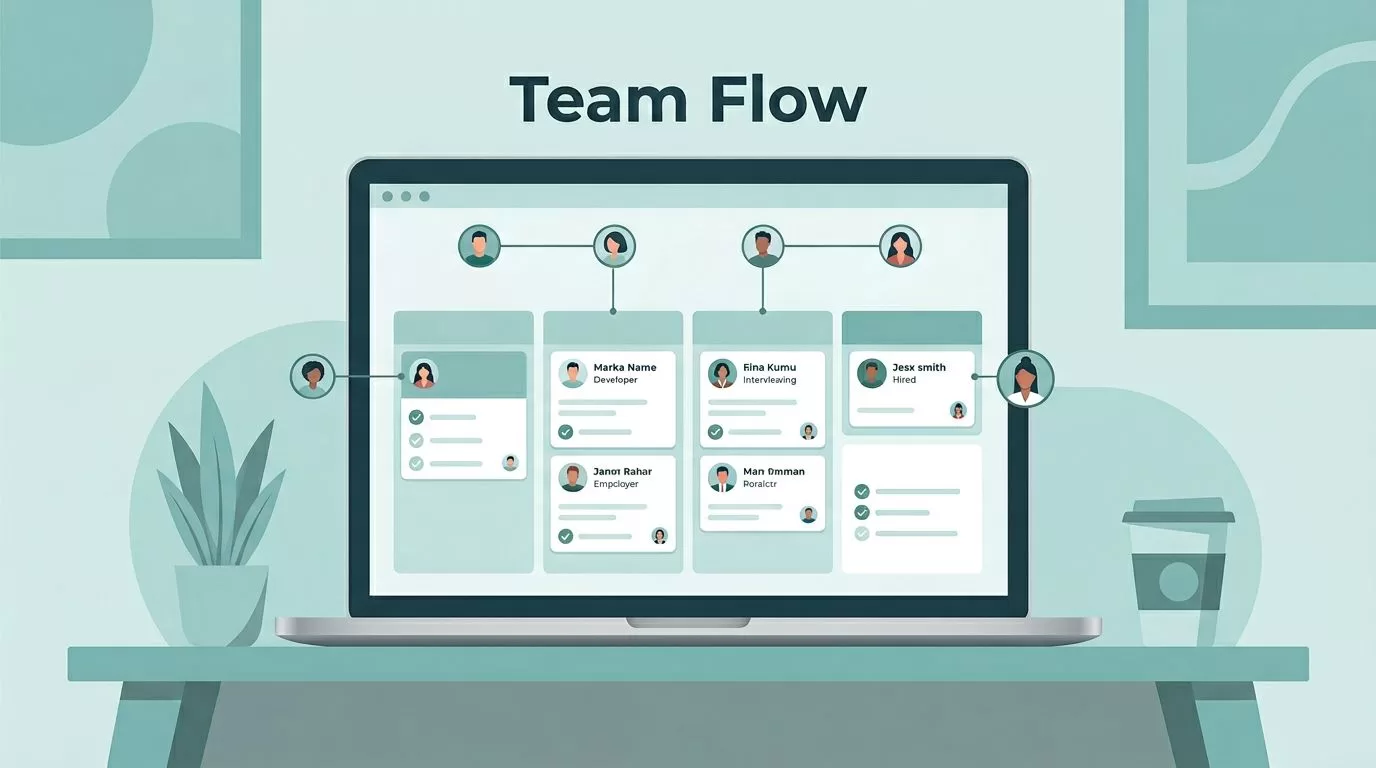
When a recruiting team gets busy, the hardest part is not finding candidates. It is keeping the work clear.
I want one place where pipeline changes, notes, tasks, and reports all live together. For Recruit CRM recruiting teams, that shared visibility matters more than any shiny extra. It keeps the team moving and cuts down on the usual back-and-forth.
My goal is simple, I want recruiters to spend more time on people and less time hunting for context. Here is how I set it up.
Start with one pipeline everyone can read
I begin by building one shared pipeline with stages that make sense to the whole team. Recruit CRM’s features page shows how teams can use Kanban views, role control, and workflow tools together.
I keep the stages plain. “New lead,” “screened,” “interview set,” and “offer sent” work better than clever labels that only one recruiter understands. When the whole team uses the same path, I can spot slow spots fast.
That matters when I treat the CRM like a recruitment database setup for teams. A clean database gives me one record for each candidate, one status, and one source of truth. Without that, the team starts making decisions from half the story.
For me, the pipeline is a board map. If I can glance at it and know where people are stuck, the setup is doing its job.
Assign work without overlap

Once the pipeline is clear, I divide work by role. Recruit CRM’s help center covers custom roles and team permissions, and that matters when one person sources, another screens, and a manager reviews the full board.
I like one owner per record. That keeps me from asking, “Who was handling this?” and getting three different answers. Backup coverage still matters, of course, but ownership should never feel fuzzy.
Notes and @mentions help me keep the context in the record. If I tag a teammate on a candidate note, the next step stays tied to the profile instead of hiding in chat. That saves time and keeps handoffs clean.
Shared hotlists help too. When I need a short list for a client call, I make it visible to the team. No one has to guess which candidates matter most.
Keep communication tied to the record
Recruiting teams lose hours when emails, calls, and LinkedIn messages live in separate tools. I prefer to keep communication attached to the candidate or client profile, because the next person on the team can see the full thread without asking for a recap.
That is where candidate engagement workflows become useful. I can set follow-ups, keep status changes visible, and make sure no one forgets the next touchpoint. The current platform also supports LinkedIn messaging inside the CRM and activity tracking, so the record stays closer to the real conversation.
If I need heavier automation, I look at the workflow automation and AI tools available in the Enterprise plan. Those tools help when my team repeats the same outreach pattern week after week.
If a task repeats all day and needs little judgment, I automate it first.
That rule keeps me honest. I automate reminders, follow-ups, and routine updates. I keep final outreach, offer talks, and client calls in human hands.
Use reporting to spot workload gaps

Reports are where the manager’s job becomes visible. I watch placements, response rates, stage movement, and recruiter output. If one recruiter is overloaded and another has room, the numbers show it before the team starts feeling it.
That is also where I look for bottlenecks. Maybe interviews stall at one stage. Maybe one source brings better candidates than the rest. Maybe one recruiter closes faster because their follow-up rhythm is stronger. Good reporting turns those patterns into decisions.
I like to review one dashboard every week, not five dashboards once a quarter. If a metric sits in a tab no one opens, it will not change behavior.
For Recruit CRM teams, reporting should do more than decorate a screen. It should tell me where to move time, attention, and help.
Roll out automation in small steps
I do not switch on every feature at once. That usually creates noise.
Instead, I roll changes out in a simple order:
- I define the stages first, so the team agrees on the path.
- I assign owners next, so every record has one clear home.
- I add reporting after that, so I can see what the team is doing.
- I turn on automation last, so it supports the process instead of hiding a broken one.
That order works because it keeps the team grounded. It also makes training easier. New recruiters learn one system, one naming style, and one way to update records.
Automation helps most with high-volume work. Resume parsing is a strong example, especially when inboxes fill with attachments. I use resume parsing with Recruit CRM to turn raw files into usable data faster, which saves the team from manual entry and sloppy copy-paste work.
The more repeatable the task, the better automation fits. The more judgment-heavy the task, the more I leave it to people.
Conclusion
Managing recruiting teams in Recruit CRM gets easier when I treat the platform like a shared operating system, not a storage cabinet. Clear pipelines, clean ownership, tied-together communication, and useful reports make the work easier to trust.
That is the real win. I spend less time chasing updates, and my team spends more time filling roles. When the system is clear, the people inside it can do their best work.


