How I Set Up Recruitment Database Software with Recruit CRM
You know that sinking feeling when a candidate slips through the cracks because your spreadsheet just can’t keep up. I’ve been there. Spreadsheets turn into monsters fast, especially as your agency grows. Recruitment database so...

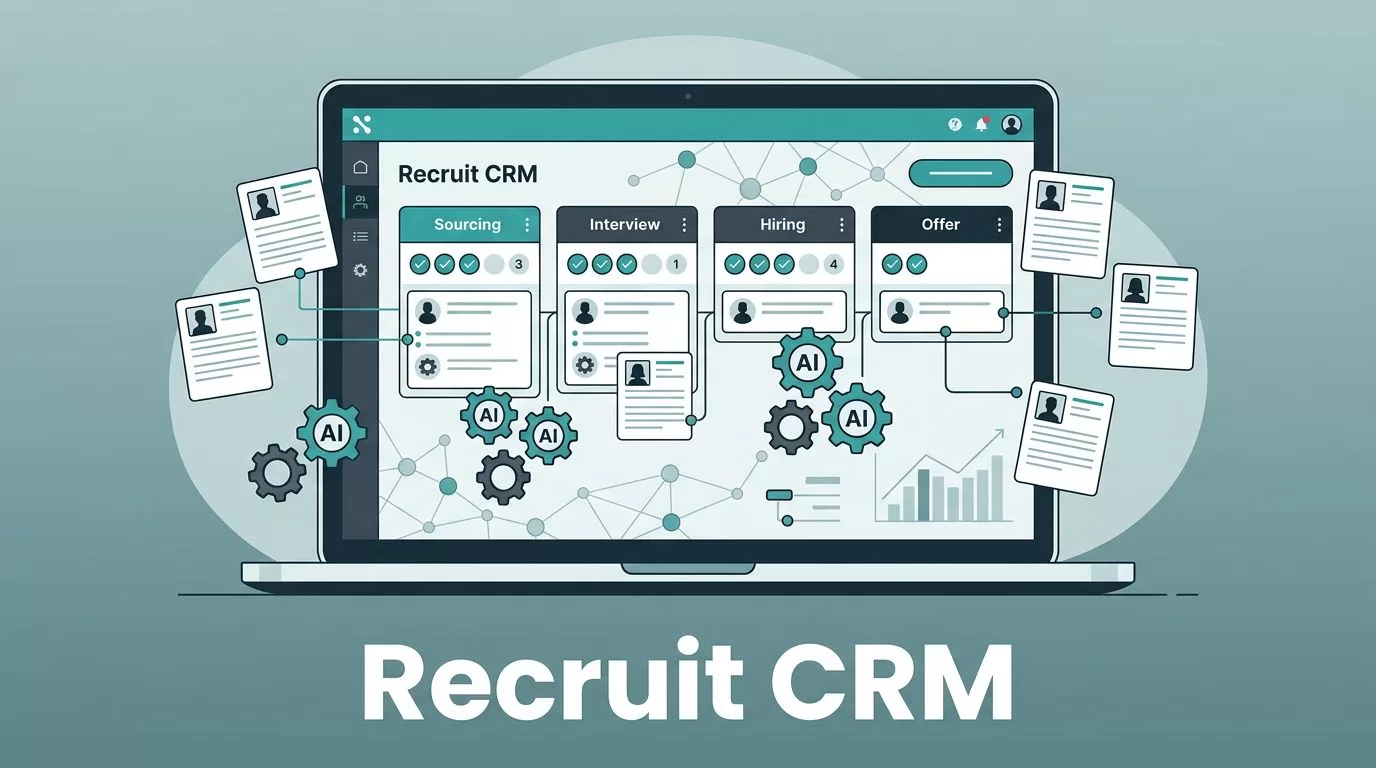
You know that sinking feeling when a candidate slips through the cracks because your spreadsheet just can’t keep up. I’ve been there. Spreadsheets turn into monsters fast, especially as your agency grows. Recruitment database software fixes that by centralizing everything from resumes to pipelines.
Recruit CRM caught my eye because it handles the heavy lifting without me coding a line. In 2026, with AI workflows and integrations everywhere, I configured it into a full database in hours, not months. It beats custom builds on speed and cost. Let me walk you through how I did it.
Why Recruit CRM Beats Building Custom Software
Custom recruitment database software sounds tempting at first. You dream of total control. But reality hits hard. Developers charge a fortune, and maintenance eats your weekends.
I compared the two after a failed custom attempt. Recruit CRM setup took two hours. Custom would have run weeks, plus $50,000 upfront. Ongoing costs? Recruit CRM runs $100 per user monthly on the Pro plan. Custom means server fees and bug fixes forever.
Scalability shines too. Recruit CRM handles thousands of candidates with AI parsing and analytics out of the box. Custom scales only if you pay more devs. For most agencies, Recruit CRM’s features page shows why ready-made wins. It includes Kanban boards and Chrome extensions I customized fast.
Data from 2026 shows agencies save 35% on hiring time with tools like this. No wonder recruiters rate it 4.9 stars. I skipped the headaches and focused on placements.
Setting Up Recruit CRM for Your Database
I started simple. Signed up on their site and picked the Business plan for team features. Next, I installed the Chrome extension. It pulls LinkedIn profiles into the database with one click.
Then, I built pipelines. In settings, I added stages like Sourced, Screened, Interviewed. Drag-and-drop makes it visual. I imported 500 resumes via AI parser. It read skills and matched them automatically.
Here’s the flow I followed:
- Map custom fields for notes and tags.
- Link email and calendar.
- Test with a small job posting.
Teams get running in two hours, per their guides. Privacy settings locked data to roles right away.


This setup turned chaos into order. My database now searches full-text, Boolean style. No more lost gems.
For details on workflows, check Recruit CRM’s automation blog. It matches what I built.
Key Features to Configure in Recruit CRM
Once live, I tuned core tools. Kanban boards became my daily view. Candidates move like pieces on a board, with tags for skills.
AI sourcing grabs profiles from prompts like “Python devs in Texas.” It enriches data instantly. I set automated sequences for emails and LinkedIn messages. Response rates jumped 25%.
Custom fields let me track referrals and salary notes, up to 100 on Business. Analytics dashboards show pipeline bottlenecks. One glance reveals slow stages.
Calling integrates too. Record chats, transcribe them, tie to profiles. Perfect for compliance.
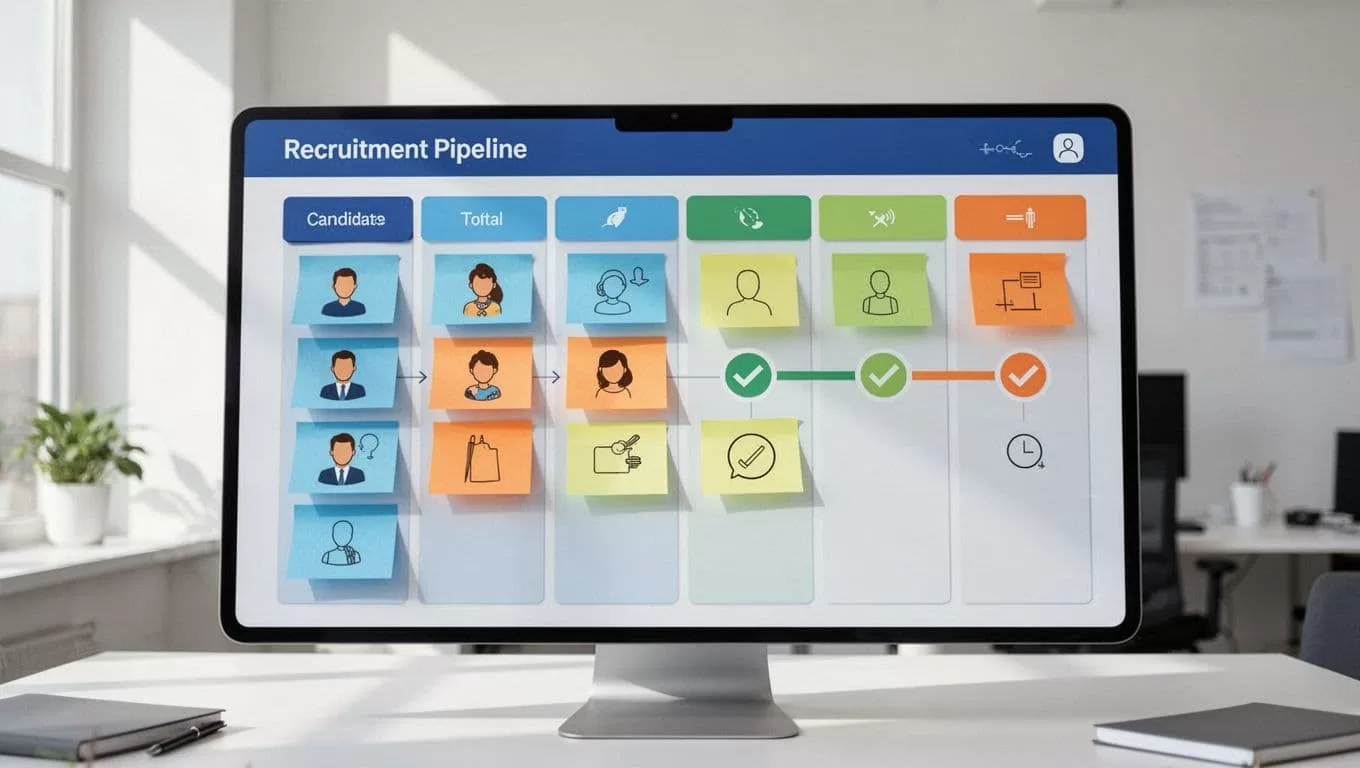
I linked it to Zapier for 5,000 apps. Jobs post to boards automatically. For agencies, check our Recruit CRM recommendation with AI details.
These configs make Recruit CRM a powerhouse database, not just software.
AI Workflows and Integrations I Activated
AI changed everything. GPT matches candidates to jobs. I prompt “best fits for sales roles” and get lists.
No-code workflows automate follow-ups. A new lead triggers emails, then SMS if no reply. No-shows dropped.
Integrations pull from job boards. Chrome extension sources from ZoomInfo too. For deeper setup, their recruiting database guide covers migration.
Privacy? Role-based access and GDPR tools keep data safe. I set retention policies early.
Compared to custom, this scales without code. Agencies grow 10x faster, per reports.
Real Use Cases and Maintenance Tips
In executive search, I built a passive candidate pool. AI sequences nurture them quarterly. Placements rose.
For high-volume staffing, pipelines track 1,000 apps weekly. Analytics spot trends.
Maintenance stays light. Update fields yearly. Backup via API. Costs stay predictable, unlike custom patches.
If building pipelines overwhelms, start with templates. Test small, scale out.
Scaling Your Recruit CRM Database Securely
Growth demands tweaks. I added teams with permissions. Reports now filter by recruiter.
For privacy in 2026, enable audit logs. It tracks access, meets CCPA needs.
Versus custom, Recruit CRM updates automatically. No dev chases.
I’ve filled 50 roles faster this year. Your turn starts with a free trial.
Ready to ditch spreadsheets? Configure Recruit CRM today. What database pains hold you back? Share below.
(Word count: 982)

