A recruitment business plan looks neat on paper. The trouble starts when it meets Monday morning.
I use Recruit CRM to turn targets into tasks, pipelines, and numbers I can check before lunch. That matters because agency growth comes from repeatable execution, not hopeful spreadsheets.
If I can’t see the work inside the CRM, I treat the plan as unfinished.
I turn the plan into CRM fields and weekly targets
I start by breaking the annual plan into smaller pieces. A goal like “grow placements” is too vague to act on. I want targets for each niche, each recruiter, and each week.
That approach lines up with strategic workforce planning, because the business needs a clear talent forecast before the team can fill jobs with speed. In my case, Recruit CRM becomes the place where that forecast turns into live work.
Here is the simple map I use:
| Business plan item | Recruit CRM setup | What I review weekly |
|---|---|---|
| Monthly placement target | Pipeline stages and dashboard goals | Placements closed against target |
| Niche growth plan | Tags, custom fields, and job categories | Volume by niche |
| Client expansion goal | Company records and client notes | New accounts and active openings |
| Delivery speed goal | Task reminders and stage dates | Time in stage and response time |
Once the plan lives in named fields, I can spot drift fast. If healthcare jobs rise but finance jobs stall, I see it before month-end panic starts.
I also keep my first rollout small. If I need a practical starting point, I use my quick Recruit CRM setup guide and build one clean workflow before I add extras.


I build workflows that match how recruiters actually work
A business plan fails when the team has to guess the next step. I don’t want guesswork. I want the same motion every time a role opens.
In 2026, I pay close attention to Recruit CRM’s AI tools, especially candidate matching, resume parsing, and suggested replies. Those features help me move faster, but I still keep the process simple. AI helps the recruiter. It should not replace the process.
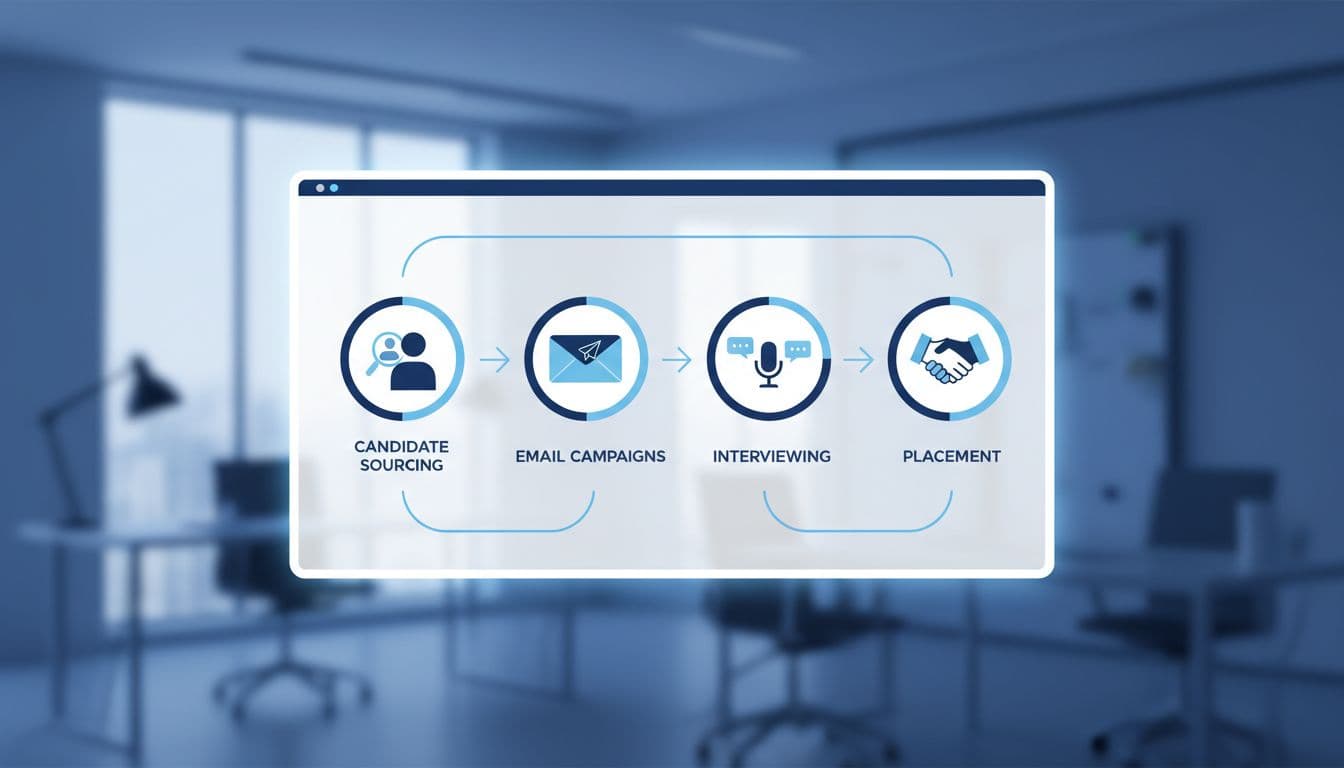
I usually build the workflow in this order:
- I create the job record, assign an owner, and set the deadline.
- I source candidates, then add them to the right pipeline stage.
- I send the first outreach sequence and track replies.
- I move qualified people into interview and submission steps.
- I send updates through the client side when feedback is due.
That sequence keeps the team honest. It also keeps handoffs clean. If someone leaves a candidate in one stage too long, I see it right away.
If a workflow can’t be explained in one sentence, it’s too messy to automate.
For candidate follow-up, I like automated candidate nurturing in Recruit CRM. It keeps cold leads warm and saves me from manual chasing. When clients want clearer visibility, I use client portal software in Recruit CRM so they can review shortlists without endless email loops.
I track the few metrics that tell the truth
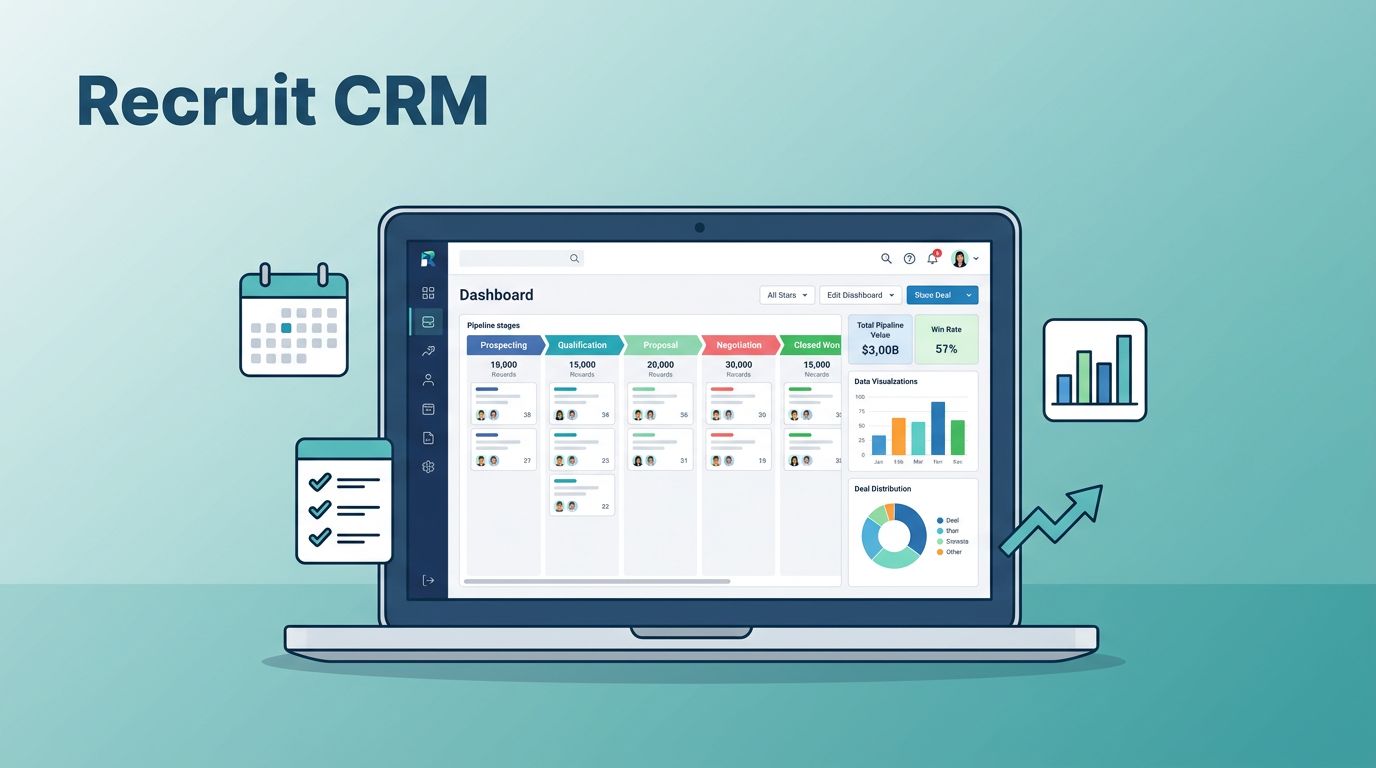
A recruitment business plan only matters if I can measure it. Recruit CRM’s dashboards are useful because they show the numbers I need without forcing me into a spreadsheet maze.
When I decide what to track, I keep it tight. I watch the metrics that affect cash, speed, and delivery quality. The rest can wait.
These are the numbers I check most often:
- Job-to-submittal speed, because slow sourcing usually means a weak process.
- Submittal-to-interview rate, because it shows whether the shortlist is strong.
- Interview-to-offer rate, because it reveals fit and client alignment.
- Offer acceptance rate, because a good pipeline still fails here.
- Days stuck in stage, because bottlenecks hide in plain sight.
- Source quality by niche, because some channels look busy but produce little.
When I need a wider growth lens, I compare my numbers with the ideas in Recruit CRM’s scaling guide. That helps me tell the difference between activity and real growth.
My rule is simple: if a metric doesn’t change a decision, I drop it from the weekly review. I want a dashboard that behaves like a cockpit, not a trophy wall.


Conclusion
A recruitment business plan becomes real when I can point to the exact fields, workflows, and numbers inside Recruit CRM. That is where strategy stops being a slide deck and starts becoming daily work.
I get the best results when I keep the system simple, assign clear owners, and review a small set of metrics every week. The plan stays alive because the CRM holds the pace.
If I had to start again, I would build one niche, one workflow, and one dashboard before anything else. That is how I keep the plan moving instead of letting it sit on paper.