How to Complete a Remitly Bangladesh Bank Transfer
You need to send funds home without losing half your transfer to hidden fees. Choosing the right digital provider changes everything about how fast your money arrives. When you complete a Remitly Bangladesh bank transfer, you connect your f...

You need to send funds home without losing half your transfer to hidden fees. Choosing the right digital provider changes everything about how fast your money arrives.
When you complete a Remitly Bangladesh bank transfer, you connect your foreign account to a local institution quickly. You skip traditional wire desks and their punishing exchange markups. You need clear steps, current rate checks, and correct recipient details before you click send.
Key Takeaways
- Remitly charges low base fees for bank deposits to Bangladesh, but final costs vary by sending country and payment method.
- Delivery speeds depend on whether you choose economy or express speed, alongside your funding source.
- Gather exact recipient details, including the bank branch and account number, before you start the transaction.
- Always review the final quote screen for exchange rates and delivery estimates before confirming the transfer.
Required Recipient Details for Bangladeshi Banks
You cannot finish a transfer without accurate banking data. Typos in account numbers cause massive payout delays or rejected transactions.
You need the full legal name of the account holder as it appears on their bank records. You also need the exact bank name, the branch address, and the correct account number. Double-check every digit with your recipient before you input anything into the app.
If you make a mistake, funds bounce back or stall in compliance reviews. Confirm the details twice. You can review official guidelines on sending money to Bangladesh to verify what data your specific corridor requires.
Understanding Fees and Exchange Rates
You want transparency when moving hard-earned cash across borders. Traditional banks drain your balance with flat wire fees and poor currency conversion rates.
Remitly lists explicit transfer fees depending on your funding source and destination corridor. U.S. bank deposits often carry small flat fees, while credit cards add cash advance charges from your issuer. Exchange rates fluctuate constantly based on global market conditions.
Fees, exchange rates, payment methods, transfer limits, supported banks, and delivery times vary by sending country, payment method, verification status, and transaction details. You must check the live quote screen inside your app right before you submit the transfer. Do not rely on old screenshots or outdated forum posts for current pricing.
Step-by-Step Guide to Initiate Your Transfer
You set up your transaction through the mobile app or web portal in minutes. Keep your debit card or bank login ready.

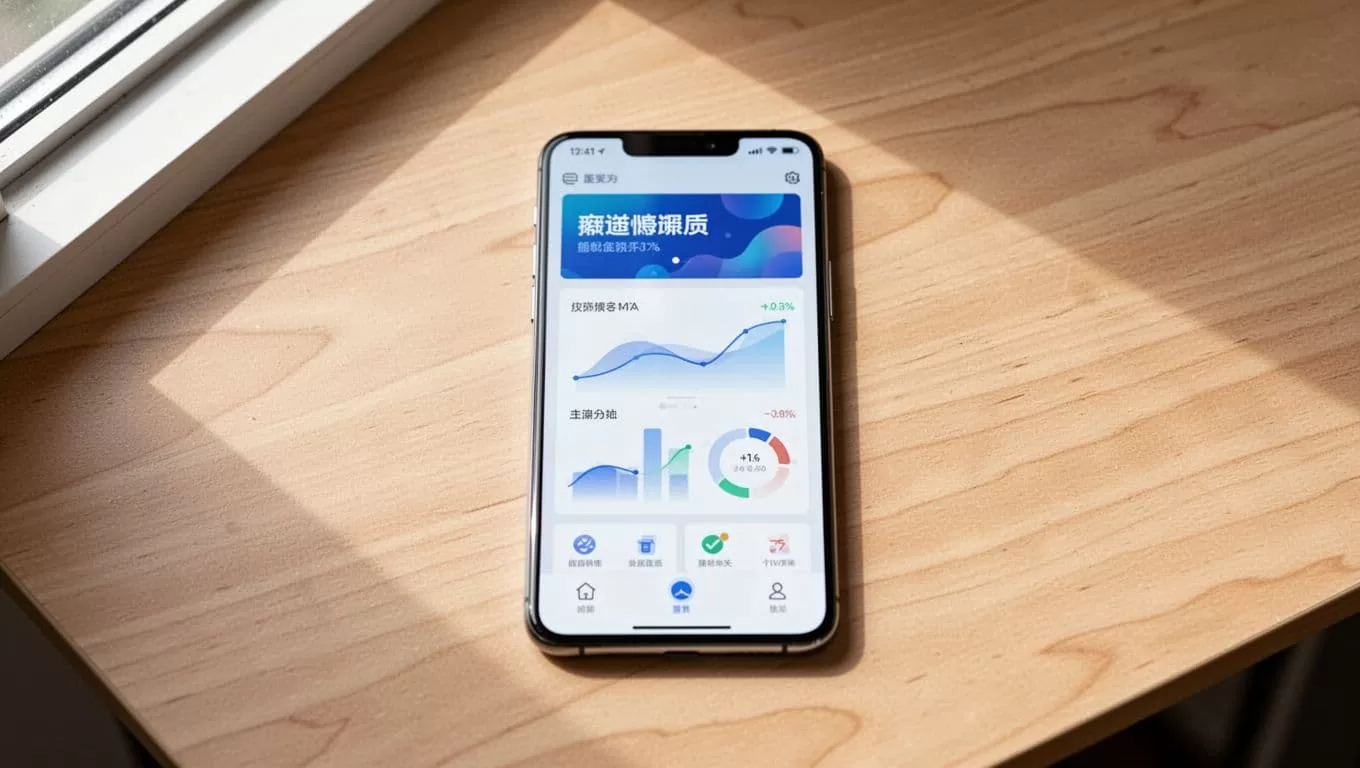
- Open your Remitly account or sign up with your email address and a secure password.
- Select Bangladesh as your destination country and enter the amount you want to send in your local currency.
- Choose bank deposit as your delivery method from the available payout options.
- Input your recipient details carefully, matching their official bank records letter for letter.
- Select your funding source, such as a linked checking account, debit card, or credit card.
- Review the summary screen showing the exact exchange rate, delivery speed, and total cost.
- Tap send to submit your transaction and save your tracking number for reference.
Comparing Delivery Speeds and Payout Options
Your delivery speed depends on the service tier you select during checkout. You balance cost against urgency for every single transfer.
Economy transfers use standard bank clearing networks and usually take a few business days. Express transfers fund instantly through debit or credit cards, pushing money to major Bangladeshi banks much faster. Payout speeds also vary if you choose mobile wallets like bKash or cash pickup instead of a direct bank deposit.
Review the delivery estimate on your final checkout screen before you authorize the payment. For broader details on platform features, check out Remitly’s main portal.
Troubleshooting Common Transfer Delays
Transactions sometimes stall due to routine security checks or missing identification documents. You stay calm and follow the prompts.
Remitly compliance teams occasionally request proof of income or photo identification to verify large transfers. Check your email notifications immediately if your transfer status pauses. Respond to support requests fast to clear the hold.
Ensure your recipient’s bank account matches your transfer profile details to prevent automatic rejections. If problems persist, contact customer support through the app.
Conclusion
Moving money across the globe requires precision and the right tools. You protect your funds by verifying recipient details and reviewing live exchange rates every time.
Take a moment to double-check your account numbers before hitting send. Open your app and start your transfer now.

