Send Money Indonesia: Remitly Bank Transfer Guide
If you search for send money Indonesia, you probably need a secure way to move funds into a family member’s bank account without visiting a branch. Remitly lets you arrange the transfer through its website or mobile app, review the ex...

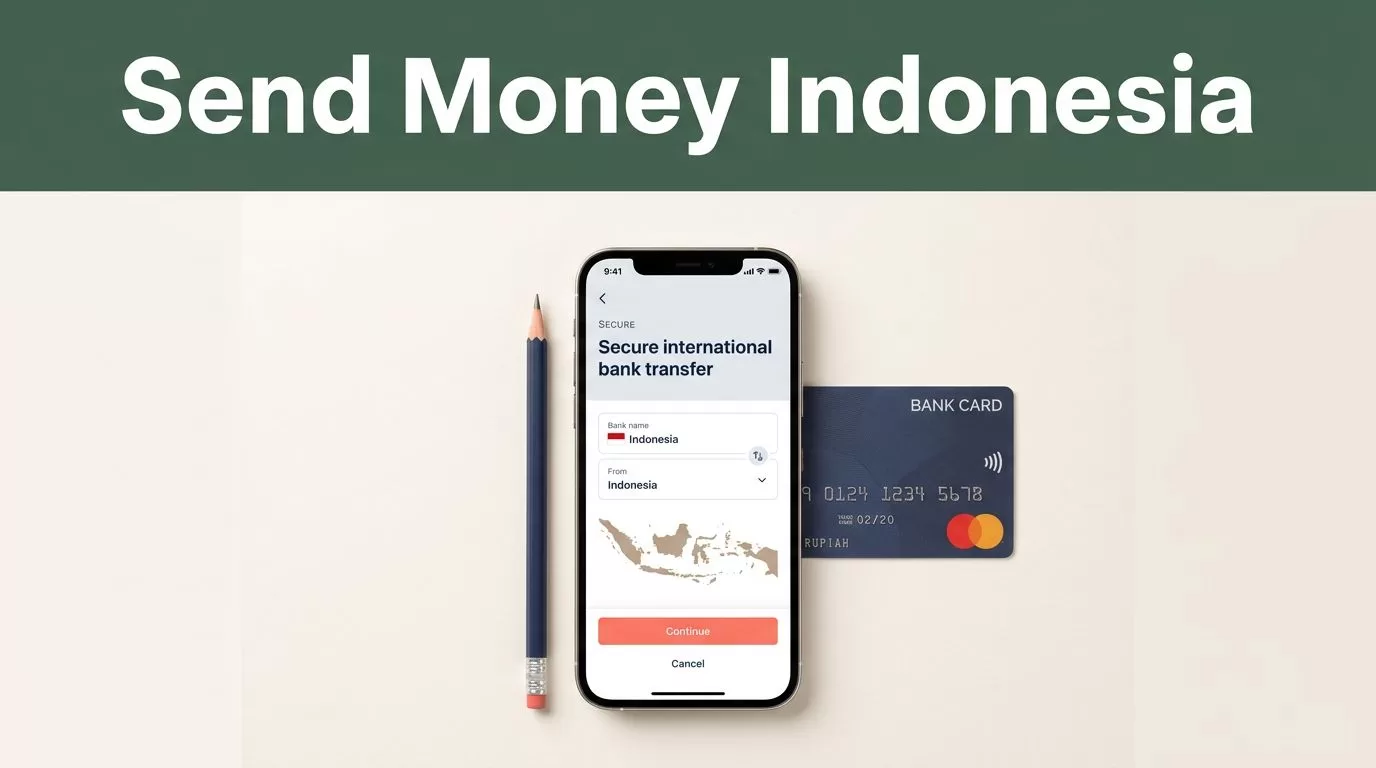
If you search for send money Indonesia, you probably need a secure way to move funds into a family member’s bank account without visiting a branch. Remitly lets you arrange the transfer through its website or mobile app, review the exchange rate and fee, then choose the available delivery method.
The process is straightforward, but the details matter. A wrong account number, mismatched recipient name, or missing verification document can delay the payment. Use this guide to prepare the transfer, compare the displayed cost, and check its status after sending.
WHAT REMITLY OFFERS FOR INDONESIA BANK TRANSFERS
Remitly supports transfers from the United States to Indonesia through delivery methods that can include bank deposit, cash pickup, debit card deposit, and mobile wallet delivery. The options shown to you depend on your sending country, recipient location, payment method, transfer amount, and local provider availability.
For a bank deposit, the recipient receives the funds in an Indonesian bank account instead of collecting cash. Remitly’s Indonesia network includes providers such as Bank Central Asia (BCA), Bank Rakyat Indonesia (BRI), Bank Negara Indonesia (BNI), Bank CIMB Niaga, Bank BJB, and other institutions. The available bank list can change by sending corridor, so use the list displayed inside your transfer setup.
You can review the current route and available delivery methods on Remitly’s US-to-Indonesia page. If you’re sending from another country, open the matching Remitly country page before entering payment details. A transfer from Poland, for example, may show different pricing and delivery options than one from the United States. Remitly provides a separate Poland-to-Indonesia transfer page for that corridor.
The main delivery choices work differently:
- Bank deposit sends money directly to the recipient’s eligible Indonesian account.
- Cash pickup requires the recipient to collect funds from an available local partner.
- Mobile wallet or debit card delivery depends on the supported provider and recipient account.
The provider list inside your live quote is more reliable than a general list because it reflects your sending country and selected delivery method.

PREPARE THE RECIPIENT AND PAYMENT DETAILS
Collect the recipient’s information before opening the transfer form. This prevents interruptions and reduces the chance of entering incomplete data.
For a bank deposit, Remitly can request the following details:
| Information | What to check |
|---|---|
| Recipient name | Use the legal name connected to the bank account |
| Contact details | Enter the current phone number and any other fields requested |
| Bank name | Select the correct Indonesian bank from the available list |
| Account number | Copy every digit and check it against the recipient’s banking record |
| Additional bank fields | Complete the account type or other information shown in the form |
The recipient should verify every bank detail before you confirm the payment. Ask them to send the information through a trusted channel, then compare it with their bank app or official statement. Don’t rely on an old message if the account may have changed.
Your own account also needs accurate information. Remitly may require identity verification before approving a first transfer or a higher-value transaction. Prepare a government-issued photo ID, proof of address, and any additional documents the service requests. Requirements can vary based on the sending country, transfer amount, and compliance review.
Use a supported Visa or Mastercard debit or credit card when that payment method appears in your account. Other payment methods may also be available, but the checkout screen is the final source for your transaction.
HOW TO SEND MONEY INDONESIA WITH REMITLY
The standard process takes place in the Remitly app or on its website. Follow the steps in order.
- Create or open your Remitly account. Register with your email address and complete any identity checks shown on screen. Existing users should confirm that their profile information is current.
- Select Indonesia as the destination. Enter the amount you want to send or the amount the recipient should receive. Check which currency each amount uses before continuing.
- Choose bank deposit. Review the available Indonesian banks and delivery options. If the recipient’s bank doesn’t appear, don’t select a different bank as a substitute. Choose another delivery method or contact Remitly support.
- Add the recipient. Enter the recipient’s legal name, phone number, bank name, account number, and any other fields requested. The name should match the bank’s records.
- Select your payment method. Add the supported card or other payment option available in your sending country. Review the funding account before submitting.
- Check the quote and confirm. Review the fee, exchange rate, amount the recipient receives, delivery method, and estimated arrival information. Read the final details carefully, then authorize the transfer.
The exact order or wording can change as Remitly updates its app. The core flow remains the same: create an account, enter transfer details, add the recipient, choose payment, and confirm.
CHECK FEES, EXCHANGE RATES, AND DELIVERY TIMES
The cost of a Remitly transfer is not one fixed amount for every customer. It can change based on the sending country, amount, payment method, delivery option, exchange rate, promotional pricing, and recipient provider.
Before you send, check these four figures:
- The amount charged to your payment method
- The transfer fee
- The exchange rate applied to the transaction
- The final Indonesian rupiah amount received
The exchange rate can change during the day. A low fee doesn’t automatically mean the recipient receives the highest amount. Compare the total cost and final payout shown in the quote. Remitly’s transfer method guide also explains why banks, apps, cash pickup, and other methods can produce different processing times and costs.
Delivery timing also varies. Bank processing, weekends, public holidays, compliance checks, payment verification, and provider operating hours can affect arrival. Treat the estimated delivery date as an estimate, not a guarantee.
A transfer that appears fast in one corridor may take longer in another. The selected bank and payment method can also change the result. Save the quote details before confirming if you need to compare the transaction later.
TRACK THE TRANSFER AND HANDLE DELAYS
After payment, open the transfer activity area in the Remitly app or website. The status may show whether the transfer is being processed, sent, available, or completed. Remitly may also send status notifications to your email or phone.
Keep the confirmation message and transfer reference number. The recipient may need the reference when asking their bank whether a deposit has arrived. Ask the recipient to check the account history, not only the current balance, because bank posting times can vary.
If the transfer is delayed, use this sequence:
- Check the transfer status and estimated delivery information.
- Confirm that your payment method was approved.
- Recheck the recipient’s name and bank account details.
- Ask the recipient to contact their bank about pending or rejected deposits.
- Contact Remitly support with the transfer reference number if the status doesn’t change.
Don’t create a second transfer while the first one is unresolved. Duplicate payments create another reconciliation problem and may increase the amount sent.
Use the official Remitly app or type the website address yourself. Don’t provide login details or verification codes through an unsolicited message. A transfer service can process the payment, but it can’t protect you from a recipient scam. Confirm who should receive the money before you authorize it.
CONCLUSION
Remitly gives people abroad a practical way to send money Indonesia bank accounts when the recipient has an eligible local provider. The main work happens before payment: collect accurate recipient details, confirm the available bank, review the complete quote, and save the transfer reference.
Fees, exchange rates, delivery times, limits, and supported banks can change by corridor. Check the live Remitly quote every time, and ask the recipient to verify the account information before you press send.
FREQUENTLY ASKED QUESTIONS
What recipient details are required for an Indonesian bank deposit?
You generally need the recipient’s legal name, contact details, bank name, and account number. Remitly may request an account type or other bank information depending on the provider and transfer route. The recipient should confirm the details directly from their bank records.
Can I send money to any Indonesian bank account?
No universal bank availability promise applies to every sending country. Remitly connects transfers through supported Indonesian providers, and the available list can vary by corridor and delivery method. Check whether the recipient’s bank appears in your live transfer form.
How can I track a Remitly transfer?
Sign in to the Remitly app or website and open your transfer activity. Use the status shown there and keep the confirmation or reference number. The recipient can use the same information when asking the bank about a pending deposit.
What should I do if the transfer is delayed?
First, check the status and payment approval. Then verify the recipient’s account details and ask the bank whether the deposit is pending or rejected. If the delay continues, contact Remitly support with your transfer reference. Don’t send another payment until the first transfer is resolved.
Are Remitly fees and exchange rates fixed?
No. The fee and exchange rate can vary by sending country, amount, payment method, delivery method, and current pricing. Review the final quote before confirming each transfer.

