Remitly Cameroon Transfer: Send Money Without Mistakes
Sending money to Cameroon can be simple until one wrong digit sends the transaction into review. A Remitly Cameroon transfer gives you a clear process, several delivery options, and a quote before payment. Fast delivery is a target, not a p...
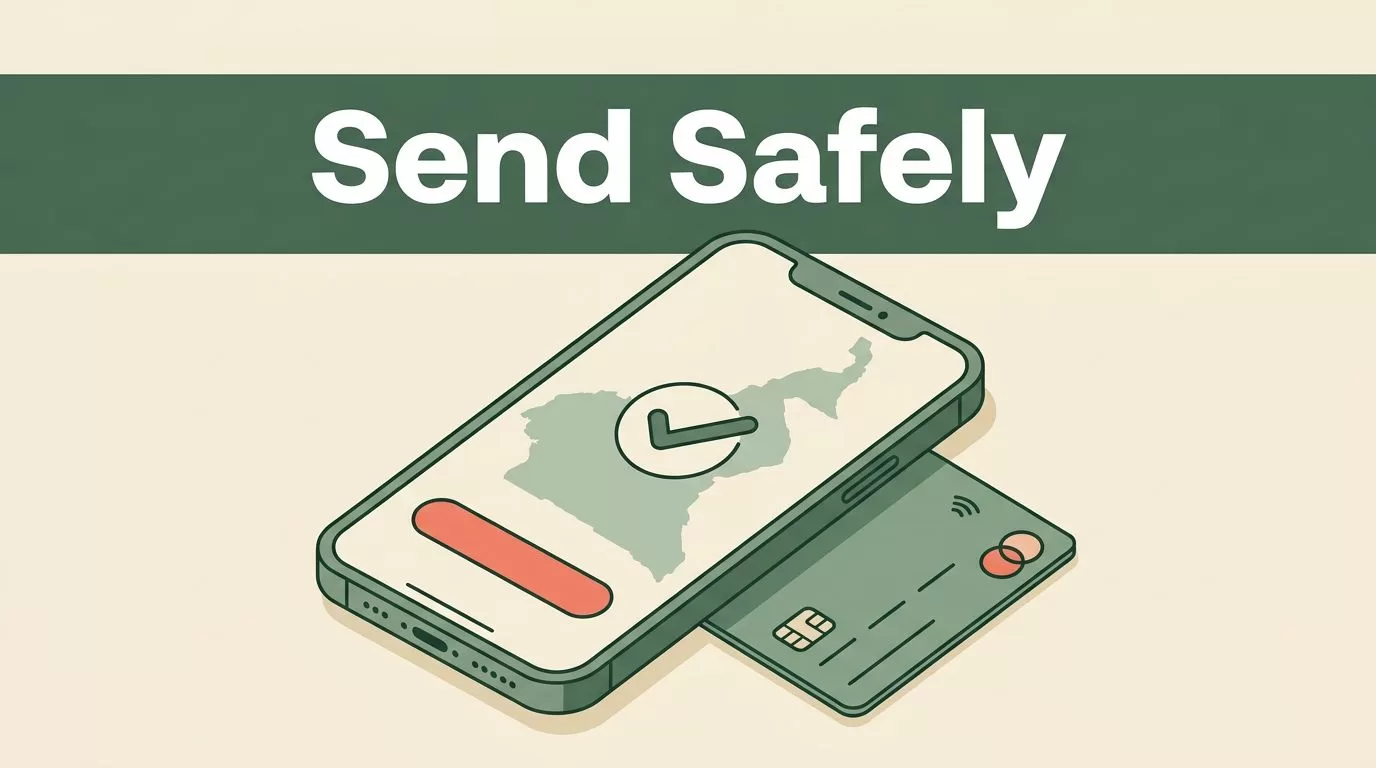
Sending money to Cameroon can be simple until one wrong digit sends the transaction into review. A Remitly Cameroon transfer gives you a clear process, several delivery options, and a quote before payment.
Fast delivery is a target, not a promise. Verification checks, payment processing, bank hours, provider availability, and incorrect recipient details can change the timeline. Check every detail before you send, then use the transfer status to monitor progress.
What a Remitly Cameroon transfer supports
Remitly currently lists several ways to deliver money in Cameroon. The available option depends on your sending country, the recipient’s location, and the details entered during setup.
| Delivery method | Best fit | Information to prepare |
|---|---|---|
| Mobile money | A recipient who uses a supported wallet | Recipient name, phone number, and network details |
| MTN Mobile Money | A recipient with an MTN wallet | MTN Mobile Money account information |
| Orange Money Cameroon | A recipient with an Orange wallet | Orange account and phone details |
| Bank deposit | Money going directly to a bank account | Bank name, account number, and recipient information |
| Cash pickup | A recipient who needs physical cash | Legal name and pickup details |
MTN Mobile Money and Orange Money Cameroon are listed as mobile-wallet options. Bank deposit sends funds to the recipient’s account when that route is available. Cash pickup depends on the local payout network and the recipient’s identification requirements.
Mobile money is often practical when the recipient already uses the correct network. Bank deposit may fit better for larger household payments, business expenses, or recipients who prefer account access. Cash pickup can help when the recipient doesn’t have a usable bank account or mobile wallet.
Start with Remitly’s official Cameroon transfer page if you’re sending from the United States. Other sending countries may show different currencies, payment methods, fees, limits, or delivery choices.

Prepare the transfer before opening the app
Preparation reduces failed transfers. Collect the recipient’s information before you start entering the transaction.
You need an active Remitly account. New customers may need to verify their identity with government-issued identification or other documents. The exact verification request depends on your account, location, payment method, and transaction details.
Ask the recipient to confirm the following information:
- Their legal name, spelled exactly as it appears on their identification or account.
- Their active phone number and mobile network, if using mobile money.
- Their bank name and account number, if using bank deposit.
- Their preferred cash pickup location and identification requirements, if using cash pickup.
- Any account, wallet, or pickup details shown by their local provider.
Do not rely on an old message or saved contact if the recipient recently changed networks or bank accounts. A single incorrect number can delay delivery or require a correction process.
Use the official Remitly website or mobile app. Don’t send your password, verification code, card security code, or account PIN to the recipient. The recipient needs payout information, not access to your Remitly account.
Write down the amount you want the recipient to receive in Central African CFA francs, then check how much your funding currency will cost. This prevents you from focusing on the amount sent while overlooking the final payout.
How to complete the transfer step by step
The exact screen labels may change, but the transaction follows a consistent sequence.
- Create or open your Remitly account. Sign in through the official app or website. Complete any identity verification request before trying to send the payment.
- Select Cameroon as the destination. Enter the amount you want to send or the amount you want the recipient to receive. Review both figures because changing one can change the other.
- Review the quote. Check the exchange rate, transfer fee, payment charge, total amount debited, and final XAF payout. Promotional pricing may apply only to eligible customers, amounts, or first transfers.
- Choose the delivery method. Select MTN Mobile Money, Orange Money Cameroon, bank deposit, cash pickup, or another option displayed for the recipient’s location.
- Enter the recipient’s details. Match the recipient’s name, phone number, wallet information, bank details, or pickup information to the selected method. Don’t combine bank information with mobile-wallet details.
- Choose your payment method. Remitly may display different funding options based on your sending country. The fee, processing time, and available limits can change by payment type.
- Review and send. Read the summary line by line. Confirm the recipient, delivery method, amount, rate, fee, payment source, and estimated delivery information before authorizing the transfer.
After payment, save the reference number and open the tracking view. Share the relevant status information with the recipient, but don’t share your account login or security codes.
For a bank deposit, the recipient’s name and account details need to match the information required by the bank. For a wallet transfer, confirm that the phone number belongs to the selected MTN or Orange account. For cash pickup, the recipient may need identification that matches the name on the transaction.
Check fees, exchange rates, and delivery estimates
The amount the recipient receives is not determined by the exchange rate alone. Review the full quote before payment.
Check these four values:
- The amount charged to your card or bank account.
- The Remitly transfer fee.
- The exchange rate applied to the transaction.
- The final amount delivered in XAF.
Remitly may display a welcome rate or promotional fee for selected routes. Offers can change, and eligibility rules may apply. Treat the live quote in your account as the relevant price for your transaction. The Remitly Cameroon pricing page is another place to check the current route information before sending.
Delivery estimates are also route-specific. A mobile wallet may follow a different process from a bank deposit or cash pickup. Verification, weekends, local holidays, bank processing, provider outages, and compliance reviews can affect the actual arrival time.
Compare transfers using the same sending amount and the same delivery method. A card-funded transfer and a bank-funded transfer may show different costs. Comparing only the advertised exchange rate can hide the real amount you pay.
For additional background on how Remitly fees and exchange rates can work, review this Remitly fees guide. Use it for general context, then rely on the live Remitly quote for your route.
The right comparison is total cost versus final payout, not the exchange rate by itself.
Troubleshoot a delayed or failed transfer
A delayed transaction doesn’t always mean the money is lost. Start with the status shown in your Remitly account.
If the transfer is under review, check whether Remitly requested identity documents or payment confirmation. Respond through the official account channel. Avoid sending a second transfer while the first one is unresolved.
If the recipient hasn’t received mobile money, confirm the phone number and network. Check whether the wallet is active and able to receive the amount. A transfer sent to the wrong network may need support intervention.
For bank deposits, recheck the bank name, account number, and recipient name. Ask the recipient to confirm the account details with the bank instead of guessing from an old statement.
For cash pickup, compare the recipient’s legal name with the name entered in Remitly. Small spelling differences can prevent collection. The recipient should also confirm the pickup location and acceptable identification before traveling.
Payment failures can come from an expired card, an issuer decline, an unsupported payment method, or a mismatch between billing information and the account. Check your payment source first. Don’t repeatedly retry a declined transaction without understanding the reason.
Contact Remitly support with the transaction reference, sender details, recipient details, payment method, and current status. Never send your full card number, password, or one-time security code through an unverified message.
Pre-send checklist for Cameroon
Use this short checklist before authorizing any Remitly Cameroon transfer:
- Confirm the recipient’s legal name.
- Confirm the phone number and mobile network.
- Confirm the bank name and account number when using bank deposit.
- Confirm the cash pickup location and identification requirements.
- Review the exchange rate, fee, total debit, and XAF payout.
- Check the delivery method and estimated arrival information.
- Verify the payment card or bank account.
- Save the reference number after sending.
A second review takes less time than correcting a transfer sent to the wrong wallet or account. Ask the recipient to confirm the details in writing before you submit the payment.
Conclusion
A Remitly Cameroon transfer works best when you treat it as a controlled transaction. Prepare the recipient’s exact details, select the correct payout method, review the live quote, and save the tracking reference.
Remitly can support mobile money, bank deposit, and cash pickup, but availability and timing depend on the route. Fast delivery starts with accurate information, then depends on verification and local payout processing.
