Remitly Cameroon: Download the App and Send Money
Sending money home is easy to start and easy to get wrong. Remitly Cameroon gives people living abroad a mobile way to send funds to family and friends using bank deposits, mobile money, or cash pickup. The important details are not limited...

Sending money home is easy to start and easy to get wrong. Remitly Cameroon gives people living abroad a mobile way to send funds to family and friends using bank deposits, mobile money, or cash pickup.
The important details are not limited to the transfer fee. Your sending country, payment method, exchange rate, transfer amount, recipient location, and delivery option all affect the final result. Set up the transfer, review the live quote, and confirm the recipient information before you pay.
Why Remitly Cameroon works for international transfers
Remitly is built for people who need to send money across borders without visiting a physical branch. You create the transfer in the app or on the website, select Cameroon, add the recipient, choose a payout method, and pay through an available funding option.
The Cameroon route supports several delivery choices. Depending on your sending country and the recipient’s location, the available options can include:
- Bank deposit into an eligible Cameroonian account.
- Mobile money through services such as MTN Mobile Money or Orange Money Cameroon.
- Cash pickup through an approved local network.
The Remitly Cameroon transfer page lists delivery options and provider availability for the selected corridor. Remitly’s U.S. information currently names providers such as Banque Atlantique, BGFI Bank, CCA Bank, UBA, MTN Mobile Money, Orange Money Cameroon, and Wafacash Cameroon Cash Pickup Network.
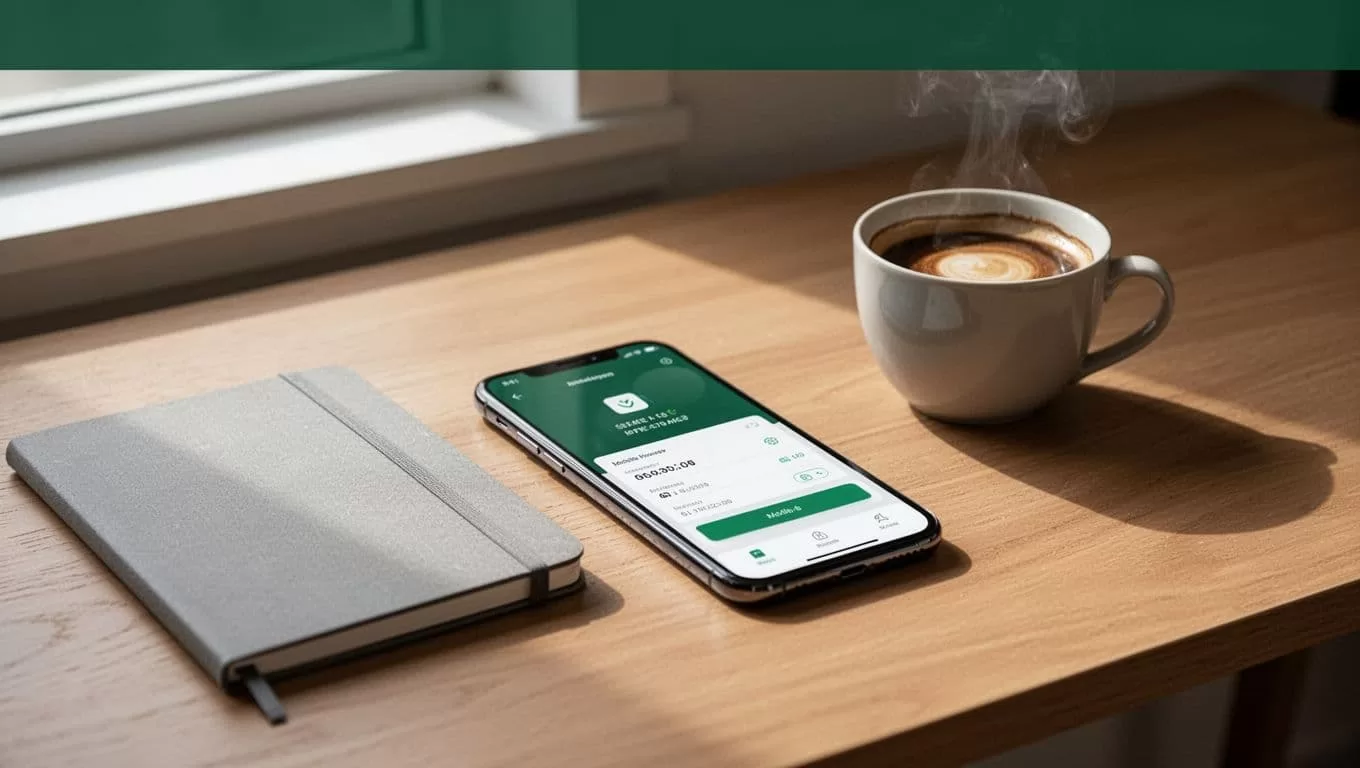
The right payout method depends on how your recipient manages money. A mobile wallet can be convenient for someone who needs funds on a phone. A bank deposit works better when the recipient already uses an eligible bank account. Cash pickup may be practical when the recipient doesn’t have access to either option.
Availability is not identical for every user. A method shown to a sender in the United States may not appear for someone sending from Spain, Canada, the United Kingdom, or another country. Always use the quote shown for your own account and route.
How to download and set up the Remitly app
Download Remitly through your device’s official app store. Search for Remitly in the Apple App Store or Google Play, then check the publisher and app name before installing. You can also start through Remitly’s official website if you prefer using a computer browser.
App access and features can vary by sending country. Avoid downloading an APK or using a link sent through an unknown message. Use the official store listing or type Remitly’s website address into your browser yourself.
Follow this setup process:
- Create an account with your email address and personal details. Use an email account that you check regularly because Remitly may send security notices and transfer updates there.
- Complete identity verification when requested. International money transfer services collect identification information to meet compliance and anti-money laundering requirements. A government-issued ID may be required before your first transfer is approved.
- Select Cameroon as the destination country. Enter the amount you want to send or the amount you want the recipient to receive in Central African CFA francs, shown as XAF.
- Choose a delivery method. The app will show the available bank, mobile money, or cash pickup options for the route and recipient details you enter.
- Add the recipient’s information exactly as it appears on their official documents or financial account. A bank deposit may require the bank name, account type, account number, legal name, and contact details.
- Select a supported payment method. For U.S. senders, Remitly lists debit cards, credit cards, and bank accounts. Other payment methods may appear in other sending countries.
- Review the quote before submitting payment. Check the amount debited, exchange rate, fee, delivery option, estimated arrival, and recipient payout.
For a mobile money transfer, the MTN Mobile Money instructions show the basic app flow. You select Cameroon, choose MTN Mobile Money, enter the recipient’s details, and pay after reviewing the transfer.
Choose the right payout method in Cameroon
The recipient’s access should decide the delivery method. Don’t select cash pickup because it looks familiar if your family member lives far from a partner location.
Mobile money
MTN Mobile Money and Orange Money Cameroon can be useful when the recipient has an active wallet linked to the correct phone number. Confirm the number before sending. A single incorrect digit can cause a failed or delayed payout.
Mobile money also gives the recipient more control over when to withdraw or use the funds. The wallet must still be eligible for the transfer and may need to meet provider requirements.
Bank deposit
Bank deposit is suitable when the recipient has an eligible account with a supported institution. Request the account details directly from the recipient. Don’t rely on an old transfer record if the account may have changed.
Enter the legal name exactly. A mismatch between the recipient name and bank records can create a review or delay.
Cash pickup
Cash pickup can help recipients who don’t use a bank account or mobile wallet. The recipient usually needs valid identification and the correct legal name to collect the funds.
Confirm the pickup network and location before you send. A recipient may need to travel to a specific partner location, and opening hours can affect access.
Compare the Remitly quote before you pay
The displayed fee is only one part of the cost. A better comparison uses the amount you pay and the amount the recipient receives.
| Quote detail | What to check |
|---|---|
| Total debited | Transfer amount, fee, and any payment charge |
| Exchange rate | The rate applied to USD and XAF or your currency pair |
| Recipient payout | The exact amount received in Cameroon |
| Delivery method | Bank deposit, mobile money, or cash pickup |
| Estimated delivery | The time shown after payment and delivery selection |
| Transfer limit | The maximum amount available for your account and route |
At the time of writing in August 2026, Remitly’s U.S. pricing information advertises no fees on USD-to-XAF transfers. It also shows a promotional rate of 564.99 XAF for one U.S. dollar on an eligible first transfer, with the promotional rate applying to the first $500 sent.
That offer is not a universal Remitly Cameroon rate. It applies to eligible U.S. customers and may have specific terms. The promotional terms state that the special rate can apply to one transfer of up to $500. Rates and promotions can change, so treat the in-app quote as the current figure.
Switching from a bank account to a card can change the quote. Changing from mobile money to cash pickup can also affect the rate, fee, or delivery estimate. Compare the same sending amount and payout method when reviewing options.
The recipient’s final payout matters more than a headline fee. A low fee can still produce a weaker result if the exchange rate is less favorable.
Send, track, and manage the transfer
Once the details are correct, submit the payment through the selected funding method. Remitly provides transfer status updates so you can check whether the payment is being processed, approved, sent to the provider, or ready for collection.
Save the confirmation number and keep the transfer receipt. Send the recipient the information they need, but don’t share your account password, verification codes, or payment card details.
Delivery estimates are not guarantees. A transfer can take longer because of payment processing, identity checks, weekends, public holidays, provider operating hours, incorrect recipient details, or a wallet or bank review.
The Remitly transfer information for Spain shows why the sending country matters. Remitly may display different payment methods, pricing, rates, limits, and delivery choices depending on where the sender lives.
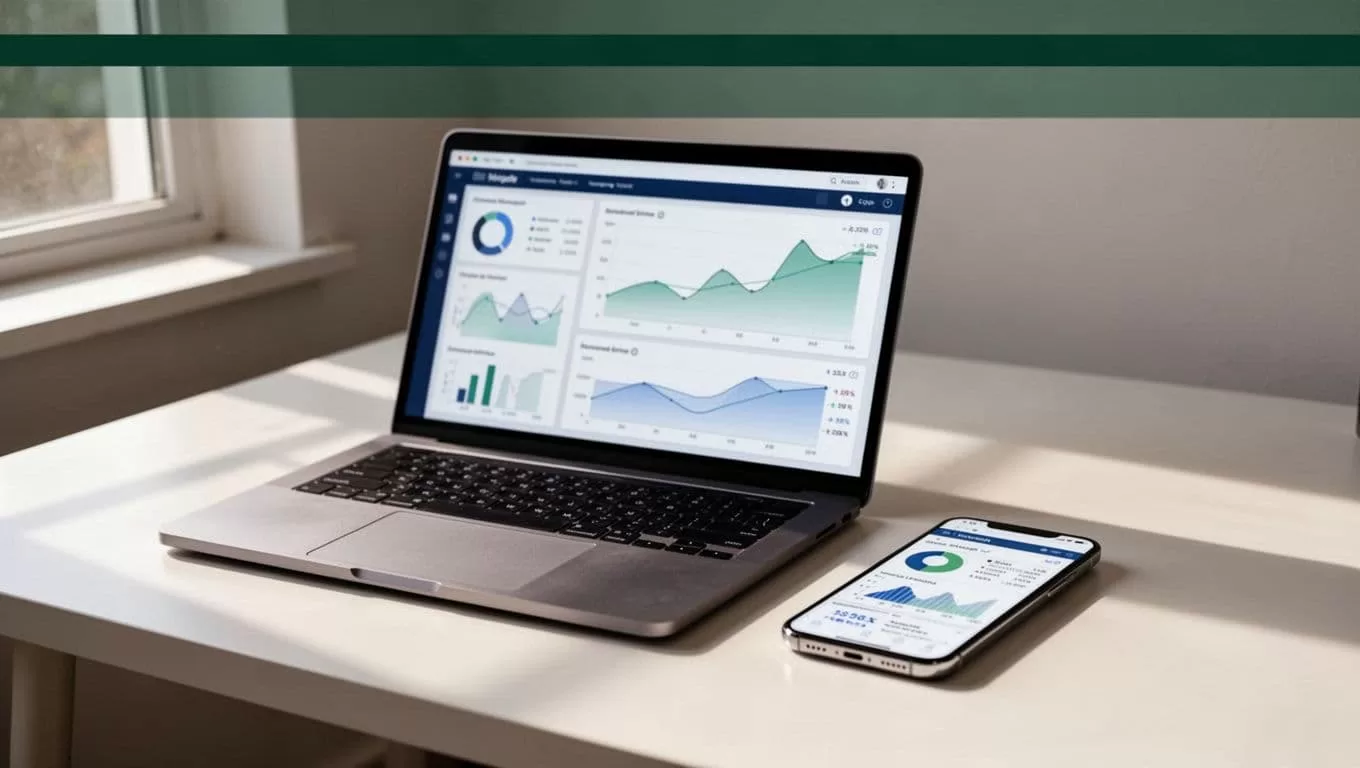
If the status doesn’t change within the estimate shown in your account, check the app’s help or support options. Have the transfer number, recipient name, sending amount, and payment date ready. Clear records reduce the time needed to investigate a problem.
Avoid common delays and transfer scams
Most avoidable problems come from incorrect recipient data or incomplete verification. Use a short review before every payment:
- Confirm the recipient’s legal name, not a nickname.
- Check the bank account number or mobile wallet phone number.
- Verify the recipient’s country and payout location.
- Review the amount in both your currency and XAF.
- Check the final rate, fee, and estimated delivery.
- Complete any identity request inside the official app or website.
Never send money because someone is pressuring you to act immediately. Remitly support won’t need your account password or one-time security code. If a person claims to be a Remitly employee and asks for those details, stop the conversation and contact support through the official service.
Also check account limits before entering a large amount. Remitly can apply route-specific limits based on your sending country, verification level, transfer history, amount, and delivery method. The applicable limit should appear during setup or checkout.
Conclusion
Remitly Cameroon is a practical choice when your recipient needs bank deposit, mobile money, or cash pickup. The setup is direct: download the official app, verify your identity, select Cameroon, add accurate recipient details, and review the quote.
Fees, exchange rates, limits, delivery times, and service availability can vary by sending country, payment method, transfer amount, recipient location, and delivery option. Check the live quote immediately before payment. That final review is the control that protects both your money and the person receiving it.
