How I Send Money to Colombia Securely with Remitly
I remember the first time I needed to pay a freelancer in Colombia. My business was expanding south, and bank wires felt slow and costly. Wires took days, fees piled up, and exchange rates stung. That’s when I turned to Remitly. It cu...

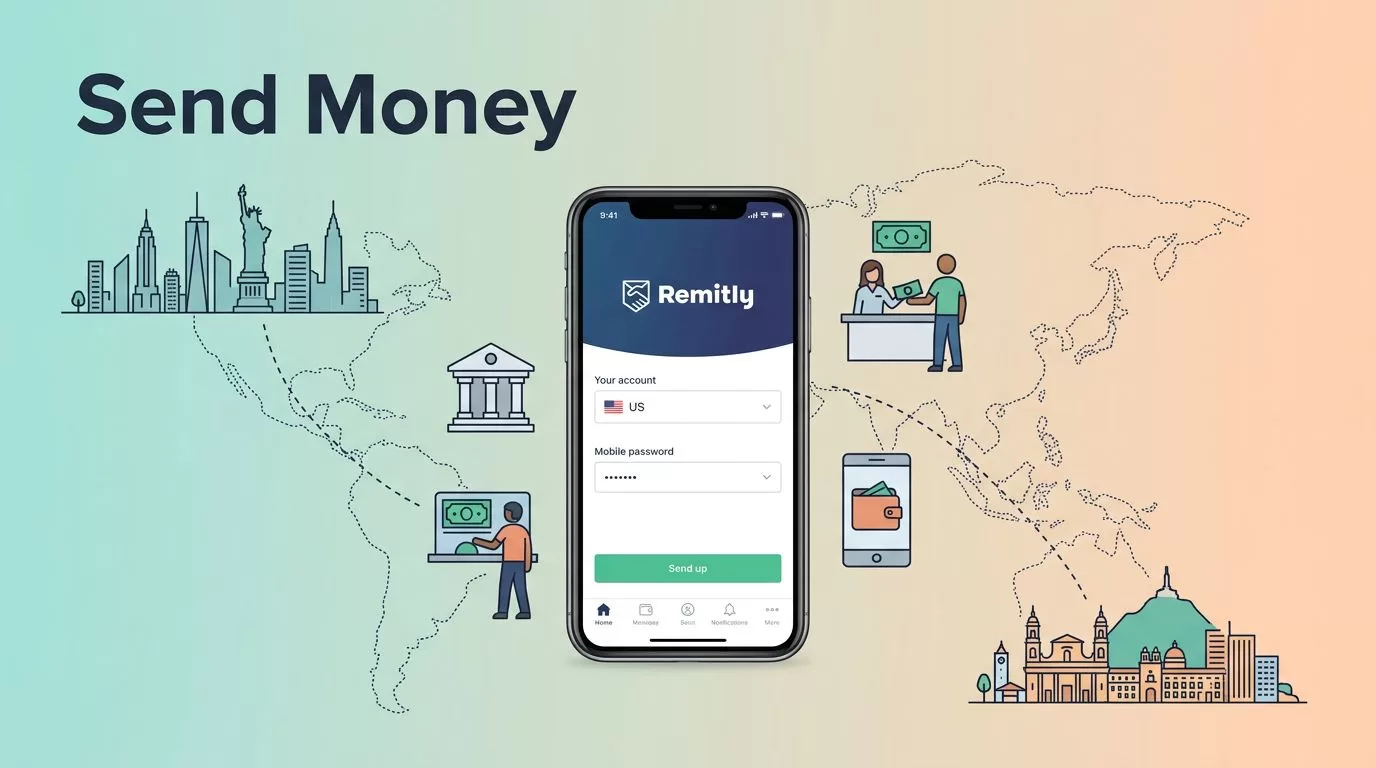
I remember the first time I needed to pay a freelancer in Colombia. My business was expanding south, and bank wires felt slow and costly. Wires took days, fees piled up, and exchange rates stung. That’s when I turned to Remitly. It cut my wait times and kept more money in their pocket. Now, in 2026, I rely on it for quick, safe transfers to family or team members there.
You face the same issues if you run a business with international ties. Delays hurt cash flow. Hidden costs eat profits. Remitly solves that with clear options tailored for routes like the US to Colombia. Let’s walk through how I do it step by step.
Payout Options Available in Colombia
Remitly gives recipients in Colombia solid choices. They pick up cash, get a bank deposit, or load a mobile wallet. Each fits different needs.
Cash pickup works best for those without banks nearby. Recipients head to agents like Exito or Bancolombia spots. They show ID and a reference number. Funds arrive fast, often within minutes for Express.
Bank deposits go straight to accounts at major banks. Bancolombia leads the list, but others join too. This suits salaried workers or businesses. No travel required.
Mobile wallets add convenience. Nequi or Daviplata users get funds instantly. Perfect for urban freelancers who live digital.
Bre-B offers another path, like a quick local transfer.
I pick based on the recipient’s setup. Cash pickup shines for rural areas. Banks handle larger sums.


Street agents buzz with activity. One recipient smiles as she clutches her envelope. That image sticks because it means real help arrives fast.
For details on agents, check Remitly’s Colombia page.
Step-by-Step Guide to Sending Funds
I start the Remitly app on my phone. Download it from your store if you haven’t. Sign up with email or phone. Verify your identity with a quick photo ID scan. It takes minutes.
Next, select Colombia as the destination. Enter the amount in USD. Remitly shows the COP total right away, plus fees.
Choose delivery speed. Express zips funds in minutes. Economy saves money but waits up to five days.
Pick payout: cash pickup, bank, wallet, or Bre-B. For bank, add recipient’s full name, account number, and bank name. Cash needs their phone and ID details. Wallets require the account number.
Review everything. Fees appear upfront. Exchange rate locks in. Pay with debit card, bank, or wallet. I use bank for lowest cost.
Hit send. Track progress in the app. Recipients get a text with instructions.
My desk setup looks just like this during transfers. Coffee steams nearby while the app handles the rest.
New users snag a promo: better rate on first $500. Test small first.
Full steps live on Remitly’s how-to guide for Colombia.
Fees, Rates, and Transfer Speeds Explained
Fees shift by amount and speed. Under $500, expect $0.99 for mobile wallet, $3.99 for bank, $4.99 for cash pickup, $1.99 for Bre-B. Over $500, all drop to free.
Exchange rates beat banks. New customers get 3830-3960 COP per USD on first $500. Regular rates add a small markup over mid-market.
Speed ties to choice. Express hits minutes to hours. Economy stretches to five business days. Weekends or holidays add delays. Recipient readiness matters too.
Here’s what I see now:
| Delivery Method | Fee Under $500 | Fee $500+ | Typical Speed |
|---|---|---|---|
| Mobile Wallet | $0.99 | Free | Minutes (Express) |
| Bank Deposit | $3.99 | Free | Hours to 1 day |
| Cash Pickup | $4.99 | Free | Minutes |
| Bre-B | $1.99 | Free | 1-2 days (Economy) |
Rates fluctuate daily, so check live. Larger sends cut costs per dollar.
I compare options like Wise Business fees before big transfers. For payouts, see Remitly’s USD to COP details.
Security Measures That Protect Transfers
Remitly builds walls around your money. SSL encryption scrambles data end-to-end. Two-factor authentication locks your account. I enable it right away.
They scan for fraud with AI checks. Odd patterns flag holds. Recipients verify with PINs or biometrics at agents.
I double-check details. Wrong name or number? Funds bounce back with fees.
Phishing stays common. Emails fake Remitly links. I stick to the app. Never click texts urging “urgent action.”
Track every transfer. Receipts save in-app. Dispute if needed within limits.
This map view reassures me. Arrows flow safe under the shield.
For business security, I pair it with tools from my cybersecurity trends guide.
Tips to Avoid Common Pitfalls
Verify recipient info twice. Call them. Typos delay everything.
Send test amounts first, especially over $1,000. Limits cap at $30,000 per day.
Watch exchange windows. Rates lock at payment, but promo ends quick.
Scams prey on urgency. “Your transfer failed, click here.” Ignore. Log in directly.
Update the app. Patches fix holes.
Use strong passwords. Enable notifications for logins.
If issues hit, support chats 24/7. Keep records.
Compare alternatives in my Wise vs Payoneer review for mass payouts.
Conclusion
Remitly keeps my Colombia transfers simple and secure. Cash pickup speeds aid quick needs. Banks handle payroll. Fees vanish on big sends. Security layers block threats.
Stick to verified steps, check rates live, and test small. Your business stays smooth across borders. Next payment? App open, details ready. Funds land safe.

