Remitly Costa Rica: Send Money Fast Without Mistakes
Sending money to Costa Rica shouldn’t require guesswork at checkout. A Remitly Costa Rica transfer can send funds to a bank account or an approved cash-pickup location, but the available route, price, and speed depend on your sending...
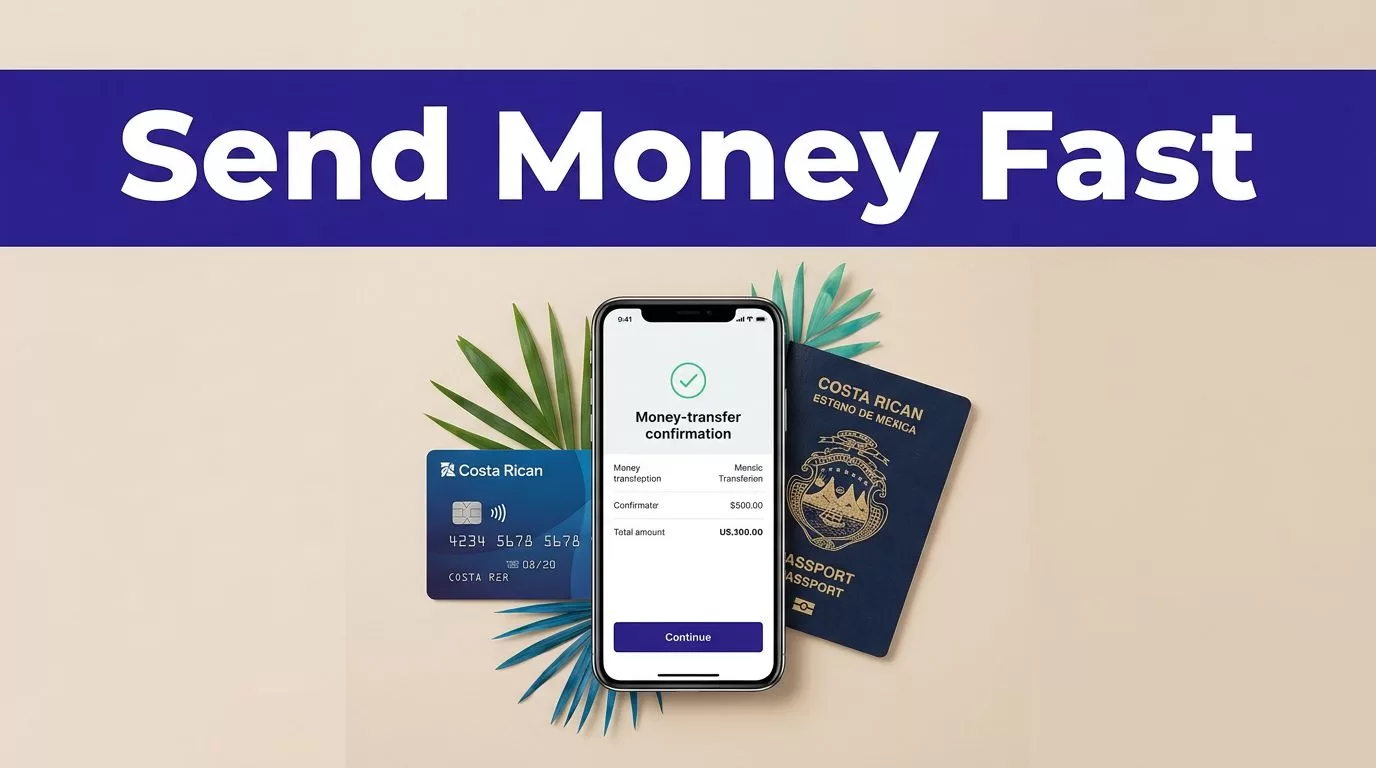
Sending money to Costa Rica shouldn’t require guesswork at checkout. A Remitly Costa Rica transfer can send funds to a bank account or an approved cash-pickup location, but the available route, price, and speed depend on your sending country and transaction details.
The process is simple when you prepare the recipient information first. Use Remitly’s official website or app, compare the live options, review the final summary, and save the confirmation number. Start with the correct setup.
Prepare the Details Before You Send
You need accurate information for both the sender and recipient. Remitly may ask you to verify your identity before completing a transfer, especially when you send a larger amount or use a new account.
Have these details ready:
- Your legal name, address, phone number, and valid identification details.
- The recipient’s full legal name, matching their identification or bank records.
- The recipient’s phone number and address in Costa Rica.
- The bank name and account details for a deposit.
- The recipient’s preferred cash-pickup provider and location, if available.
Bank deposits require extra care. Check every digit in the account number. Confirm whether Remitly asks for a bank account, identification number, branch, or other local details. A typo can delay the transfer or send it into manual review.
Cash pickup also requires an exact name match. The recipient may need government-issued identification and the transfer reference number. Don’t assume a nickname or shortened name will work.
Your funding method matters too. Remitly’s U.S. service currently shows bank accounts, debit cards, and credit cards as payment options. The options shown in your account can change based on location, verification status, and transaction details.
How to Complete a Remitly Costa Rica Transfer
Open Remitly’s official Costa Rica transfer page or use the official Remitly app. Avoid links from unsolicited messages, social media comments, or unofficial payment instructions.
Follow this process:
- Create an account or sign in. Enter your legal information exactly as it appears on your identification. Complete any verification request before starting the transfer.
- Select Costa Rica as the destination. Enter the amount you want to send or the amount the recipient should receive. Check which currency the recipient will get.
- Choose a delivery speed. Remitly commonly presents Economy and Express options for U.S. transfers. The available speed and estimated arrival time can vary by payment method, provider, weekends, holidays, and review requirements.
- Select the delivery method. For transfers from the United States, Remitly’s Costa Rica pages currently show bank deposit and cash pickup. Available banks and pickup providers may change. Follow the options displayed for the recipient’s location.
- Enter the recipient information. Copy the details from the recipient’s bank records or identification. Don’t guess missing information. Ask the recipient to confirm it before you submit the transfer.
- Choose your payment method and review the summary. Check the amount sent, exchange rate, fee, delivery method, estimated arrival, recipient amount, and payment source. Confirm that the final total matches your plan.
- Submit the transfer and save the confirmation. Remitly should provide a confirmation number or tracking reference. Send that reference to the recipient through a private channel.
The final transaction summary is the controlling quote. Don’t rely on an earlier estimate, a search result, or a promotion shown before you selected the transfer details.
Check the Live Rate, Fee, and Delivery Estimate
Fees and exchange rates are not permanent. They can change with the sending country, transfer amount, payment method, delivery speed, currency, and current Remitly promotion.
Remitly’s USD-to-CRC page currently displays a transfer fee, while a separate Remitly article gives a different example for Express delivery. That difference is a practical warning. Use the price shown in your own final checkout screen, not a fee copied from another page.
You can review the current conversion before starting with Remitly’s USD to CRC converter. Treat the displayed rate as an estimate until you enter the full transaction details.
New customers may see a promotional rate or fee discount. Promotions can include conditions such as a maximum amount, a selected speed, or a first-transfer restriction. Read the promotion terms before assuming the offer applies.
Remitly may also show sending limits that differ by account and country. Verification status, transfer history, and payment method can affect what you’re allowed to send. Check the limit displayed in your account before preparing a large transfer.
Costa Rican delivery options may include providers such as Banco de Costa Rica, Banco Nacional, BAC Credomatic, Banco Popular, Scotiabank, Coopealianza, Teledolar, and Easy Pay. The list is not a permanent guarantee. Ask the recipient which option is convenient, then confirm that it appears in your current Remitly transfer.
Avoid Delays and Failed Transfers
Most avoidable problems come from incorrect recipient data or a mismatch between the selected delivery method and the recipient’s documents.
Use the following controls before payment:
- Match the recipient’s name to their official identification or bank account.
- Confirm the correct country, phone number, bank, and account information.
- Check whether the recipient wants a deposit or cash pickup.
- Review the amount the recipient will receive in Costa Rican colones.
- Confirm the estimated delivery date and any review notice.
- Keep enough funds available for the transfer and any displayed fee.
Don’t create a second transfer because the first one appears slow. Check the status first. Duplicate transfers can create unnecessary cost and confusion.
A transfer can be accepted by Remitly and still require additional review before delivery. The confirmation number helps support staff locate the exact transaction.
If Remitly requests more information, respond only through the official app, website, or verified support channel. Never send passwords, one-time security codes, or card details to someone who contacts you unexpectedly.
Track the Transfer After Payment
Open your Remitly account and check the transfer status. The recipient should also confirm when the funds arrive or when cash becomes available for pickup.
Share the confirmation number, but protect other personal and financial details. If the transfer remains pending, the recipient’s information is wrong, or the payout provider cannot complete delivery, contact Remitly through its official support options.
Save the receipt, final transaction summary, and confirmation number until the recipient confirms receipt. These records help resolve disputes and simplify future transfers.
Complete Your Remitly Costa Rica Transfer With Control
A fast transfer starts with clean recipient data, not with clicking through the form quickly. Prepare the bank or cash-pickup details, compare the live fee and rate, and review the final amount before payment.
The Remitly Costa Rica route can be practical for family support, personal expenses, and other approved payments when you use the correct delivery method. Confirm every changing detail at checkout, then keep the confirmation number until the transaction is complete.
