Cash Pickup Costa Rica: How to Use Remitly
When you search for cash pickup Costa Rica options, the practical question is simple: how can your recipient collect the money without opening a bank account? Remitly lets you send money to an eligible pickup location, but the available pro...
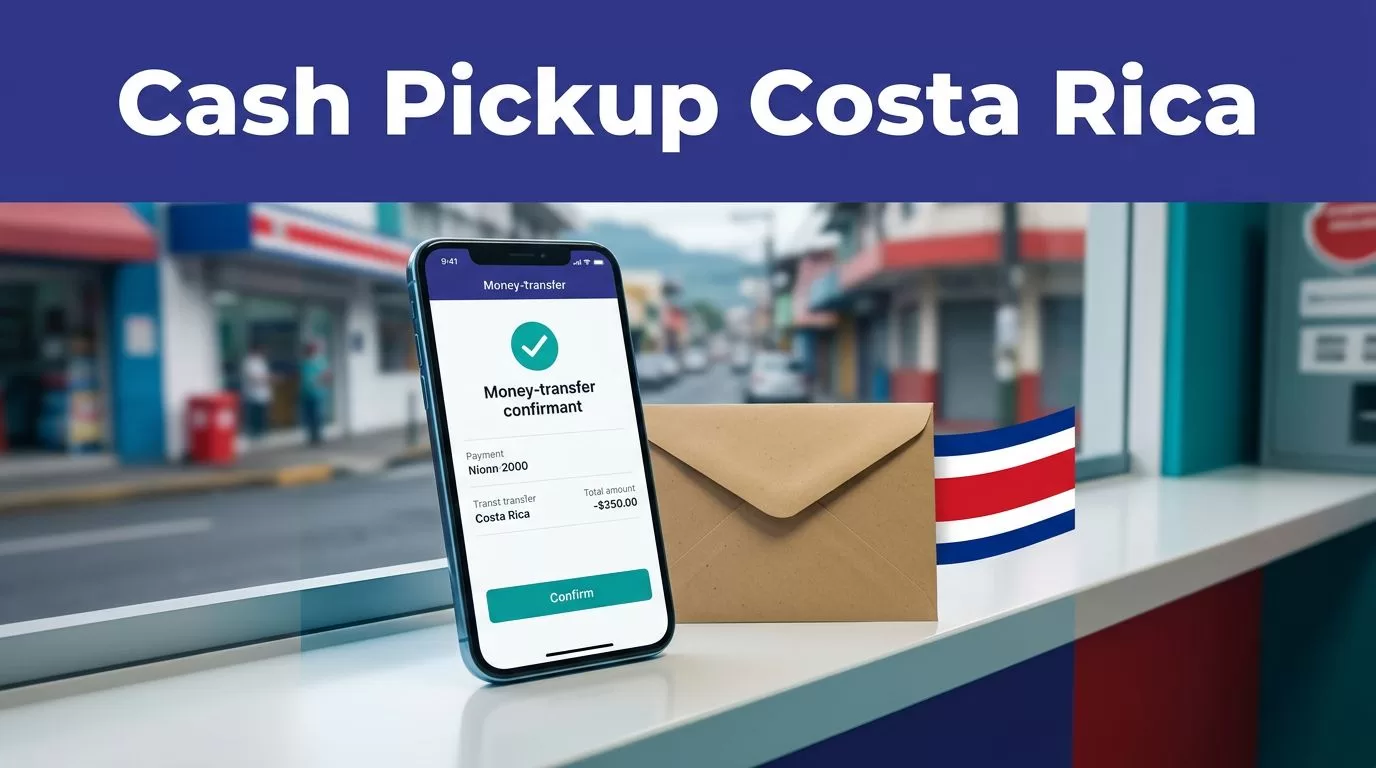
When you search for cash pickup Costa Rica options, the practical question is simple: how can your recipient collect the money without opening a bank account? Remitly lets you send money to an eligible pickup location, but the available provider, fee, exchange rate, and delivery estimate depend on your route and transfer details.
A cash pickup Costa Rica transfer also requires accurate recipient information. Enter the name exactly as it appears on the recipient’s government-issued ID. Then review the final amount, pickup location, and delivery estimate before you confirm the payment.
How cash pickup Costa Rica transfers work with Remitly
Remitly is an online money transfer service. You create the transfer through its website or mobile app, select Costa Rica as the destination, choose cash pickup when available, and provide the recipient’s details.
The recipient doesn’t receive the funds in a bank account. Instead, they collect the money at a participating provider location in Costa Rica. They typically need the transfer reference number and a valid government-issued photo ID.
Remitly’s official Costa Rica money transfer page lists cash pickup and bank deposit as delivery options. The exact choices can change based on the sender’s country, the recipient’s location, the payout currency, and the provider available for that transfer.
Cash pickup is not available at every location. Select the recipient’s city or province first, then confirm which providers and locations Remitly displays.
Remitly’s Costa Rica provider information includes banks and financial companies such as Banco Nacional, Banco de Costa Rica, Banco Popular, BAC Credomatic, Banco Lafise, Banco Promérica, Scotiabank, Easy Pay, and Teledolar. This list doesn’t mean every provider offers cash pickup for every transfer. The app shows the relevant option during setup.
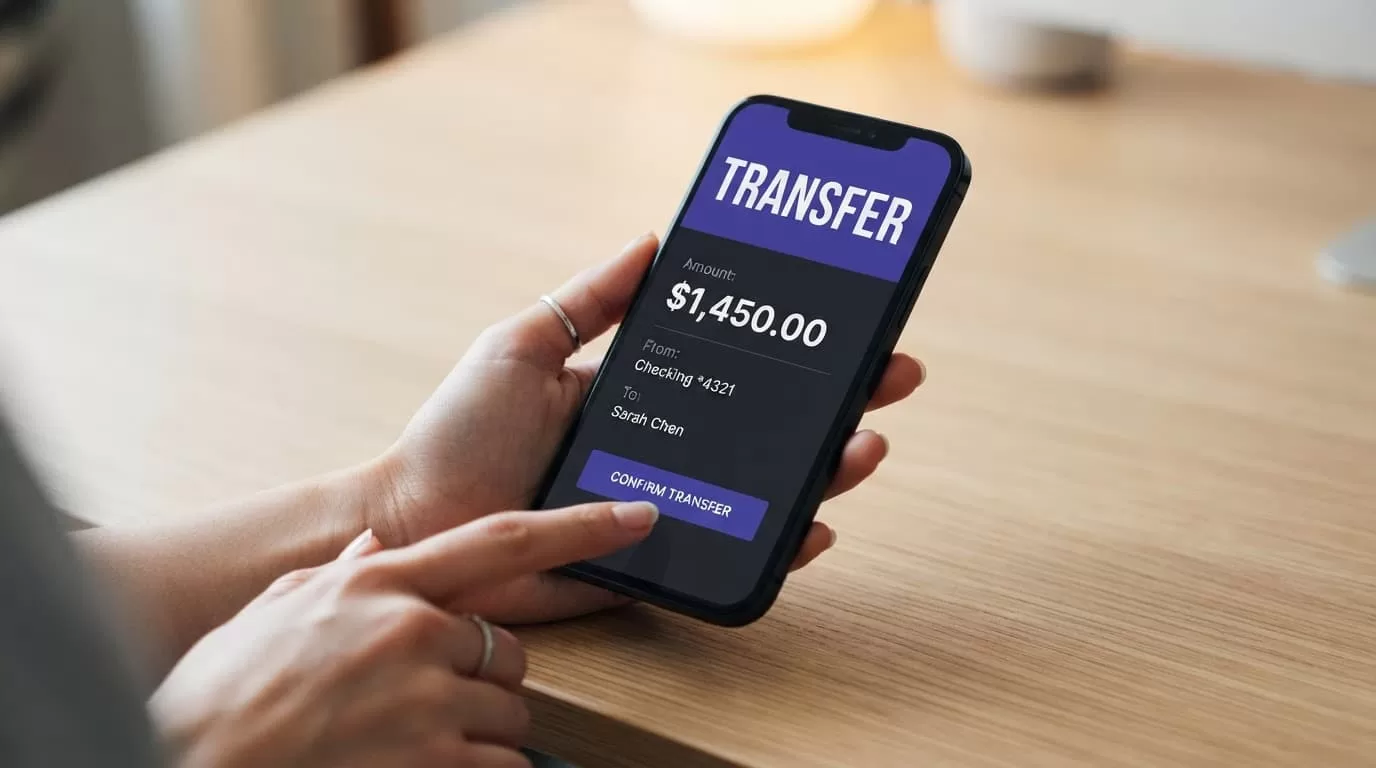
Prepare the sender and recipient details
You can reduce delays by collecting the required information before starting the transfer. Remitly may also ask you to verify your identity, payment method, or transfer purpose.
Details the sender needs
Create or sign in to your Remitly account. Use the official Remitly website or app, not a link sent through an unsolicited message.
Have these details ready:
- Your legal name, address, phone number, and email address.
- A supported payment method, such as a bank account, debit card, or credit card.
- The amount you want to send and the currency your recipient should receive.
- A government-issued identity document if Remitly requests verification.
Your payment method can affect the transfer speed and fee. The app shows the available methods for your account and country.
Details the recipient needs
Enter the recipient’s full legal name exactly as it appears on their ID. Avoid nicknames, shortened names, missing middle names, or different spellings.
You should also provide the recipient’s phone number and location when Remitly requests them. Select the city and pickup provider carefully. A convenient branch is more useful than a slightly faster option across the country.
Ask the recipient which ID they plan to use before submitting the transfer. The name on the transfer should match that document. A mismatch can prevent pickup or require a correction.
How to send cash pickup to Costa Rica with Remitly
The process is similar on the Remitly website and mobile app. The labels may change, but the decision points remain the same.
- Open Remitly and select Costa Rica. Choose your sending country and enter the amount you want to send. If you send from Canada, use Remitly’s Canada-to-Costa Rica transfer page for country-specific pricing and availability.
- Choose the delivery method. Select cash pickup if it appears for the recipient’s location. If you only see bank deposit, cash pickup isn’t currently available for the details you entered.
- Select a provider or pickup location. Review the available provider and branch information. Check the address, operating hours, and distance from the recipient before continuing.
- Add the recipient. Enter the recipient’s legal name and contact details. Match the spelling and order of names on the recipient’s identification document.
- Review the transaction summary. Check the transfer fee, exchange rate, amount you pay, amount the recipient receives, delivery speed, provider, and pickup location. Remitly’s USD to CRC exchange-rate page can help you understand the displayed conversion, but the final rate in your transaction controls.
- Pay and save the confirmation. After payment, Remitly provides a transfer reference number and status updates. Share the reference number privately with the recipient. Don’t post it publicly or send it to an unknown person.
The recipient may receive a notification when the funds are ready. Don’t tell them to visit a branch based only on an estimated delivery time. Wait for the transfer status to show that pickup is available.
Check the final fee, rate, and delivery estimate
The advertised fee isn’t the only number that matters. The total cost includes the transfer fee, the exchange rate, and any promotion applied to your transaction.
Remitly’s US Costa Rica page currently advertises a special rate and no fee on a first transfer in some cases. Promotions have conditions, including possible limits on the amount covered by the promotional rate. Read the checkout summary instead of assuming the offer applies.
Use this quick review before confirming:
| Item | What to check |
|---|---|
| Transfer fee | The exact fee charged for your payment method |
| Exchange rate | The rate used to convert your sending currency into Costa Rican colones |
| Recipient amount | The final amount available for pickup |
| Delivery speed | Express or Economy estimate shown for the transfer |
| Pickup details | Provider name, branch address, and hours |
| Recipient name | Exact match with the recipient’s ID |
Remitly generally describes Express transfers as arriving within minutes and Economy transfers as taking one to three business days. Cash pickup can also depend on provider processing, branch hours, weekends, holidays, compliance checks, and identity verification.
Treat the estimate as a planning guide, not a guarantee. A transfer may show as sent while the provider is still preparing the cash for collection.
Cash pickup vs. bank deposit and mobile wallet delivery
The right delivery method depends on how the recipient uses the money. Cash pickup works well when the recipient needs physical cash or doesn’t use a supported bank account.
| Delivery method | How the recipient gets the money | Best fit |
|---|---|---|
| Cash pickup | The recipient visits a participating location with ID and the reference number | People who need cash or don’t want a bank deposit |
| Bank deposit | Funds go directly to an eligible Costa Rican bank account | Recipients who already use a supported bank |
| Mobile wallet | Funds go to a supported digital wallet account | Recipients with an eligible wallet and verified account |
Remitly’s current Costa Rica information lists cash pickup and bank deposit. Don’t assume mobile wallet delivery is available for this destination. If the option doesn’t appear in your account, route, or recipient location, use one of the available methods instead.
Bank deposit can remove the branch visit, but it requires correct account information. Cash pickup is more flexible for some families, but the recipient must travel to the selected provider and satisfy its identification rules.
How the recipient collects the cash
The recipient should wait for Remitly’s confirmation that the transfer is ready. They should then visit the selected provider during its posted business hours.
Bring:
- A valid government-issued photo ID.
- The Remitly transfer reference number.
- A phone with the transfer notification, if available.
- The sender’s name and transfer details in case the provider asks for confirmation.
The name on the ID must match the recipient name on the transfer. If the transfer contains an error, contact Remitly before the recipient visits the branch. Don’t create a second transfer to fix a name problem unless Remitly tells you to do so.
Pick a public, familiar location. The recipient should count the money before leaving and keep the receipt or payout confirmation.
Never give the reference number, ID details, or account credentials to someone who claims they can speed up the payment. Remitly and legitimate providers don’t require a recipient to pay a stranger to release a completed transfer.
Fix common problems before they become delays
A failed cash pickup usually comes from one of four issues: incorrect recipient information, unavailable provider service, missing identification, or a transfer still under review.
If the recipient can’t collect the funds, check the transfer status in Remitly first. Confirm that the selected provider and location are still correct. Then compare the recipient name with the ID character by character.
Contact Remitly support if:
- The transfer shows delivered, but the provider can’t find it.
- The recipient’s name needs correction.
- The transfer remains pending beyond the displayed estimate.
- The selected branch is closed or no longer supports the service.
- You suspect unauthorized activity or a scam.
Don’t cancel and resend repeatedly. Multiple transactions can create duplicate payments, extra fees, or additional verification requests.
Use only official Remitly support channels. Ignore messages asking for gift cards, cryptocurrency, passwords, one-time codes, or an extra payment to unlock the transfer.
Conclusion
Sending cash pickup to Costa Rica with Remitly is a short process, but the review step controls the outcome. Select the correct delivery method, match the recipient’s name to their ID, and confirm the provider before paying.
The final checkout screen is your source of truth for the fee, exchange rate, recipient amount, delivery estimate, and pickup location. Check each item before you confirm, then share the reference number privately so your recipient can collect the money safely.
