Check the Remitly Exchange Rate for Turkey
A transfer can look cheap until the recipient amount appears. The Remitly exchange rate affects how many Turkish lira arrive, while the fee and delivery method affect what you pay. Remitly updates its quote in real time. Use the official ca...
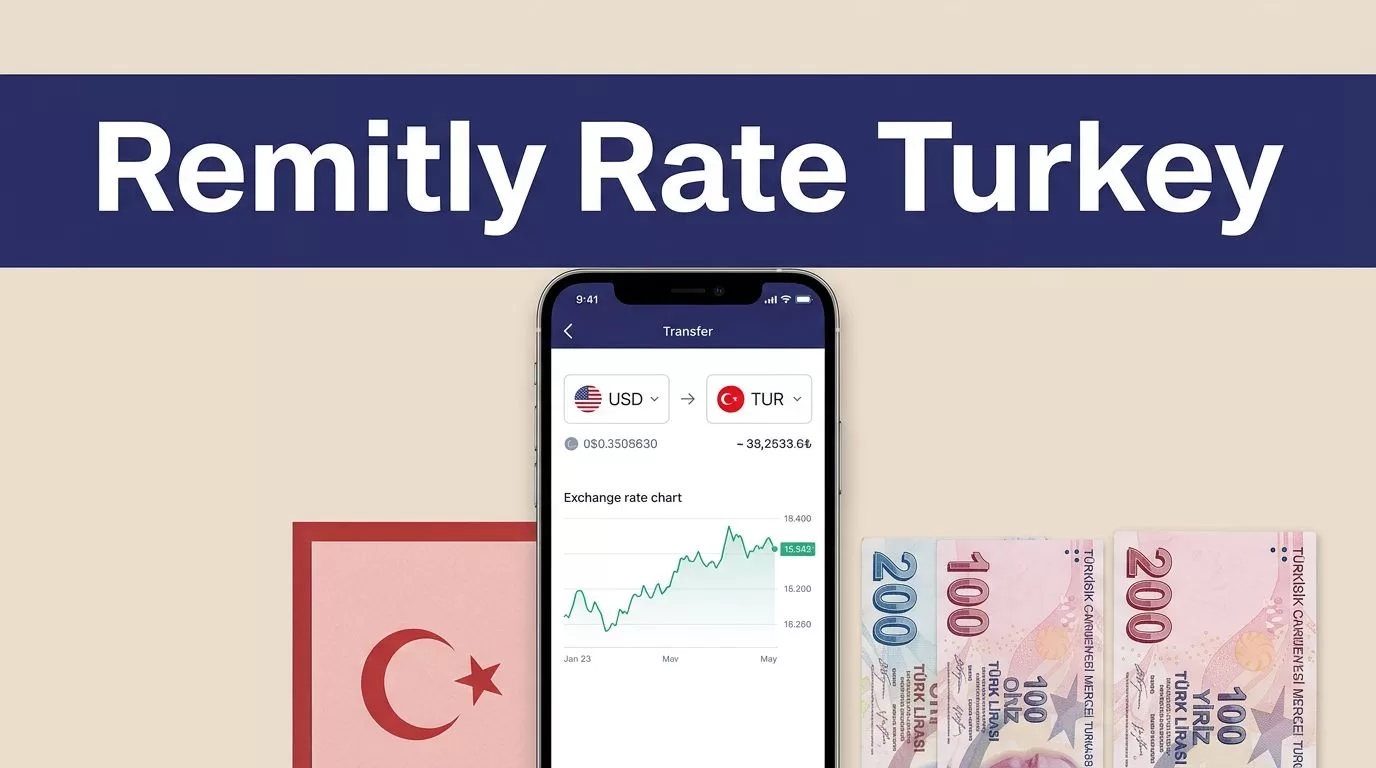
A transfer can look cheap until the recipient amount appears. The Remitly exchange rate affects how many Turkish lira arrive, while the fee and delivery method affect what you pay.
Remitly updates its quote in real time. Use the official calculator or transfer screen when you’re ready to send, then compare the full payout instead of relying on a headline rate.
Where to check the Remitly exchange rate for Turkey
Remitly gives you two practical ways to check the current USD-to-TRY quote. The first is the public currency converter. The second is the transfer flow, where Remitly calculates the quote for your amount, payment method, and delivery option.
Start with the official currency converter
Open Remitly’s USD-to-TRY currency converter. Select USD as the sending currency and TRY as the receiving currency. Then enter the amount you plan to send.
The converter gives you a quick rate reference. It doesn’t replace the final transfer quote because Remitly can adjust pricing by amount, promotion, payment method, and delivery speed.
Use this process:
- Enter the amount in US dollars.
- Confirm that the recipient currency is Turkish lira, shown as TRY.
- Review the estimated recipient amount.
- Check the displayed fee.
- Open the transfer flow and verify the quote again before payment.
Don’t calculate the recipient amount with a separate exchange-rate website and assume Remitly will show the same result. The mid-market rate is a useful benchmark, but Remitly’s customer quote can include its own pricing.
Use the transfer screen for the final quote
The transfer flow is more useful when you’re ready to send money. Remitly shows the sending amount, recipient amount, fee, and total before you confirm the transaction.
The quote reflects the route you selected. That includes the recipient’s provider, payment method, and delivery option. A quote for a bank deposit may not match a quote for cash pickup.
If you enter the recipient amount instead, Remitly may calculate how much you need to pay. Check both sides of the transaction before continuing. You need to know the amount removed from your account and the amount delivered in Turkey.
Read the full Remitly quote, not only the rate
The exchange rate is one line in the transaction. It isn’t the full cost. A lower fee can still produce a smaller payout if the rate is less favorable.

Photo by Ibrahim Boran
Check the rate, fee, total, and payout
Before you pay, review these four figures:
- Exchange rate: The conversion used for your selected currencies.
- Transfer fee: The separate charge added to the transaction.
- Total charged: The amount withdrawn from your card, bank account, or wallet.
- Recipient amount: The Turkish lira amount the beneficiary should receive.
At the time of checking, Remitly’s USD-to-TRY page displayed a $2.99 transfer fee. That figure is tied to the page and route shown. Remitly’s Turkey transfer page also states that pricing can vary by the amount sent, payment method, and delivery option.
Treat the final screen as the controlling quote. Rates, fees, and promotions can change between an early estimate and the time you submit payment.
Review delivery speed and payment method
Remitly may offer different delivery options, such as bank deposit, cash pickup, or mobile wallet. Availability depends on the recipient’s location and supported provider.
Payment methods can include a bank account, debit card, credit card, or Remitly Wallet. The selected method can change the fee, exchange rate, processing time, or promotional eligibility.
A faster delivery option may cost more. If the recipient doesn’t need the money immediately, compare the slower option before paying. Don’t choose Express based only on its label. Read the delivery estimate shown for your transaction.
Remitly also advertises welcome promotions on some Turkey routes. One current offer notes that the promotional foreign-exchange rate applies to the first $1,000 sent under the stated conditions. Check the eligibility terms and the rate that appears on your own transfer.
Compare the recipient payout before sending
The best comparison isn’t the rate by itself. It is the amount the recipient receives after the fee and conversion are applied.
Run the same transaction through each provider. Keep the sending amount, receiving currency, delivery method, and payment method consistent.
| Figure to compare | What it tells you |
|---|---|
| Sending amount | How much you plan to pay |
| Exchange rate | How USD converts to TRY |
| Transfer fee | The separate transaction charge |
| Total charged | The actual amount removed from your account |
| Recipient payout | The Turkish lira delivered |
| Delivery estimate | When the transfer is expected to arrive |
The recipient payout gives you the clearest result. A transfer with a low fee isn’t automatically the best value if its exchange rate produces fewer lira.
Check other currency routes separately
The same rule applies when you send euros, pounds, or another currency to Turkey. Don’t convert your currency into USD first unless you intend to send USD.
For example, Remitly maintains a separate EUR-to-TRY rate page. Open the route that matches your actual sending currency. Each route can have different pricing and promotional terms.
Confirm the currency code before payment. TRY is the Turkish lira. A mismatch between the amount you enter and the currency you expect can create an expensive correction.
Avoid common Remitly rate mistakes
Most errors happen before the transfer is submitted. Use these controls:
- Don’t use yesterday’s quote. Reopen the Remitly app or website and enter the amount again when you’re ready.
- Don’t compare headline rates without checking the fee and recipient payout.
- Don’t assume a welcome rate applies to the entire transfer. Promotions can have amount limits and payment conditions.
- Don’t ignore delivery speed. Economy and Express may produce different totals.
- Don’t approve the transfer until the recipient’s name, bank details, or pickup information is correct.
- Don’t treat the delivery estimate as a guarantee. Payment processing, transaction review, system availability, and the selected delivery route can affect timing.
Save the final transaction details in your own records. Record the date, sending amount, exchange rate, fee, total charged, recipient amount, delivery method, and promotion. This gives you a clear reference if the recipient reports a missing or delayed payment.
Conclusion
The Remitly exchange rate for Turkey is not a fixed number that applies to every transfer. Remitly calculates a quote based on current pricing, your amount, funding method, delivery choice, and any eligible promotion.
Check the official converter first, then verify the final transfer screen. Compare the recipient payout, not only the exchange rate. That process gives you the clearest view of what the transfer costs and how many Turkish lira the recipient should receive.
