How to Check the Remitly Panama Exchange Rate
A transfer can look inexpensive until the recipient receives less than expected. The Remitly Panama exchange rate affects the final amount, but the transfer fee and delivery option affect your total cost too. Remitly shows the quote before...
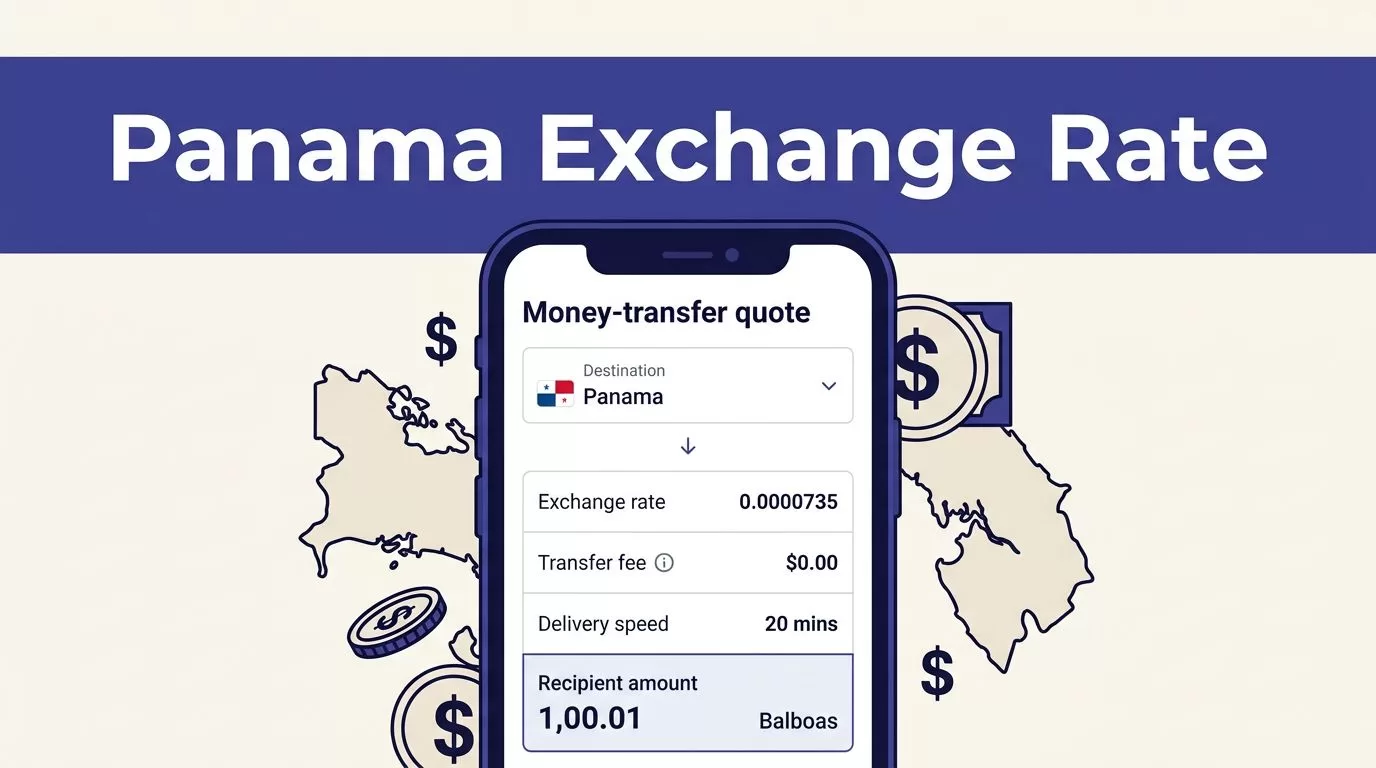
A transfer can look inexpensive until the recipient receives less than expected. The Remitly Panama exchange rate affects the final amount, but the transfer fee and delivery option affect your total cost too.
Remitly shows the quote before you send money. Check the rate, fee, payment method, delivery speed, and recipient amount together. The live quote is more useful than a rate found in an old comparison article.
How to check the Remitly Panama exchange rate
Use the Remitly website or mobile app to generate a current quote. The displayed amount depends on your sending country, destination, transfer amount, payment method, and delivery option.
Follow these steps:
- Select the country you are sending money from and choose Panama as the destination.
- Enter the amount you want to send, or enter the amount the recipient needs.
- Select the delivery method available for the recipient, such as bank deposit or cash pickup.
- Choose the available speed option, such as Economy or Express.
- Review the exchange rate, transfer fee, delivery estimate, and final recipient amount.
- Check the payment method and confirm the transfer only after the full quote matches your expectations.
The quote should show how much leaves your account and how much arrives in Panama. If you enter the recipient amount first, Remitly may calculate the amount you need to pay.
Remitly’s U.S. international transfer information states that costs can vary by destination, payment method, and delivery option. That means your quote can change even when the destination stays the same.
Save the quote showing the Remitly Panama exchange rate before completing the transfer. Rates and promotions can change between one transaction and the next.
What the exchange rate means for your transfer
The exchange rate tells you how much destination currency the recipient gets for each unit of your currency. If you send euros, pounds, or Canadian dollars to Panama, the conversion rate directly changes the recipient’s amount.
A U.S.-to-Panama transfer may display USD to USD. In that case, there may be little or no currency conversion shown. The main cost may come from the transfer fee and the difference between the amount you send and the amount the recipient receives.
Don’t review the fee by itself. A low fee doesn’t always produce the highest recipient amount. A provider can apply a different exchange rate, which changes the result without appearing as a separate charge.
Use this simple comparison:
Total transfer cost = amount paid by you minus the value received by the recipient.
For a foreign-currency transfer, calculate the implied rate by dividing the destination amount by the amount sent before fees. Compare that result with a reliable market reference. Wise’s Remitly exchange-rate comparison can provide a reference point, but you must compare the same route, amount, funding method, and delivery speed.
The Remitly quote remains the final number to review. A third-party calculator cannot account for your exact promotion, payment method, or delivery selection.
Current Remitly Panama fees and delivery options
As of August 2026, Remitly’s U.S.-to-Panama pricing information lists the following USD-to-USD fee formulas:
| Delivery option | Published fee formula | What to review |
|---|---|---|
| Economy | 0.54% of the amount sent plus $4.99 | Lower fee and the displayed delivery date |
| Express | 1.34% of the amount sent plus $4.99 | Higher fee and the displayed delivery estimate |
These figures are time-sensitive. Remitly can update pricing, apply promotions, or show different costs based on your payment method and transfer details.
Using those formulas, a $1,000 transfer would have an estimated Economy fee of $10.39. The estimated Express fee would be $18.39. The recipient amount can still differ if the quote includes a currency conversion or another route-specific adjustment.
Remitly’s Panama service supports delivery methods such as bank deposit and cash pickup. Availability depends on the recipient’s location and the selected provider. The app should show the available choices before confirmation.
Some Remitly corridors advertise first-transfer promotions. For example, the Spain-to-Panama pricing page lists no fee on an initial transfer under its stated terms. That offer is route-specific. It doesn’t automatically apply to people sending from the United States.
Compare the full cost, not only the fee
Compare the same transfer across providers. Use the same sending currency, destination amount, payment method, and delivery speed. Otherwise, the results won’t be useful.
Record these four figures for each quote:
- The amount deducted from your account.
- The exchange rate applied to the transfer.
- The separate transfer fee.
- The amount the recipient receives.
For example, one provider may charge a $5 fee and deliver $980. Another may charge $10 and deliver $995. The second quote costs more in visible fees but gives the recipient more money.
Payment method can also affect the result. Bank-funded transfers may have different pricing from debit-card transfers. Express delivery may cost more than Economy. A promotional rate may apply only to new customers or a limited amount.
Check whether the quote is for a cash pickup or bank deposit. These options can have different fees, delivery times, and recipient requirements. The recipient may need valid identification for cash collection.
Don’t rely on a search result that shows yesterday’s rate. Currency quotes can change during the day. Enter your transfer details again when you’re ready to send.
Review the final screen before sending
The final review screen is your control point. Check the recipient’s full name, destination country, delivery method, bank details, and amount received.
Confirm that the currency is correct. A USD-to-USD quote is different from a quote that converts another currency into dollars. If the displayed recipient amount is lower than expected, stop and inspect the rate and fee before continuing.
Review any discount separately. A first-transfer promotion may reduce the fee without improving the exchange rate. After the promotion ends, repeat transfers may cost more.
Also check the estimated delivery time. Economy may cost less but take longer. Express may arrive faster and carry a higher fee. Use the option that matches the recipient’s deadline.
Once the transfer is submitted, keep the confirmation number and transaction details. These records help you track delivery and resolve an issue with the recipient or provider.
Conclusion
Checking the Remitly Panama exchange rate takes more than looking at one number. Generate a live quote, confirm the currency, compare the fee with the recipient amount, and review the delivery option.
The strongest comparison is based on how much arrives, not on the advertised fee alone. Rates and pricing change, so verify the full Remitly quote each time before sending.
