How I Send Money to Pakistan with Remitly in 2026
I still remember the first time I needed to wire cash to a supplier in Lahore. Banks dragged their feet with high fees and poor rates. Remitly changed that for me. It cut my costs and sped things up. You might face the same issue. Family ba...
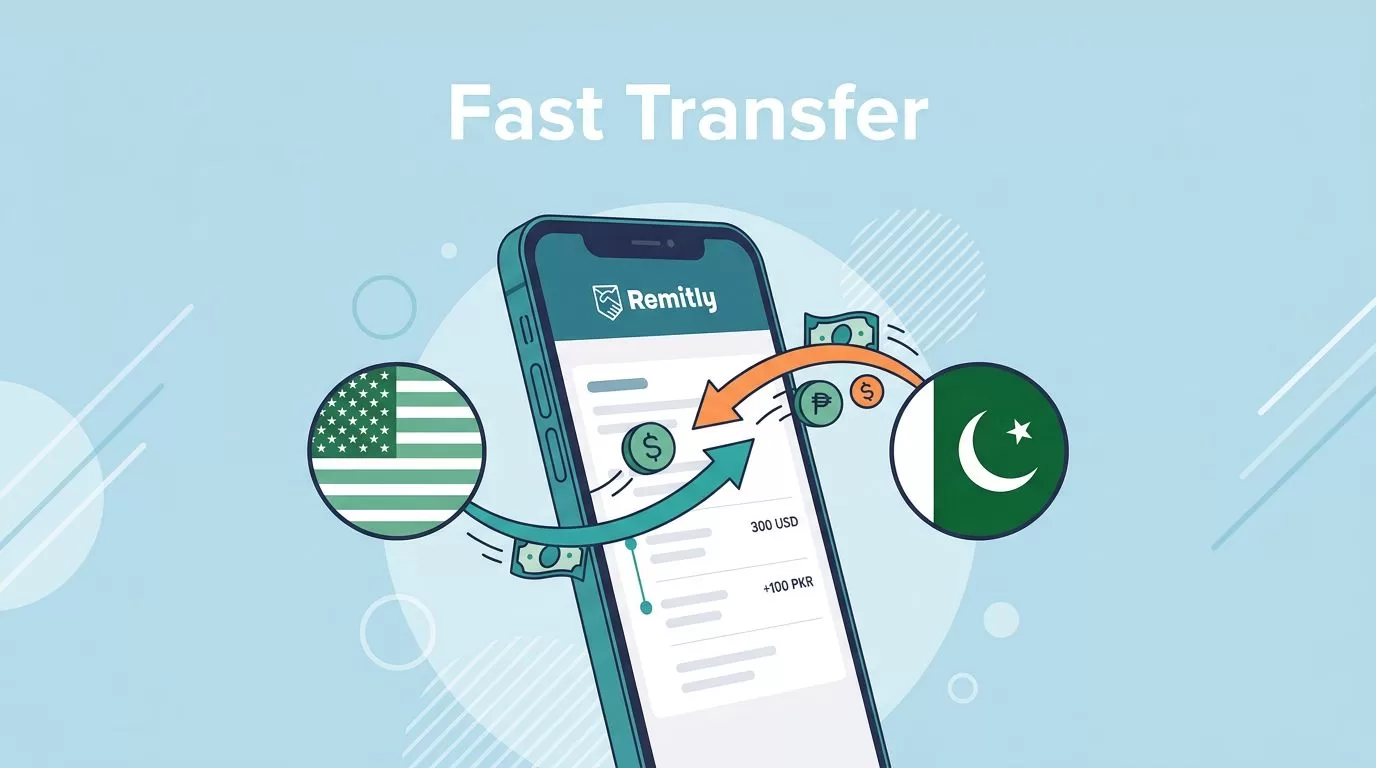
I still remember the first time I needed to wire cash to a supplier in Lahore. Banks dragged their feet with high fees and poor rates. Remitly changed that for me. It cut my costs and sped things up.
You might face the same issue. Family back home waits for funds, or business partners need quick payments. Remitly handles transfers from the US to Pakistan smoothly. Let’s walk through how I do it now.
Why Remitly Fits My Pakistan Transfers
Remitly stands out because it focuses on corridors like the US to Pakistan. I send dollars there often for family support or vendor payments. The app shows exact costs upfront, so no surprises hit later.
Pakistan gets millions in remittances yearly. Services like Remitly make it reliable. I pick it over banks because fees stay low, and speeds beat traditional wires. For example, I avoid the 5% markup my old bank added.
It supports debit cards and bank accounts from major US providers. That means I fund transfers fast without credit card hassles. New users get perks too, like promo rates on the first send.
I compare it to tools like Wise Business payments for overseas clients. Wise works great for my invoicing, but Remitly edges out for pure cash delivery to Pakistan spots.
Rates and options shift by sender location. Always check Remitly’s Pakistan page for your setup.
Fees and Exchange Rates I Pay
Fees matter most when I plan sends. Remitly charges $1.99 for most US-to-Pakistan transfers. That drops to zero for new customers on their first up to $1,000, or sends over $1,000. Larger ones past 58,000 PKR also waive it.
Credit cards tack on 2%, so I stick to debit or bank. Exchange rates beat banks but include a small markup over mid-market. Newbies snag a promo like 281 PKR per USD on the initial $1,000.
Here’s a quick breakdown based on my recent checks:
| Transfer Amount (USD) | Fee (USD) | Typical Rate (PKR/USD) | Notes |
|---|---|---|---|
| Under $1,000 (first time) | $0 | ~281 promo | One per user |
| $10-$999 standard | $1.99 | Standard + markup | Economy speed |
| $1,000+ | $0 | Standard | Up to limits |
| Over 58,000 PKR equivalent | $0 | Standard | Any speed |
This table comes from app quotes. I enter details to see real numbers, because payment method affects it.
Rates fluctuate daily. For current USD to PKR, view Remitly’s converter. Promo ends after the first chunk, then standard applies. No hidden costs pile on at the end.
I save about 3-4% versus my bank’s wire each time. That adds up for regular sends.
Transfer Speeds That Work for Me
Speed decides if I choose Express or Economy. Express uses debit for same-day or instant cash pickup. Economy takes 3-6 days via bank account but costs less overall.
I go Express when urgency hits, like medical needs back home. Bank funding suits planned payments, as it skips card fees. Remitly promises on-time delivery or refunds the fee.
Limits cap single sends at $100,000 USD sometimes, but Pakistan routes vary. App shows your max after verification. I hit $30,000 once without issues.
Details change by country and method. See Remitly’s send limits for US specifics.
Delivery Options in Pakistan
Pakistan offers solid payout choices through Remitly. Recipients pick bank deposit, cash pickup, or mobile wallet. Bank goes straight to accounts at partners like HBL or UBL.
Cash pickup shines for quick access. Agents sit in cities like Karachi, Lahore, and smaller towns. Recipients show ID and get funds in minutes after arrival.

Mobile wallets add convenience for tech-savvy users. I tell recipients to check the app for nearby spots or supported banks.
Each option ties to speed. Express favors cash pickup. Always confirm locations in the app before sending.
How I Send Money Step by Step
I start the Remitly app on my phone. Sign up takes minutes with email and phone. New users verify via selfie or ID right away.
Next, enter the amount in USD. App shows PKR received, fee, and rate. Pick Pakistan, then delivery like cash pickup.
Add recipient details: full name, phone, city. For bank, need account and branch info. I double-check to avoid delays.
Choose speed and pay. Debit works fastest for Express.

Track status live. Recipient gets a code for pickup. I notify them once locked in.
Full process takes under 10 minutes. Test small first if new.
Verification and What Keeps It Secure
Remitly asks basic info upfront: address, SSN last four for US users. Larger sends need photo ID or proof.
SSL encryption protects data. Two-factor adds login safety. I enable it always.
No major breaches hit my transfers. Support responds quick via app chat or phone at +1-888-736-4859.
Conclusion
Remitly simplifies my sends to Pakistan with low fees, fair rates, and flexible delivery. Cash pickup saves the day for speed, while bank deposits suit routine needs.
Promo deals make first tries free and strong. Check the app for your exact quote, as details shift.
I rely on it for reliable flow. Next time you need funds there, give Remitly a shot. It keeps more money home.
