How To Get Paid By Overseas Clients With Wise Business
Getting paid by overseas clients can feel easy until fees, FX spreads, and slow bank wires show up. Then the invoice looks smaller than it should. I use Wise Business because it gives me local account details in several currencies, so clien...
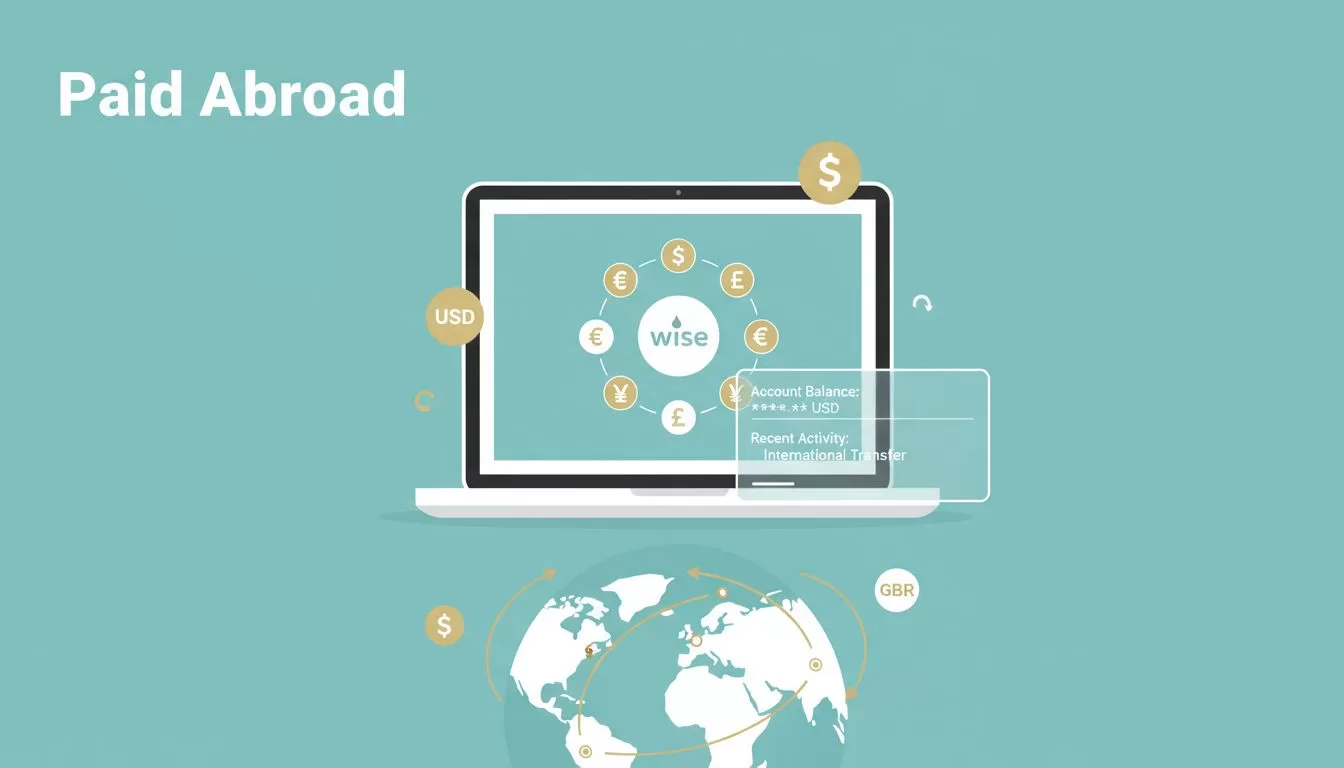
Getting paid by overseas clients can feel easy until fees, FX spreads, and slow bank wires show up. Then the invoice looks smaller than it should.
I use Wise Business because it gives me local account details in several currencies, so clients can pay me like I’m local. It also shows the cost before I confirm anything. Here’s how I set it up, share payment details, move the money, and avoid the usual mistakes.
Table of contents
- Why I use Wise Business for overseas client payments
- How I set up Wise Business and pass verification
- How I share payment details clients can actually use
- How I receive, convert, and withdraw money
- Wise Business vs bank wires and PayPal
- Mistakes I avoid with cross-border payments
- FAQ
Why I use Wise Business for overseas client payments
Wise Business works well for direct client billing because it’s built for bank-style transfers, not just card checkout. In 2026, Wise says Business users can hold 40+ currencies, send to 140+ countries, and get local account details in major currencies. I like that because it keeps my invoicing clean and my cash flow easier to track. I also check the current Wise Business pricing page before I send or receive anything, because pricing can change by region and route.
If I’m unsure whether I need a personal or business profile, I compare the two first. My Wise personal vs business guide for freelancers helps me decide fast.
For a freelancer, this can mean one USD client and one GBP client. For an agency, it can mean retainer payments in different currencies. For a service business, it can mean paying contractors abroad without juggling five bank portals.
How I set up Wise Business and pass verification
I treat setup like opening a door with the right key. If my business details don’t match, the lock stays shut.
Here’s the flow I use:
- I create a Wise Business account and choose my business type.
- I enter my legal business name, address, and ownership details exactly as they appear on my records.
- I upload the required documents, which usually include company registration papers and owner ID.
- I finish verification, then wait for approval.
- I open the currency balances I need, such as USD, GBP, or EUR.
Wise’s own automated KYC verification guide reflects what I see in practice. Clear documents move faster than messy ones.
I never rush verification. If my name, address, or company info doesn’t match, I fix that first.
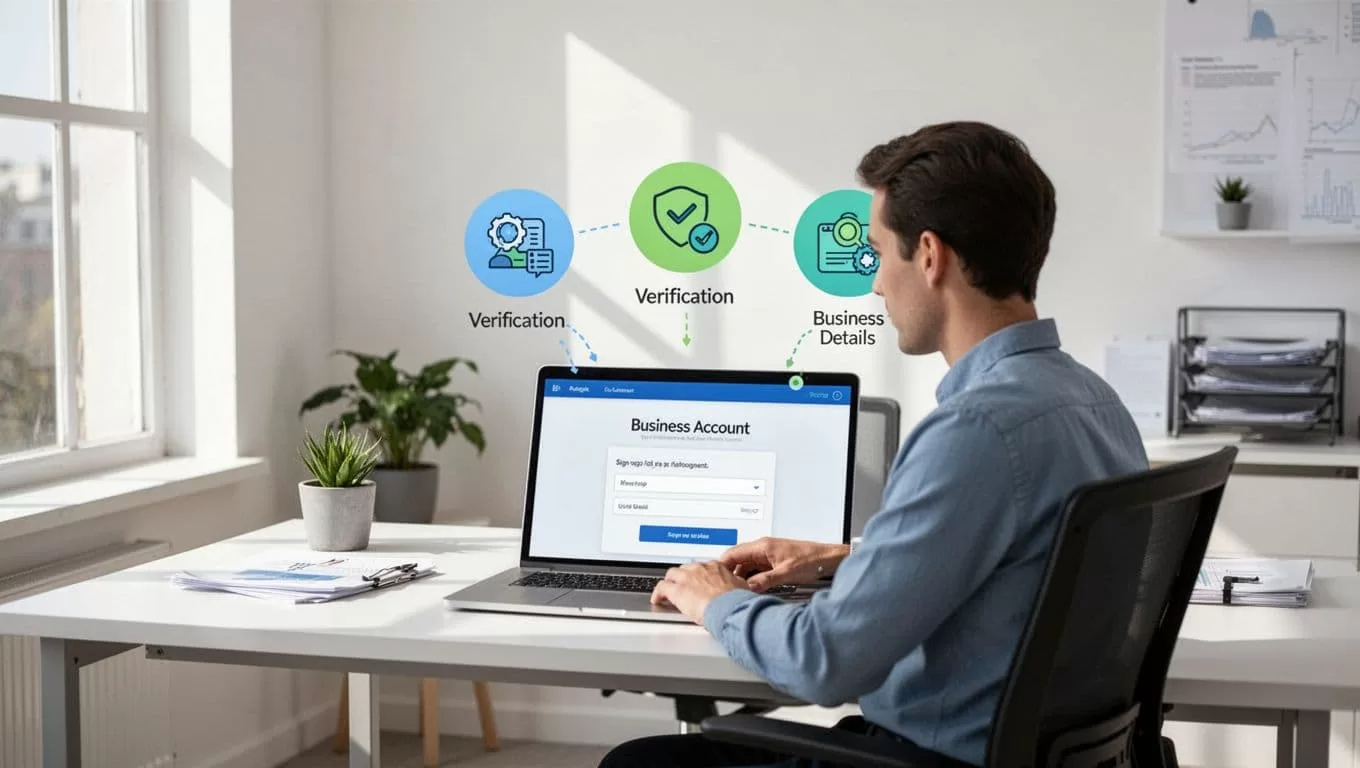
For me, the tricky part is usually the document check, not the sign-up form. Once I pass that step, the rest feels predictable.
How I share payment details clients can actually use
After setup, I open the right currency balance and look for the receiving details. Then I copy only the fields the client needs. That usually includes the account name, account number, routing or local bank details, and any payment reference.
I keep the message short and tidy:
- I choose the right currency balance.
- I copy the local account details from Wise.
- I paste them into my invoice or payment email.
- I ask the client to send a local transfer, if their bank supports it.
Wise Business also has invoice tools for business payments, which helps me keep the paper trail in one place. I use that when I want the invoice, payment status, and transfer history to live together.

A freelancer might send one invoice in USD. An agency might send monthly retainers in GBP. A service business might send the same details to repeat clients every week. In each case, the setup stays simple because the client pays into local details instead of a costly wire path.
How I receive, convert, and withdraw money
Once the payment arrives, I check the balance and decide whether to hold or convert. I don’t convert by habit. I convert when the rate looks right, or when I need money in another currency.
I follow this routine:
- I wait for the incoming transfer and confirm the amount.
- I keep funds in the original currency if I’ll use them soon.
- I convert only the amount I need, because Wise shows the quote before I confirm.
- I withdraw the rest to my bank account when I want it in local cash flow.

That flexibility matters. If I work with a US client, I may keep USD in Wise for a while. If I bill in Europe, I might hold EUR until I’m ready to pay vendors. For USD receiving, I also keep my Wise US bank details guide handy.
Wise Business vs bank wires and PayPal
Here’s the side-by-side view I use when I’m choosing a payment path.
| Payment method | What I like | What gets in the way |
|---|---|---|
| Wise Business | Clear fees, local account details, mid-market FX | Not a full bank |
| Bank wire | Familiar to many clients | Often slower, often pricier |
| PayPal | Easy for clients to send money | FX and withdrawal costs can stack up |
Traditional bank wires still work, but they often feel heavy. The sender may pay more, the transfer may take longer, and the exchange rate can be less friendly. PayPal is convenient, but I watch the fees closely because they can shrink the payout.
When I’m comparing business payment tools more broadly, I also look at my Wise vs Payoneer comparison. That helps when marketplace payouts enter the picture.
Mistakes I avoid with cross-border payments
The biggest mistake I see is a mismatch between what the client wants and what I send. Some clients want a local transfer. Others need a wire. A few want card payment links. I ask first, then share the right details.
I also avoid these problems:
- I don’t mix personal and business payment flows.
- I don’t send old bank details after a Wise update.
- I don’t ignore verification requests.
- I don’t convert everything at once if I don’t need to.
If I need another country-specific setup, I check the local guide first. That saves me from guessing and keeps my payment path boring in the best way.
FAQ
Is Wise Business good for freelancers?
Yes. I use it when I invoice clients in different countries and want lower FX friction. It also keeps business income separate from personal money.
How do I get paid in USD, GBP, or other currencies?
I open the matching currency balance, then share the local account details Wise gives me. For GBP or AUD work, I use the right receiving details for that market.
Does Wise Business charge monthly fees?
In many regions, I don’t see a monthly fee, but I do see setup and transfer costs. I always check the live pricing page before I move money.
Can I use Wise Business instead of PayPal or a bank?
Yes, for many direct client payments. I still compare the route first, because the best option depends on how my client pays and what currency they use.
Why does Wise ask for more documents sometimes?
That’s part of verification and compliance. Wise needs to confirm who I am, what my business does, and where the money is coming from.
I like Wise Business because it makes overseas payments feel less like a maze. The client pays more naturally, and I keep more control over timing, currency, and fees.
That matters more than any flashy promise. If the money arrives cleanly and I can move it when I want, the whole process feels lighter.
