How to Send Money to Romania With Remitly
The cheapest-looking transfer isn’t always the one that gives your recipient the most money. When you send money to Romania with Remitly, compare the complete quote, delivery method, and final amount received before approving payment....
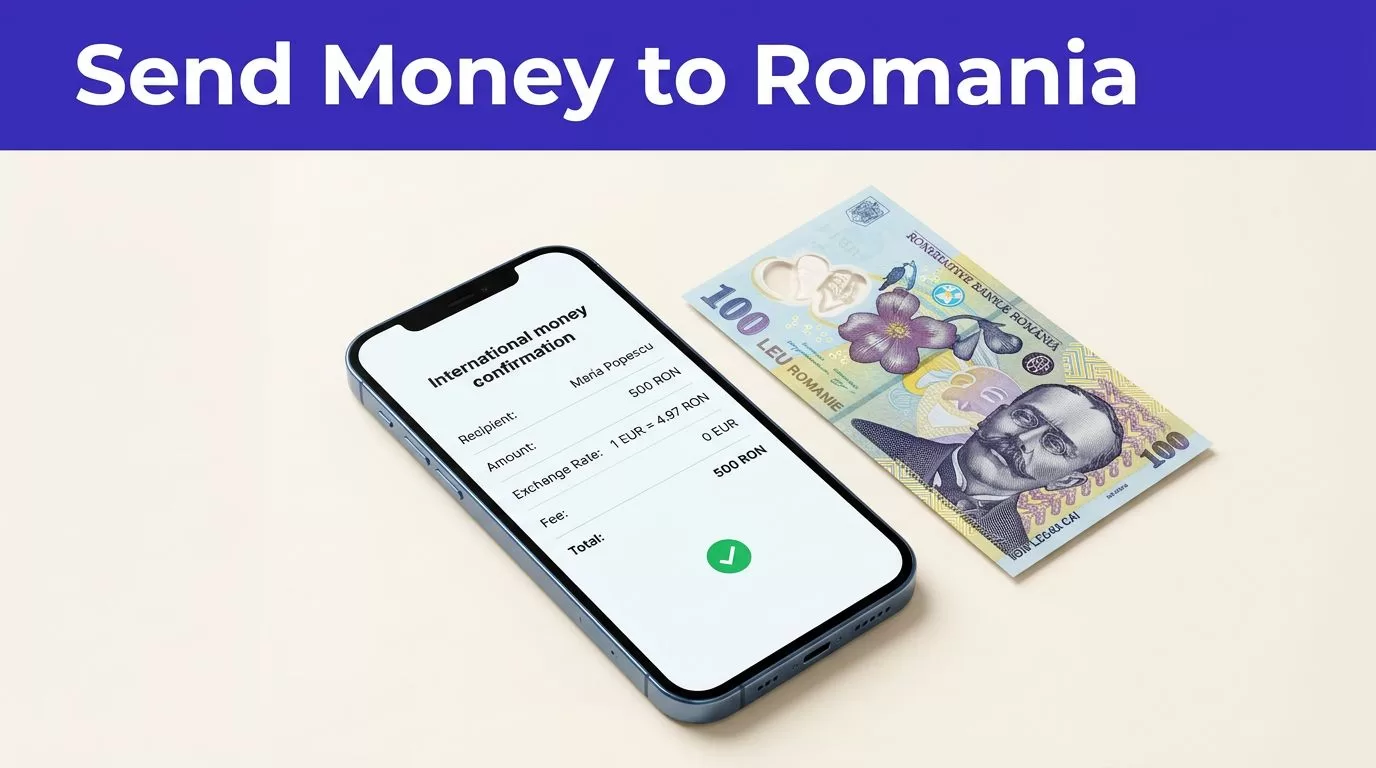
The cheapest-looking transfer isn’t always the one that gives your recipient the most money. When you send money to Romania with Remitly, compare the complete quote, delivery method, and final amount received before approving payment.
Remitly may support bank deposit, cash pickup, and debit card deposit for Romania transfers. Express and Economy delivery options may also appear. Fees, exchange rates, promotions, limits, and delivery estimates change with your sending country and transfer details.
Start with the recipient’s needs, then verify the live quote.
How to Send Money to Romania With Remitly
The right Remitly route depends on how the recipient wants to access the money. A bank deposit may be more convenient for someone with an eligible Romanian account. Cash pickup may suit someone who needs physical cash or doesn’t use a supported bank account.
Check the official Remitly page for sending money to Romania after selecting your actual sending country. A U.S. route won’t produce the same quote as a transfer funded in Brazil, Canada, Germany, or another market.
Choose bank deposit or cash pickup
A bank deposit sends the money to an eligible Romanian account. The recipient needs accurate account information, and the receiving bank must be supported on the selected route. Remitly provider pages for Romania include institutions such as UniCredit Bank and Raiffeisen Bank, but availability can change.
Cash pickup can work better when the recipient needs access without waiting for a bank deposit. The recipient may need a government-issued ID and the transfer details provided by Remitly. Their legal name must match the information entered during setup.
Ask the recipient which method they prefer before starting. A fast option is not useful if the recipient can’t access it.
Check whether debit card deposit is available
Remitly may show debit card deposit as a Romania payout option. The choice depends on the sending country, recipient location, payout partner, and other transaction details.
Don’t assume this option will appear for every recipient. Select the delivery method inside the app or website, then review the receiving currency and estimated delivery time. Romania transfers may display Romanian leu, or RON. Some sender markets or payout paths may show EUR instead.
The selected currency matters. Confirm the currency code and the amount the recipient receives before paying.
Compare the Full Remitly Quote Before Paying
Remitly pricing is route-specific. The transfer amount, funding method, delivery option, delivery speed, promotion, recipient location, and payout provider can all change the final cost.
A quote from a previous transfer is a reference point, not a current price.
Review the fee and total amount charged
At the time of writing, Remitly’s U.S. USD-to-RON page shows an example bank deposit fee of $2.99. Cash pickup examples appear at $4.99 or $5.99 in different configurations. These figures demonstrate why you should use the checkout quote instead of relying on a standard fee.
The Remitly Romania pricing page for Brazil also shows that pricing and transfer limits depend on the sender’s market. A U.S. sender and a Brazil-based sender can receive different fees, currencies, and promotional conditions.
Before you authorize payment, check the amount deducted from your account. Then check the exact amount sent to the recipient.
Compare the exchange rate and recipient payout
The transfer fee is only one part of the cost. The exchange rate determines how much RON the recipient receives.
Use Remitly’s USD-to-RON exchange rate page as a reference when you send from the United States. The rate shown during checkout is the figure that applies to your transaction. An independent currency calculator can provide a benchmark, but it won’t reproduce Remitly’s customer quote.
Compare the recipient’s final payout under the same delivery and payment conditions. A lower fee can still produce less money when the exchange rate is weaker.
If the recipient needs a specific amount, enter that target amount when Remitly allows it. The app can then calculate how much you need to pay. This is more reliable than sending a fixed amount and discovering that the converted payout is too low.

Photo by Jakub Zerdzicki
Set Up the Transfer Without Creating a Correction Problem
Most avoidable transfer problems begin with incorrect information entered before payment. Use the official Remitly app or website and check every field before submission.
Follow a controlled setup process
Use this sequence when you send money to Romania:
- Select your real sending country, choose Romania as the destination, and enter the amount.
- Choose the available delivery speed, payout method, and receiving currency.
- Add the recipient’s legal information and any required bank or pickup details.
- Review the fee, exchange rate, total charged, recipient payout, and delivery estimate before paying.
Your payment method can also affect the quote. Available choices may include a bank account, debit card, or credit card, depending on your sending country and route. Express and Economy options may use different funding methods or have different costs.
Don’t enter details based on what worked on an earlier transfer. Open the current route and enter the amount again when you’re ready to pay.
Verify the recipient record line by line
For a bank deposit, check the recipient’s full name, bank name, account details, and any requested IBAN or phone information. For cash pickup, confirm the name matches the recipient’s government ID exactly.
If you’re sending money to yourself, use your legal name and the same information connected to your receiving account or identification document. Don’t use a nickname or shortened name if a payout partner will compare the record with an ID.
A correction after payment can delay delivery. It may also require support intervention. Correct errors before the transfer leaves your account.
Fees, Promotions, Limits, and Timing Can Change
Remitly doesn’t use one universal price for every transfer to Romania. Treat each transaction as a new quote, even when you send the same amount every month.
Check promotion terms before using them
Remitly may offer no-fee first transfers or a promotional exchange rate for eligible new customers. At the time of writing, the U.S. USD-to-RON route displays a first-transfer promotional rate example of 4.5961 RON per USD.
Promotions can have a maximum amount, an eligible payment method, a supported payout provider, or an expiration date. Some provider offers apply only to the first $500 sent or another stated amount.
Don’t build a recurring family budget around an introductory offer. Review the quote for every transfer.
Treat limits as route-specific
Remitly’s Romania route materials list a per-transfer sending limit of 430,000 RON for a supported route. That figure isn’t a guarantee that your account can send that amount.
Your available limit can depend on your sending location, identity verification, payment method, delivery method, destination country, exchange-rate changes, and banking or compliance requirements. Remitly may request additional information before approving a larger transfer.
Check the limit inside your account before planning a large payment. Split transfers only when the route and purpose allow it. Multiple transfers can create additional fees or review requirements.
Use the displayed delivery estimate
Remitly may offer Express and Economy delivery. The available option and estimated arrival time depend on the selected route, payment method, payout partner, bank processing, weekends, holidays, and account review.
Cash pickup may be available sooner in some cases. Bank deposit may be more convenient when the recipient already has a supported account. The app’s estimate for your specific transfer is more useful than a general speed claim.
Delivery estimates aren’t guarantees. Don’t promise a fixed arrival time for rent, tuition, medical costs, or another scheduled payment until the transfer is confirmed.
Use Remitly Safely and Track the Result
A safe transfer process includes account security, accurate recipient information, and a stored transaction record. Remitly’s security guidance describes email verification, HTTPS, 256-bit SSL encryption, and identity checks.
Use official Remitly channels
Download the app through the official Apple App Store or Google Play listing. You can also access Remitly by typing remitly.com into your browser.
Don’t install an APK from an unknown website. Don’t follow an unexpected login link from a text message, email, or social media account. A fake page can capture your password and payment information.
Remitly’s international transfer guidance also highlights the need to review cost, security, and delivery details before sending. Keep your password private and use a unique password for your account.
Save the receipt and handle problems in order
After payment, save the confirmation number, quoted exchange rate, fee, recipient amount, delivery method, and transaction date. Keep this information in a secure location. Share the transfer reference only with the intended recipient.
If the transfer appears delayed, check its status in your Remitly account first. Don’t submit a second transfer because the first confirmation message looks unclear. A status update may lag behind the payment event.
For an incorrect name, failed deposit, suspected fraud, or collection problem, contact official Remitly support quickly. Keep the receipt and screenshots available. Recovery can become harder after a cash pickup has been completed.
Conclusion
The best way to send money to Romania with Remitly is to match the payout method to the recipient, then compare the live quote before payment. Bank deposit, cash pickup, and debit card deposit can have different fees, speeds, limits, and availability.
Check the exchange rate, transfer fee, total charged, recipient payout, delivery estimate, and recipient information every time. Accuracy before payment prevents most avoidable transfer problems.
