Send Money South Africa With Remitly: Practical Steps
The search phrase “send money South Africa” usually means one thing: get funds to family or friends without losing money to unclear fees, poor exchange rates, or avoidable delays. Remitly gives you a structured way to set up the...

The search phrase “send money South Africa” usually means one thing: get funds to family or friends without losing money to unclear fees, poor exchange rates, or avoidable delays. Remitly gives you a structured way to set up the transfer, select a payout method, and review the final amount before payment.
The quote depends on your sending country, transfer amount, payment method, delivery speed, and recipient location. Use the Remitly app or website for the live figures. Older rate tables and search results can’t confirm what your recipient will receive today.
How to send money South Africa with Remitly
Remitly’s process is built around five decisions: where the money is going, how much you want to send, how the recipient will receive it, how you will pay, and whether the final quote is correct.
The official Remitly South Africa transfer page shows the current options for the United States. If you live in the United Kingdom, Canada, Australia, or another country, open the Remitly page for your own sending location. Available features can differ.


1. Create your account and complete verification
Download the Remitly app from your device’s official app store, or use the Remitly website. Create your account with your email address and personal details.
Remitly may request government-issued identification before you can send money. This step supports identity checks and anti-money-laundering requirements. The documents requested can depend on your sending country, transfer amount, and account history.
Use your own information. Make sure your name, address, and identification details match the documents you provide. An incomplete or inconsistent profile can create a review before the transfer moves forward.
2. Select South Africa and enter the amount
Choose South Africa as the destination country. You can usually enter either the amount you want to pay or the amount the recipient should receive in South African rand.
The quote should show the exchange rate, transfer fee, payment cost where applicable, and expected recipient amount. Review all four figures. A low visible fee doesn’t automatically mean the recipient gets the most money. The exchange rate also affects the final payout.
3. Choose a delivery speed and payment method
Remitly may show more than one delivery speed. A faster option can cost more or require a particular payment method. A lower-cost option may take longer to complete.
Payment methods can include a bank account, debit card, or credit card. The choices depend on your sending country and account eligibility. Switching from a bank-funded transfer to a card-funded transfer can change the quote.
Don’t select a speed before checking the full payment summary. Your choice can affect the fee, delivery estimate, and amount converted into rand.
4. Add the recipient details
Enter the recipient’s legal name exactly as it appears on their identification or bank record. Avoid nicknames, shortened names, and spelling differences.
For a bank deposit, Remitly can request the recipient’s bank name, account details, account type, and contact information. For cash pickup, you may need the recipient’s legal name and a selected pickup location.
Check every digit before you submit. A wrong account number or mismatched name can delay the payout or require a correction.
5. Review, pay, and track the transfer
Read the final confirmation screen before authorizing payment. Check the amount you pay, the fee, the exchange rate, the delivery method, the recipient name, and the expected amount in ZAR.
After payment, keep the transaction reference. Use the app or website to monitor the status. Tell the recipient which payout method you selected and share only the information they need to collect or receive the funds.
Select the right payout method in South Africa
Bank deposit and cash pickup are the main delivery methods Remitly identifies for transfers to South Africa. The available provider list depends on the recipient’s location and the route selected in your account.
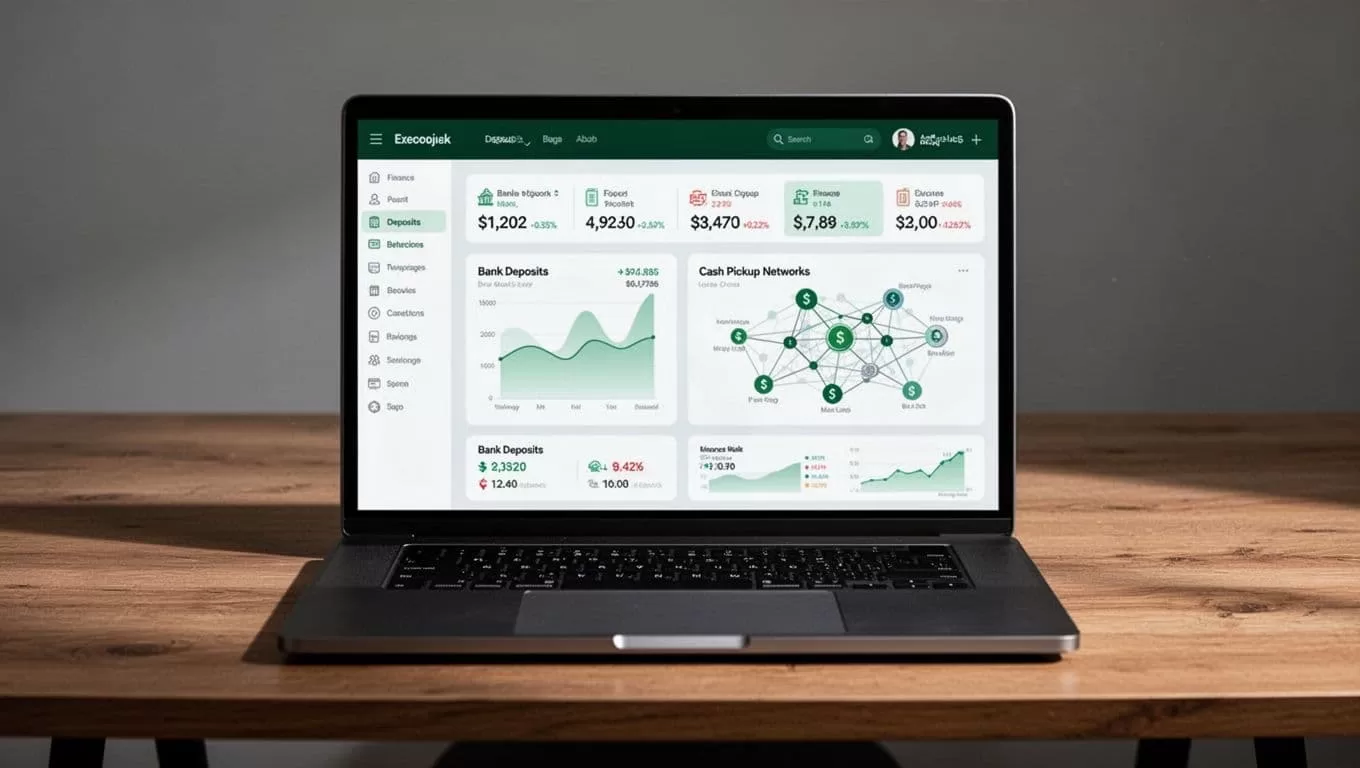
Bank deposit
Bank deposit is useful when the recipient has an eligible South African bank account and wants the funds delivered electronically. It removes the need to travel to a cash pickup branch.
The recipient’s bank information must be accurate. Confirm the bank name and account details directly with the recipient before you create the transfer. Don’t rely on an old message or saved contact if the account may have changed.
Remitly’s broader Africa network materials name providers such as Capitec Bank, First National Bank, ABSA Bank, and Mukuru. That doesn’t mean every provider is available for every sender or recipient. The app’s recipient setup screen controls the current selection.
Cash pickup
Cash pickup can work better when the recipient doesn’t use a bank account or needs physical cash. You select an available pickup provider and location during the transfer setup.
The recipient normally needs acceptable identification and the transaction details required by the selected provider. The legal name on the transfer must match the recipient’s identification. Ask the recipient to confirm the pickup branch before you send.
Cash pickup is not automatically faster or cheaper. Compare the full quote and estimated delivery time with the bank deposit option. A convenient branch may also reduce the time and travel cost for the recipient.
Some Remitly pages list mobile money or home delivery for selected countries. Don’t assume those options apply to South Africa. Use the delivery methods shown for your specific transfer.
Check Remitly fees and the USD to ZAR exchange rate
Fees and rates change throughout the day. They also change when you adjust the sending amount, payment method, delivery speed, or payout method.
Use the Remitly USD to ZAR currency converter as an initial reference, then confirm the final quote inside your account. The in-app confirmation screen is more important than a static converter because it reflects your selected route and payment method.
Look at the recipient amount after the exchange rate is applied. This is the number that matters to your family member or friend in South Africa.
A transfer can show a small fee but provide a weaker rate. Another option can show a higher fee and deliver more rand. Compare the total amount you pay with the final ZAR amount, not the fee alone.
Promotional rates may be available to new customers or for a limited transfer amount. These offers can have expiry dates, caps, and sending-country restrictions. Treat a promotion as a temporary quote, not the normal cost of future transfers.
Remitly may display different speed tiers where available. An urgent debit-card transfer can price differently from a bank-funded transfer with a longer estimated delivery time. The final cost can also change when you switch between bank deposit and cash pickup.
An independent guide to Remitly transfer fees can help you understand the factors that affect pricing. Still, third-party explanations can’t replace the live Remitly quote for your account.
Compare the amount paid with the amount received. The advertised transfer fee is only one part of the transaction cost.
Protect the transfer from errors and scams
Most preventable problems come from incorrect recipient details, fake payment requests, or sending money to someone the sender hasn’t verified.
Confirm the recipient through a separate communication channel before you pay. If someone asks you to send money urgently, change the payout details, or keep the transfer secret, stop and verify the request. Don’t send funds to a stranger who promises a job, prize, investment return, or emergency repayment.
Never share your Remitly password, one-time verification code, card security code, or banking login. Remitly support won’t need your private banking password to investigate a transfer.
Keep your account secure with a unique password and device lock. Use the official Remitly app or type the website address yourself. Avoid entering financial information through links sent in unexpected text messages or social media chats.
Transfer limits can vary by sending country, verification level, payment method, amount, and recipient location. A higher amount may trigger additional document requests or manual review. Don’t split a large transfer to avoid a limit or identity check. Read the current requirements shown in the app.
Use this pre-send checklist
Before you tap the final payment button, confirm:
- The destination country is South Africa.
- The recipient’s legal name matches their bank record or identification.
- The delivery method matches what the recipient expects.
- The bank account or pickup location is correct.
- The exchange rate and fee are current.
- The amount the recipient receives is acceptable.
- The delivery estimate fits the recipient’s need.
- Your payment method has enough available funds.
- You understand any promotional terms or transfer limits.
- You have saved the transaction reference after payment.
If the recipient reports a delay, check the transfer status first. Review whether the payment completed, whether Remitly requested more information, and whether the recipient’s details match the submitted transfer. Contact Remitly through the official app or website if the status doesn’t explain the problem.
Conclusion
Remitly gives you a clear workflow to send money South Africa, but the platform doesn’t remove the need to review the transaction. Confirm the recipient, compare the full quote, select the payout method carefully, and check the live delivery estimate before payment.
Rates, fees, limits, and delivery options can change by route and transfer conditions. The safest process is direct: use the official Remitly app or website, verify every detail, and treat the final confirmation screen as the source of truth.

