Remitly Tanzania: Send Money Fast and Safely
An urgent family expense can make an international transfer feel harder than it should. A Remitly Tanzania transfer gives you a clear way to send money to a bank account, mobile wallet, or cash pickup location. The important details are not...
An urgent family expense can make an international transfer feel harder than it should. A Remitly Tanzania transfer gives you a clear way to send money to a bank account, mobile wallet, or cash pickup location.
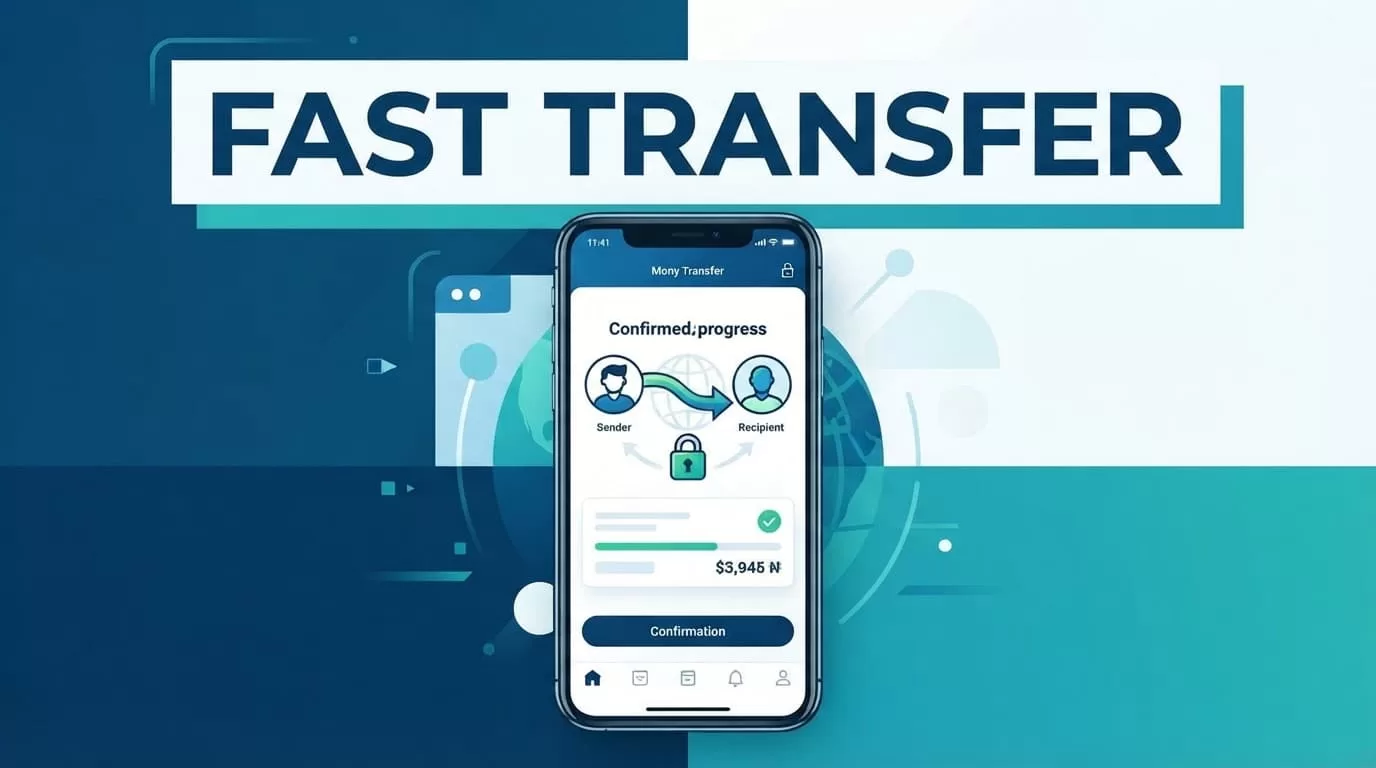
The important details are not hidden behind the word “fast.” Your fee, exchange rate, transfer limit, and delivery estimate depend on your sending country, payment method, amount, and delivery option. Check each detail before you approve the payment.
What to Confirm Before Sending Money
Start by selecting the country you are sending from. Remitly’s available payment methods and promotions can differ between the United States, Australia, Norway, the United Kingdom, and other supported markets.
Next, confirm how the recipient wants to receive the money. Bank deposit works well for someone with an active Tanzanian bank account. A mobile wallet can be more convenient for regular household support. Cash pickup is useful when the recipient needs physical cash or doesn’t use a bank account.
You also need accurate recipient information. A small spelling error can delay delivery or prevent collection. Ask the recipient to send their legal name, phone number, and account details directly rather than relying on memory.
Check these items before you begin:
- The recipient’s first and last name match their government ID or bank account.
- The mobile number is active and connected to the correct wallet.
- The bank name, account number, and recipient details are correct.
- You have selected Tanzanian shillings when that is the intended receiving currency.
- Your payment card or bank account can fund the transfer.
How Remitly Tanzania Delivery Options Work
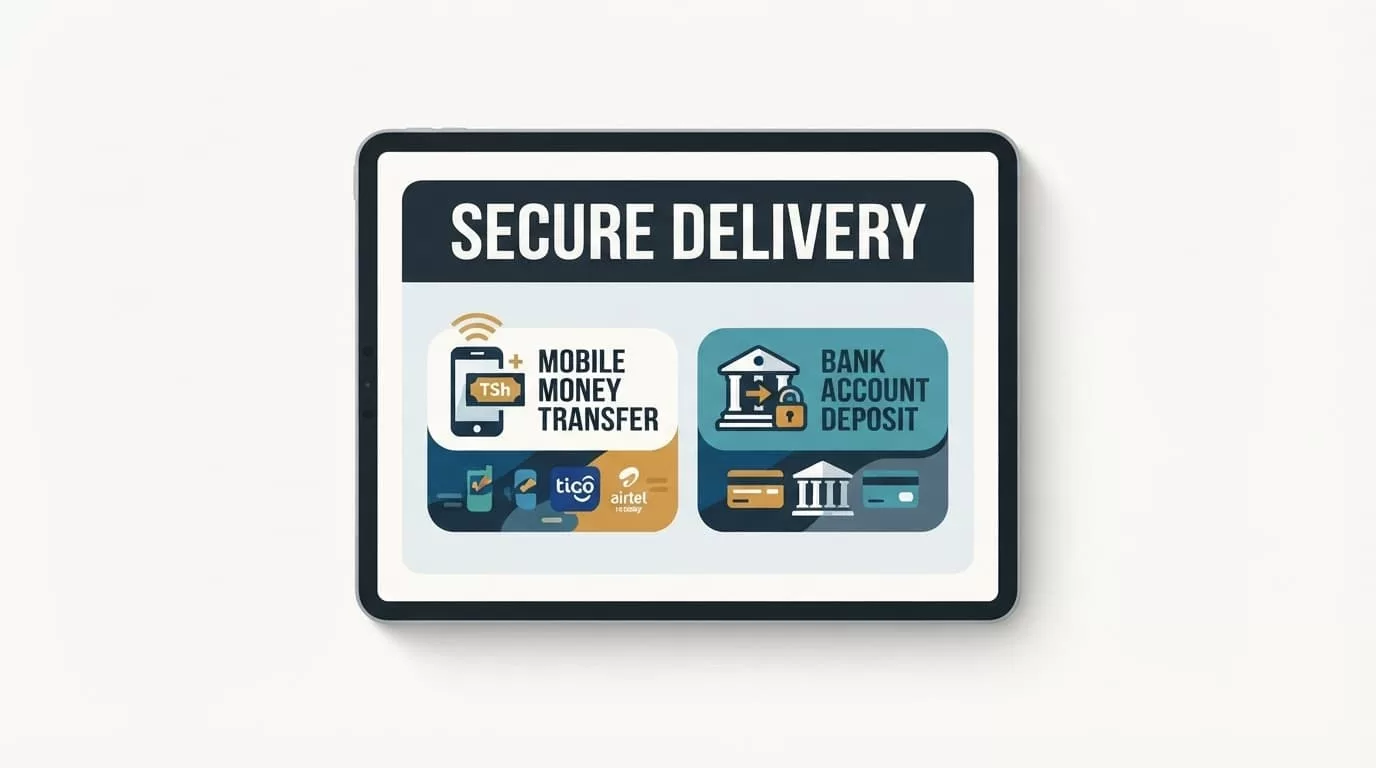
Remitly currently lists three main delivery methods for Tanzania: bank deposit, mobile wallet, and cash pickup. The options shown to you can depend on the recipient’s location and the selected provider.
Bank deposit
Bank deposit sends the funds directly to an eligible Tanzanian bank account. Remitly lists NCBA Bank among its Tanzania bank delivery options. Other banks may appear based on the route and the recipient’s location.
This option removes the need for the recipient to travel to a cash pickup location. It also gives you a clear account destination to verify before sending. Enter the recipient’s name exactly as it appears on the bank account.
Bank deposits may take longer than some wallet or cash options. The final delivery estimate depends on the sending country, funding method, compliance checks, and the receiving bank’s processing schedule.
Mobile wallet
A mobile wallet can be the most practical option for everyday support. Remitly’s Tanzania options include mobile money providers such as M-Pesa, Airtel Tanzania, and Tigo Pesa when available for the selected route.
The recipient needs an active wallet linked to the phone number you enter. The name and phone number must match the wallet registration details. A recipient opening a new wallet may need to complete account verification before receiving an international transfer.
Remitly may not charge the recipient for receiving the transfer. The mobile money provider can still charge a separate cash-out fee when the recipient withdraws physical cash.
Cash pickup
Cash pickup lets the recipient collect funds at an available local partner location. It is useful when the recipient has no bank account or needs cash for an immediate expense.
The recipient normally needs a valid government-issued ID and the transaction reference. The name on the transfer must match the ID exactly. A mismatch can stop the payout until the sender corrects the information.
How to Send Money to Tanzania With Remitly
The process is simple, but each field affects the final result. Complete the setup in this order:
- Create or sign in to your Remitly account through the website or mobile app.
- Select Tanzania as the destination country.
- Enter the amount you want to send or the amount the recipient should receive.
- Choose bank deposit, mobile wallet, or cash pickup.
- Add the recipient’s name and required delivery details.
- Select a payment method available in your sending country.
- Review the exchange rate, transfer fee, total payment, and estimated delivery time.
- Confirm the transfer and save the tracking information.
Depending on your location, Remitly may accept a debit card, credit card, or bank account payment. A card payment can be convenient, but the card issuer may apply its own cash advance or foreign transaction fee. Check your card terms before funding a large transfer.
Enter the amount carefully. Sending based on the amount you want to pay can produce a different recipient total than sending based on the amount the recipient must receive. The review screen should show both figures before confirmation.
Keep the reference number after payment. The recipient may need it for cash collection, and you may need it when checking the transfer status.
Fees and Exchange Rates for Tanzania Transfers
There is no single Remitly fee for every Tanzania transfer. The cost changes with the sending country, transfer amount, payment method, delivery option, and current promotion.
The Remitly U.S. Tanzania page currently displays a promotional offer with no fee on a qualifying total of $1,000 and a promotional exchange rate on the first $500. Promotional terms can change, and eligibility may depend on your account and transfer.
Other corridors show different offers. The Australia-to-Tanzania page and the Norway-to-Tanzania page display country-specific welcome promotions rather than one global price.
Treat the transfer summary as the current price for your transaction. Review:
- The exchange rate applied to your sending currency.
- The fee charged by Remitly.
- The amount charged to your payment method.
- The amount the recipient will receive in Tanzanian shillings.
- Any separate provider fee, such as a mobile wallet cash-out charge.
A “no fee” promotion doesn’t always mean the exchange rate is identical to the rate shown by your bank. Compare the recipient amount, not only the visible transfer fee. The exchange rate can affect the final payout more than a small service charge.
Transfer Speed, Limits, and Delivery Estimates
Remitly shows available delivery options and an estimated arrival time after you enter the route, amount, payment method, and recipient details. Some transfers may arrive quickly. Others can take longer because of payment processing, provider hours, weekends, public holidays, identity checks, or incorrect information.
The estimate is not a guarantee. A bank deposit and cash pickup can follow different processing schedules. A mobile wallet transfer may also wait for the recipient’s account to pass verification.
The delivery estimate on your final review screen is more useful than a general promise of a fast transfer.
Transfer limits are also route-specific. There is no single limit that applies to every Remitly customer worldwide. Your available amount can depend on your sending country, account verification, payment method, transaction history, and the delivery route.
Enter your intended amount in the app or website before making payment. If the amount exceeds your current limit, Remitly may request additional information or prevent the transfer from proceeding. Don’t rely on an old blog post that lists a limit for a different country or account type.
For a large business payment or school fee, split planning should happen only after checking the current limit and total cost. Multiple transfers can create additional fees and different exchange rates.
Recipient Details and Payment Scam Safety
Recipient accuracy is the main control you have over delivery problems. Ask the recipient to text or send their details directly. Confirm every digit before you pay.
For a bank deposit, check the account holder’s name, bank name, and account number. For a mobile wallet, verify the registered phone number and wallet provider. For cash pickup, use the recipient’s legal name as shown on their government ID.
Watch for common payment scams. A fraudster may impersonate a relative, employer, landlord, immigration officer, or customer support agent. They may demand an urgent transfer or claim that you must pay an extra fee before funds can be released.
Don’t send money because someone creates pressure. Don’t share your Remitly password, one-time verification code, card security code, or mobile wallet PIN. Remitly support will not need your wallet PIN to complete a legitimate delivery.
Use these checks before approving payment:
- Call the recipient using a trusted phone number.
- Confirm the reason for the transfer through a second channel.
- Check that the recipient name matches the selected delivery method.
- Review the final recipient amount and delivery estimate.
- Stop if someone asks you to send money to unlock, cancel, or reverse a transfer.
If you enter incorrect information, contact Remitly support as soon as possible. A transfer may be difficult to cancel after the recipient collects cash or the wallet provider completes delivery.
Conclusion
Remitly Tanzania gives you three practical delivery choices: bank deposit, mobile wallet, and cash pickup. The right option depends on the recipient’s account access, location, and need for cash.
Check the final exchange rate, fee, recipient amount, transfer limit, and delivery estimate before confirming. Verify the recipient’s details and ignore requests for passwords, PINs, or emergency release fees. A fast transfer is useful, but an accurate and verified transfer is the one that reaches the right person.
