Remitly Nicaragua: How to Send Money Fast and Safely
When family in Nicaragua needs money quickly, a low advertised fee isn’t enough. You need accurate recipient details, a working payout method, and a delivery estimate you can verify before paying. Remitly Nicaragua gives senders a pra...
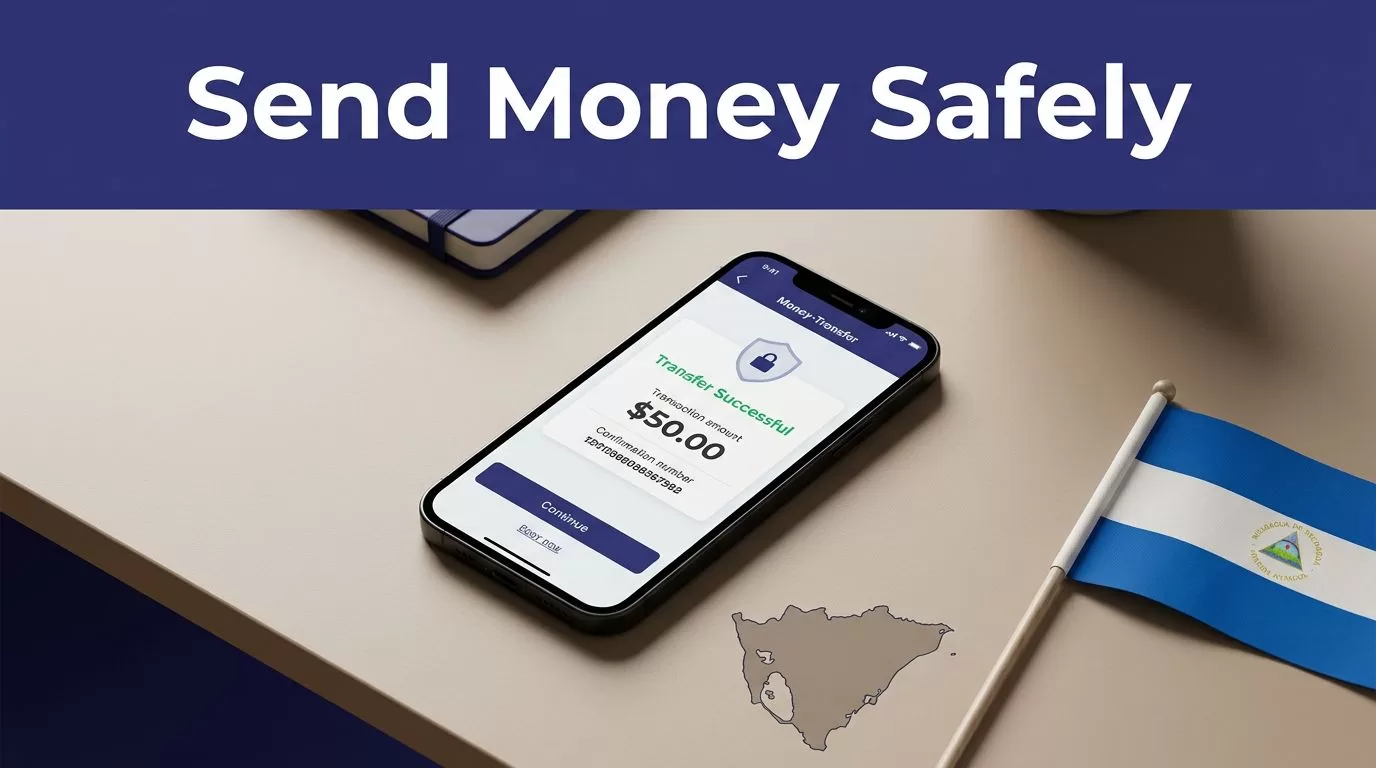
When family in Nicaragua needs money quickly, a low advertised fee isn’t enough. You need accurate recipient details, a working payout method, and a delivery estimate you can verify before paying.
Remitly Nicaragua gives senders a practical way to transfer money from the United States through the app or website. The process is simple, but delivery speed depends on the payment method, delivery option, transaction review, provider availability, and system status. Use the following steps to complete the transfer without avoidable delays.
How Remitly Nicaragua Works
Remitly connects the sender with a delivery provider in Nicaragua. Depending on the transaction, the recipient may receive money through a bank deposit, debit card deposit, or cash pickup. The available options appear during the transfer setup.
Remitly’s U.S.-to-Nicaragua provider network includes Banpro and Banco Lafise (Bancentro). Other listed providers include Banco BAC Credomatic, Teledolar, Sinsa, and VISA. The exact provider options can vary based on the selected delivery method and the recipient’s details.
You can start through the Remitly U.S.-to-Nicaragua transfer page, then complete the transaction in your account. The app displays the exchange rate, transfer fee, delivery method, and expected arrival time before you confirm payment.
The recipient is the destinatario or beneficiario. Their name and account information must match the details used by the selected bank or pickup provider. A small spelling error can create a large delay.
Set Up the Transfer in the Remitly App
Follow these steps when sending money to Nicaragua for the first time.
- Open the official Remitly app or website. Create an account or sign in. Use the official Remitly money transfer website instead of a link sent through an unfamiliar message or social media account.
- Select Nicaragua as the destination. If you send money from a country other than the United States, the available options may differ. Remitly sets pricing, payment methods, and delivery choices by sending country.
- Enter the amount you want to send. Review both figures shown on the screen. One is the amount you pay. The other is the amount the recipient receives. The exchange rate affects the final amount, even when the transfer fee looks low.
- Choose the delivery method. Select bank deposit, debit card deposit, or cash pickup when the option is available. Choose the method that matches what the recipient can access today, not only the method with the lowest displayed fee.
- Add the recipient’s information. Enter the recipient’s legal name exactly as it appears on their identification or bank records. For a bank deposit, provide the bank and account details requested by Remitly. For cash pickup, select the available location or provider shown in the app.
- Add and verify your payment information. Remitly may request account or identity verification before allowing a transfer. Complete those prompts inside the official app or website. Don’t send identity documents through an unofficial email address or messaging account.
- Review the transaction before submitting it. Confirm the recipient, amount, delivery method, exchange rate, fee, and estimated delivery time. This is the last practical point to correct a spelling mistake or change the payout route.
- Submit the transfer and save the confirmation. Keep the transaction number and status details. Send the reference information to the recipient through a private channel if they need it for cash pickup.
The review screen is the control point for the entire process. Don’t rely on a rate or fee shown in an advertisement. Use the final quote displayed for your specific transfer.
Choose Bank Deposit or Cash Pickup in Nicaragua
The best delivery method depends on the recipient’s access, location, and urgency. A bank deposit may reduce travel for someone who already uses a supported account. Cash pickup may work better when the recipient doesn’t have a qualifying account or needs to collect the money at a physical location.
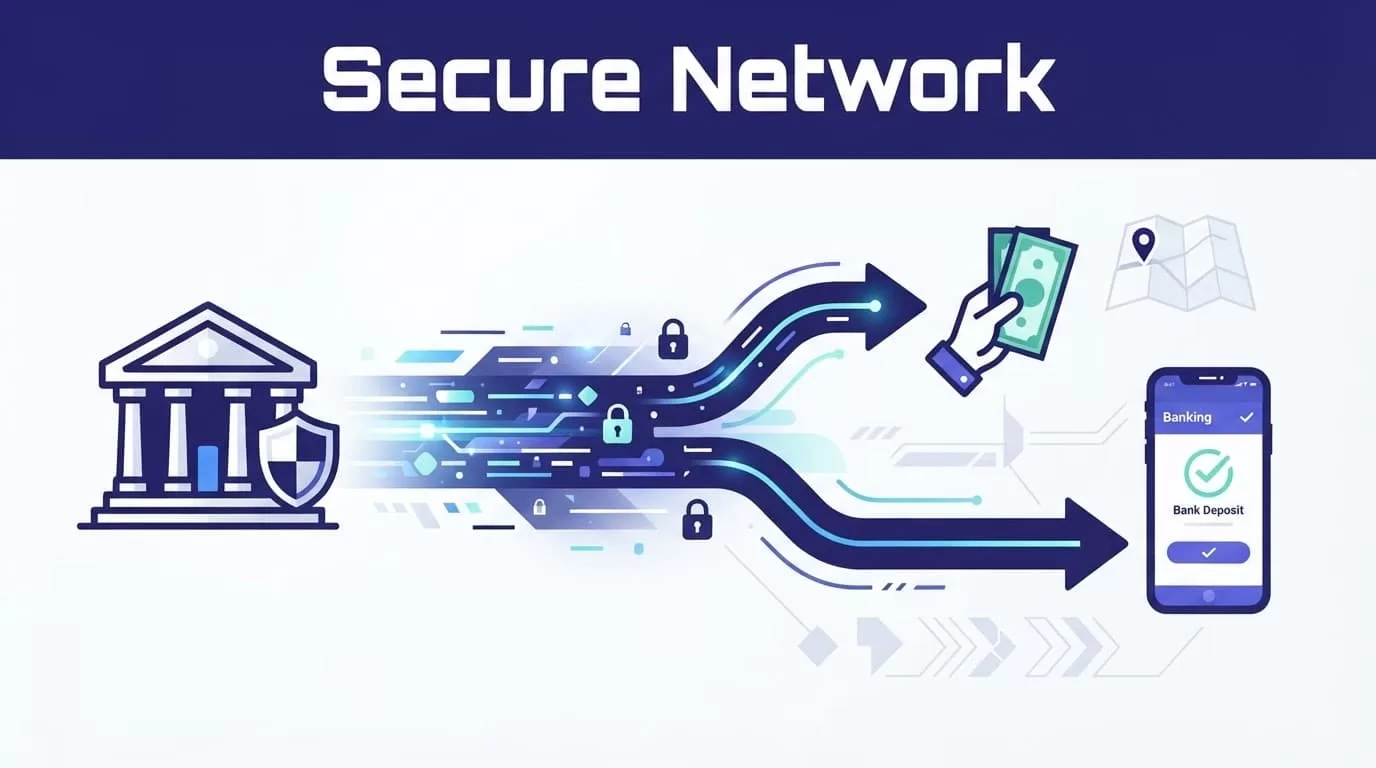
Bank deposit, or depósito bancario
A bank deposit sends the funds to the recipient’s supported account. Remitly’s Nicaragua pages list Banpro and Banco Lafise (Bancentro) among the available providers.
Use the recipient’s exact bank information. Confirm the account belongs to the intended person before submitting the transfer. If the app asks for a specific account type, currency, or identification detail, follow the instructions shown for that transaction.
Bank delivery can be convenient, but it doesn’t always mean instant access. Bank processing schedules, weekends, holidays, transaction review, and incorrect account details can affect arrival.
Cash pickup, or retiro en efectivo
Cash pickup allows the recipient to collect the transfer at an available provider location. The recipient may need valid identification and the transaction details shown in the Remitly confirmation.
Before selecting this option, confirm that the recipient can reach the pickup location. Check the provider name, location, operating hours, and any instructions shown in the app. Don’t assume every location handles every transfer type.
Share the recipient’s full name exactly as entered. If the name on the transfer doesn’t match the recipient’s identification, the provider may refuse the pickup or require a correction.
A fast transfer is only useful when the recipient can access it. Confirm the bank account or pickup location before you pay.
Check Fees, Exchange Rates, and Delivery Times
Remitly’s pricing changes by sending country, amount, payment method, delivery method, exchange rate, and promotional eligibility. The official Nicaragua pricing page currently displays the available quote details for transfers sent from the United States.
The page also advertises no fee on a first transfer. That offer may include conditions or eligibility limits. Check the transaction screen instead of assuming the promotion applies to your account.
Use this comparison before confirming:
| Item to review | Why it matters |
|---|---|
| Transfer fee | This is the separate charge added to the amount sent. |
| Exchange rate | This determines how much arrives in the recipient’s currency. |
| Total amount charged | This is the actual amount removed from your payment method. |
| Recipient amount | This is the amount the beneficiary should receive. |
| Delivery estimate | This indicates the expected arrival window for the selected route. |
Compare the total amount charged with the amount received. A transfer with a low fee can still provide less value if the exchange rate is weaker.
Delivery estimates are not guarantees. Remitly states that timing can vary based on the payment method, delivery method, transaction review, and system availability. Some Economy options may take several business days. A faster option may be available, but the app must show the actual estimate for your transfer.
If the delivery estimate matters, don’t select an option based only on the word “Express.” Read the date or time range shown before payment. The displayed estimate is more useful than a general promise that transfers are fast.
Prevent Common Remitly Transfer Delays
Most avoidable problems come from incorrect information or a mismatch between the selected method and the recipient’s situation.
Check these items before submitting:
- Match the recipient’s name to their official identification or bank record.
- Confirm the correct bank, account number, and requested recipient details.
- Ask whether the recipient prefers a bank deposit or cash pickup.
- Verify the pickup provider and location before sending.
- Check the delivery estimate after selecting the payment and payout methods.
- Keep the confirmation number until the recipient confirms receipt.
- Contact Remitly through its official support channels if the status doesn’t change as expected.
Don’t create a second transfer because the first one appears slow. Check the status first. Duplicate transactions can create extra fees, confusion, or a second payment obligation.
Transaction review can also delay a transfer. If Remitly requests additional information, provide it only through the secure account process. Don’t share passwords, verification codes, or full payment details with the recipient or with anyone claiming to represent a pickup location.
If the recipient says the money hasn’t arrived, compare three details:
- The transfer status in your Remitly account.
- The delivery method and provider.
- The recipient’s bank or pickup information.
A completed transfer and an accessible balance are not always the same event. The receiving provider may still need to post or release the funds.
Conclusion
Remitly Nicaragua works best when you treat the transfer as a short verification process, not a one-click payment. Select Nicaragua, enter the recipient’s details exactly, choose a workable payout method, and review the final fee, exchange rate, and delivery estimate before confirming.
Bank deposit through providers such as Banpro or Banco Lafise may reduce travel. Cash pickup may fit recipients who need access outside a bank account. Neither option should be assumed to be instant.
The fastest reliable transfer is the one with correct information and a delivery route the recipient can use.
