I remember the day a top candidate ghosted me right before a client deadline. Scattered notes, missed follow-ups, and timezone mix-ups killed the deal. That frustration pushed me to overhaul my process with remote recruitment tools inside Recruit CRM. Now, I hire faster from anywhere, keep candidates engaged, and sync my team without chaos.
These tools centralize everything. Pipelines flow smoothly. Collaboration happens in real time. You get better hires because data stays organized and accessible. Let’s walk through how I make it work in my daily routine.
Why Remote Recruitment Tools Boost My Hiring Speed
Remote work changed recruiting forever. Candidates spread across time zones. Clients expect quick matches. I used to juggle emails, calendars, and spreadsheets. It wasted hours.
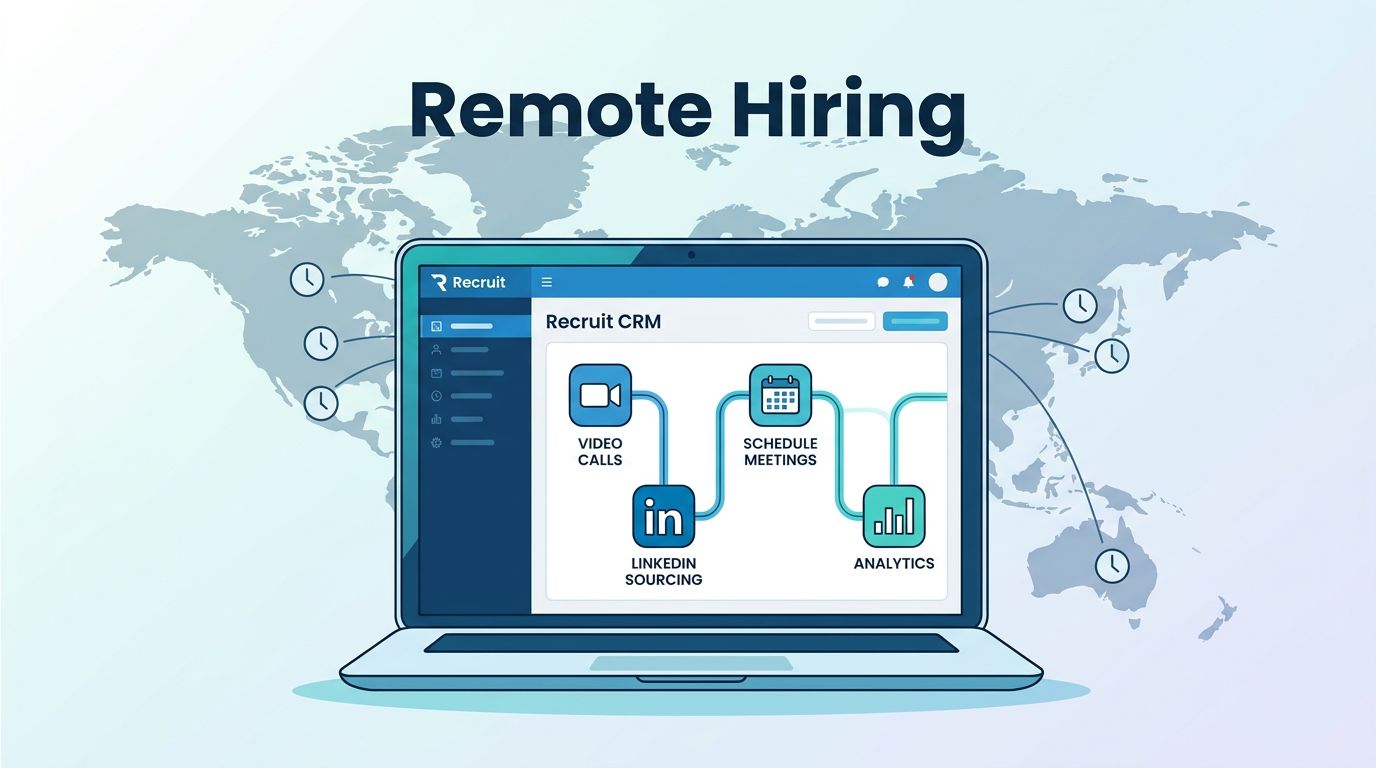
Recruit CRM pulls it all together. I source from LinkedIn, track interactions, and schedule video calls in one dashboard. Hires close 25% faster for me. Candidates feel valued with automated nudges. Teams see updates instantly.
Consider a sales role fill last month. I posted on LinkedIn, parsed resumes automatically, and ran video screens. Three days later, offer accepted. No back-and-forth emails. Tools like integrated video and chat make that possible.
Centralized data cuts errors too. Every note, email, and file lives in the candidate profile. I search skills or past chats in seconds. For agencies, this means more placements per recruiter.
Key Remote Recruitment Tools I Integrate
Recruit CRM packs built-in options for remote work. I start with its video interview links. One click schedules Zoom or Google Meet. Candidates join from home. I record sessions for team review later.
Chat features keep talks alive. Quick messages replace email threads. I tag teammates for input. Calendar syncs block time across zones. No more double-books.
Here’s how I mix them:
I lean on AI sourcing for global talent pools. It scans profiles and suggests matches. Pair that with resume parsing, and profiles build themselves.


In my Recruit CRM resume parsing software setup, attachments auto-extract skills and experience. This saves me two hours daily on data entry.
For deeper remote strategies, check Recruit CRM’s guide to remote hiring. It matches my workflow perfectly.
Step-by-Step Setup for Remote Tools in Recruit CRM
Getting started takes under an hour. I log in and head to settings first.
Enable integrations. Connect Google Workspace or Outlook for email and calendar. Video tools link next. Test a mock call to confirm.
Next, build pipelines for remote roles. Add stages like “Video Screen” and “Async Interview.” Assign tasks: “Send Loom video prompt.” Automations trigger reminders.
Customize candidate forms. Ask about remote setup or tools they use. It qualifies fits early.
For my agency, I followed a step-by-step Recruit CRM implementation that boosted placements. Start small. Test with one job post.
Train your team. Share a pipeline template. Run a group screen to practice. Issues pop up less after that.
Streamlining Team Collaboration Across Locations
Solo recruiting limits scale. My team works from homes, cafes, even abroad. Recruit CRM’s shared views fix that.
We use real-time pipelines. Updates sync live. @mentions ping in chat. One recruiter advances a candidate; everyone sees.
Video huddles integrate directly. Share screens during client calls. Notes save to profiles automatically.
Last week, we filled a dev role. I sourced. A teammate screened. Another negotiated. All in the platform. No Slack overload.

Enhance it with Recruit CRM candidate engagement setup. AI workflows handle follow-ups. Teams focus on relationships.
Tackling Adoption Challenges Head-On
Not everything runs smooth at first. Teams resist change. “I like my inbox,” one said.
I countered with quick wins. Show a pipeline fill in minutes. Data from day one proves value.
Tech glitches happen. Timezone bugs in calendars? Double-check settings. Poor internet? Async videos bridge gaps.
Cost concerns? Start on trial. My Pro plan pays off in one extra placement.
Balance comes from training. Weekly check-ins build habits. Track metrics like time-to-hire. Share wins.
For remote agencies, Recruit CRM’s remote recruitment agency tips address scaling pains directly.
Key Takeaways on Remote Tool Adoption
Remote recruitment tools in Recruit CRM transformed my hires. Faster matches, happier candidates, tighter teams. Data centralizes everything for smart decisions.
I cut admin by half. Placements rose. You can too with focused setup and practice.
Pick one tool today. Test it on a live role. Watch your workflow shift.