How I Standardize the Recruitment Onboarding Process With Recruit CRM
A messy recruitment onboarding process costs more than time. It creates mixed messages, missed handoffs, and new hires who feel forgotten before day one. When I work with agencies, staffing teams, or in-house recruiters, I look for one thin...

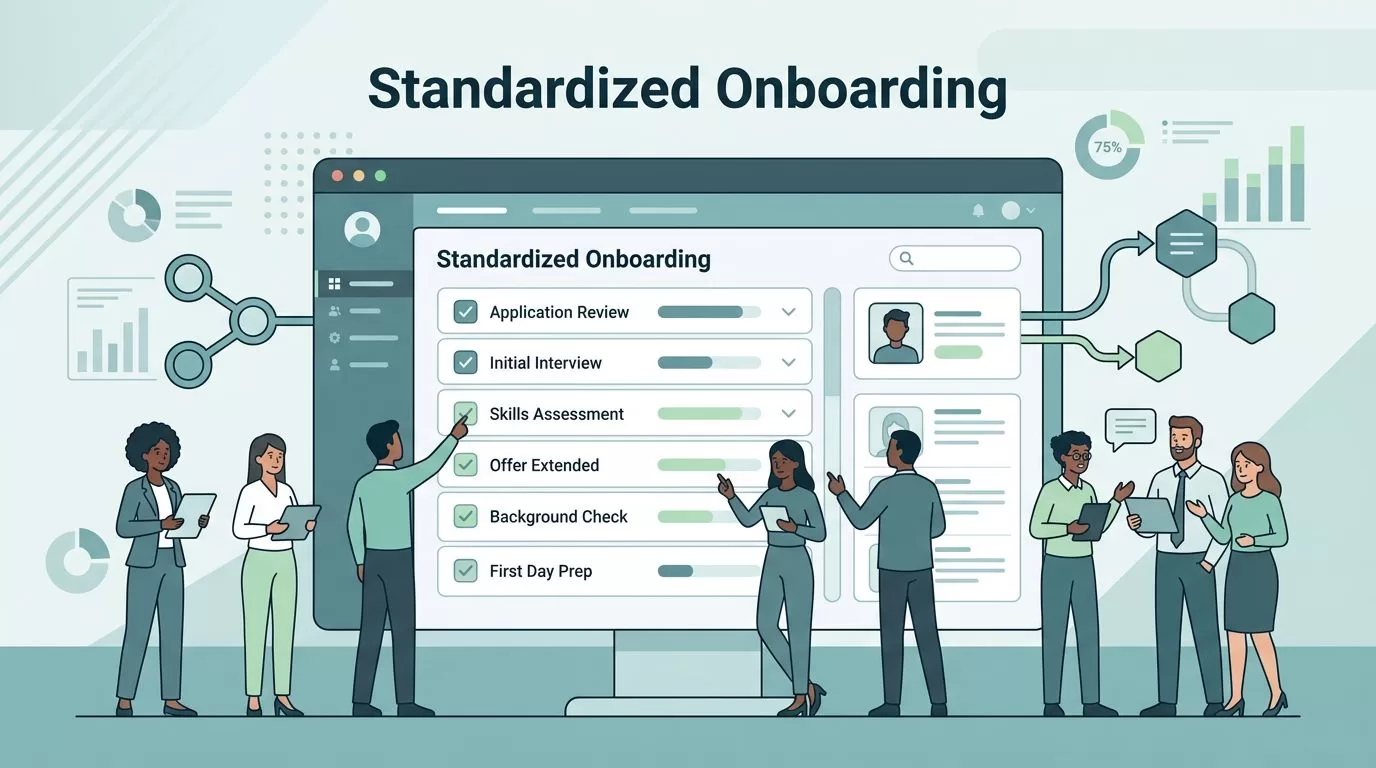
A messy recruitment onboarding process costs more than time. It creates mixed messages, missed handoffs, and new hires who feel forgotten before day one.
When I work with agencies, staffing teams, or in-house recruiters, I look for one thing first, repeatability. If every recruiter handles onboarding their own way, the candidate experience changes from desk to desk. Recruit CRM gives me one place to keep that process steady, visible, and easier to repeat.
Start with one intake path
I never try to standardize onboarding after the paperwork pile starts. I begin much earlier, with intake. If the first data capture is sloppy, every later step feels it.
In practice, I open with a fixed set of fields, owner names, and due dates. That means I know who owns the offer, who sends the welcome note, and who confirms documents. It also means the process doesn’t depend on memory.
For teams setting up the foundation, I keep the Recruit CRM ATS setup guide close by. It helps me shape the base structure before I add more moving parts.


The goal here is simple. I want every new candidate or hire to enter the same lane, with the same expectations, every time.
Build one onboarding pipeline and keep it visible
Once intake is set, I map the full path. A good recruitment onboarding process should feel like a clean hallway, not a maze with hidden doors.
I keep the pipeline stages short and clear. For most teams, I use a flow like this:
- Offer accepted
- Documents requested
- Documents received
- Orientation scheduled
- Day one confirmed
Each stage needs an owner and a rule. If a record enters “Documents requested,” the system should tell me who follows up next. If a task sits untouched too long, I want it flagged fast.
That is where setting up Recruit CRM workflows becomes useful. I can turn a hand-built process into a pattern the whole team follows.
If a task gets copied by hand twice, I look for a rule that can own it once.
I also make the pipeline visible to the people who need it. Recruiters, coordinators, and account managers should not guess where a candidate stands. They should see it in the same place, every time.
Automate the repetitive parts
I use automation to remove the tasks that slow people down, not to remove human judgment. The best onboarding systems still need a recruiter watching the details.
Recruit CRM’s current public feature pages show the building blocks I care about most, including workflow automation, resume parsing, and customizable pipelines. That matters because the system can carry routine work without turning the process into a pile of manual reminders.
Here’s where I usually automate first:
- Document requests go out when a candidate accepts the offer.
- Follow-up reminders fire if paperwork is missing.
- Task assignments go to the right recruiter or coordinator.
- Status updates land in the pipeline as soon as work is complete.
- Welcome messages go to the candidate before the first day.
I also tie parsing into the front end of the process. When resumes or candidate details are captured the same way every time, the rest of onboarding starts with cleaner data. I use resume parsing software in Recruit CRM to cut down on retyping and mismatched records.
For more detail on the automation side, I sometimes refer to Recruit CRM’s workflow automation guide. It helps me compare the process I want with the features already available.
The payoff is not abstract. Recruiters spend less time chasing the same email twice. Candidates get faster replies. Managers see fewer gaps in the handoff.
Write the handoff like a checklist
The handoff is where many onboarding processes break. One person thinks another person already sent the email. Someone else assumes the start date was confirmed. Then the candidate gets mixed signals.
I solve that by turning the handoff into a checklist, not a memory test.
My handoff template usually includes:
- candidate name and role
- start date and time zone
- documents collected
- missing items
- final contact owner
- any risk flags or special notes
This is also where I use streamlining candidate status updates with automation to keep communication steady. If the candidate changes stage, the right message should follow without someone rewriting it from scratch.
I want the next person in the chain to open the record and understand it in seconds. That matters in staffing, where speed and clarity often decide whether a candidate stays engaged.
Measure what the process fixes
Standardization only matters if it improves something real. I track a small set of numbers so I can see whether the onboarding process is working or just looking neat.
The metrics I watch most are:
- time from offer to completed paperwork
- number of missing fields at handoff
- delay between offer accepted and first welcome message
- number of onboarding questions from candidates
- no-show or late-start rates


I also check for consistency across recruiters. If one recruiter finishes onboarding in half the time of another, I want to know why. Maybe one uses better templates. Maybe another is missing a workflow trigger. Either way, the gap tells me where to tighten the process.
For setup help, I often point teammates to the Recruit CRM onboarding help center. It is useful when I want a clean reference for system setup and account structure.
Conclusion
When I standardize the recruitment onboarding process, I remove guesswork from a stage that can feel fragile. Recruit CRM gives me a practical way to keep intake, handoffs, and follow-ups in one repeatable flow.
That consistency helps in three places at once, candidate experience, recruiter efficiency, and compliance. More than anything, it keeps the process from depending on one person’s memory.
If I had to start with one change, I’d lock down the intake path first. After that, the rest of the onboarding flow becomes much easier to trust.

