Revoke Private Podcast Access Fast in Transistor.fm
I once had a team member leave my company abruptly. Their private podcast access to our internal training episodes stayed active for hours. Panic set in. What if they shared sensitive updates? You face this too. Private podcasts on Transist...


I once had a team member leave my company abruptly. Their private podcast access to our internal training episodes stayed active for hours. Panic set in. What if they shared sensitive updates?
You face this too. Private podcasts on Transistor.fm power member training, client exclusives, or company news. But when someone departs, competes, or breaches trust, you need to cut access now. No delays.
I handle this in under a minute. Follow my steps below, and you’ll secure your feeds instantly.
Reasons to Revoke Listener Access Right Away
Listeners join private podcasts for value. They get unique RSS feeds for apps like Apple Podcasts or Spotify. But situations change fast.
An ex-employee might retain access after quitting. Clients cancel but keep episodes. Or a shared link leaks to outsiders. I revoke access to stop new downloads and protect content.
Businesses use these podcasts for sales playbooks or ops guides. One leak costs deals or IP. Plans limit subscribers, so clean lists keep you under caps.
Common triggers include staff turnover, payment fails, or rule breaks. Act quick. Delays mean risk.
I check my subscriber list weekly. Spot unusual plays? Revoke first, ask later.
Quick Steps to Revoke Access
Log into your Transistor.fm dashboard. Pick the private podcast from My Podcasts.
Click the Subscribers tab. It lists names, emails, and stats.
Find the listener. Hit the trash icon next to them. Confirm, and done.

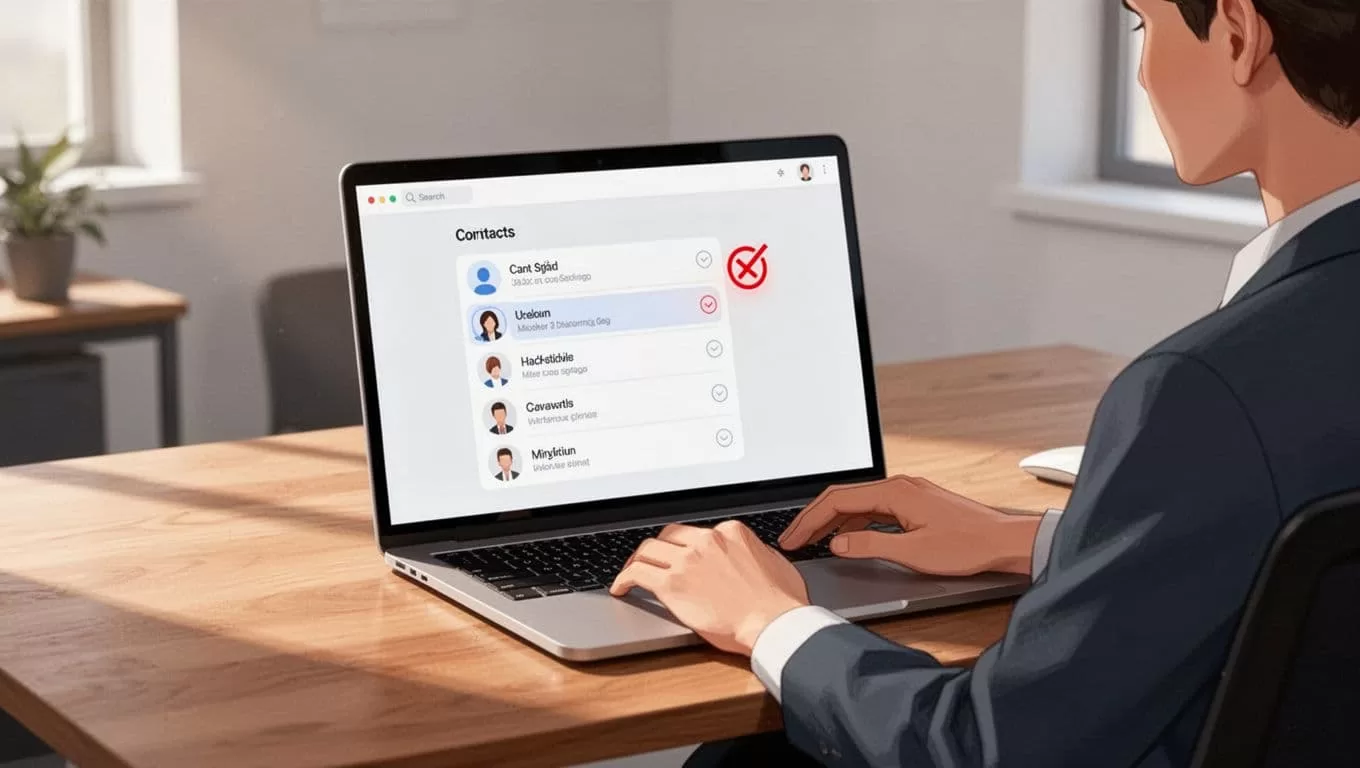
Their unique RSS feed vanishes immediately. No new episodes reach them. This works on all plans with private features.
Bulk needs? Use the API. Send a DELETE to /v1/subscribers/:id. I script this for teams over 50.
For Transistor private podcast hosting, limits scale with tiers. Starter gets 50 subs; pro hits thousands.
Official docs confirm: deletion ends access at once. See Transistor’s private podcasting help category for visuals.
I test revokes monthly. Always smooth.
What Happens After Revocation
The listener’s app loses the feed. New episodes won’t appear. They see an empty list or error.
Past downloads linger, though. Apps cache files locally. Revocation blocks future pulls only.

Spotify Open Access revokes auto if integrated. Remove them, and Spotify cuts off. Check Transistor’s Spotify changelog for details.
Stats update in your dashboard. Plays drop. No more tracking for that user.
Listeners might email confused. Explain politely: access ended per policy.
I notify them post-revoke. Builds trust, cuts questions.
Troubleshoot Cached Episodes and Downloads
Apps hold old files. Listeners delete podcasts manually to clear them.
Refresh takes 24-48 hours. Feeds show invalid then.
Suspect sharing? Watch stats for spikes. Revoke all suspects.
Unlisted podcasts differ. One shared feed, no per-user revoke. Stick to enhanced privates for control.
Integrations like Ghost auto-revoke on cancels. Verify sync.
Stuck? Email support@transistor.fm. Live chat helps too.
I faced a cached episode issue once. Told the user to force-quit the app. Fixed it.
Secure Your Private Podcasts from the Start
Set clear rules upfront. Share invites, not feeds.
Use Zapier for auto-adds, but monitor.
Export subscriber CSVs before big changes. Track who had access.
For private podcasts features, email notifications alert subs. Turn them on.
I tag high-risk listeners. Revoke groups if needed via API.
Limits matter. Upgrade for more subs. I did after hitting caps.
Conclusion
Revoking private podcast access in Transistor.fm takes seconds via the Subscribers tab. Listeners lose new episodes at once, though caches persist.
You now control leaks from turnover or breaches. Test the process today.
Your content stays safe. Listeners respect boundaries. I sleep better knowing mine does.

