How I Manage Podcast Seasons on Transistor.fm
I’ve hosted podcasts for years. Listeners love structure. Yet chaos hits when episodes pile up without clear seasons. You upload weekly. Feeds blur. Subscribers skip around. Transistor.fm fixes that. I use its tools to group episodes...

I’ve hosted podcasts for years. Listeners love structure. Yet chaos hits when episodes pile up without clear seasons. You upload weekly. Feeds blur. Subscribers skip around. Transistor.fm fixes that. I use its tools to group episodes neatly. This keeps my shows fresh and easy to follow.
You face the same mess. Seasons organize content like chapters in a book. They signal new themes or breaks. Apple Podcasts displays them once you hit two. I set mine up early. Follow my steps. You’ll build clean transistor podcast seasons that boost retention.
Setting Up Seasons in Your Dashboard
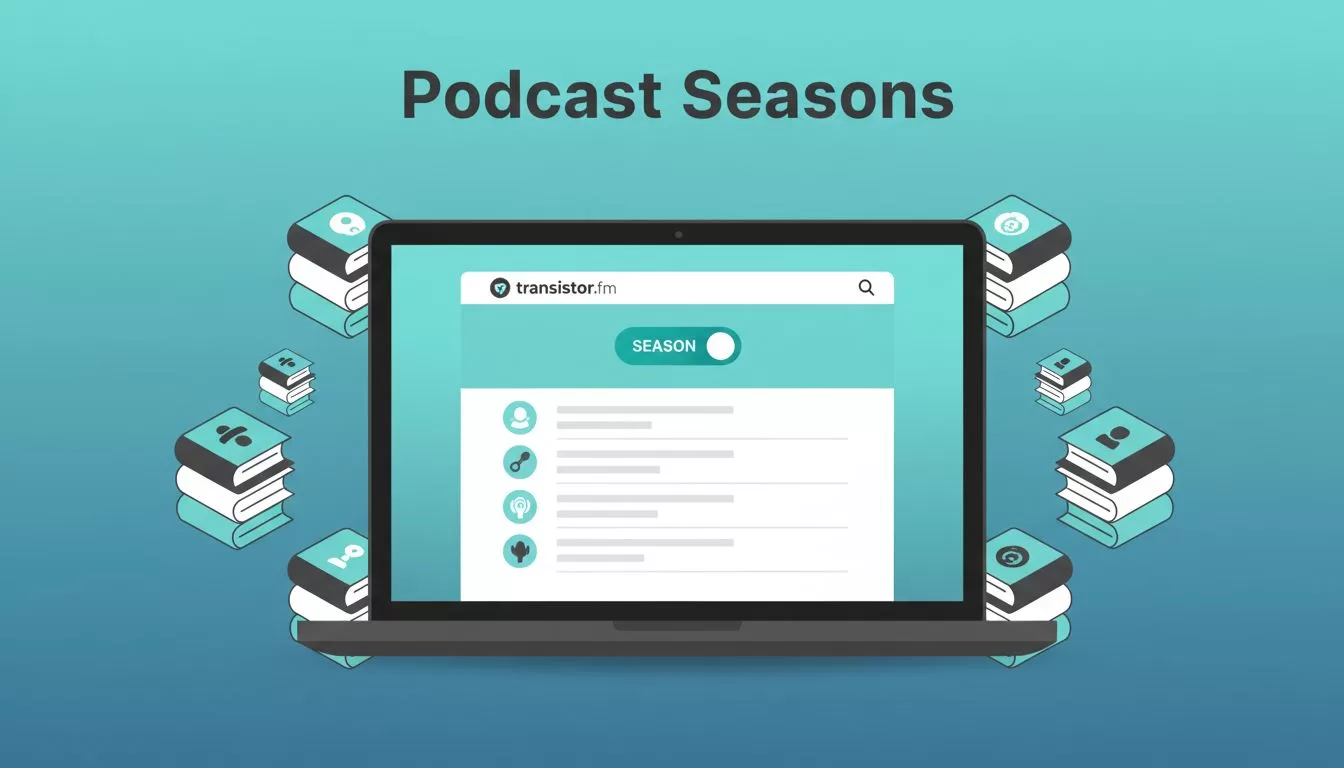
Log into Transistor.fm. Head to your show settings. Toggle on season numbers. That’s the switch. It lets episodes carry season tags.
I name my first season “Season 1: Foundations.” Assign it to early episodes. Go to each one. Edit the field. Save. Repeat for new uploads. Transistor pushes changes to directories fast.


Feeds update automatically. Listeners see seasons in apps. For details, check Transistor’s guide to grouping episodes by season. I enable this on every show. It prevents old content from burying fresh drops.
Test it. Publish a dummy episode. Refresh Apple Podcasts. Seasons appear after the second one. Simple. Reliable.
Common Season Structures That Work
Podcasts need patterns. I mix formats based on goals. Short seasons suit topics. Long ones build habits.
Consider a 10-episode arc. Theme it around “AI Tools for Business.” Each covers one tool. End with recap. Listeners binge easy.
Or evergreen style. No seasons. But I add them yearly. “2026 Edition” groups updates. Keeps feeds tidy.

Bonus podcasters run networks. Transistor lets you bundle shows. I link related feeds. One network page lists all seasons across titles. See Transistor’s podcast network feature.
Pick what fits. My rule: 8-12 episodes per season. Matches attention spans. Listeners finish. They return.
Planning Releases Across Seasons
Schedules keep momentum. I map episodes in advance. Transistor’s calendar view shines here.
Open the episodes tab. Drag files to dates. Assign seasons on upload. Set one per week. Buffer extras for gaps.

I plan three months out. Season 2 starts post-hiatus. Announce it early. Tease in show notes. Transistor auto-posts to platforms.
Handle breaks smart. Mark “Season Finale.” Pause uploads. Feeds show completion. Subscribers wait excited.
Tools help. I connect calendars via Zapier. New episode triggers emails. Keeps teams aligned.
Smart Naming and Feed Tips
Names matter. I use “S2E05: Tool Deep Dive.” Clear. Sequential. Apps sort perfect.
Avoid vague titles. “Episode 5” confuses. Add themes. “S1: Basics – Mic Setup.” Searchable. Memorable.
Feeds stay clean with seasons. Old ones archive naturally. Listeners filter by number. No scrolling hell.
I review analytics monthly. Low plays? End season. Start fresh. Transistor tracks per episode. Spot trends fast.
For multiple shows, check Transistor podcast hosting. Unlimited accounts simplify. One dashboard rules all seasons.
Best practice: Consistent numbering. Gaps confuse apps. Fill them or reset. Document your system. Share with guests.
Conclusion
Seasons transform feeds. I organize mine on Transistor.fm weekly. Listeners stay hooked. Growth follows.
Strong structure wins. Set up numbers. Plan releases. Name smart. Your shows gain polish. Start today. Your next season awaits.

