Track Rewardful Affiliate Cookies Without Lost Conversions
A referral click is easy to count. A paid customer tied to the right affiliate is harder. Rewardful affiliate cookies only work when the browser, your site, checkout flow, and payment records pass the same referral data forward. A missed ha...
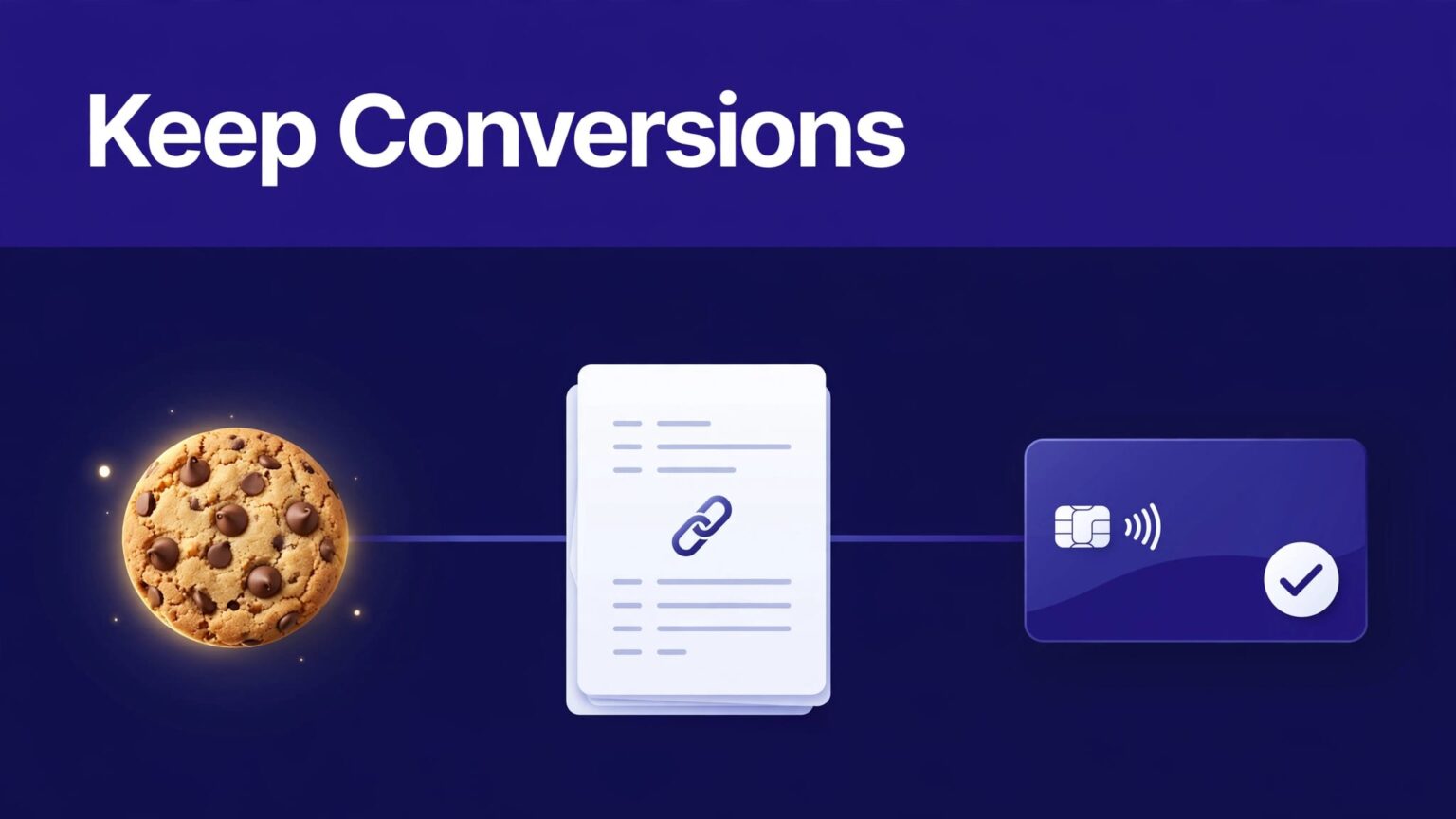
A referral click is easy to count. A paid customer tied to the right affiliate is harder.
Rewardful affiliate cookies only work when the browser, your site, checkout flow, and payment records pass the same referral data forward. A missed handoff can turn a valid affiliate sale into an unattributed Stripe customer.
Build the tracking path first. Then test it in a clean browser before affiliates send real traffic.
How Rewardful affiliate cookies create attribution
Rewardful creates a first-party referral cookie after a visitor arrives through an affiliate link. The cookie holds the referral context while the visitor moves through your site.
Rewardful’s default cookie window is 60 days. You can change it per campaign. Review the current referral cookie duration rules before you promise a window to affiliates.
The cookie is only one part of the record
A cookie can identify an affiliate click in a browser. It does not automatically connect every later payment to that affiliate.
The referral value must reach the system that creates the customer or checkout session. For Stripe, that usually means client_reference_id, customer metadata, or both.
A visitor can also lose attribution when they:
- Reject marketing or analytics consent that blocks the tracking script.
- Switch browsers or devices before purchase.
- Use private browsing and close the session.
- Click another affiliate link later.
- Reach checkout through a redirect that removes referral parameters.
- Use an ad blocker that blocks the Rewardful script.
A successful affiliate click proves only that the visitor reached your site. It does not prove that your checkout created an attributable customer.
Set a window that fits your sales cycle
A 14-day trial with a 30-day buying cycle needs more than a seven-day cookie window. A self-serve monthly plan may not need 180 days.
Set the campaign rule before launch. Record the date, window, commission rate, recurring-payment rules, and reversal policy in your affiliate terms. Campaign settings and dashboard labels can change over time, so review the live account before publishing terms.
Configure Rewardful before changing your website
Start in Rewardful. Confirm the program, campaign, and affiliate link format are active before you touch checkout code.
Use one test affiliate account or a controlled internal referral link. Don’t test with a random production affiliate link. You need a referral record you can identify later.
Check campaign rules and affiliate status
Open the campaign you plan to test. Confirm the cookie window, commission structure, and product eligibility. Check that your affiliate is approved and assigned to the right campaign.
Rewardful uses first-party cookies on your domain, as described in its cookie implementation guidance. That improves compatibility over third-party tracking, but it does not override browser privacy controls or your consent platform.
Keep a simple test record with:
- Affiliate name and referral link used.
- Campaign name and cookie window.
- Test date, browser, device, and consent choice.
- Email address used for the test customer.
- Stripe customer ID, Checkout Session ID, and payment outcome.
This record makes a missed conversion reproducible.
Separate platform settings from code changes
Rewardful settings decide who can earn and how long a click remains eligible. Your website code loads the tracking script. Your checkout integration passes the referral value to Stripe.
Do not try to repair a broken checkout handoff by extending the cookie window. Do not try to repair a blocked script by changing Stripe settings. Each failure has a different owner.
Install the tracking script across the full path
Put the Rewardful tracking script on every page where a referred visitor can land or continue the purchase. That includes marketing pages, pricing, signup, application pages, and relevant subdomains.
A common failure looks harmless. The script runs on www.example.com, but the user signs up on app.example.com. The original click is recorded, then the referral context disappears at the next domain.
Check where your script actually loads
Use your tag manager, framework layout, or shared site header. Then confirm the live page source or browser network panel loads Rewardful’s rw.js file.
Test more than the homepage. Open a deep blog post, a pricing page, and a signup route. If your affiliates link to comparison pages or feature pages, test those too.
Custom JavaScript should read Rewardful.referral only after the Rewardful script has loaded. If your checkout button runs first, it may send an empty value to Stripe.
Avoid storing the referral value in a fragile front-end variable alone. A page refresh, delayed script, or single-page-app route change can clear that value.
Pass referral data into Stripe checkout
Stripe needs the referral identifier at the point where your system creates the checkout session or customer. The exact method depends on your payment flow.
Client-side and server-side Stripe Checkout
For client-side Stripe Checkout, pass Rewardful.referral as clientReferenceId when your browser calls stripe.redirectToCheckout(). Rewardful documents that handoff in its client-side Stripe Checkout guide.
For server-side Checkout, your application should send the referral ID as Stripe’s client_reference_id when it creates the Checkout Session. Rewardful also requires customer_creation set to always for this flow. Without a Stripe Customer object, Rewardful cannot connect the customer back to the referral. Review the server-side Checkout requirements before deployment.
Do not trust a successful redirect to Stripe as proof. Inspect the completed test session in Stripe and verify that its Client reference ID contains the expected referral value.
Stripe Payment Links need their own setup
A Stripe Payment Link does not inherit referral data by magic. Rewardful supports a data-rewardful attribute on the Payment Link anchor. Its script then appends the referral data as the visitor clicks.
Follow Rewardful’s Payment Links instructions for the current implementation. If you use a custom button or rewrite URLs with JavaScript, inspect the final Stripe link before the browser leaves your site.
Stripe must also create Customer objects instead of guest records. In Stripe Payment Links, check the setting commonly labeled “Save Payment Details for Future Use.” Labels can change, so confirm the current Stripe setting and test the resulting customer record.
Track cross-domain and subdomain handoffs
Your main site, app, and checkout page may use different hosts. Browsers treat separate domains differently. A cookie set on one domain does not automatically cover another unrelated domain.
Rewardful supports cross-domain tracking on eligible plans through the data-domains setting. Add every domain involved in the referral path, separated by commas.
What the browser should carry between domains
When configured correctly, Rewardful appends a referral=<UUID> parameter to links that point to another tracked domain. Existing query parameters should remain in place.
Use Rewardful’s cross-domain tracking documentation as the source of truth for the current setup and plan availability.
Do not confuse this with analytics configuration. GA4 needs its own cross-domain measurement setup to keep a user journey together in reporting. Follow Google’s GA4 cross-domain measurement guide, but keep analytics identifiers separate from Rewardful referral IDs.
A GA4 session can look complete while affiliate attribution is broken. The reverse can also happen.
Browser-test Rewardful affiliate cookies before launch
Run the test in a clean browser profile. Use Stripe test mode if your integration supports it. Disable cached login sessions and avoid an account that already has a referral history.
Test the click, cookie, and referral value
Use this sequence:
- Open a private browser window and clear site data if needed. You should begin without an existing referral cookie.
- Paste the controlled affiliate link into the address bar. You should land on the expected page with no redirect error.
- Accept consent if your banner requires consent for the tracking category. Then repeat the test after rejecting consent, so you know the expected limitation.
- Open browser developer tools and check that the Rewardful script loads. In the console, verify
Rewardful.referralreturns a non-empty referral value after the page finishes loading. - Move through pricing, signup, and any app subdomain. The referral value should remain available where checkout starts.
- Click the purchase button. For cross-domain flows, inspect the destination URL before it loads. You should see the expected referral parameter where Rewardful’s setup calls for one.
- Complete a Stripe test payment. In Stripe, inspect the Checkout Session and Customer record for the expected client reference ID or referral metadata.
- Return to Rewardful and locate the referral, customer, transaction, or commission record after normal processing time.
Record every result. A screenshot of the browser console is useful. So is a screenshot of the Stripe session details and the Rewardful record.
Test real failure conditions too
Run one test with an ad blocker enabled. Run another on Safari or a mobile device. Test a direct visit without an affiliate link.
These checks show your team what attribution gaps are normal. They also stop you from treating every missing commission as a platform defect.
Diagnose missed or incorrect conversions
Start with the path, not the dashboard total. Ask where the data stopped moving.
If Rewardful has no click, inspect the affiliate URL, landing-page redirects, consent logic, and tracking script. If Rewardful has a click but Stripe has no referral value, inspect the checkout creation code or Payment Link markup.
If Stripe has the right client reference ID but Rewardful shows no conversion, check customer creation, webhook health, campaign eligibility, refunds, and the processing delay.
Keep clicks, conversions, and payable commissions separate
A click is attention. A completed checkout is a transaction. A payable commission may change after refunds, cancellations, failed payments, or program conditions.
Build a monthly attribution report with one row for each test or production exception. Include the affiliate ID, campaign, source URL, referral value, browser, customer email, Stripe IDs, date range, and current status.
Do not overwrite a prior result when a commission reverses. Add an adjustment row with the reason and date. The history helps your team explain a discrepancy without guessing.
Escalate with evidence, not a vague complaint
When you contact support, include the affiliate link, landing URL, expected behavior, actual behavior, screenshots, and relevant Stripe identifiers. State whether Rewardful recorded the click and whether Stripe stored the referral ID.
“An affiliate did not get paid” is not enough to diagnose the issue. “A test click created referral X, Stripe Checkout Session Y has an empty client reference ID, and the browser console showed an empty value at checkout” gives support and developers a clear starting point.
Final checks before you scale
Reliable attribution is a connected path. Rewardful must capture the click. Your site must preserve the referral. Stripe must receive the value when it creates the customer or checkout session.
Test Rewardful affiliate cookies with a clean browser, an approved test affiliate, and a Stripe test payment before you add traffic. Then keep an evidence record for every exception.
A larger affiliate program will amplify the checkout path you already have. Fix missed handoffs before you recruit more partners.
