Track Rewardful Referral Cookies Without Losing Attribution
A referral click that disappears before checkout is a commission dispute waiting to happen. Rewardful referral cookies give your program a way to connect the original affiliate visit with a later signup or subscription. The setup is not har...

A referral click that disappears before checkout is a commission dispute waiting to happen. Rewardful referral cookies give your program a way to connect the original affiliate visit with a later signup or subscription.
The setup is not hard. The details matter. Your script placement, cookie window, checkout handoff, and consent rules decide whether your reports are useful or full of exceptions.
Build the tracking path first. Then test it before affiliates send real traffic.
How Rewardful referral cookies preserve attribution
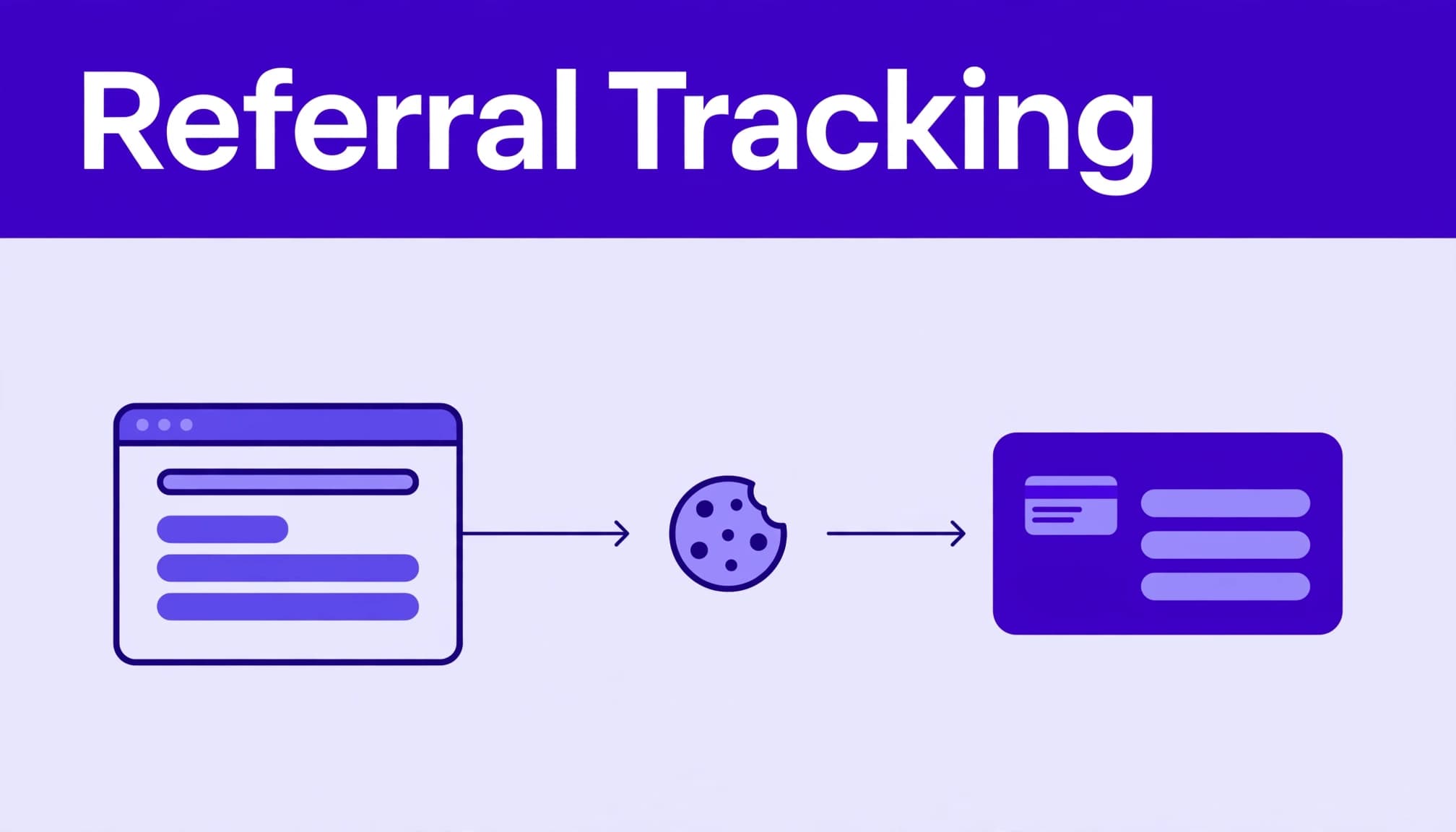
Rewardful uses first-party cookies on your domain. When someone opens an affiliate’s referral link, Rewardful’s script stores referral data in that visitor’s browser.
This is different from third-party cookie tracking. Browsers have restricted third-party cookies heavily, but Rewardful’s first-party cookie approach keeps the tracking data tied to your own site.
A referral click creates the starting record
An affiliate shares a unique URL. A prospect clicks it and lands on your site. The Rewardful script recognizes the referral token and stores it in a browser cookie.
The visitor can browse pricing pages, leave, and return later. If they convert inside the cookie window, Rewardful can connect the customer to the affiliate.
Rewardful referral cookies do not create a conversion on their own. They preserve the affiliate source until your checkout flow passes that source to the billing system.
The cookie window sets the attribution deadline
Rewardful uses a 60-day cookie window by default. You can change it at the campaign level. The window is the number of days after a referral click when a conversion is still eligible for attribution.
Review Rewardful’s cookie window guidance before you set the number. A short window may under-credit affiliates with long sales cycles. A 180-day window may over-credit an early click that had little effect on the final purchase.
Match the window to your real buying cycle. A low-cost self-serve SaaS product may need 30 to 60 days. An annual contract with a demo and security review may need more time.
Set campaign rules before you install the script
Your campaign settings determine who earns credit. Do not treat them as defaults you can ignore.
Start by naming the program, setting the commission structure, choosing a cookie window, and deciding how competing referrals work. Give affiliates terms they can understand before they publish links.
Choose first-touch or last-touch attribution
First-touch attribution credits the first affiliate who referred the customer. Last-touch attribution credits the latest qualifying affiliate click before conversion.
New Rewardful campaigns default to first touch, but the model is configurable. Read the platform’s explanation of first-touch and last-touch attribution before changing it.
First touch works when you want to reward discovery. It fits content affiliates, newsletters, and review sites that introduce new buyers.
Last touch fits programs where comparison content and final offers drive the purchase. It can also create friction if affiliates expect to earn for the first interaction.
A campaign can have strong click volume and weak accepted commissions. Track the referral rule that produced each result before you change payout rates.
Write the operating rules down
Your affiliate agreement should state the cookie duration, attribution model, commission rate, payment schedule, reversal rules, and excluded transactions.
State whether commissions apply to gross revenue or collected revenue. State whether recurring commissions stop after a set number of invoices. Explain what happens after a refund, failed payment, chargeback, or self-referral.
This removes avoidable support tickets. It also gives your team a standard for approving or reversing a commission.
Install the tracking script and connect checkout
Install the Rewardful JavaScript tracking script on every public page where an affiliate visitor can first arrive. That usually includes your homepage, blog, pricing page, landing pages, and signup pages.
For many sites, you add the script through your site’s global footer area or tag manager. Rewardful’s Stripe Checkout instructions call for the custom script in the footer tracking area, not the header, for that client-side flow.
Pass the referral ID to Stripe Checkout
A working Stripe path has three parts:
- The visitor opens an affiliate link and the tracking script stores the referral data.
- Your site retrieves the referral ID before it creates or redirects to checkout.
- Your Stripe Checkout session receives that value as
clientReferenceIdfor client-side checkout, orclient_reference_idin a server-side implementation.
The Rewardful Stripe Checkout integration guide shows the client-side handoff. If your server creates Checkout Sessions, use Rewardful’s server-side Stripe Checkout instructions instead.
Do not assume a successful payment proves referral tracking worked. Stripe can collect the subscription while the referral ID is missing. That sale may appear as direct traffic instead of an affiliate conversion.
Treat Paddle and custom checkouts as separate builds
Paddle setups need the referral attribute present and valid when checkout occurs. Rewardful can then record the customer as a lead and connect the order data in its dashboard.
Custom checkout systems need the same basic control. Read the stored referral value, carry it through your signup state, and attach it to the final conversion record. Do not depend on a browser variable that disappears when the visitor moves between subdomains or domains.
If your product uses a custom billing stack, document the exact field name and the system that owns it. Your developer and affiliate manager should be able to trace one referral ID across the full path.
Map one real referral and conversion flow
A short flow map exposes missing steps faster than a dashboard review.
Here is a typical self-serve SaaS journey:
- An affiliate publishes
yourdomain.com/?via=partnername. - A visitor clicks the link and lands on a product page.
- Rewardful records the referral in a first-party cookie.
- The visitor starts a trial two days later.
- They choose a plan and open Stripe Checkout.
- Your checkout code sends the referral ID to Stripe.
- Stripe confirms payment and Rewardful records the conversion.
- Your team reviews the commission under the campaign rules.
Keep signup and payment events separate
A trial signup is not always a paid subscription. A payment is not always an approved commission.
Store separate fields for referral click date, lead or signup date, checkout date, payment status, refund status, commission status, and payout status. This gives you a clean record when a customer cancels during a trial or disputes a charge.
Do not overwrite the first commission entry after a refund. Add an adjustment record with the date and reason. Your finance team needs the original event and the later reversal.
Use campaign data for decisions, not dashboard theater
Clicks show interest. Paid subscriptions show commercial value.
Review approved customers, cleared commissions, refunds, reversals, retained referred revenue, and total commissions paid. A partner who sends 50 qualified trials can be more valuable than one who sends 5,000 clicks that never reach checkout.
Create one row per affiliate, campaign, traffic source, and reporting period. Include the destination URL and referral ID where possible. When an attribution issue appears, you need evidence, not memory.
Test Rewardful tracking before affiliate launch
Use a private or incognito browser for every initial test. Existing cookies can hide a broken link or assign your test to an old referral.
Run the test on desktop and mobile. Mobile browsers are where many referral journeys break because users open links inside email, social apps, and messaging apps.

Run this testing checklist
Test one complete path before you invite affiliates:
- Open a real affiliate link in a private browser and confirm the landing page loads.
- Check that Rewardful records the referral visit after the tracking script loads.
- Start a trial or signup without removing the referral data.
- Complete a Stripe test-mode payment using a test customer.
- Confirm the Checkout Session received the expected referral value.
- Confirm the new customer, conversion, and commission appear in Rewardful.
- Test a return visit after closing the browser, as long as the cookie remains allowed.
- Repeat the test on the separate checkout domain, if you use one.
Keep a simple test log with the page URL, affiliate ID, device, browser, date, expected result, actual result, and reviewer name.
A private-browser test confirms the happy path. It does not prove every visitor environment will preserve browser storage.
Fix the referral failures that cause missing commissions
Most tracking problems happen at handoff points. The referral link works. The landing page works. Checkout loses the source.
Start with the journey, not the commission. Identify the last confirmed event and inspect the next system.
Cross-domain checkout needs explicit configuration
A visitor may land on www.yourdomain.com, sign up on app.yourdomain.com, and pay through a separate checkout experience. That move can break attribution if the referral data does not travel with the customer.
Rewardful supports cross-domain tracking through its script configuration, including the data-domains attribute. Review its details on custom cookie and cross-domain settings.
Test every production domain. Include marketing pages, app subdomains, account portals, and checkout routes. A staging environment can mask a production-only domain mismatch.
Blocked cookies and overwritten referrals need a fallback plan
First-party cookies avoid third-party cookie restrictions. They cannot work if a user blocks all cookies, clears browser storage, or uses an environment that prevents the script from loading.
You cannot reliably attribute every blocked-cookie visitor. You can reduce disputes with clear controls:
- Preserve the referral ID through signup and checkout once you capture it.
- Use direct page tracking only when the referral source is known and intentional.
- Avoid overwriting an existing referral without a documented attribution rule.
- Ask support or engineering to reproduce disputed paths with the exact link and device details.
For a custom implementation review, Book A Call after you collect the referral URL, campaign name, affiliate ID, checkout session details, and conversion timestamp.
Handle privacy, consent, and reporting controls
Referral tracking is still cookie-based tracking. Your legal obligations depend on where you operate, where visitors live, and how your consent platform is configured.
Review Rewardful’s privacy policy, then have your legal team confirm the language and consent behavior for your site.
Connect the script to your consent process
Do not load non-essential tracking before consent where applicable rules require consent. Configure your consent management platform to control the Rewardful script based on the visitor’s choice.
Update your cookie notice with the purpose of referral attribution, the data categories involved, retention period, and the method visitors can use to change consent. Keep the notice aligned with your actual campaign cookie window.
Test the declined-consent path. It should prevent non-permitted tracking without breaking core signup or billing functions.
Build a support record your team can reproduce
When a report looks wrong, record the content URL, campaign, affiliate ID, referral link, conversion date, customer reference, date range, and screenshots of the relevant records.
State what you expected to happen. Then state the last verified event. A missing commission may be caused by a later affiliate click, an expired cookie, a canceled payment, blocked storage, or a checkout field that was never passed.
Support can investigate a documented case. It cannot recreate a vague complaint about a sale that “should have tracked.”
Final checks before you scale the program
Rewardful referral cookies are reliable when the browser script, campaign rules, and checkout handoff work as one system. The default 60-day window is a starting point, not a policy.
Test the complete path. Keep original conversion records. Track approved commissions separately from clicks and pending rewards.
A clean attribution record protects affiliates, finance, and your growth team. It also tells you which partners actually bring customers who pay and stay.
