Build a Rewardful Affiliate Dashboard That Stays Accurate
Affiliate tracking fails at the seams. Billing says a customer paid, the partner portal says pending, and an affiliate wants an answer now. A custom Rewardful affiliate dashboard gives affiliates a better view without forcing your team to b...

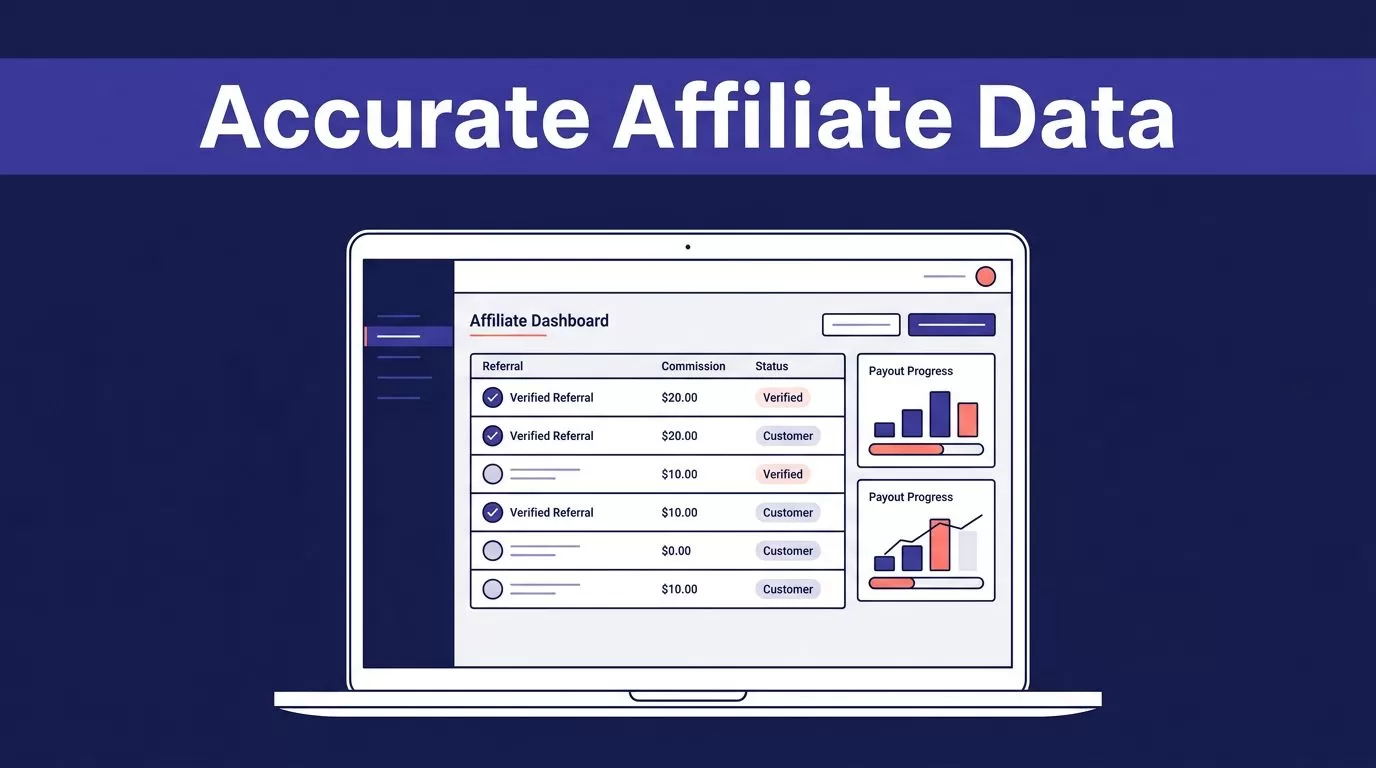
Affiliate tracking fails at the seams. Billing says a customer paid, the partner portal says pending, and an affiliate wants an answer now.
A custom Rewardful affiliate dashboard gives affiliates a better view without forcing your team to build attribution, commissions, and payout logic from scratch. Rewardful stays responsible for the records that matter. Your application controls access, presentation, and operational workflows.
Build the dashboard around verified records, not optimistic totals.
Plan Your Rewardful Affiliate Dashboard
You don’t need to clone the full Rewardful app. You need to decide what affiliates can do without opening a support ticket.
Start with a hard boundary. Rewardful is the source of truth for affiliate attribution, commissions, and payout status. Your dashboard is a controlled view of that data.
Choose the dashboard’s job
Most SaaS teams need four affiliate-facing functions:
- View a referral link and campaign information.
- Review referred customers or conversions where your program permits it.
- Track commissions by state, such as pending, due, paid, or voided.
- Confirm payout progress and update payment details through an approved workflow.
Keep internal reporting separate. Growth managers may need program-wide conversion rates, pending liability, and campaign comparisons. Affiliates should only see their own records.
A custom Rewardful affiliate dashboard should reduce repeat questions. It should not give every partner access to company-wide sales data.
Define what counts before you build
Write down the exact definition for every number. “Earnings” is too broad.
For example, a commission can be pending because a subscription is still inside its approval period. A due commission is not always a paid commission. A refunded sale can later produce a voided or adjusted record.
Your dashboard can cache Rewardful data. It must not become a second commission engine.
Use the same labels in the affiliate dashboard, finance report, and support process. If each system calls a number something different, disputes become harder to resolve.
Set Data Ownership Before You Connect Systems
Your system needs clear ownership rules. Without them, an innocent cache table becomes a competing financial record.


Use Rewardful for attribution and commission states. Use Stripe, Paddle, Chargebee, or your billing system to confirm the underlying subscription, invoice, refund, or payment event. Use your application database for identity mapping, permissions, audit history, and cached display data.
| Record | Source of truth | Dashboard use |
|---|---|---|
| Affiliate attribution | Rewardful | Show credited partner and campaign |
| Commission status and amount | Rewardful | Show pending, due, paid, and voided totals |
| Customer payment or refund | Billing platform | Reconcile revenue and refund exceptions |
| User access | Your application | Restrict each affiliate to their own data |
| Dashboard cache | Your database | Improve page speed and preserve audit history |
Don’t calculate commissions from Stripe invoice data alone. Stripe can confirm a payment. It does not decide which affiliate receives credit or whether a commission has cleared your program rules.
Store the Rewardful object ID, internal user ID, retrieval time, and the source payload version you processed. Keep the original source record unchanged when staff correct an internal label or resolve an exception.
Configure Campaigns and Affiliate Records First
Campaign design controls what data enters the dashboard. Fix it before you work on the user interface.
Rewardful treats campaigns as first-class program records. Campaign settings can cover public or invite-only access and minimum payout amounts. Check the current Rewardful REST API overview before you automate campaign or affiliate actions.
Attach records to the right campaign
Create a clear campaign structure. You might use separate campaigns for partners, customers, agencies, newsletter sponsors, or regional programs.
When your product creates an affiliate through Rewardful, pass the campaign relationship when it applies. If you omit it, Rewardful can place the affiliate in the default campaign. That may be correct for a simple program. It creates reporting problems when you run several programs with different terms.
For customer referral programs, store the correct billing relationship. Rewardful supports a stripe_customer_id when you create the affiliate, which helps connect a customer reward to the right Stripe customer.
Own your onboarding process
An affiliate created through the REST API does not receive a Rewardful welcome email or email-confirmation request automatically. Your application needs to send the invitation, explain the terms, and direct the person to your portal.
Give every affiliate one stable internal mapping record:
internal_user_id -> rewardful_affiliate_id -> campaign_id
Do not use an email address as the only key. People change email addresses. Partner companies may also have several users who need controlled access to one affiliate account.
Build a Server-Side Data Layer
Keep the Rewardful API secret out of the browser. This rule applies to every framework.
Rewardful’s API uses HTTP Basic Auth. The API secret is the username, and the password is empty. The base API URL is https://api.getrewardful.com/v1. Put that secret in approved server-side secrets storage, not a frontend environment variable, mobile app bundle, client log, or support tool.
Use a backend-for-frontend pattern
Your frontend should call your own route, such as GET /api/affiliate-dashboard. Your server checks the signed-in user, finds their mapped Rewardful affiliate ID, fetches or reads approved cached data, and returns only permitted fields.
A safe request path looks like this:
browser -> your authenticated API -> Rewardful API -> filtered dashboard response
Never let the browser submit a Rewardful affiliate ID and trust it. The server must resolve the ID from your own access mapping.
Rewardful list responses include pagination and data. Commission list requests support page and limit, with a documented default limit of 25 and a maximum of 100. Fetch every required page during a backfill. A dashboard that reads only page one can understate a partner’s history.
Cache for speed, not authority
A read-through cache is useful when affiliates refresh the page often. Store the fetched object, source timestamp, internal sync time, and an access-scoped summary.
Refresh the cache through a scheduled job, a webhook event, or both. When the API is unavailable, show the last verified result with a visible “last updated” time. Don’t silently replace a trusted report with partial data.
Use the current Rewardful Developer Center to confirm resource fields and expansion behavior before depending on any object property. API details can change.
Restrict Affiliates to Their Own Data
The biggest dashboard failure is not a broken chart. It is one affiliate seeing another affiliate’s referrals, commission amounts, or payment details.
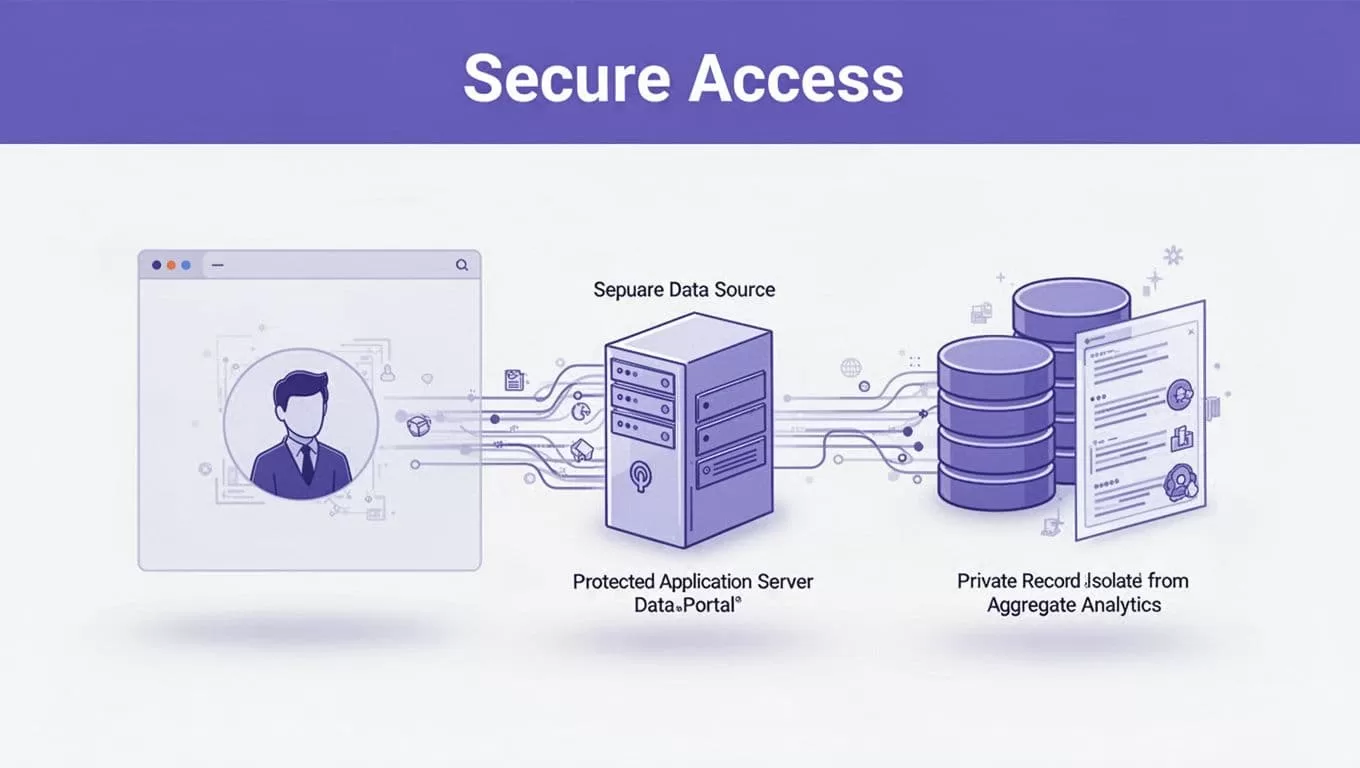
Your application should authenticate the user first. Then it should look up which Rewardful affiliate record that user can access.
Enforce ownership in the query
The access rule belongs on the server and in the database query. It should not depend on a hidden frontend button.
Your logic should work like this:
affiliate_id = access_map.find(session.user_id)
Then every dashboard query filters by that resolved ID. If your database supports row-level security, add the same restriction there. A bug in one API route should not expose data from the whole affiliate table.
Do not allow filters like ?affiliate_id=abc123 for affiliate users. That is an admin feature, not an affiliate feature.
Separate staff roles from partner roles
Growth managers and finance staff may need cross-program data. Create separate roles for them.
Require an explicit admin action for affiliate impersonation. Log who accessed the account, when they accessed it, and why. Support teams can investigate a payout issue without giving broad production access to every employee.
Mask customer fields unless the affiliate agreement requires them. An affiliate usually needs conversion status and commission information, not a customer’s full billing profile.
Show Metrics That Match Rewardful States
A strong dashboard makes status clear. It does not hide uncertainty behind a single oversized revenue number.
For commissions, Rewardful documents states that include pending, due, paid, and voided. Show totals by state, then let affiliates open the underlying records.
Use clear financial labels
Display these values separately:
- Pending commissions, which are not yet eligible for payout.
- Due commissions, which have reached the program’s payout stage.
- Paid commissions, which have completed the payout process.
- Voided commissions, which no longer qualify because of a refund, cancellation, rule, or adjustment.
Show a date range selector, campaign filter where relevant, and a transaction-level list. Include the commission date, current state, amount, campaign, and any approved reference label your program can disclose.
Avoid calling pending and due values “available cash.” That creates the wrong expectation.
Build views around common questions
Affiliates usually ask three questions: “Did my referral track?”, “What will I earn?”, and “When will I get paid?”
Put the answer to each question near the top of the page. A referral activity tab can show recent events. A commissions tab can show state-based totals. A payouts tab can show payout status and payment method readiness.
The Rewardful affiliate dashboard should also show your support contact path. A disputed attribution case needs a controlled review process, not a public comment field.
Process Rewardful Webhooks Safely
Polling helps with backfills. Webhooks keep your dashboard close to current data.
Rewardful sends webhook data as JSON in a POST request. The documented payload contains object, event, and request root keys. Review the current webhook request format before you map fields into your database.

Verify the signature before processing
Rewardful signs webhook requests with HMAC-SHA256. The signature arrives in the X-Rewardful-Signature header.
Read the raw request body before any JSON parsing or body rewriting. Use the webhook signing secret and compare the computed value to the header with a timing-safe comparison. The official signed webhook guidance has the current verification method.
Reject an invalid signature. Do not queue it. Do not log the full payload if it contains customer data.
Make delivery handling idempotent
Assume a delivery can arrive more than once. A network timeout, a delayed response, or a retry can produce duplicate work.
First, write the raw event metadata to an inbound events table. Use a unique delivery key based on the documented identifiers available in your tested payloads. If the payload does not expose a stable delivery ID, use a deterministic hash of the raw body and retain the original payload for review.
Then process the event asynchronously. Your worker can update the cache, record the result, and mark the event complete.
Retry temporary network and database failures with bounded backoff. Do not retry bad signatures, invalid JSON, permission failures, or schema changes forever. Keep those events in an exception queue.
Rewardful documents commission events and payout events, including payout.due, payout.paid, and payout.failed, on its webhook event-types page.
Reconcile Payouts and Billing Records
A dashboard is useful only when it agrees with the records your finance team accepts.
Run a weekly sample check. Compare the Rewardful attribution record with your billing system, then inspect the partner, customer reference, paid invoice, commission state, amount, refund status, and payout status.
Do not overwrite a past report when a discrepancy appears. Keep the original report, record the exception, and store the reviewer decision separately.
Treat refunds as a normal operating case
Refunds, failed payments, plan changes, and disputed charges affect affiliate earnings. Your support process needs a clear owner for each exception.
If billing shows a refund but Rewardful still shows an active commission, flag it for review. Do not force a local commission state change in your dashboard. Rewardful remains the commission record.
For customer reward workflows, Rewardful’s custom rewards setup guidance identifies payout.due as the event to use when you need to fulfill a reward. Confirm the current behavior and payout rules before you automate credits or payments.
Measure paid, accepted referrals. Don’t measure dashboard visits or referral-link clicks as proof that the program works.
Test, Release, and Operate the System
Test the full flow before you invite affiliates.
Use a non-production affiliate and controlled billing events where your setup allows it. Verify a new affiliate mapping, referral attribution, pending commission, due commission, paid payout, voided commission, and a refund-related exception.
Test failure paths, not only success paths
Replay the same valid webhook payload twice. Your totals should not double.
Test an invalid signature. Test an API timeout. Test a missing access mapping. Test an affiliate who attempts to request another affiliate’s ID. Test paginated commission history with more than one page.
A completed request is not proof that the dashboard is correct. Compare a small approved batch of records with Rewardful and your billing platform before expanding access.
Keep an operating record
Track the measures that expose real problems:
- Paid customers with confirmed affiliate attribution.
- Missing or duplicate attribution records.
- Refund-related commission exceptions.
- Failed webhook deliveries and retry counts.
- Minutes required to resolve a disputed payout.
- Dashboard data age and last successful sync time.
Keep a last trusted commission report. If a checkout change breaks tracking or a sync fails, staff need a known-good record while they investigate.
If your program spans several campaigns, billing systems, and payout workflows, Book A Call before production release. Define the data map, access rules, exception queue, and reconciliation owner first.
Final Thoughts
A custom Rewardful affiliate dashboard works when it gives partners useful answers without creating a second attribution system.
Keep Rewardful responsible for commissions and payout states. Keep secrets on the server. Restrict every query to the authenticated affiliate. Process signed webhooks with duplicate-safe logic.
The dashboard should make the program easier to trust, not harder to reconcile.

