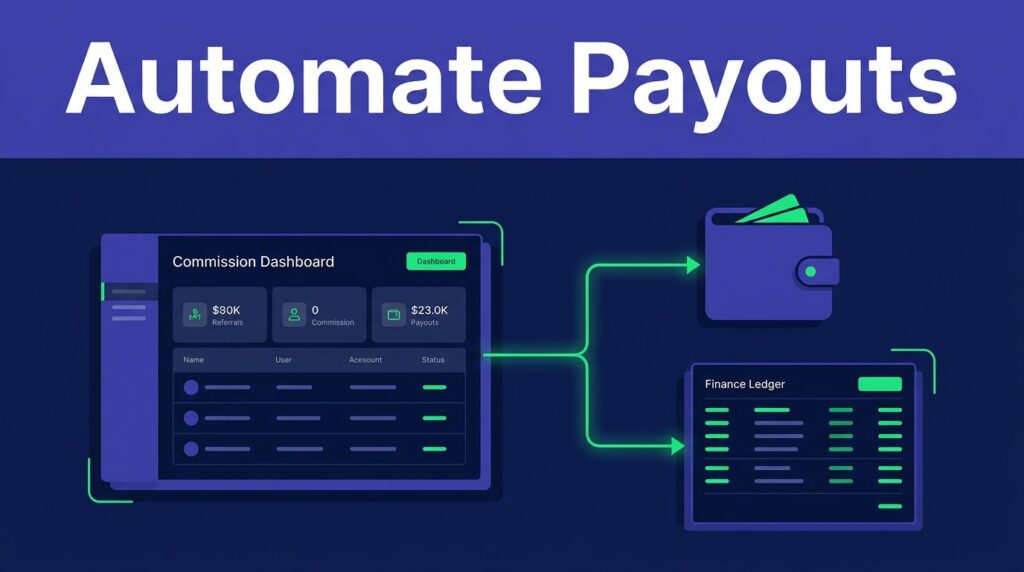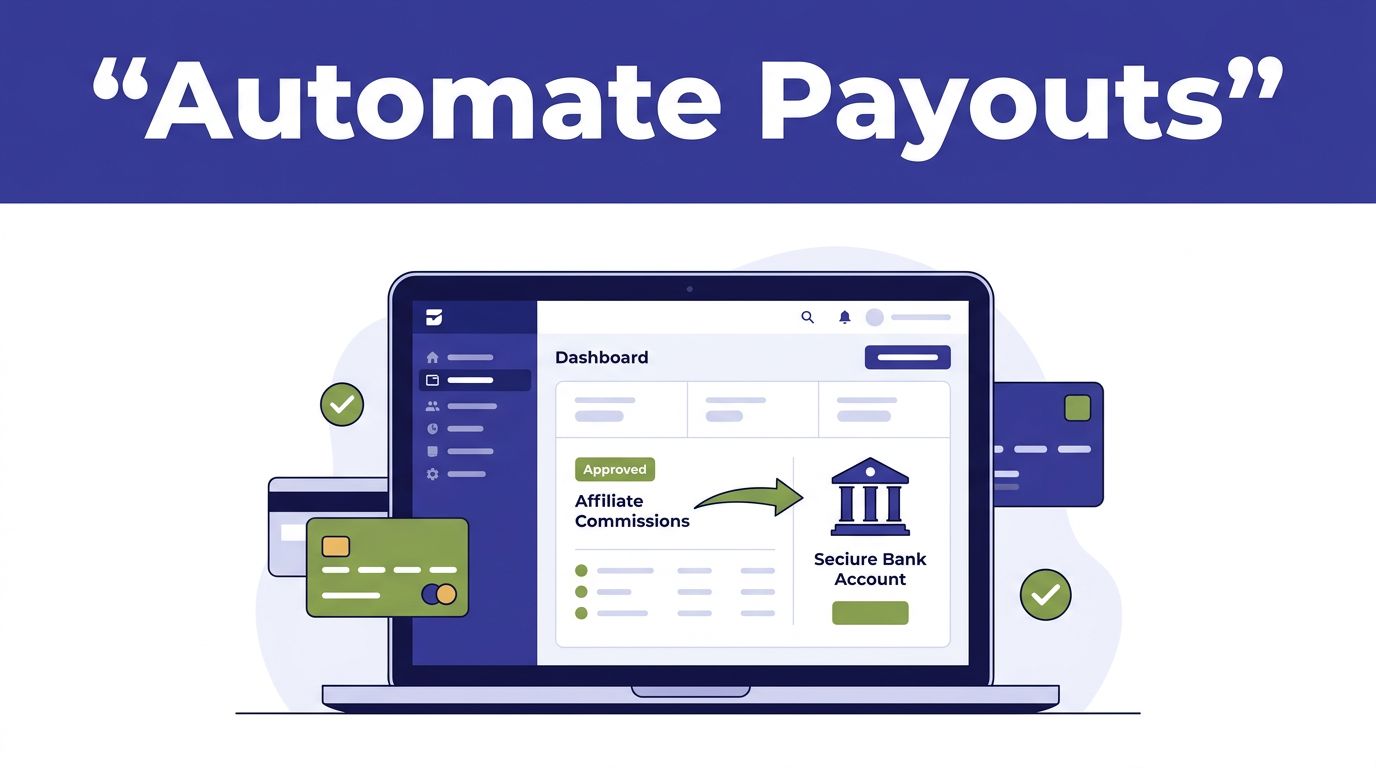
An affiliate program gets harder to run when commissions become due. Your team must confirm revenue, remove reversals, approve payments, and keep finance records aligned.
Rewardful affiliate payouts can reduce that work, but “automatic” has limits. Managed Payouts can distribute funds after you fund a payout. PayPal and Wise still run through external payment accounts.
Set the payment rail first. Then build an approval process that doesn’t create cleanup work later.
SET UP REWARDFUL AFFILIATE PAYOUTS BY PAYMENT RAIL
Rewardful doesn’t turn every commission into an unattended bank transfer. The payout method decides what Rewardful handles and what your team must complete in another system.
For most SaaS programs, Managed Payouts is the closest option to automatic distribution. PayPal and Wise are useful when your finance team already uses those providers.
MANAGED PAYOUTS HANDLE THE DISTRIBUTION WORK
With Managed Payouts, you connect a bank account, select due commissions, and fund the payout. Rewardful then handles payout distribution after the funds clear.
Rewardful also says Managed Payouts includes payout logistics and tax-compliance workflow. Review the current Managed Payouts merchant FAQ before moving existing affiliates to this method.
PAYPAL AND WISE STILL NEED EXTERNAL PAYMENT ACTIONS
PayPal and Wise are payment rails, not Rewardful-owned bank accounts. Rewardful prepares the affiliate payment data. Your team still needs a verified PayPal Business or Wise Business account to send the money.
| Payout method | Who sends the money | What your team does | Known cost consideration |
|---|---|---|---|
| Managed Payouts | Rewardful distributes after funding clears | Fund selected due payouts | Rewardful documents a 3% processing fee |
| PayPal | PayPal | Review, authorize, and confirm the payment | Check PayPal’s live fees and currency rules |
| Wise | Wise | Upload a batch file and submit the batch | Check Wise’s live fees and delivery options |
Your Rewardful affiliate payouts process should match the method your finance team can reconcile every month.
CONFIGURE MANAGED PAYOUTS BEFORE YOU INVITE AFFILIATES
Don’t announce automated payouts before the account passes setup. A missing bank verification step can leave a full payout run blocked.
CONFIRM USD ELIGIBILITY AND BANK VERIFICATION
Rewardful’s current Managed Payouts onboarding requires an active account and a program currency of USD. It also requires acceptance of the 3% processing fee for payouts.
In Rewardful, open Payments, then Payout Settings. Add the program contact email and connect the funding bank account. Rewardful uses Stripe’s ACH debit process for this bank connection.
Some banks verify instantly. Others require micro-deposits, usually one or two small deposits that can arrive within one to two business days. Follow the current Managed Payouts onboarding steps in your account, since labels and eligibility can change.
GET AFFILIATE PAYMENT DETAILS EARLY
Affiliates need to enter their payment details in their Rewardful dashboard. Managed Payouts documentation lists local bank transfer or SEPA transfer, wire transfer, PayPal, and check as available payout methods.
Method availability can depend on an affiliate’s location and account review. Some affiliates may need to provide identity or residence documents before receiving money.
Don’t wait until the first payout date. Ask accepted affiliates to complete their details when they join the program. Run one small test payout before you move a large affiliate group.
APPROVE COMMISSIONS BEFORE YOU FUND A PAYOUT
Automation removes repetitive payment work. It doesn’t approve bad commission data.
USE CLEARED REVENUE, NOT DASHBOARD ACTIVITY
Keep commissions pending until the related invoice is paid and any policy-based review period has passed. A referral click is not revenue. A trial signup is not a paid customer.
Review the commission base before approval. If your terms pay a percentage of collected revenue, calculate from the amount the customer actually paid after discounts, credits, or plan changes. Don’t pay a commission from list price when the collected amount is lower.
Check for self-referrals, internal purchases, duplicate customer records, unusual conversion rates, and abnormal refund patterns. These cases need a human decision.
A payout run can complete without being correct. Your control is the approved commission record, not the number of payments sent.
FUND DUE PAYOUTS AND WATCH THE STATUS
For Managed Payouts, select due payouts in the Payouts area under Payments. Then use the documented “Pay with Rewardful” action to fund the selected batch.
Once funding clears, Rewardful allocates the payments. Its affiliate instructions also state that affiliates log in each month to withdraw available funds. Don’t promise a fixed payout schedule until you confirm the current behavior in your own account.
Rewardful’s affiliate payment overview describes managed distributions as taking three to five business days. Build that timing into affiliate terms and finance close procedures.
USE PAYPAL OR WISE FOR EXTERNAL BATCH PAYMENTS
PayPal and Wise can speed up a large payment run. They do not remove the need for payment approval, provider access, or accounting reconciliation.
PAYPAL MAY OFFER A CONNECTED PAYMENT PATH
Rewardful lets merchants connect a PayPal Business account. Some accounts show a “Pay with PayPal” action for due payouts after PayPal permissions are accepted.
Rewardful also documents a bulk process where you download the due payout CSV, upload it to PayPal, submit the mass payment, and then mark the items paid in Rewardful. Check your live account before writing an internal procedure because the available PayPal flow can differ by account setup.
A verified PayPal Business account is required for mass payments. Confirm who owns the account, who can authorize a batch, and which currency fees apply before you publish a payout date.
WISE BATCH PAYMENTS REQUIRE A FILE AND FINAL REVIEW
Wise follows a more clearly external process. Download the affiliate payment list from Rewardful, then upload the CSV in Wise under Send money, then Batch payments.
The Rewardful PayPal and Wise mass payout guide confirms that Rewardful provides the payment list while PayPal or Wise processes the transfer. After Wise accepts and completes the batch, return to Rewardful and mark the relevant payouts paid.
Don’t mark a payout paid when you upload the file. Mark it paid only after the provider confirms the batch and your finance team can match the total.
Rewardful’s general commission payment guidance also treats PayPal and Wise as common payment options, not native accounting systems.
KEEP ACCOUNTING AND PAYOUT RECORDS SEPARATE
Rewardful tracks commissions and payout status. Your accounting system records the expense, cash movement, and bank reconciliation.
The current payout documentation doesn’t establish a native ledger posting process for QuickBooks, Xero, or another accounting system. Treat that handoff as a separate finance control.
SET A PAYOUT POLICY YOUR AFFILIATES CAN UNDERSTAND
Your affiliate terms should state what creates a commission, when it becomes due, and what can reverse it. Include whether rewards apply to gross revenue or collected revenue, whether recurring commissions have a limit, and how refunds affect a previously approved amount.
Rewardful’s public payout material doesn’t state one universal minimum payout threshold for every method. Don’t publish a threshold unless it appears in your live Rewardful setup and payment-provider terms.
Give one person authority to approve exceptions. Finance should not need to guess whether an affiliate with a refund, duplicate record, or missing payment profile belongs in the batch.
STORE A FIXED PAYOUT RECORD
Use a spreadsheet or database record for every payout batch. Keep the source export unchanged.
Track these fields:
- Affiliate name, affiliate ID, payment method, and payment detail completion status.
- Commission period, approved amount, refund or reversal amount, and final due amount.
- Rewardful payout ID, provider batch ID, bank debit or provider receipt, approval owner, and payment date.
Keep a copy of the last trusted payout report before each batch. Store corrections separately instead of overwriting the original record. That history matters when an affiliate disputes a payment six weeks later.
Measure cleared commissions, successful payments, reversals, review minutes, and correction time. A process that sends payments quickly but creates hours of reconciliation work isn’t automated in any useful sense.
FIX THE COMMON REWARDFUL PAYOUT FAILURES
Most payout problems start before money moves. The fix is usually in eligibility, payment details, attribution, or approval rules.
WHEN A PAYMENT CANNOT BE FUNDED OR SENT
For Managed Payouts, check that the affiliate program uses USD, the bank connection is verified, and the payout funding account has the required balance. If bank verification used micro-deposits, confirm that step is complete before retrying.
For PayPal or Wise, confirm the business account is verified and the user submitting the batch has the right permissions. Check the CSV format before uploading it. Don’t edit payment values in multiple places without recording the change.
An affiliate may also be blocked because payment details are incomplete or account checks require more documents. Ask the affiliate to update details in the official dashboard. Don’t collect bank information through email or chat.
WHEN COMMISSION TOTALS DO NOT MATCH BILLING
Compare a small weekly sample against Stripe or Paddle, depending on your billing setup. Check the affiliate, customer, paid invoice, commission amount, discount, and refund status.
A browser referral records intent. A successful billing event creates the financial record. If a checkout update drops referral data, stops a billing sync, or creates duplicate attribution, pause automatic approvals.
Keep the last trusted commission report. Fix the billing or tracking issue first, then re-check the affected customer records. Paying a disputed batch creates a larger correction problem than delaying one payout run.
BUILD A PAYOUT PROCESS THAT FINANCE CAN TRUST
Managed Payouts is Rewardful’s closest option to automatic distribution, but your team still controls who gets approved and when the batch is funded. PayPal and Wise require an external payment step and a completed reconciliation.
Reliable Rewardful affiliate payouts start with cleared revenue, complete affiliate details, one approval owner, and a retained payout record. Those controls prevent the same payout from becoming a finance dispute later.
If your payout handoff crosses affiliate management, billing, and finance, Book A Call before you scale the program.