Deploy a Rewardful Affiliate Portal Without Tracking Gaps
An affiliate program can look live while the tracking path is broken. Partners can sign up, share links, and still produce no usable commission records. A Rewardful affiliate portal gives partners a place to access referral links and track...
An affiliate program can look live while the tracking path is broken. Partners can sign up, share links, and still produce no usable commission records.
A Rewardful affiliate portal gives partners a place to access referral links and track their results. Your job is to connect that experience to the payment flow, commission rules, and payout process before you invite anyone.
Define the portal’s operating job first
Don’t start with colors, copy, or a partner announcement. Start with the records your team needs to manage each month.
Rewardful is built for affiliate and referral programs tied to billing activity, with Stripe as its core payment connection. The Rewardful Stripe Marketplace listing is a useful starting point if your SaaS already runs subscriptions through Stripe.
Decide who can join
Most SaaS programs have two separate audiences:
- Affiliates who promote your product to their own audience.
- Customers who refer friends, colleagues, or other businesses.
These groups may need different rewards, terms, and approval rules. A public program can work for a self-serve product. A private program fits a higher-value product where partner quality matters more than signup volume.
Write down the answer before setup. State who can apply, who approves them, and who can change commission terms. If nobody owns those decisions, the portal becomes an inbox with referral links.
Define what a valid result means
A click is not revenue. A customer signup is not always a commission. A created commission is not always money paid out.
Your internal process should keep four stages separate:
- Referral clicks show that a partner sent traffic.
- Referred customers show that a tracked person entered your billing path.
- Cleared commissions show amounts that passed the relevant payment and refund conditions.
- Paid commissions show what left your business through the payout process.
A program with many affiliate signups and weak cleared revenue has a traffic or attribution problem, not a partner-count problem.
Prepare billing, tracking, and campaign rules
Rewardful needs a working payment connection before it can turn referred purchases into commission records. Connect Stripe first, set the display currency, and create the campaign that will govern your first program.
Rewardful’s own affiliate program launch guide covers the basic Stripe-led setup path. Keep your first deployment narrow. One product, one campaign, one commission rule, and one known checkout route is enough to validate the system.
Set commission terms your finance team can support
Choose the reward structure before affiliates see an offer. Record whether the commission applies to collected revenue, whether it repeats on subscription renewals, and how refunds affect the balance.
Also document:
- The attribution window you will use.
- The maximum number of recurring invoices that earn a commission, if you set one.
- The payout threshold and payout schedule.
- Countries, products, coupons, or customer types that are excluded.
- The person who reviews exceptions and disputed attribution.
Avoid terms that need manual interpretation. “We may pay commission on qualified sales” creates support work. State what qualifies and where the source record comes from.
Install the tracking code where the purchase occurs
A good landing page setup does not fix an untracked checkout. The referral identifier must survive the path from affiliate link to billing event.
Map the route on paper first:
| Step | What you need to confirm |
|---|---|
| Affiliate link | A test visitor lands on the intended page |
| Product journey | The visitor can move between marketing pages without losing attribution |
| Checkout | Your billing flow receives the tracking information |
| Successful payment | Stripe creates the customer and payment activity normally |
| Rewardful record | The referral and commission appear under the expected affiliate |
If you use hosted Stripe Payment Links, follow Rewardful’s current Stripe Payment Links integration instructions. Do not copy an old tracking snippet from a forum post. Checkout methods and provider settings change.
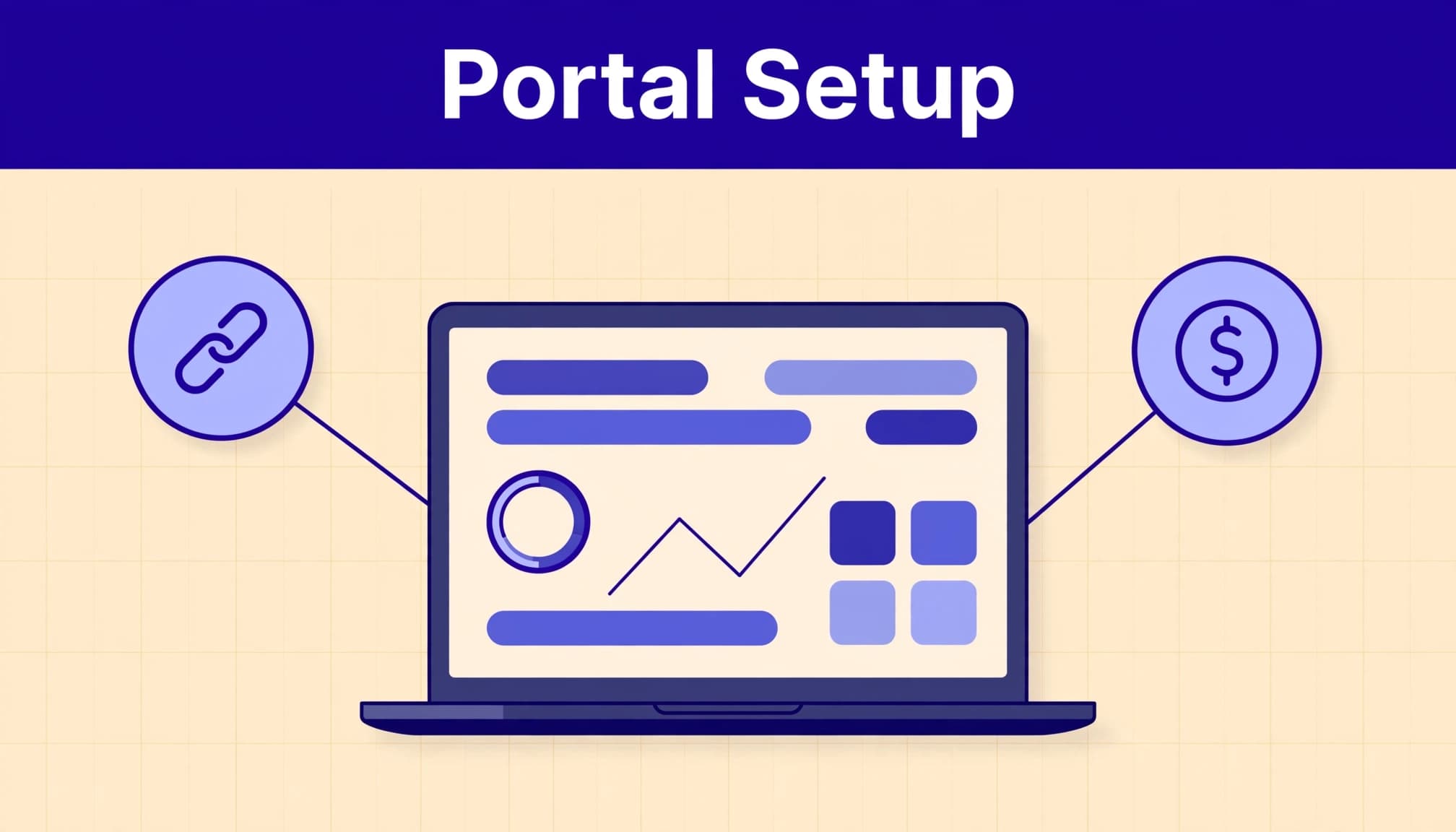
Configure the Rewardful affiliate portal for partners
Once the billing path is ready, configure the partner-facing experience. Rewardful describes this area as a personalized dashboard where affiliates can manage their links and review results. The exact portal options available can vary by plan and may change over time.
Current Rewardful pricing details list a branded affiliate portal and custom domain on higher-tier plans. Check the live plan page before you promise a branded URL to partners.
Start with one clear enrollment route
Give affiliates one destination to apply or sign up. Put the same route in your partner terms, onboarding email, and internal documentation.
Then test it as a new user. Confirm the application or signup process creates the right type of affiliate record. Check that the partner can access a usable referral link after approval or enrollment.
Don’t create several signup paths unless each one has a clear business purpose. Multiple paths make attribution and support harder to audit.
Keep the partner experience practical
Your affiliates need a working link, a clear commission explanation, and realistic payout expectations. They do not need a long promotional document before they can start.
Provide:
- A short program summary that states the product and intended audience.
- Approved claims, logos, and links where your brand team requires them.
- Commission terms written in plain language.
- A support contact for link, payout, or attribution issues.
- A statement that commissions can change after refunds or failed payments.
Use the portal as the current operational view. Keep your own historical record outside it. Store the affiliate ID, campaign, date range, referral count, commission status, reversals, and payout status in a spreadsheet or database.
Connect the checkout to commission tracking
Rewardful receives billing activity from Stripe and evaluates whether the customer came through an affiliate referral. That relationship is where most deployment failures occur.
Rewardful explains that it uses Stripe events such as customer creation, paid invoices, and refunds in its commission and payout workflow. A refund can reverse a commission later. Your reporting needs to expect that.
Use the supported integration path
Use the standard integration method when your purchase flow follows Rewardful’s documented patterns. It is easier to test, easier to support, and less likely to fail after a checkout update.
A custom Stripe flow may need Rewardful’s custom Stripe integration method. Review the live instructions with the engineer who owns checkout. They need to validate the tracking step against your actual front end, not a generic demo.
If your product has several domains, embedded checkout, account upgrades, or a mobile app, list each purchase path. A referral program only tracks the paths you implement.
Don’t confuse billing data with attribution
Stripe can confirm that a customer paid. It cannot, by itself, prove that the correct affiliate should receive credit.
Test the full chain: referral link, browser session, signup, customer record, checkout, invoice, and commission. If any link in that chain is missing, stop the launch.
For a valid edge case, use Rewardful’s documented manual attribution process. Treat manual changes as exceptions. Log the reason, approver, customer identifier, and date.
Test the complete referral path before inviting partners
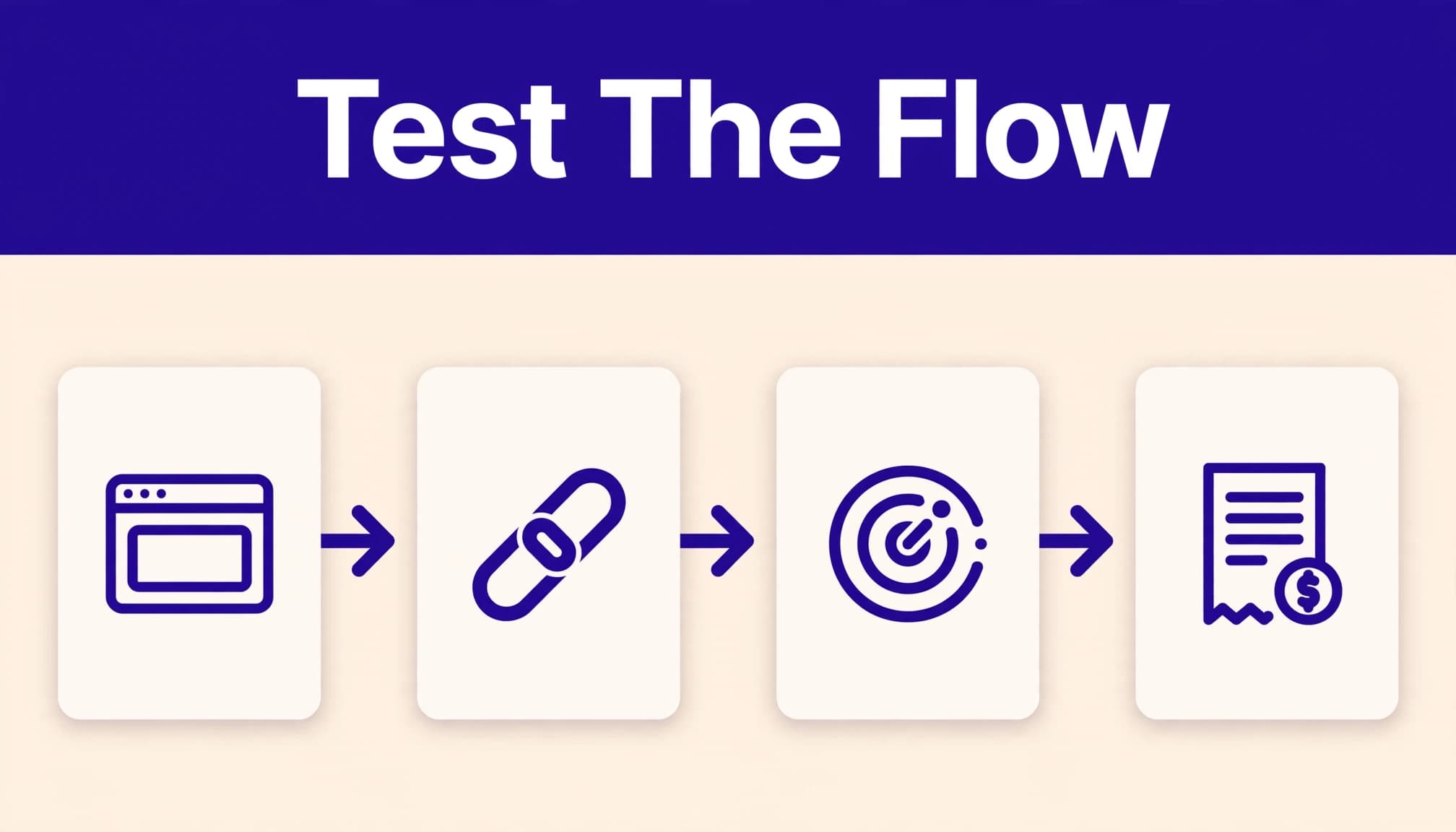
A completed configuration screen proves little. You need a test purchase that follows the same route a real partner’s referral will use.
Create test cases before you add the first affiliate. Include a normal purchase, a renewal if you offer recurring rewards, a refund, and a customer who arrives without an affiliate link.
Run a controlled test transaction
Use a test affiliate that is not part of your launch group. Open that affiliate’s referral link in a clean browser session. Complete the exact customer journey you expect people to use.
After the payment event, check these records:
- The affiliate has the expected referral link.
- The customer appears as referred by the correct affiliate.
- The commission uses the expected rule and amount.
- The record changes correctly after a refund or failed payment.
- Your finance report can distinguish pending, cleared, reversed, and paid amounts.
Save the test date, affiliate ID, customer email or test identifier, payment reference, and result. That record gives support a starting point if live reporting looks wrong.
Test failures on purpose
A good deployment tests failure states before customers create them. Try a link with an incorrect parameter. Try checkout in another browser. Test a return visit after the attribution window you selected. Test a refund.
Then repeat the same test without changing settings. The second run should not create duplicate affiliates, duplicate referral records, or duplicate payout activity.
Keep the last trusted test result. If someone changes checkout code, campaigns, or billing settings, run the same test again before release.
Operate payouts and reporting as a controlled process
Affiliate operations become messy when the portal is the only record. Dashboards are useful for current work, but they can change after refunds, adjustments, or payment delays.
Create a monthly operating report that separates referral activity from cleared financial results. Keep original values and add adjustment rows when a commission changes. Do not overwrite the earlier record and lose the reason.
Review approved results, not portal activity
Track metrics your team can act on:
- Approved referred revenue by affiliate and campaign.
- Cleared commissions and reversal rate.
- Paid commissions matched to payout records.
- Time spent on corrections and support tickets.
- Partners who generate retained customers, not only initial signups.
A program that creates 50 commission records but needs hours of manual repair is not efficient. Measure the records your team accepts with little or no correction.
When a partner reports a missing commission, collect the referral link, affiliate ID, customer identifier, campaign, date range, and billing record before you investigate. This turns a vague support request into a reproducible case.
Add webhooks when another system needs updates
Use webhooks when your CRM, finance workflow, or internal database needs event updates. Rewardful documents webhook events for activity such as affiliate joins, referred customer signups, and commission creation.
Webhook endpoints must use HTTPS. Review Rewardful’s current webhook requirements before you connect a production endpoint.
Store each event with its event type, delivery time, internal record ID, and processing result. Use bounded retries for temporary failures. Do not retry a permissions issue or a changed payload forever.
When custom development is the right choice
Custom development is justified when the standard portal cannot match a real business requirement. Common cases include in-app customer referrals, account-based partner enrollment, a custom partner experience, or commission data that must appear in an internal system.
Rewardful’s affiliate creation API supports creating affiliates on demand. This can fit a product that automatically enrolls eligible customers or provisions partners from an approved workflow.
Keep custom work narrow and testable
Do not rebuild the entire affiliate portal because you want one custom screen. Keep Rewardful responsible for the functions it already handles well. Build only the missing layer.
Give developers a fixed contract. Define required inputs, the expected affiliate record, error behavior, retry rules, data retention, and the owner who approves live changes.
Start with 20 to 50 approved records or users. Compare the output with the standard portal process. Track missing records, duplicate records, failed calls, reviewer minutes, and correction time.
If your team needs help mapping the referral flow, tracking controls, and release tests, Book A Call.
Final checks before you open the program
A Rewardful affiliate portal works when the partner link, customer billing event, commission rule, and payout record agree. The portal is only one part of that system.
Launch with a limited group. Review every early referral and payout record. Fix tracking gaps before you recruit more partners.
A small program with trusted commission records is ready to grow.
