Rewardful Affiliate Tracking That Holds Up at Checkout
An affiliate link is only useful if it survives the path to payment. A dashboard full of clicks can still produce zero attributable sales. Rewardful affiliate tracking works when the referral ID reaches Stripe with the right customer and pa...
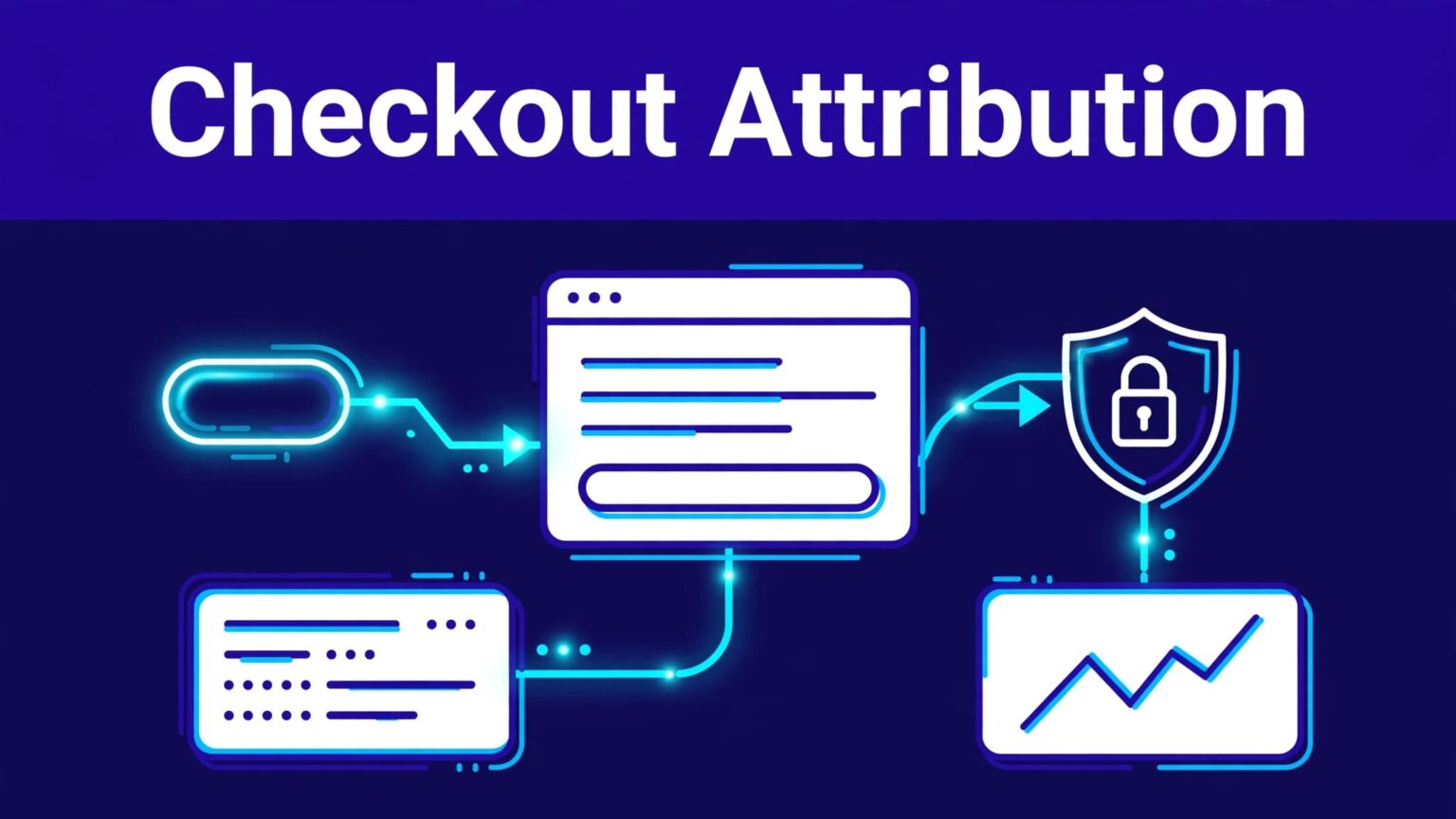
An affiliate link is only useful if it survives the path to payment. A dashboard full of clicks can still produce zero attributable sales.
Rewardful affiliate tracking works when the referral ID reaches Stripe with the right customer and payment data. Build that path first, then recruit affiliates and scale traffic.
Use this guide to configure the system, test a real purchase, and isolate the failures that create missing conversions.
SET THE ATTRIBUTION PATH BEFORE YOU INSTALL
Write down the full route a referred customer takes. This prevents a common mistake: testing a landing-page click while the actual checkout happens on a separate domain or app.
Your attribution path should answer five questions:
- Which affiliate campaign and partner link brought in the visitor?
- Which page first loads the Rewardful tracking script?
- Where does the visitor create an account or start checkout?
- Which Stripe Customer receives the referral value?
- Which paid Stripe event should create the conversion and commission?
A standard SaaS path looks like this: affiliate link, landing page, pricing page, signup, Stripe Checkout, Stripe Customer, successful payment, Rewardful commission.
That flow can break at any handoff. A visitor may click an affiliate link on www.example.com, then sign up on app.example.com, then pay through a Stripe-hosted checkout page. Each step needs to preserve the same referral.
DEFINE THE CONVERSION EVENT
A click is a browser event. A conversion is a commercial event that meets your campaign rules.
For a paid SaaS product, the conversion might be a successful first invoice. For a free-trial campaign, it may be a trial signup. For recurring plans, your rules may also pay commission on later invoices.
Set the rule before launch. Document the commission rate, whether it applies to discounts, the number of recurring payments that qualify, and the refund period.
Don’t create a broad campaign and try to explain exceptions later. Affiliates need terms they can price into their work.
KEEP A FIXED ATTRIBUTION RECORD
Create one row for each test and each live campaign. Store the campaign name, affiliate name, referral URL, landing page, test email, Stripe Customer ID, Checkout Session ID, invoice ID, and date.
This record gives your team a usable trail when a result looks wrong. It also stops the usual back-and-forth: “I think I used the right link.”
For custom checkout flows, keep Rewardful’s custom Stripe integration method open while you map the path. Interface labels can change. The referral handoff cannot.
CONNECT STRIPE AND BUILD THE CAMPAIGN
Connect the Stripe account that receives your subscription payments. Rewardful uses Stripe transaction data to match referred customers, sales, and commissions.
Use the Rewardful authorization flow. Don’t try to copy Stripe data manually into a spreadsheet as a substitute for the integration. Manual matching fails once affiliates send more than a few customers.
CONFIGURE COMMISSION RULES FIRST
Create the campaign after Stripe connects. Set the commercial rules before you share any links.
Review these points:
- Set the commission as a percentage or fixed amount that fits your margins.
- Decide whether commissions apply once or recur across subscription invoices.
- Set a commission approval period that accounts for refunds and chargebacks.
- State whether coupons, account credits, or annual plans change the commission.
- Keep internal test affiliates separate from real partners.
A 20% recurring offer can look simple in a recruitment post. It becomes expensive if it applies forever while customers receive a large discount. The campaign rule needs to match collected revenue and retention reality.
MATCH THE SETUP TO YOUR CHECKOUT METHOD
Rewardful setup differs by implementation. A Next.js app, custom Stripe API flow, hosted Stripe Checkout, and Stripe Payment Links do not pass data in exactly the same way.
If your application uses Next.js, follow the current Next.js integration instructions rather than adapting an old script snippet from another framework.
For Stripe Payment Links, Rewardful’s Payment Links setup method uses the referral value as the Stripe client_reference_id. Stripe describes this parameter as a way to attach your own unique string to a Checkout Session in its Payment Link URL parameter guide.
Use the method that matches the checkout customers actually use. A working setup on one pricing page doesn’t cover a direct Payment Link in an email campaign.
INSTALL REWARDFUL AFFILIATE TRACKING SITEWIDE
Install the Rewardful tracking script on the root domain and every subdomain that a referred visitor can use before checkout. That includes marketing pages, app signup pages, and any account-creation route.
Put the script in the shared site layout. Don’t add it only to the homepage or a single affiliate landing page.
CHECK SCRIPT LOADS ON THE FIRST VISIT
Open a private browser window. Disable ad blockers and privacy extensions for the test. Then load a referral URL and allow the page to finish loading.
Rewardful’s setup process uses a ?via=install visit to confirm that the script can detect a referral during installation. Use that check, then test your actual affiliate link format.
A normal browser session can hide problems. You may already have another referral stored. You may be logged in. You may have a cached script. Private browsing removes most of that noise.
A tracked click proves the browser captured a referral. It does not prove the Stripe Customer received that referral.
PASS THE REFERRAL INTO STRIPE
The referral must move out of the browser and into the Stripe object Rewardful uses for attribution. In a custom Stripe API flow, Rewardful exposes Rewardful.referral. Your checkout code should write that value into Stripe Customer metadata using the referral key.
Check the final Stripe Customer record, not only your browser console. A value can exist in JavaScript and still disappear when your backend creates the customer.
This issue often appears after a checkout refactor. A developer replaces the full metadata object instead of adding to it. The customer gets created, payment succeeds, and the referral field is gone.
If your app lets users begin checkout on a subdomain, then sign in elsewhere, test that exact route. Rewardful affiliate tracking depends on the route your customer takes, not the route your team intended.
READ CLICKS AND CONVERSIONS AS DIFFERENT SIGNALS
Clicks measure attention. Conversions measure completed actions that satisfy the campaign and payment conditions. Commissions show what Rewardful calculated from those conversions. Approved commissions are closer to an amount you can pay.
Keep the stages separate in your reporting.
| Report stage | What it tells you | What it does not prove |
|---|---|---|
| Affiliate click | A visitor used a referral link | The visitor started checkout |
| Referred customer | The referral reached a customer record | A payment succeeded |
| Conversion or sale | A qualifying event reached Rewardful | The commission is final |
| Approved commission | The commission passed your review rules | Cash has been paid out |
| Payout | Funds moved to the affiliate | Future invoices will qualify |
A campaign can produce 500 clicks and no conversions because the offer, landing page, signup flow, or checkout path is weak. More traffic won’t repair that.
USE APPROVED EPC FOR PAGE DECISIONS
Compare affiliate sources with approved earnings per click:
Approved EPC = approved commissions / affiliate clicks
Use the same date range for both numbers. Don’t compare this month’s clicks with last month’s approved commissions.
A partner who sends 80 clicks and $400 in approved commissions may be more valuable than one who sends 2,000 clicks and $100. The smaller source has stronger purchase intent.
Keep pending, approved, reversed, and paid amounts in separate columns. Don’t overwrite a commission when a refund reverses it. Add an adjustment row with the date and reason.
TEST THE WHOLE PURCHASE FLOW
Test the exact path a new customer takes. Do not stop after Rewardful records a click.
Run the test in staging with a connected test environment where your setup supports it. If you need to validate the production path, use a controlled low-cost purchase and follow your normal refund process afterward.
RUN A CLEAN END-TO-END TEST
Use this sequence:
- Create an internal test affiliate in the right campaign and copy that partner’s referral link.
- Open a private browser window with ad blockers disabled.
- Visit the affiliate link, wait for the landing page to load, then move through normal navigation.
- Create a new account with a unique test email address.
- Start checkout through the same pricing plan and payment route used by live customers.
- Complete payment and save the Stripe Customer ID, Checkout Session ID, invoice ID, and timestamp.
- Check Rewardful for the referral, customer, conversion, and commission.
Don’t paste a referral code into a finished checkout URL and call the test complete. That bypasses the landing page and signup steps where attribution often fails.
VERIFY BOTH SYSTEMS
First, confirm the customer record in Stripe contains the expected referral metadata. Next, confirm the payment completed against that customer. Then check Rewardful for the attributed conversion.
If you use Payment Links, verify that the Checkout Session received the correct client_reference_id. Also confirm the method creates or saves the Stripe Customer data Rewardful requires.
Refund the controlled live purchase only after the conversion appears. Then review how the commission changes. A system that records sales but ignores reversals will create payout errors later.
Repeat the test on mobile. Many affiliate clicks begin inside social apps, newsletters, or mobile browsers. A desktop-only test can miss redirect and cookie restrictions that affect real customers.
FIX MISSING CONVERSIONS IN THE RIGHT ORDER
Start with the first missing record. Don’t change scripts, campaign rules, and checkout code at the same time. You need one clear failure point.
DIAGNOSE THE BROKEN HANDOFF
If there is no click, check the affiliate URL, campaign status, redirect behavior, script placement, and ad-blocking extensions.
If there is a click but no referred customer, inspect the signup flow. The script may not load on the app domain, or the referral may expire before account creation.
If the customer exists but the conversion is missing, inspect Stripe Customer metadata. Confirm the referral key exists and matches the tested affiliate. Then verify the successful payment belongs to that same customer.
If the conversion exists but the commission looks wrong, check campaign rules, plan eligibility, discounts, refunds, duplicate subscriptions, and any manual approval hold.
Don’t assume a missing commission is a tracking bug. The visitor may have abandoned checkout, used another affiliate link later, failed payment, or purchased a product outside the campaign rules.
SEND SUPPORT A REPRODUCIBLE RECORD
When you contact Rewardful support, send the facts needed to inspect the event chain:
- The campaign name, affiliate ID, referral URL, and landing-page URL.
- The exact test time and time zone.
- The test customer email and Stripe Customer or Checkout Session ID.
- The expected result and the report result you saw.
- Screenshots of the relevant Rewardful and Stripe records.
State the funnel result, not only “a commission is missing.” For example: the referral click recorded, the Stripe Customer has no referral metadata, and the paid invoice therefore has no affiliate attribution.
That gives support a case they can reproduce.
FINAL CHECK
Reliable Rewardful affiliate tracking is a controlled handoff between the browser, your signup flow, Stripe Customer data, and the paid event. A click is the start of that chain, not proof it worked.
Test the full purchase path before each major checkout change. Then review approved commissions, reversals, and paid amounts on a fixed monthly schedule.
A clean attribution record protects affiliate trust, payout accuracy, and the decisions you make about where to invest traffic.
