Enable Rewardful Affiliate Tracking Without a Custom Build
Affiliate programs fail when the link works but the sale has no owner. Your partner sends traffic. Stripe receives the payment. Then the commission is missing, disputed, or attached to the wrong person. Rewardful affiliate tracking connects...
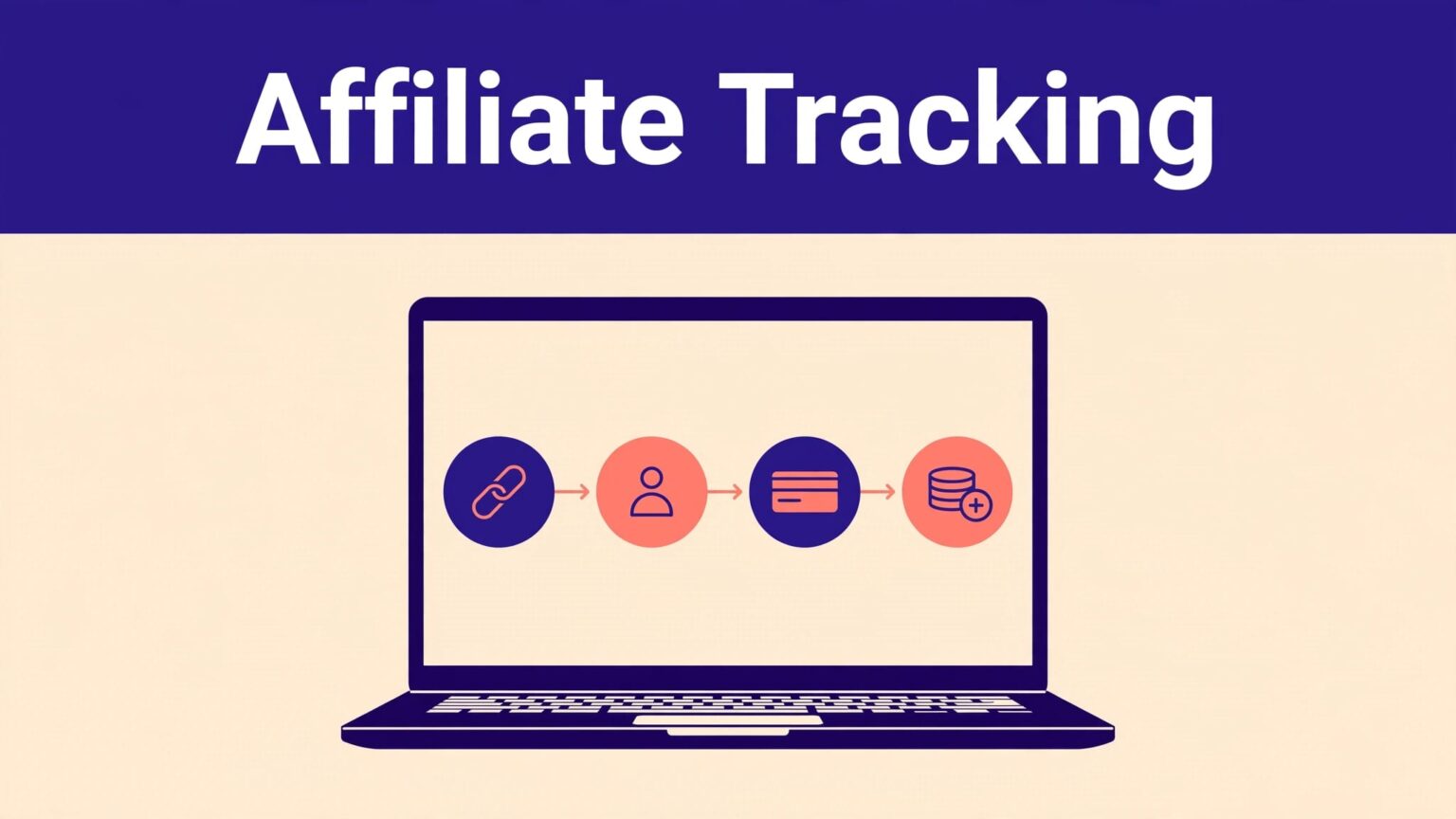
Affiliate programs fail when the link works but the sale has no owner. Your partner sends traffic. Stripe receives the payment. Then the commission is missing, disputed, or attached to the wrong person.
Rewardful affiliate tracking connects the referral click to your Stripe customer and billing events. You can launch most of the setup without a custom app, but you still need to configure the checkout path correctly.
Start with the payment flow you already use. Then pass one referral identifier through that flow and test it before affiliates promote anything.
CHOOSE THE CHECKOUT FLOW BEFORE YOU BUILD
Rewardful works with Stripe. It reads relevant Stripe events, such as customer creation, paid invoices, and refunds, then creates or adjusts affiliate commissions.
Your first decision is simple: where does a visitor pay?
USE PAYMENT LINKS FOR THE LOWEST-TECH SETUP
Stripe Payment Links are the simplest route for many SaaS teams. You create a hosted payment page in Stripe, then send people there from your site, email sequence, or no-code landing page.
This path suits founders who use Webflow, Framer, Carrd, GoHighLevel, or a basic WordPress site. You don’t need to build a checkout form.
Rewardful’s Stripe Payment Links method explains how the referral value travels with the link. The key is that the buyer must become a Stripe Customer, not a guest payment record.
KNOW WHERE NO-CODE ENDS
No-code doesn’t mean zero setup. Rewardful needs its tracking script on the pages where affiliate visitors land. You also need to select a compatible Stripe checkout method.
A custom Stripe Checkout flow, API-created customer, or custom signup form may need developer help. In those cases, Rewardful’s client-side Stripe Checkout instructions show how the referral ID passes to Stripe.
A completed payment proves Stripe worked. It does not prove the affiliate referral reached the Stripe customer record.
Don’t invite affiliates until you know how a referral ID will reach checkout.
CONNECT STRIPE AND CREATE A CAMPAIGN
Open your Rewardful account and connect the Stripe account that receives subscription payments. Use the Stripe account that owns the actual customer and invoice records.
Rewardful uses Stripe webhooks and metadata for attribution. It can add referral data to Stripe customers and invoices. It only needs tracking-related metadata updates, plus promo code creation if you enable that feature.
SET ONE CAMPAIGN WITH CLEAR RULES
Create a campaign before you add affiliates. The campaign controls how commissions work.
Set the commission percentage or fixed amount. Decide whether commissions recur on subscription renewals. Set the cookie duration and decide how many paid invoices qualify.
Keep the first version simple. A recurring SaaS offer might pay a percentage of each eligible subscription payment for a fixed number of months. A one-time product might pay one fixed commission after the first successful payment.
Write the operating rules before launch:
- State whether the commission applies to collected revenue, excluding refunds and failed payments.
- Set the number of recurring invoices that can generate a commission.
- Explain when affiliates receive payment and when a commission can reverse.
- Restrict prohibited promotion methods before someone starts running unauthorized ads.
Affiliates need terms they can price into their work. “Earn 20%” is not enough.
USE PROMO CODES ONLY WHEN THEY FIT THE BUYER JOURNEY
Referral links are the main attribution method. Promo codes are useful when buyers hear an affiliate’s name on a podcast, see it in a video, or purchase later without clicking a tracked link.
Rewardful can connect affiliate promo codes with Stripe promotion codes. Review its promo code tracking guide before you enable them.
Promo codes add another attribution path. They also create more rules. Decide whether a promo code overrides an existing referral, and state that rule in your affiliate terms.
INSTALL THE REWARDFUL TRACKING SCRIPT
Rewardful’s tracking script records the affiliate visit and makes the referral ID available at checkout. Install it on every public page where an affiliate could send traffic.
That usually means the root domain, pricing page, landing pages, blog pages, and relevant subdomains.
ADD THE SCRIPT SITEWIDE
Copy the tracking script from Rewardful and paste it into your site’s global footer or tracking-code area. Many no-code platforms provide a sitewide custom-code field for this purpose.
Place it where your platform and Rewardful instructions require. Don’t add it to only one campaign page unless that is the only page affiliates can use.
After publishing, open an affiliate referral link in a private browser window. Then visit a second page on your site. The visitor should remain attributed while they move toward checkout.
If you use multiple domains, inspect the full path. A referral may land on www.example.com, move to app.example.com, then pay on a hosted Stripe page. Each handoff needs to preserve the attribution data.
DON’T ASSUME A FORM TOOL PASSES THE DATA
A no-code form can collect leads, but it may not send the Rewardful referral value into Stripe. That gap is common with custom registration flows.
If your signup form creates a Stripe customer through automation or an API, the referral ID needs to be stored in Stripe customer metadata under the referral key. That is a developer or automation task, not a dashboard setting.
Rewardful affiliate tracking is dependable when the referral ID has one clear route. It should move from the landing-page visit to the Stripe customer, then to the paid invoice.
REWARDFUL AFFILIATE TRACKING FOR EACH STRIPE CHECKOUT PATH
Your checkout method determines the last configuration step. Use the route that matches your current Stripe setup.
| Stripe payment method | Referral handoff | Setup effort |
|---|---|---|
| Payment Links | Add the referral ID as client_reference_id | Mostly no-code |
| Stripe Pricing Table | Set the table’s client-reference-id attribute | Small code change |
| Stripe Buy Button | Add Rewardful’s required data attribute | Small code change |
| Custom Checkout or API | Send the referral ID through Checkout or customer metadata | Developer work |
The practical rule is simple: hosted checkout can reduce setup work, but it still needs the referral value.
CONFIGURE STRIPE PAYMENT LINKS
Create or edit the Payment Link in Stripe. For a subscription or reusable billing relationship, turn on Save Payment Details for Future Use.
That option matters because Rewardful needs Stripe Customer objects for attribution. A guest payment can complete successfully but leave no customer record for Rewardful to match.
Your affiliate’s destination should attach the Rewardful referral value to the Payment Link as client_reference_id. Rewardful uses that value to connect the checkout session with the visitor who clicked the affiliate link.
Do not manually create a separate Payment Link for every affiliate. Let Rewardful generate each affiliate’s referral link and carry the identifier dynamically.
HANDLE PRICING TABLES AND BUY BUTTONS CAREFULLY
Stripe Pricing Tables and Buy Buttons are low-maintenance checkout options. They are not fully code-free for affiliate attribution.
A Pricing Table needs its client-reference-id set to the Rewardful referral value. Use Rewardful’s Pricing Table setup instructions before you publish the component.
A Stripe Buy Button also requires a small change to the embed. Rewardful documents the required attribute in its Stripe Buy Button integration guide. Stripe’s own Buy Button documentation confirms that the embed can sell a product, subscription, or payment from your website.
Ask a developer to make these changes once if you don’t control the embed code. Don’t improvise the attribute name or referral field.
TEST REFERRAL LINKS BEFORE AFFILIATES PROMOTE THEM
Run tests with a real affiliate link and a controlled test affiliate. Use an incognito or private browser window for every new test. Existing cookies can hide a broken setup.
Test the entire path. A click record alone is not enough.
RUN A COMPLETE ATTRIBUTION TEST
Open the affiliate’s referral link in an incognito window. Confirm that the landing page loads on the correct domain.
Move through your normal buyer journey. Visit the pricing page, select a plan, and complete the Stripe checkout in the appropriate test or live environment for your account.
Then check Rewardful for the visitor, lead, or conversion record. Check Stripe for the customer, payment, subscription, and referral metadata. Allow normal webhook processing time before you assume a conversion failed.
Use this short launch checklist:
- Open the affiliate link in a fresh incognito session.
- Confirm the link lands on the intended offer and does not strip query data.
- Visit at least one additional site page before checkout.
- Complete a test purchase using the same checkout path customers will use.
- Confirm a Stripe Customer was created, not only a guest payment.
- Verify the affiliate appears on the Rewardful conversion or commission record.
- Check the commission amount against the campaign rule.
- Test a refund or cancellation process before you promise payout dates.
Keep a simple test record. Store the affiliate ID, referral link, destination URL, Stripe customer ID, payment date, campaign name, expected commission, actual commission, and reviewer decision.
REVIEW COMMISSIONS AS OPERATING RECORDS
Rewardful can create recurring commissions when a referred subscription renews. It can also adjust commissions after refunds. Full refunds can remove a commission. Partial refunds can reduce it.
That automation reduces manual work. It does not remove the need for a monthly review.
TRACK APPROVED COMMISSIONS, NOT CLICKS
A referral click is attention. A created commission is a system event. A cleared commission is closer to a payment obligation.
Build one report row per affiliate, campaign, Stripe customer, invoice, and reporting period. Include the original commission and any later adjustment. Don’t overwrite an earlier amount when a refund happens.
Track:
- Referred customers who completed eligible payments.
- Approved commissions and commissions still under review.
- Refunds, chargebacks, cancellations, and reversals.
- Recurring revenue from referred customers.
- Total affiliate payouts and payment status.
A program that creates 50 commission records but needs hours of correction work is not efficient. Measure the records your team accepts with little or no correction.
INVESTIGATE MISSING COMMISSIONS WITH EVIDENCE
Don’t send a vague support request that says, “tracking is broken.” Build a record someone can reproduce.
Include the landing-page URL, affiliate ID, campaign name, referral link, Stripe customer ID, invoice or payment ID, date range, screenshot, and expected result. State whether the issue is a missing click, missing conversion, wrong amount, or reversed commission.
Not every missing commission is an error. The visitor may have abandoned checkout, used another affiliate’s link later, failed a campaign rule, or purchased after the attribution period ended.
FINAL THOUGHTS
Rewardful affiliate tracking works when the referral ID survives the full buyer journey. The campaign rules, tracking script, Stripe Customer record, and checkout handoff must agree.
Launch with one campaign, one checkout path, and a small group of affiliates. Test the complete purchase flow before you scale. Accurate attribution is more useful than a large commission dashboard full of records you cannot trust.
