Rewardful Commission Tracking: Automatic Setup
Affiliate programs become finance cleanup when a click, signup, or renewal has no traceable path. Rewardful commission tracking removes much of that work, but only when your site passes the referral value into checkout and billing events re...

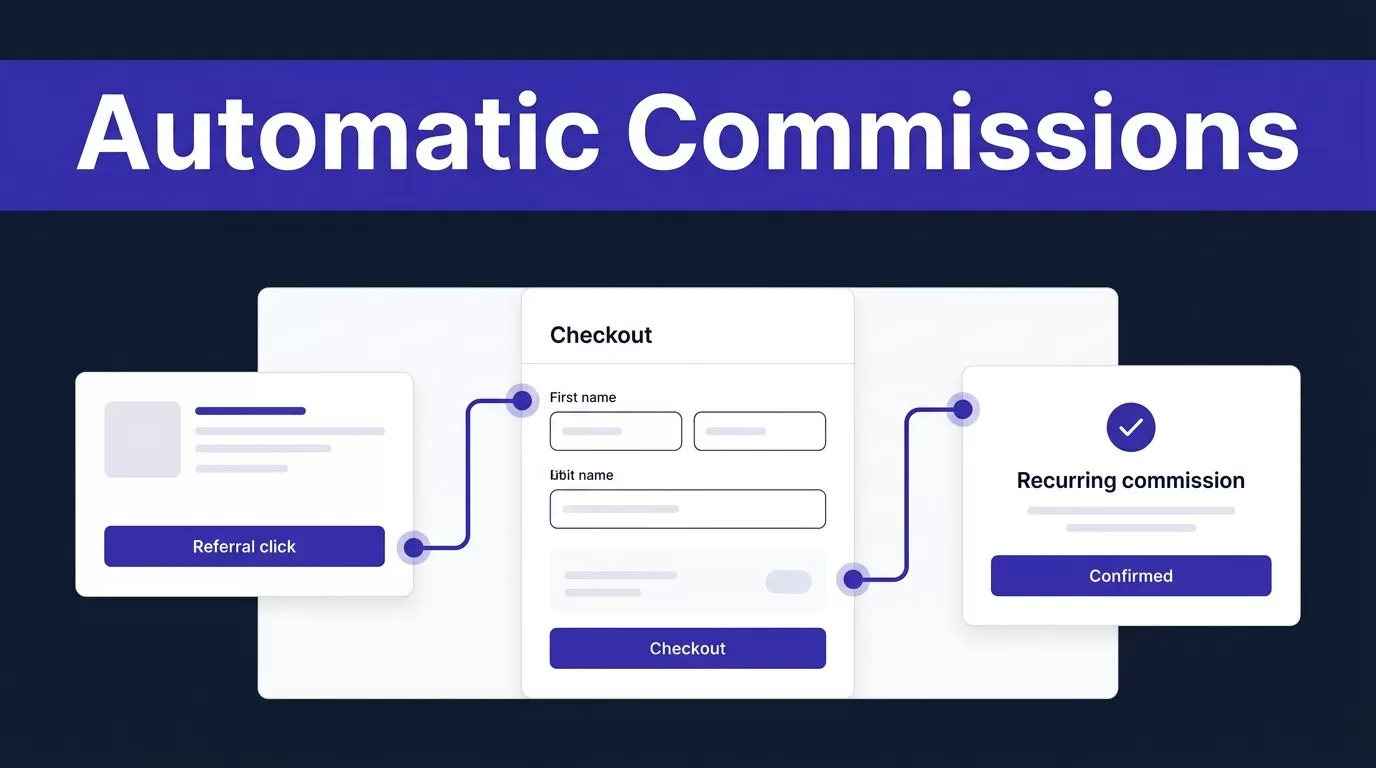
Affiliate programs become finance cleanup when a click, signup, or renewal has no traceable path. Rewardful commission tracking removes much of that work, but only when your site passes the referral value into checkout and billing events return to Rewardful.
The setup is short. The weak point is attribution. Connect payment data, configure the campaign, and prove the handoff before affiliates receive payouts.
How Rewardful commission tracking works automatically
Rewardful records the referral first, then checks payment activity in the connected processor. When a referred customer pays, the invoice or sale can create a commission under the applicable campaign rules.
This is event-driven tracking. You should not need to match affiliate clicks against Stripe invoices in a spreadsheet every week.
Automatic tracking and manual adjustments are different jobs
Use automatic tracking for normal, eligible customer payments. Use manual commission adjustments only for documented exceptions, such as an approved credit, a correction, or a noncash reward.
| Process | Trigger | Proper use |
|---|---|---|
| Automatic tracking | A referred customer’s paid billing event | Standard campaign commissions |
| Manual adjustment | A reviewed exception | Corrections, credits, or custom rewards |
Rewardful’s custom rewards instructions show that manual fulfillment can involve webhooks and marking a payout as paid after the reward is delivered.
Do not use a manual adjustment to hide a missing referral ID. Fix the checkout handoff, then retest it.
If you offer referred-customer coupons, check the campaign rules before launch. Double-sided incentives are available for Stripe-connected accounts, not Paddle accounts.
Prepare the payment and campaign path


Complete the base setup before editing checkout code. You need a Rewardful account, a connected payment processor, and an active campaign with clear commission terms.
Use the instructions that match your billing path. Stripe Checkout, Stripe Buy Button, Pricing Tables, Paddle, and custom code do not pass referral data in the same way.
- Connect the payment account that receives your subscriptions and one-off payments.
- Create the campaign that defines the reward, duration, and eligible sale type.
- Add Rewardful’s tracking script to the site before checkout begins.
- Pass the stored referral value into the checkout or customer creation flow.
Connect the processor that records revenue
For Stripe accounts, Rewardful monitors billing activity and creates commissions from eligible paid invoices. Its Stripe account guidance states that commission calculations use the amount the customer actually paid, after discounts and account balance debits.
Set campaign terms before publishing affiliate links. A later campaign change may not explain an older sale, so record the effective date of major commission policy changes.
Pass the referral ID into checkout
Most attribution failures happen here. The tracking script can capture a referral in the browser, but checkout must receive that value.
For client-side Stripe Checkout, pass Rewardful.referral as Stripe’s clientReferenceId. For a backend-created checkout session, follow Rewardful’s [server-side Checkout instructions](https://help.rewardful.com/en/articles/

