Automate Referral Tracking With Rewardful
A referral program gets expensive when a real signup loses attribution before payment. Rewardful referral tracking connects the affiliate link, visitor, Stripe customer, paid invoice, and commission record. That connection only works when e...
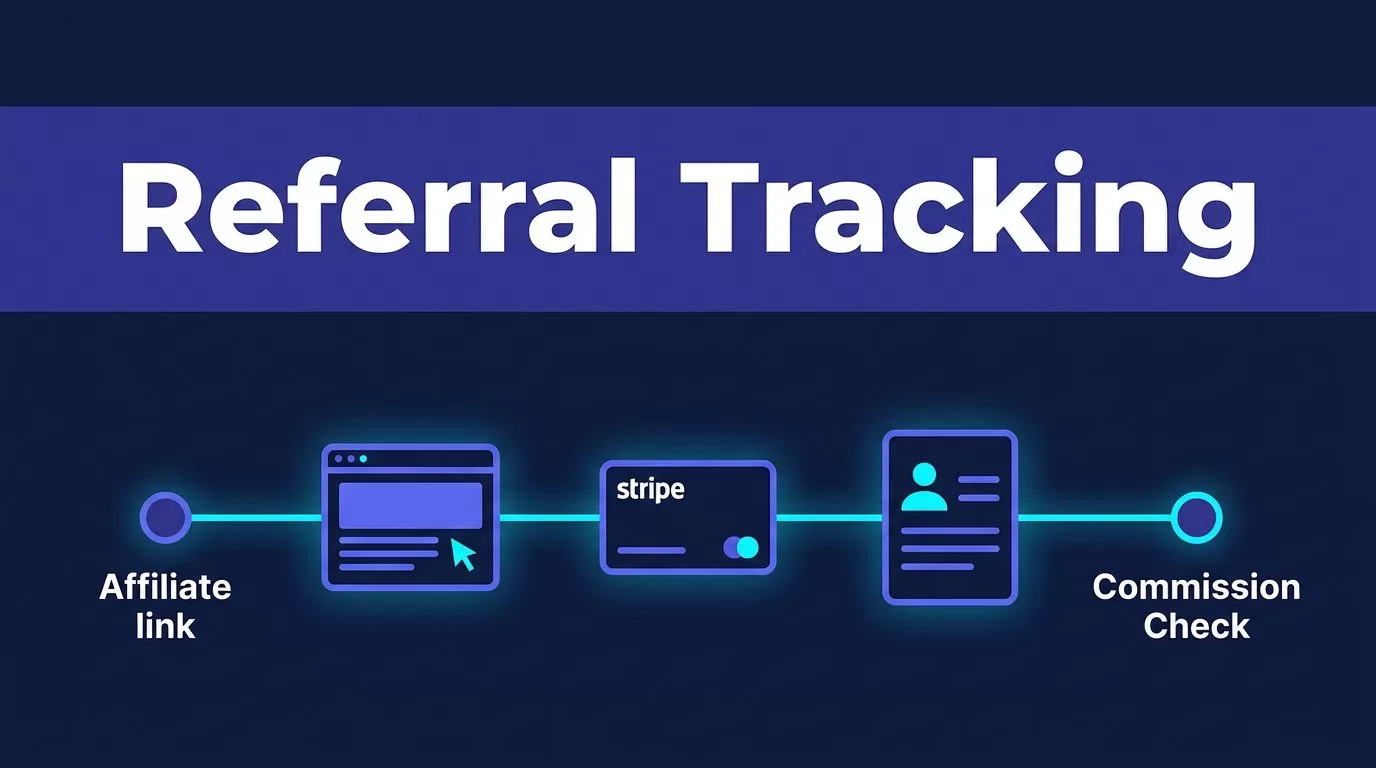
A referral program gets expensive when a real signup loses attribution before payment. Rewardful referral tracking connects the affiliate link, visitor, Stripe customer, paid invoice, and commission record.
That connection only works when every handoff is configured. A campaign alone won’t fix a checkout that drops the referral ID.
Build the path first. Then test it with controlled purchases before affiliates start sending traffic.
How Rewardful Referral Tracking Turns Clicks Into Revenue
Rewardful tracks the referral journey in stages. An affiliate shares a unique link. A visitor clicks it. Your site records the referral. The visitor becomes a Stripe customer, pays an invoice, and the program attributes the commission.
The referral link starts the record
Your affiliate sends traffic through a link that includes the referral value, often using the via parameter. Rewardful’s browser script reads that visit and stores the attribution for the visitor.
The script needs to load on both the marketing site and the app. A visitor might click an affiliate link on a pricing page, leave, then return to create an account later. If tracking only loads inside the app, you can lose the first touch.
Rewardful refers to this value as a referral ID or click ID in different Stripe flows. Treat it as the join key for the full journey. Don’t replace it with an affiliate name, an email address, or a custom label.
A paid Stripe record creates the conversion
A signup is not a conversion if your program pays on revenue. The important event is the Stripe customer and the paid invoice that follow the referral.
Rewardful’s two-way Stripe sync connects affiliate, transaction, and commission data with Stripe. Stripe sends events for customer creation, paid invoices, and refunds. Rewardful calculates commission from the final amount Stripe records as paid.
That matters for subscriptions. Your team should review the invoice amount, payment status, and campaign terms before treating a conversion as ready for payout.
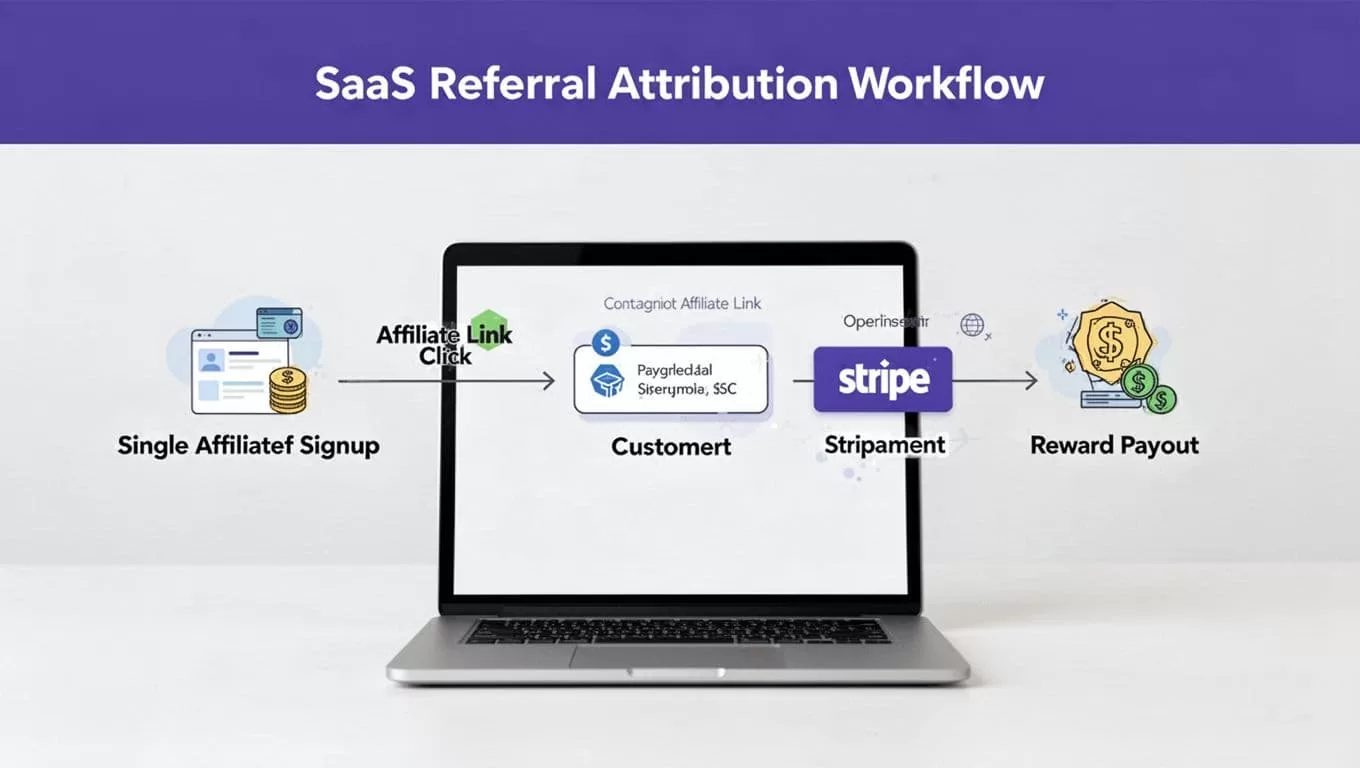
Connect Rewardful, Stripe, and Your Campaign
Start with the payment system that creates the customer record. For most SaaS teams, that is Stripe.
Create the campaign before you send links
Connect Rewardful to Stripe, then create your first campaign. Set the commission structure and decide which product, plan, or customer action qualifies.
Keep the first campaign narrow. For example, start with one paid plan and one affiliate group. Excluding free trials or special enterprise deals is easier than cleaning up incorrect commissions later.
Write down the operating rules before launch:
- State whether commissions apply to the first payment, recurring invoices, or both.
- Define how refunds, failed payments, and cancellations affect commission approval.
- Decide who reviews unusual conversions and who approves affiliate payouts.
Rewardful’s custom Stripe integration guide starts with connecting Stripe and creating a campaign. Don’t invent a campaign rule in a spreadsheet after affiliates are active. Put the rule where your team can apply it consistently.
Load tracking before the signup step
Install the Rewardful JavaScript snippet in the <head> of every marketing and application page. The script identifies referred visitors before they reach your signup or payment flow.
For a custom signup or upgrade form that creates a Stripe customer, Rewardful documents the data-rewardful attribute. The form sends the referral value with the customer data so Stripe can retain the relationship.
Cookies help preserve browser-level attribution. They do not replace checkout mapping. Browser privacy settings, blocked scripts, new devices, and a switch from mobile to desktop can break the chain. Check the cookie and attribution settings in your live Rewardful account instead of assuming a fixed tracking window.
A referral cookie proves a visitor arrived through a link. The Stripe customer reference proves the payment belongs to that referral.
Carry the Referral ID Through Checkout
Hosted checkout pages reduce payment work, but they can create an attribution gap. The browser knows the referral. Your server creates the Checkout Session. Stripe needs the same referral value.
Pass the ID into server-side Stripe Checkout
For server-side Stripe Checkout, read Rewardful.referral in the browser and pass that value to your server. When your server creates the Checkout Session, send it to Stripe as client_reference_id.
Rewardful’s server-side Checkout instructions use this exact pattern. It keeps the referral ID tied to the Checkout Session and lets Rewardful match the later Stripe customer.
Two details prevent common failures:
- Only include
client_reference_idwhen a referral value exists. Stripe rejects a blank value. - Set Stripe Checkout
customer_creationtoalways. Rewardful needs a Stripe Customer object to associate the referral with the buyer.
Test this path when a visitor has no affiliate referral too. Direct traffic should still complete checkout without a blank reference field or a false affiliate attribution.
Check hosted payment tools separately
Stripe Payment Links, Buy Buttons, and Pricing Tables each handle customer creation differently. Don’t assume a working server-side Checkout setup will transfer to those tools.
Rewardful’s documented Payment Links and Buy Button flows require Stripe to save payment details for future use. That setting creates a Stripe Customer rather than a guest-style payment record. Without a customer record, referral attribution can fail.
Use Stripe Payment Links when the hosted link fits your sales flow, but test the referral path after every material checkout change. A new pricing table, domain, signup form, or product can alter the handoff.
Rewardful also lists integrations for Paddle Classic, Bubble, and Subbly. Treat those as separate implementations. Confirm how the platform identifies a customer, sends payment events, and handles refunds before you promise recurring affiliate rewards.
Test Attribution Before You Invite Affiliates
Don’t launch based on a green script check alone. Run a small, approved test batch that includes referral traffic, direct traffic, a successful payment, and a refund scenario.
Test the browser path in a private window
Open an incognito or private browser window. Visit your site through a test affiliate link such as ?via=install, which Rewardful uses in its onboarding checks.
Then follow the normal customer path. Open pricing, create an account, and reach checkout. Use a separate private window for direct traffic so old referral cookies don’t affect the result.
Record the expected result before testing. Your test sheet should include the affiliate, referral ID, landing page, Stripe customer ID, invoice ID, payment amount, and expected commission status.
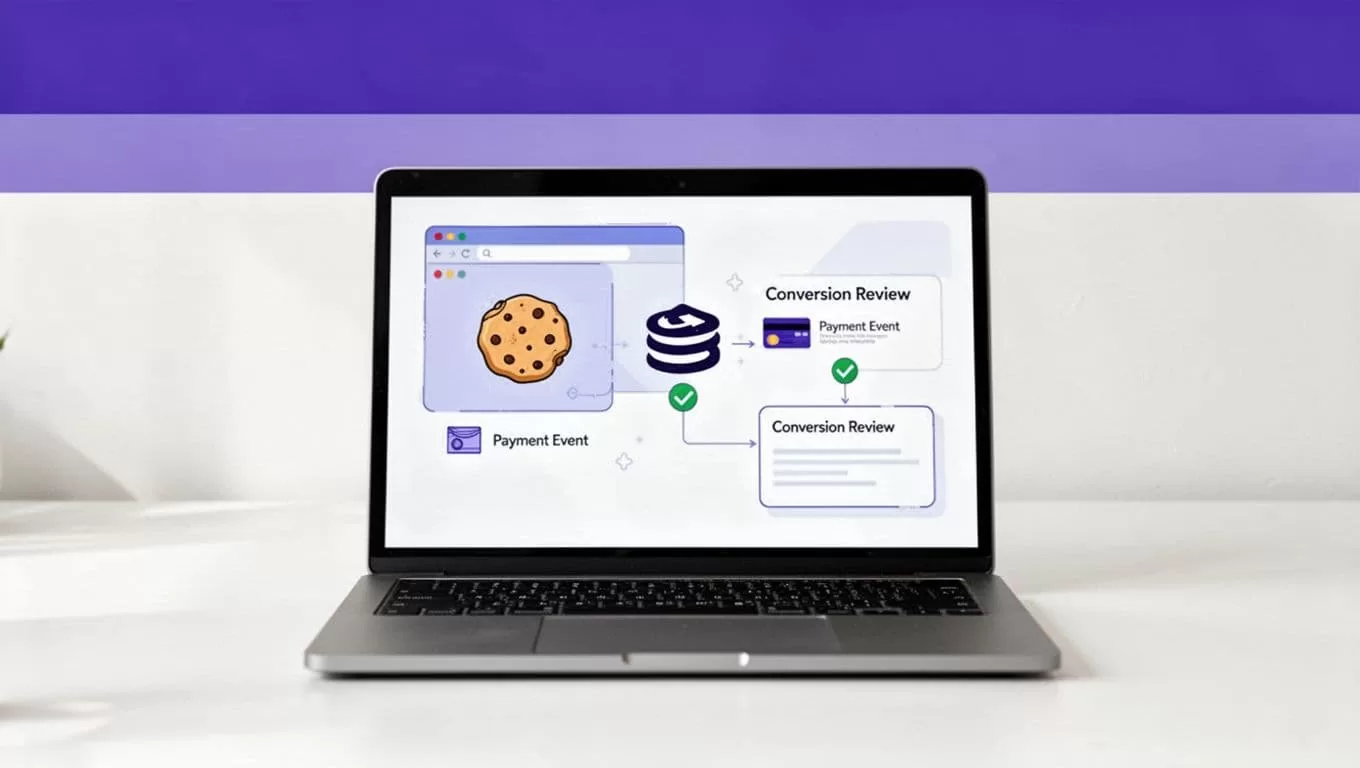
Verify payment events and refunds
Complete a controlled test purchase through the environment your Stripe and Rewardful configuration supports. Then compare the records in both systems.
Check that the Stripe customer has the expected referral relationship. Check that the invoice is paid, not merely created or open. Review the conversion in Rewardful and confirm the commission matches the campaign rule.
Next, test a refund or cancellation case that matches your real policy. Rewardful receives Stripe refund events, but your team still needs to confirm how the conversion and commission appear under your campaign terms.
Save the test date, test IDs, results, reviewer, and any correction made. Keep this record separate from affiliate payout data. When a checkout changes later, rerun the same tests and compare the results with the last approved test.
Review Conversions and Control Common Failures
Automation removes repeated matching work. It does not remove the need for revenue review.
Review conversions before you approve rewards
Review new conversion records on a set schedule. Match the Rewardful conversion with the Stripe customer and invoice. Confirm the payment amount, campaign, affiliate, product, and current payment status.
Use a simple approval state such as Draft, Needs Review, Approved, or Rejected. A conversion with a missing customer ID, unexpected product, duplicate invoice, or disputed payment belongs in an exception queue.
Track confirmed conversions, not clicks or completed automation runs. A large click count has no value if payment attribution is incomplete. Track review minutes, correction time, missing records, duplicate records, and the cost of each approved conversion.
Stop repeat mistakes at the source
Most setup failures are predictable. The script is missing from a landing page. A server creates a Checkout Session without the referral ID. A direct customer inherits an old cookie. A Payment Link creates no Stripe Customer. A refund happens after a commission was approved.
Don’t solve these problems by manually assigning commissions without evidence. Preserve the affiliate link, referral ID, customer ID, invoice ID, and reviewer decision. That gives your team an audit trail when an affiliate asks why a reward changed.
Use bounded retries for temporary system delays. Do not create a second customer or invoice because the first conversion takes time to appear. Stop and investigate when identifiers are missing or the checkout structure changes.
If your flow crosses a custom app, Stripe Checkout, and several product plans, Book A Call to map the handoffs before you expand the program.
Build Referral Tracking You Can Trust
Rewardful referral tracking works when the same referral ID survives the path from click to Stripe customer and paid invoice. The campaign rule then determines whether that revenue earns a commission.
Start with one campaign, one checkout route, and a controlled set of tests. Keep proof for every approved conversion, review refunds, and fix broken handoffs before they affect affiliate payouts.
The goal is not the most tracked clicks. It is a small set of conversions your team can verify and pay with confidence.
